
Overview
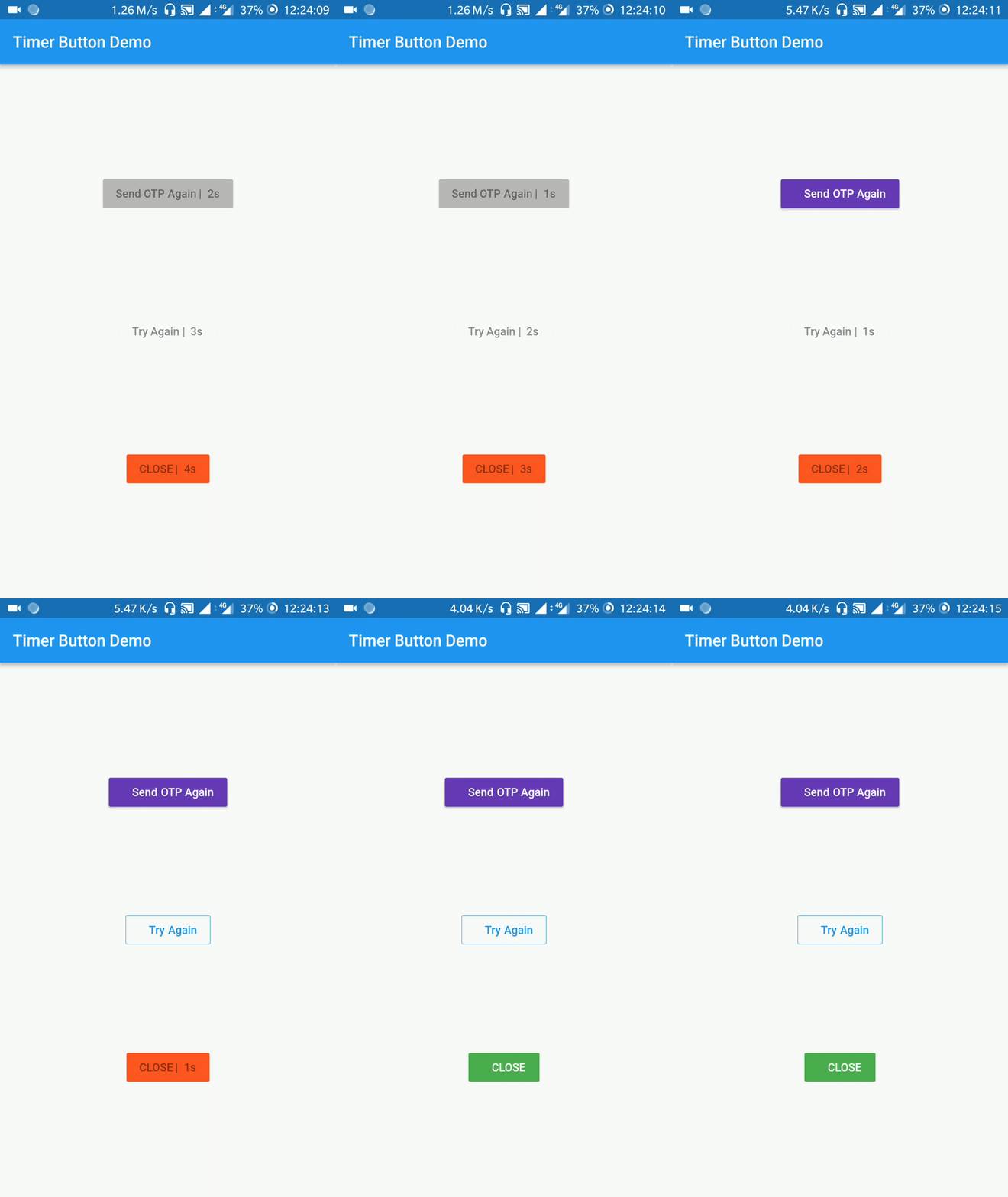
Timer Button is a Flutter package providing a customizable button widget that remains inactive for a specified time interval before becoming enabled. It enhances user experience by preventing premature actions, such as repeated form submissions or delayed feature access. The button can display a countdown timer, offering visual feedback during the waiting period. Ideal for scenarios requiring timed interactions, it supports multiple platforms including Android, iOS, Web, macOS, Windows, and Linux. The package is lightweight and integrates seamlessly into existing Flutter projects.
Use cases
- Preventing rapid form submissions
- Implementing cooldown periods for actions
- Enabling features after delay
- User onboarding timers
- Security-based action delays
- Gamified interaction timing
Key features
- Customizable countdown timer
- Visual feedback during cooldown
- Configurable activation delay
- Cross-platform compatibility
- Simple integration with Flutter
- Supports custom styling
Suitable for
- Developers building interactive forms
- Apps requiring anti-spam measures
- Gamified applications
- Onboarding flows with timed steps
- Applications with security-sensitive actions
Considerations
- Requires careful delay duration selection
- May need additional state management
- Not suitable for instant-action scenarios
- Limited to single-use timing per instance
- Depends on accurate system clock
- Potential accessibility concerns without proper labels