
Search categories, packages and repositories

timer_snackbar cover
Package detailsv0.0.3

timer_snackbar

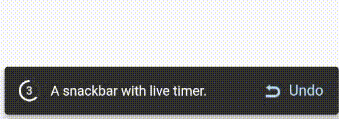
A new Flutter package that helps developers to add a beautiful live timer at snackbar to their Flutter app.

AndroidiOSWebmacOSWindowsLinux
30-day downloads
154
Likes
28
Pub points
140

Install package

flutter pub add timer_snackbar

Package Overview

Package selection guidance compiled from public package information, community data, and project usage.

TimerSnackbar is a Flutter package that enhances app notifications by adding a dynamic, live timer to snackbars. It allows developers to display time-based messages with real-time countdowns, improving user engagement and feedback timing. Ideal for scenarios like session timeouts, form submission delays, or temporary alerts. The package supports all major platforms including Android, iOS, Web, macOS, Windows, and Linux, ensuring consistent behavior across devices. With minimal setup via pub add, it integrates seamlessly into existing Flutter projects.

Use cases

  • Displaying time-limited alerts
  • Showing countdowns in forms
  • Notifying users of session expiry
  • Enhancing feedback with live timers
  • Providing temporary action reminders

Key features

  • Live updating timer in snackbar
  • Cross-platform compatibility
  • Simple integration with pub add
  • Customizable timer duration
  • Supports multiple Snackbar styles
  • Real-time countdown animation

Suitable for

  • Developers building interactive apps
  • Teams needing time-based notifications
  • Apps requiring user feedback timing
  • Projects with dynamic alert systems
  • Flutter beginners seeking simple enhancements

Considerations

  • May require styling adjustments for complex UIs
  • Limited customization beyond basic timer appearance
  • Depends on Flutter's Snackbar implementation
  • Best suited for short-duration events
  • Not ideal for long-running background timers
Original README

Original README snapshot from the linked source repository. Visit the repository for the latest content.

Timer Snackbar

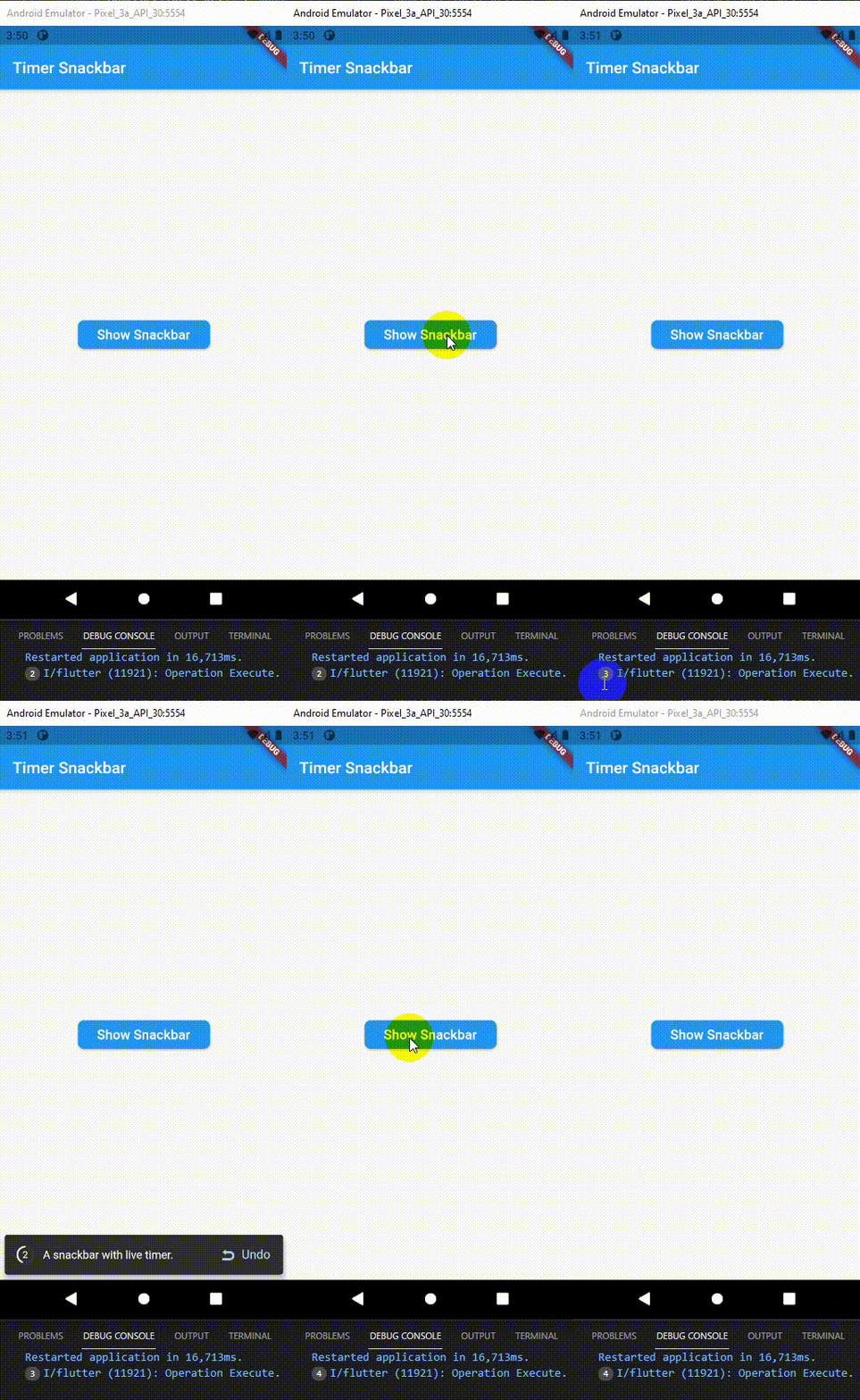
Timer Snackbar package let you to add a beautiful live timer at snackbar to your Flutter app.

Installation

  1. Add the latest version of package to your pubspec.yaml (and rundart pub get):
dependencies:
  timer_snackbar: ^0.0.3
  1. Import the package and use it in your Flutter App.
import 'package:timer_snackbar/timer_snackbar.dart';

Preview

Preview


Example

There are a number of properties that you can modify:

  • context
  • contentText
  • buttonPrefixWidget
  • buttonLabel
  • afterExecuteMethod
  • second
  • backgroundColor
  • contentTextStyle

class HomePage extends StatelessWidget {
  const HomePage({Key? key}) : super(key: key);

  @override
  Widget build(BuildContext context) {
    return Scaffold(
      appBar: AppBar(
        title: const Text("Timer Snackbar"),
      ),
      body: Center(
        child: ElevatedButton(
          child: const Padding(
              padding: EdgeInsets.all(8.0),
              child: Text('Show Snackbar', textScaleFactor: 1.2)),
          style: ElevatedButton.styleFrom(
              shape: RoundedRectangleBorder(
                  borderRadius: BorderRadius.circular(8.0))),
          onPressed: () => timerSnackbar(
            context: context,
            contentText: "A snackbar with live timer.",
            buttonPrefixWidget: Image.asset(
              'assets/undo.png',
              width: 17.0,
              height: 15.0,
              alignment: Alignment.topCenter,
              color: Colors.blue[100],
            ),
            afterTimeExecute: () => print("Operation Execute."),
            second: 5,
          ),
        ),
      ),
    );
  }
}

Categories

Source repository

Projects using this package

No data available yet.