Search packages, repositories and app categories

top_modal_sheet cover
Package detailsv2.1.0

top_modal_sheet

A simple top modal sheet implementation in pure dart.

AndroidiOSWebmacOSWindowsLinux
30-day downloads
1.7K
Likes
31
Pub points
160

Install package

flutter pub add top_modal_sheet

Package Overview

Package selection guidance compiled from public package information, community data, and project usage.

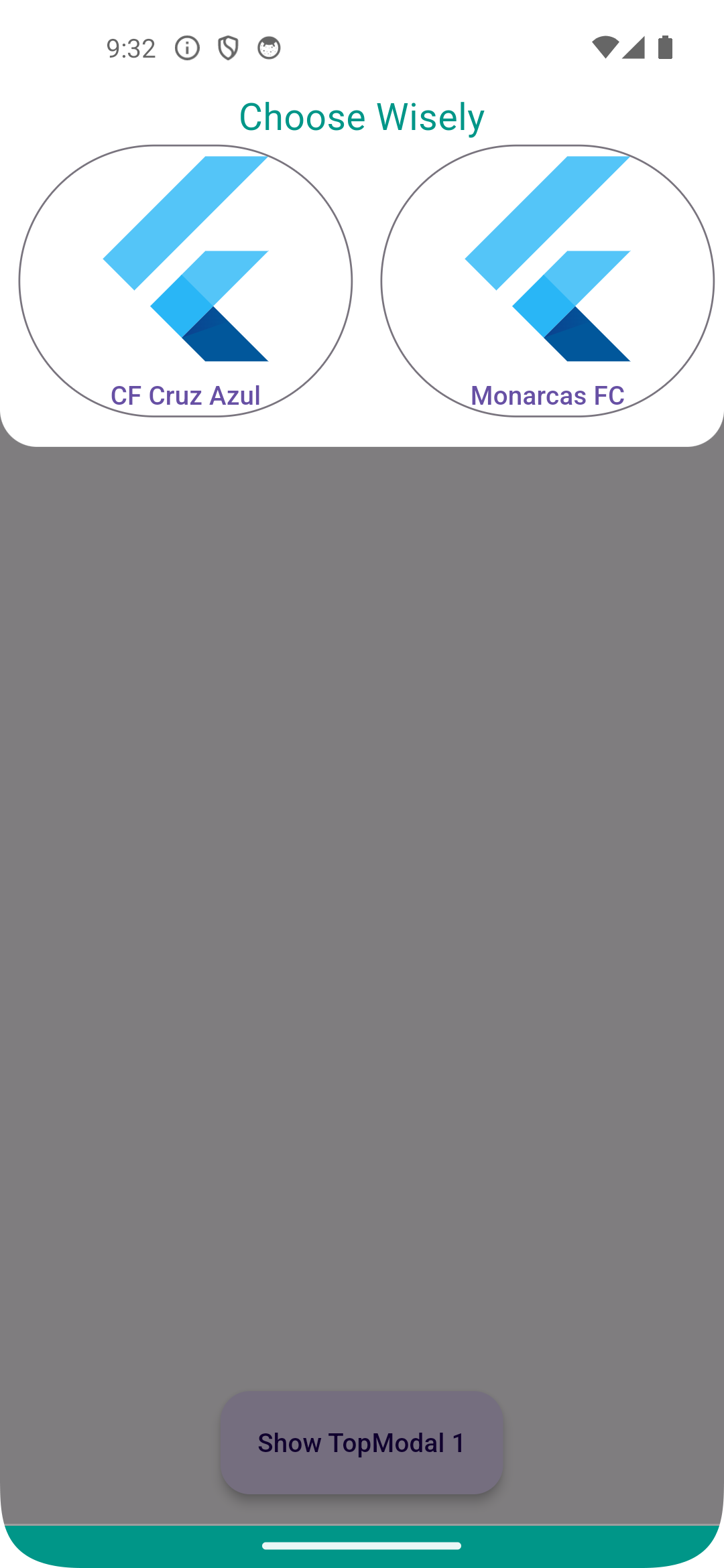
A lightweight, pure Dart implementation of a top modal sheet that slides up from the top of the screen. Designed for simplicity and ease of integration, it provides a clean interface for displaying content such as forms, menus, or alerts without requiring complex dependencies. Compatible across all major platforms including Android, iOS, Web, macOS, Windows, and Linux. Ideal for developers seeking a minimal, customizable alternative to standard bottom sheets.

Use cases

  • Displaying form inputs
  • Showing action menus
  • Presenting alerts or notifications
  • Implementing collapsible content panels
  • Creating custom overlays

Key features

  • Pure Dart implementation
  • Cross-platform compatibility
  • Simple API
  • Customizable animation
  • Lightweight and fast
  • Supports drag-to-dismiss

Suitable for

  • Developers wanting a minimal top sheet
  • Projects with strict dependency limits
  • Apps targeting multiple platforms
  • UI components needing smooth transitions
  • Customizable overlay designs

Considerations

  • Limited built-in styling options
  • No native platform-specific behaviors
  • Requires manual handling of dismiss logic
  • Not suitable for complex nested layouts
  • May need additional code for accessibility features

Original README

Original README snapshot from the linked source repository. Visit the repository for the latest content.

pub package

top_modal_sheet

Simple modal sheet that appears from the top of the screen

Installations

Add top_modal_sheet: ^2.1.0 in your pubspec.yaml dependencies. And import it:

import 'package:top_modal_sheet/top_modal_sheet.dart';

How to use

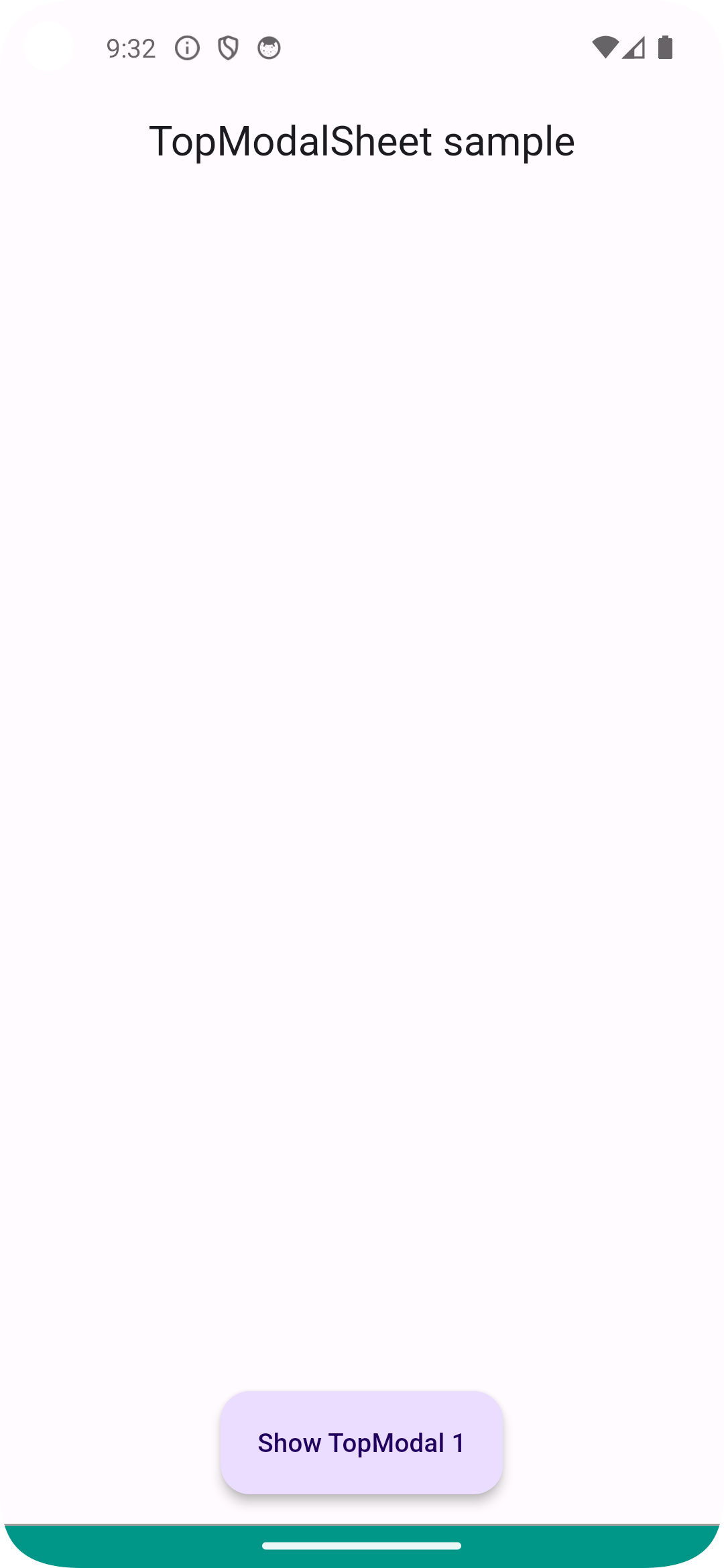
Simply call showModalTopSheet to display it

MaterialButton(
  color: Colors.white,
  elevation: 5,
  child: const Text("Show TopModal 1"),
  onPressed: () async {
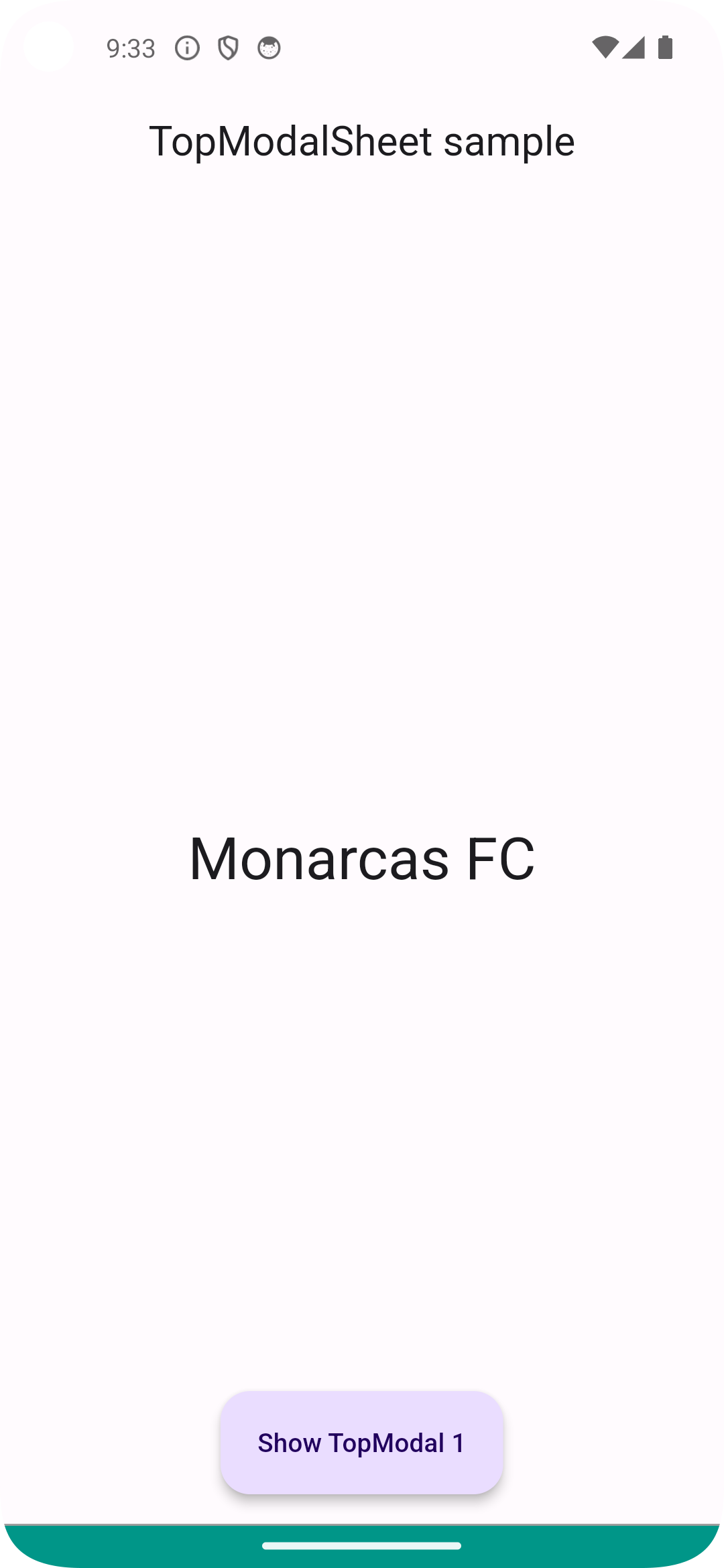
    var value = await showTopModalSheet<String?>(context, DummyModal());
    setState(() { _topModalData = value; });
  },
)

For a more detail example please take a look at the example folder.

Example

-

If something is missing, feel free to open a ticket or contribute!

Categories

Source repository

Projects using this package

No data available yet.