Package selection guidance compiled from public package information, community data, and project usage.
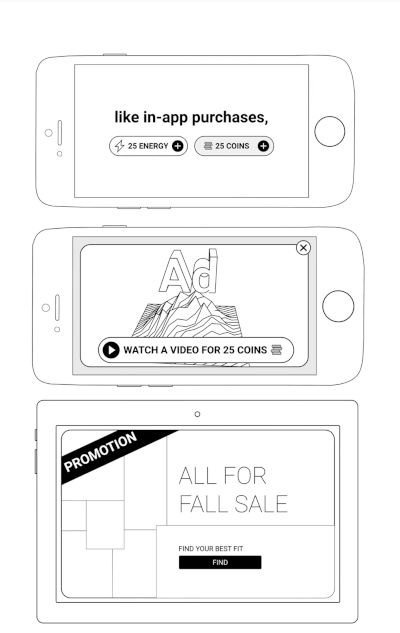
The unity_ads_plugin enables Flutter applications to integrate Unity Ads, supporting both banner and video ad formats on Android and iOS. It provides a straightforward interface for loading and displaying ads within apps, helping developers monetize their projects through Unity's advertising platform. The plugin is designed to work seamlessly with Flutter’s native integration capabilities, allowing for smooth ad rendering without requiring deep platform-specific knowledge. It is ideal for apps seeking reliable in-app advertising solutions with minimal setup.
Use cases
Monetizing mobile games
Displaying banner ads in apps
Running rewarded video ads
Integrating Unity's ad network
Enhancing app revenue with in-app ads
Key features
Supports Unity Banner Ads
Supports Unity Video Ads
Cross-platform (Android & iOS)
Simple integration with Flutter
Real-time ad loading and display
Suitable for
Flutter developers using Unity Ads
Mobile game developers seeking monetization
Apps needing rewarded video ads
Developers targeting Android and iOS
Projects requiring lightweight ad integration
Considerations
Requires Unity Ads account setup
Depends on Unity Ads SDK version
May need additional permissions on Android
Ad availability depends on region and inventory
Performance impact from ad loading delays
Original README
Original README snapshot from the linked source repository. Visit the repository for the latest content.
A Flutter plugin for integrating Unity Ads into your mobile applications. Easily display Unity Banner Ads and Unity Video Ads (Rewarded & Interstitial) with simple Dart APIs.
Features
Display Unity Banner, Rewarded, and Interstitial Video Ads
Android: the ad shows up as a separate app in Recent Apps
Symptom. While a fullscreen ad is playing, Recent Apps shows two cards for your app — your
app and the ad. Users can swipe the ad away before it completes, so the impression is lost.
Fix. Remove one line from your app's android/app/src/main/AndroidManifest.xml:
Flutter's template adds that blank affinity; Unity's ad screen keeps the default one. Android
puts screens with different affinities in different tasks
— hence the second card. Removing it puts the ad back in your app's task.
Trade-off. The attribute guards against task hijacking
(flutter#144018), which Android patches at the
OS level from API 30. On
minSdk 30+ removing it costs nothing; below that, users on Android 7–10 lose partial
protection — raising minSdk to 30 fixes both concerns at once.
Adding excludeFromRecents to Unity's ad activity does not work as an alternative.
See issue #70.
Donate
If you find this package helpful and would like to support its continued development, please consider making a donation. Your contributions are greatly appreciated and motivate the further enhancement of this and other plugins.
Your support helps maintain and improve this package, ensuring it remains up-to-date and useful for the community.