Package selection guidance compiled from public package information, community data, and project usage.
A Flutter package by Very Good Ventures that simplifies the implementation of paginated lists, ideal for infinite scrolling interfaces like news feeds or activity streams. It handles loading states, error recovery, and automatic pagination triggers with minimal boilerplate. Built with performance and developer experience in mind, it integrates seamlessly into apps requiring lazy-loaded data.
Use cases
Infinite scroll feeds
News and blog listings
Activity timelines
User-generated content streams
E-commerce product grids
Key features
Automatic pagination handling
Built-in loading and error states
Simple API with minimal setup
Supports pull-to-refresh
Optimized for performance
Suitable for
Developers building feed-based apps
Teams prioritizing rapid UI development
Projects requiring smooth infinite scrolling
Apps with large datasets
Flutter beginners seeking reliable pagination
Considerations
Requires a data source with page-based fetching
Limited customization for complex scroll behaviors
Not designed for non-list scrollable widgets
Depends on external state management
May need additional logic for filtering or sorting
Original README
Original README snapshot from the linked source repository. Visit the repository for the latest content.
[!NOTE]
There is an active proposal to integrate this package's functionality directly
into the Flutter framework. Follow the conversation and share your feedback in
flutter/flutter#177451.
A library for easily displaying paginated data, created by Very Good Ventures.
InfiniteList comes in handy when building features like activity feeds, news feeds, or anywhere else where you need to lazily fetch and render content for users to consume.
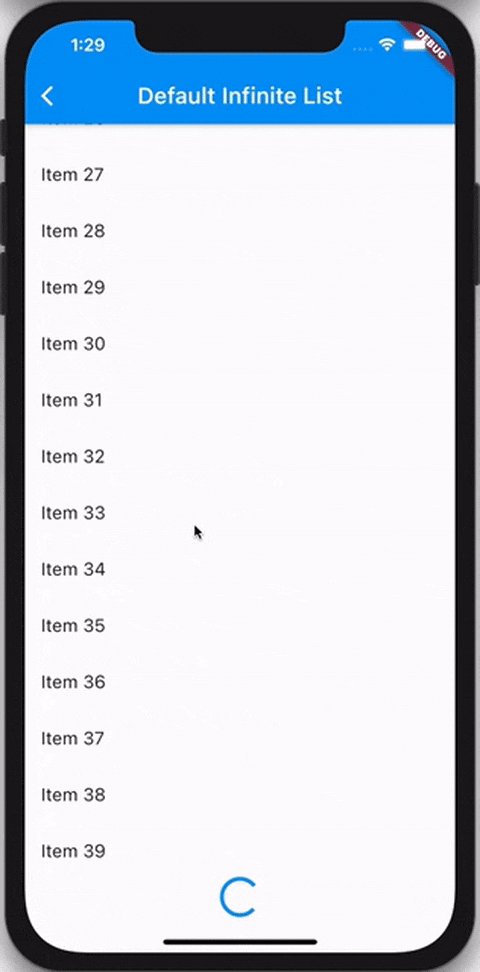
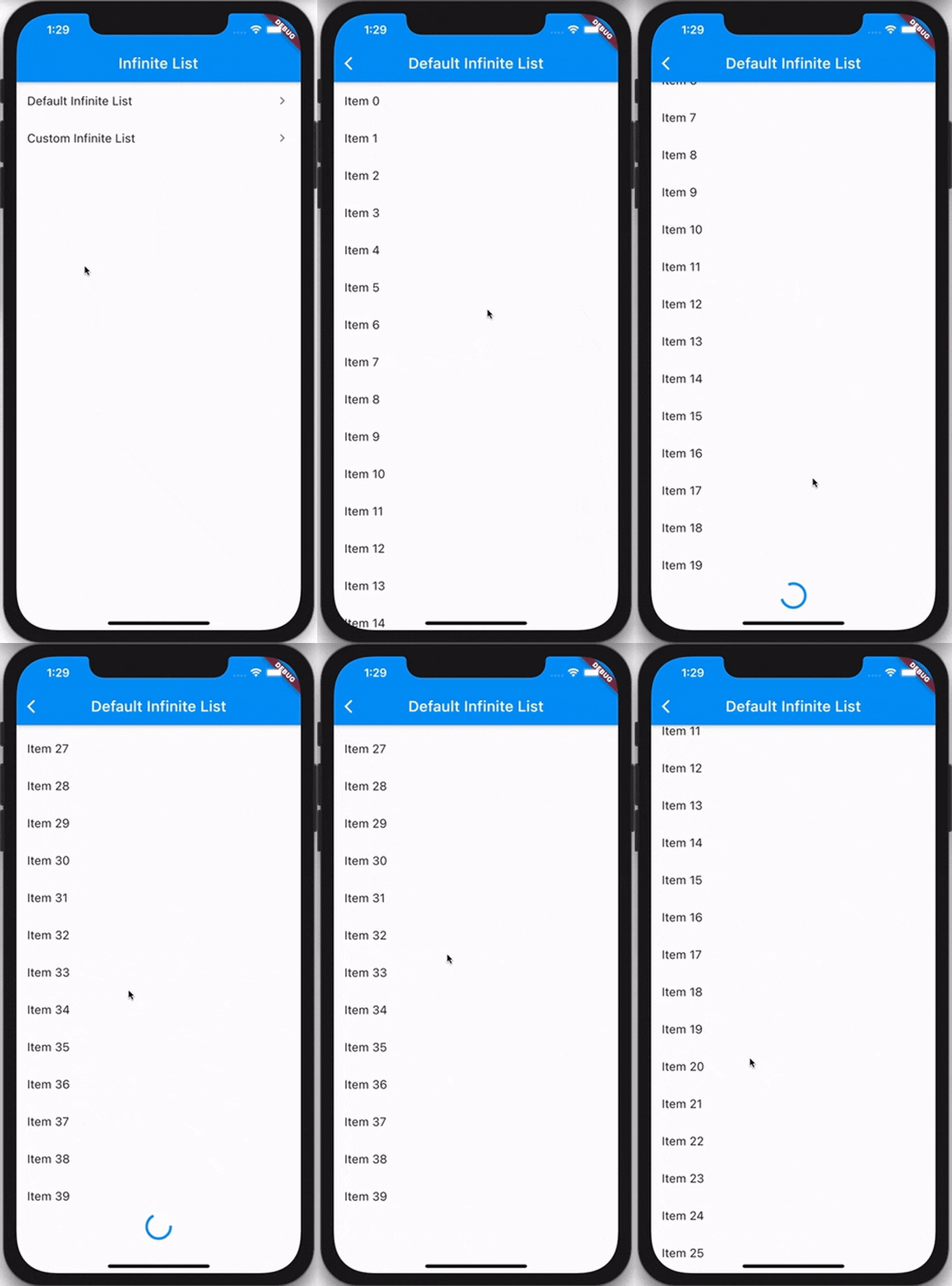
Example
Usage
The InfiniteList API is very similar to that of ListView.builder. A basic implementation requires four parameters:
An itemCount that represents the amount of items that should be rendered using the itemBuilder.
An itemBuilder that is responsible for returning a widget for every index of the itemCount.
A hasReachedMax flag that indicates if any more data is available.
An onFetchData callback that's triggered whenever new data should be fetched.
InfiniteList has multiple optional parameters which allow you to customize the loading and error behavior.
InfiniteList<String>(
itemCount: 3,
hasReachedMax: false,
onFetchData: () => _fetchData(),
itemBuilder: (context, index) => ListTile(title: Text('$index')),
// An optional [ScrollController] this [InfiniteList] will attach to.// It's used to detect when the list has scrolled to the appropriate position// to call [onFetchData].//// Is optional and mostly used only for testing. If set to `null`, an// internal [ScrollController] is used instead.
scrollController: _scrollController,
// Indicates if new items are currently being loaded.//// While set to `true`, the [onFetchData] callback will not be triggered// and the [loadingBuilder] will be rendered.//// Is set to `false` by default.
isLoading: false,
// Indicates if an error has occurred.//// While set to `true`, the [onFetchData] callback will not be triggered// and the [errorBuilder] will be rendered.//// Is set to `false` by default.
hasError: false,
// Indicates if the list should be reversed.//// If set to `true`, the list of items, [loadingBuilder] and [errorBuilder]// will be rendered from bottom to top.//// Is set to `false` by default.
reverse: false,
// Indicates if the extent of the ScrollView in the scrollDirection// should be determined by the contents being viewed.//// Is set to `false` by default.
shrinkWrap: false,
// The duration with which calls to [onFetchData] will be debounced.//// Is set to a duration of 100 milliseconds by default.
debounceDuration: constDuration(milliseconds: 100),
// The offset, in pixels, that the internal [ScrollView] must be scrolled over// to trigger [onFetchData].// // Defaults to the same as [RenderAbstractViewport.defaultCacheExtent], which is 250.
cacheExtent: 250.0,
// The amount of space by which to inset the list of items.//// Is optional and can be `null`.
padding: constEdgeInsets.all(16.0),
// An optional builder that's shown when the list of items is empty.//// If `null`, nothing is shown.
emptyBuilder: (context) => constCenter(child: Text('No items.')),
// Flag used to center the empty builder, it is optional and defaults to false
centerEmpty: true,
// An optional builder that's shown at the end of the list when [isLoading]// is `true`.//// If `null`, a default builder is used that renders a centered// [CircularProgressIndicator].
loadingBuilder: (context) => constCenter(child: CircularProgressIndicator()),
// Flag used to center the loading builder, it is optional and defaults to false
centerLoading: true,
// An optional builder that's shown when [hasError] is not `null`.//// If `null`, a default builder is used that renders the text `"Error"`.
errorBuilder: (context) => constCenter(child: Text('Error')),
// Flag used to center the error builder, it is optional and defaults to false
centerError: true,
// An optional builder that, when provided, is used to show a widget in// between every pair of items.//// If the [itemBuilder] returns a [ListTile], this is commonly used to render// a [Divider] between every tile.//// Is optional and can be `null`.
separatorBuilder: (context, index) => constDivider(),
// An optional [Axis] to be used by the internal [ScrollView] that defines// the axis of scroll. //// Is set to `Axis.vertical` by default.
scrollDirection: Axis.vertical,
// An optional [ScrollPhysics] to be used by the internal [ScrollView].//// Default to tha same as [ScrollView].
physics: constAlwaysScrollableScrollPhysics(),
);
Refer to the example to see both basic and complex usage of InfiniteList.