Package selection guidance compiled from public package information, community data, and project usage.
The videos_player package is a Flutter solution for displaying video content in a list, leveraging the capabilities of the chewie and video_player packages. It provides an intuitive interface for playing videos with built-in controls, progress tracking, and playback customization. Designed to streamline video integration in Flutter apps, it supports smooth playback and responsive UIs for both local and network-based video sources. The package simplifies implementation by combining powerful underlying libraries into a cohesive, easy-to-use component.
Use cases
Displaying video lists in media apps
Integrating video playback in educational platforms
Enhancing content-rich mobile experiences
Embedding tutorials or walkthroughs
Streaming video content in social apps
Key features
Built on video_player and chewie
Supports local and remote video sources
Smooth playback with customizable controls
List-friendly video display
Responsive UI for mobile devices
Suitable for
Developers building media-heavy Flutter apps
Educational or tutorial-focused applications
Content platforms requiring video integration
Mobile apps with video galleries
Teams seeking reliable video playback solutions
Considerations
Requires additional setup for advanced features
Limited platform-specific optimizations
Depends on external packages (chewie, video_player)
May need custom styling for unique UI requirements
Not optimized for high-volume video streaming
Original README
Original README snapshot from the linked source repository. Visit the repository for the latest content.
videos_player
The videos player for Flutter which uses chewie and video_player behind the scenes to play list of videos to be displayed and switched when needed without any complicating configurations.
The video_player plugin provides low-level access to video playback.
The chewie plugin uses the video_player under the hood and wraps it in a friendly Material or Cupertino UI!
Videos Player handles both configurations in a single package.
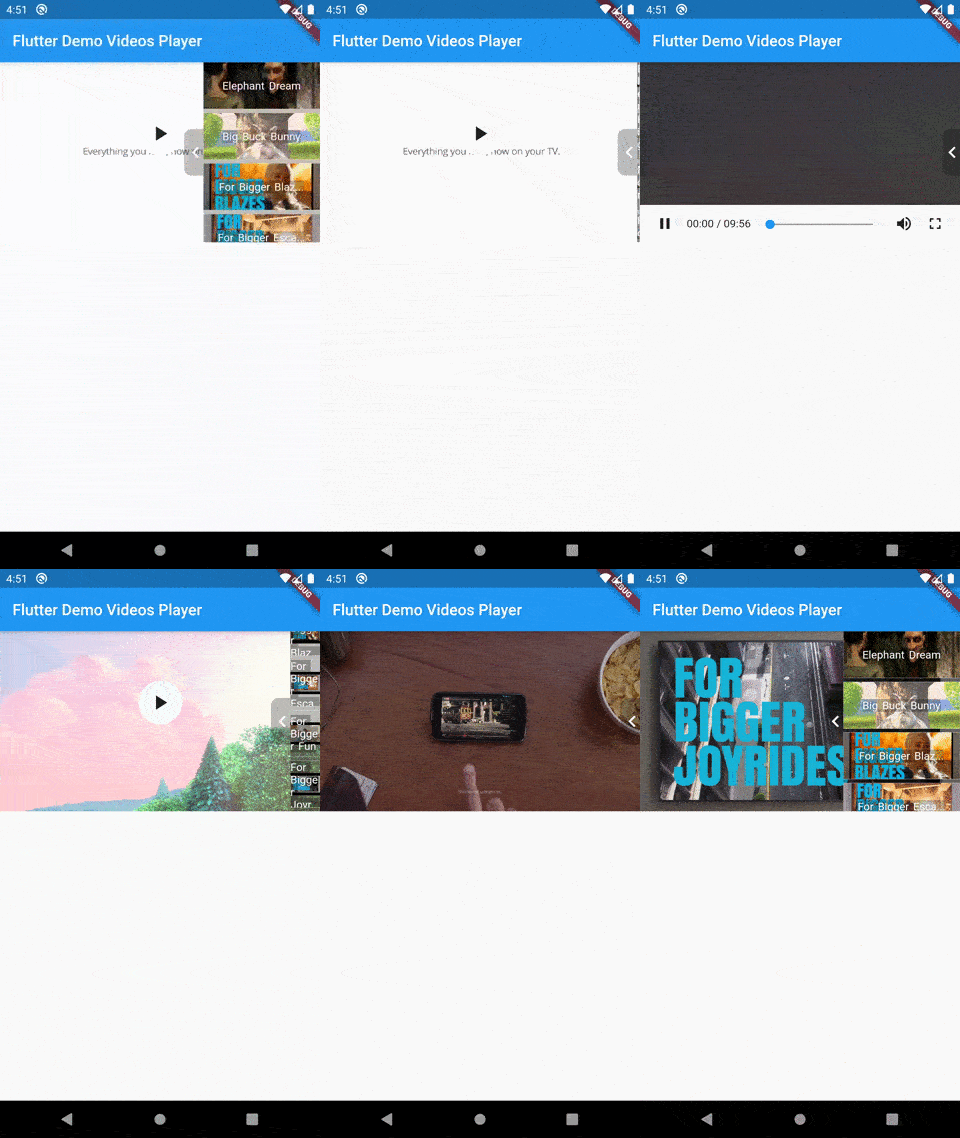
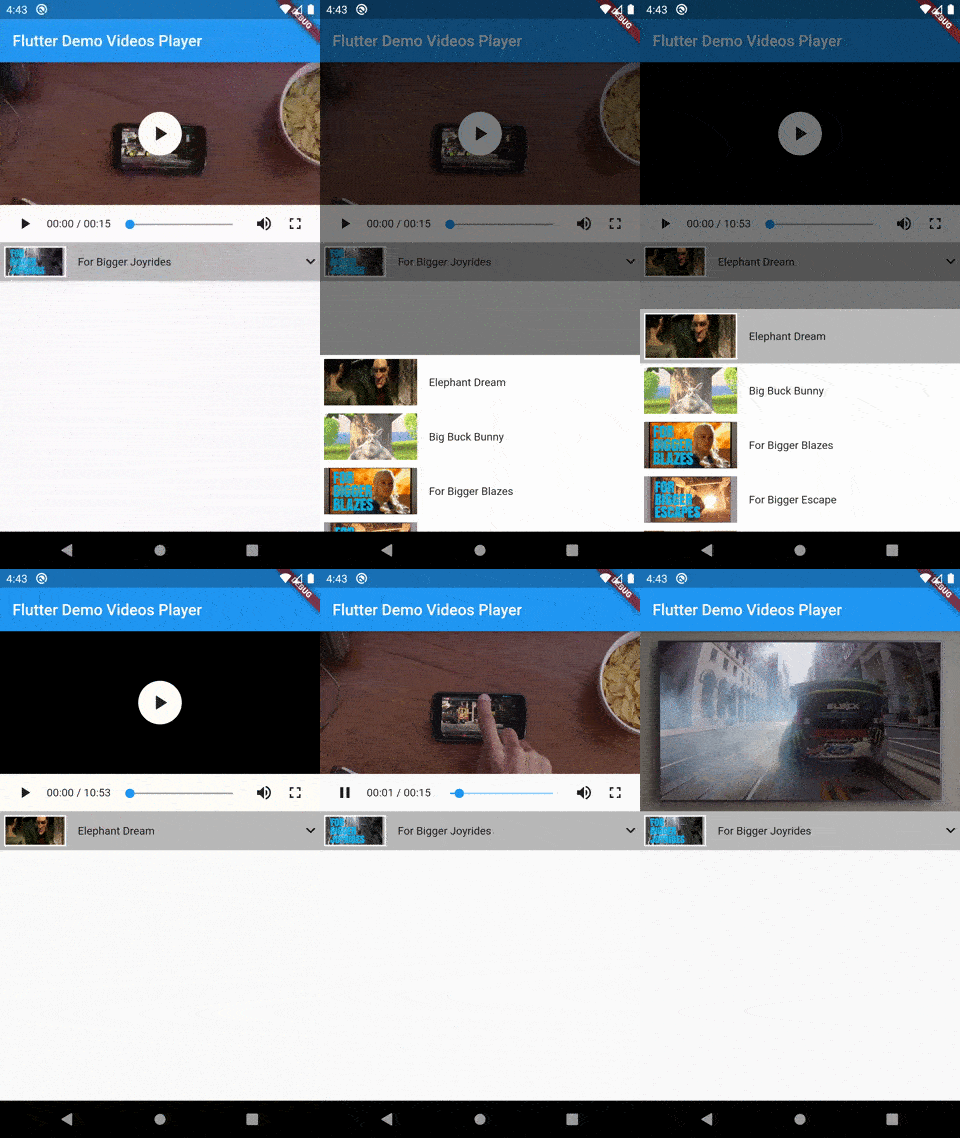
Demo
Style 1
Style 2
Installation
In your pubspec.yaml file within your Flutter Project: