Package selection guidance compiled from public package information, community data, and project usage.
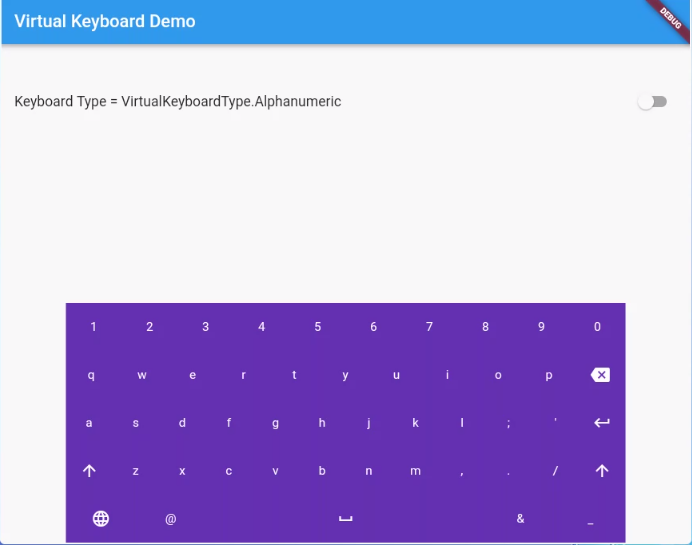
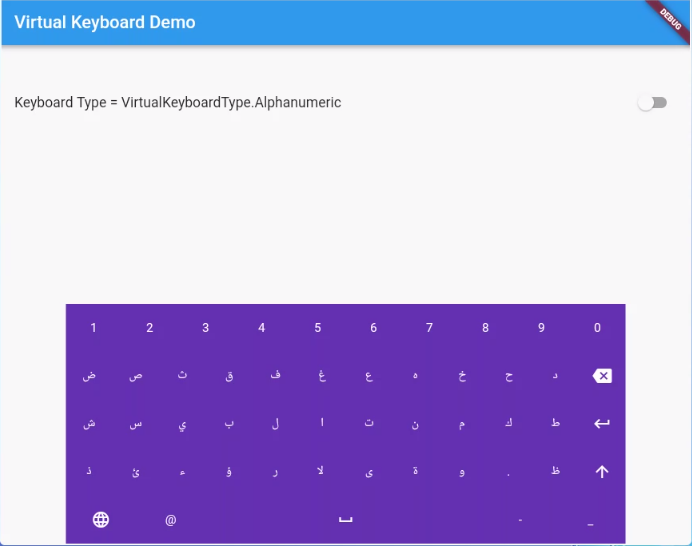
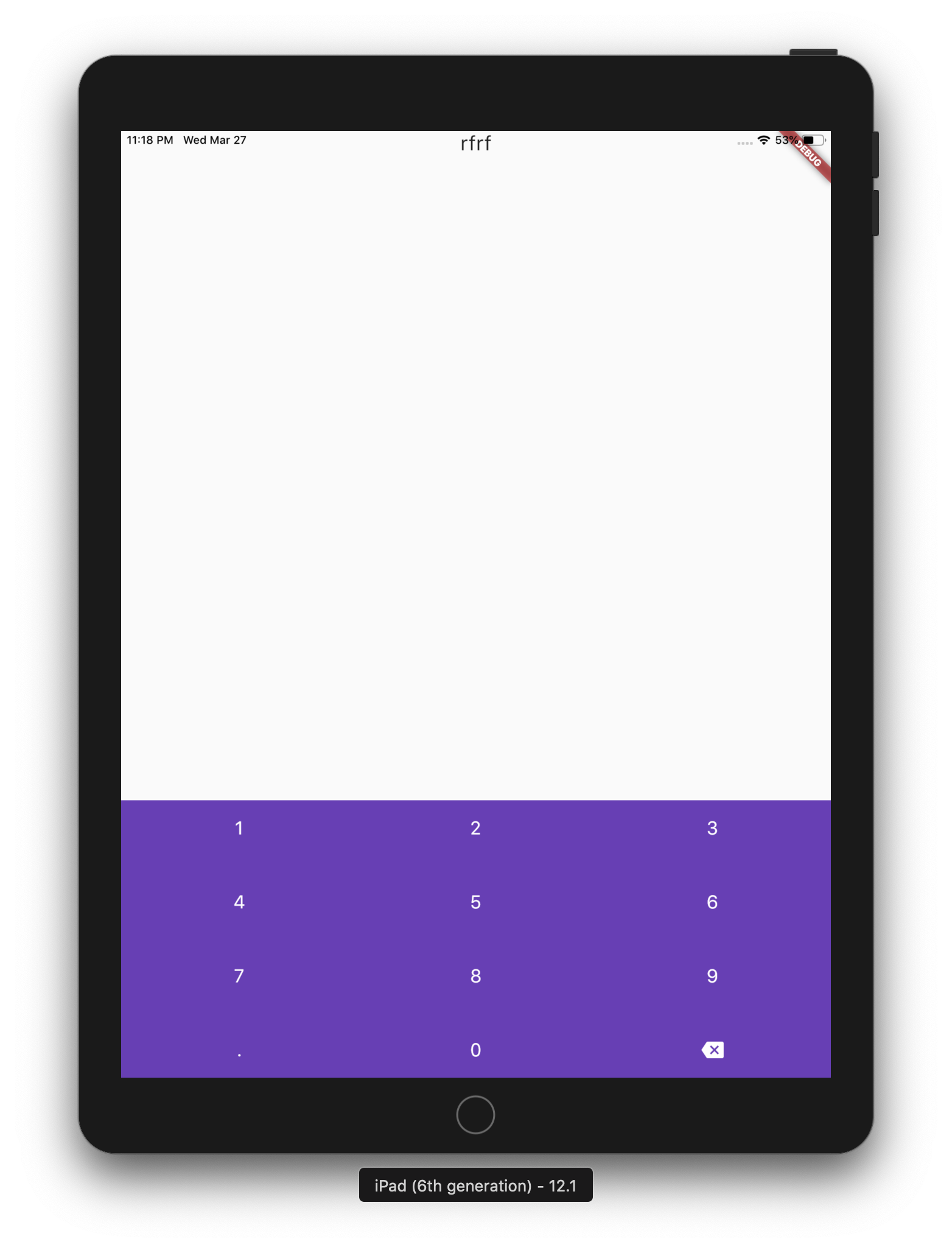
A lightweight, cross-platform Dart package for displaying virtual keyboards on devices such as kiosks and ATMs. Designed without native code dependencies, it supports multiple languages and works seamlessly across Android, iOS, Web, macOS, Windows, and Linux. Ideal for touch-based interfaces requiring customizable input solutions. The package provides a simple API to integrate virtual keyboards into Flutter applications with minimal setup.
Use cases
Kiosk terminals
ATM interfaces
Multilingual data entry
Touchscreen point-of-sale systems
Self-service check-in stations
Interactive public displays
Key features
Multi-language support
No native code dependencies
Cross-platform compatibility
Customizable keyboard layouts
Lightweight and easy to integrate
Supports all major desktop and mobile platforms
Suitable for
Developers building public-facing touch interfaces
Applications requiring multilingual input
Systems deployed on diverse operating systems
Projects needing minimal external dependencies
Kiosk and ATM software development
Considerations
May require custom layout design for non-standard language inputs
Limited to basic text input functionality
Performance may vary on low-end devices
Does not include advanced features like predictive text or voice input
Best suited for controlled environments with predictable user behavior
Original README
Original README snapshot from the linked source repository. Visit the repository for the latest content.
virtual_keyboard_multi_language
About
A simple package for dispaying virtual keyboards on a devices like kiosks and ATMs. The library is written in Dart and has no native code dependancy.
This project has forked from virtual_keyboard project because the virtual_keyboard project built to only display a buttons on the screen with single language. However, this project will handel the events and aill supports multi-languages.
(ToDo) Option to make a popup floating keyboard/keyNum.
(ToDo) Adding input result viewer and handel the events.
Reference
VirtualKeyboard
Flutter widget to show virtual keyboards.
// Keyboard Type: Can be Numeric or Alphanumeric.VirtualKeyboardType type
// Callback for Key press event. Called with pressed `Key` object.// will fire before adding pressed key text to controller, if a controller existsFunction preKeyPress;
// Callback for Key press event. Called with pressed `Key` object.// will fire after adding pressed key text to controller, if a controller existsFunction postKeyPress;
// Virtual keyboard height. Default is 300.double height;
/// Virtual keyboard height. Default is full screen widthdouble width;
// Color for key texts and icons.Color textColor;
// Font size for keyboard keys.double fontSize;;
// Only Caps letters enabled.bool alwaysCaps;;
/// the custom layout for multi or single languageVirtualKeyboardLayoutKeys customLayoutKeys;
/// used for multi-languages with default layouts, the default is English only/// will be ignored if customLayoutKeys is not nullList<VirtualKeyboardDefaultLayouts> defaultLayouts;
/// inverse the layout to fix the issues with right to left languages, default is false.bool reverseLayout;
// Just local variable. Use Text widget or similar to show in UI.String text;
/// Fired when the virtual keyboard key is pressed._onKeyPress(VirtualKeyboardKey key) {
if (key.keyType == VirtualKeyboardKeyType.String) {
text = text + (shiftEnabled ? key.capsText : key.text);
} elseif (key.keyType == VirtualKeyboardKeyType.Action) {
switch (key.action) {
caseVirtualKeyboardKeyAction.Backspace:
if (text.length == 0) return;
text = text.substring(0, text.length - 1);
break;
caseVirtualKeyboardKeyAction.Return:
text = text + '\n';
break;
caseVirtualKeyboardKeyAction.Space:
text = text + key.text;
break;
caseVirtualKeyboardKeyAction.Shift:
shiftEnabled = !shiftEnabled;
break;
default:
}
}
// Update the screensetState(() {});
}