Package selection guidance compiled from public package information, community data, and project usage.
Vitality is a Flutter package that enables developers to effortlessly add captivating live animations to their apps. With support for dynamic background effects, gradients, and shaders, it enhances user interfaces with fluid, engaging visuals across multiple platforms. The package integrates seamlessly into Flutter projects using a simple command, making it accessible for both beginners and experienced developers. Its lightweight design ensures smooth performance without compromising app speed. Vitality brings life to static designs through customizable, real-time animations that respond to user interactions or time-based triggers.
Use cases
Enhancing app onboarding screens
Creating dynamic splash screens
Adding animated backgrounds to dashboards
Improving user engagement with visual feedback
Animating UI elements in games or interactive apps
Key features
Real-time live animations
Support for gradients and shaders
Cross-platform compatibility
Simple integration via pub add
Customizable animation parameters
Lightweight and performant
Suitable for
UI designers seeking dynamic visuals
Developers building interactive apps
Teams focusing on user experience
Projects requiring animated backgrounds
Flutter beginners exploring advanced effects
Considerations
May impact performance on low-end devices
Requires understanding of animation principles
Limited documentation beyond basic examples
Best suited for non-critical UI components
Not ideal for highly complex animation sequences
Original README
Original README snapshot from the linked source repository. Visit the repository for the latest content.
vitality
Welcome to Vitality, a dynamic Flutter package designed to effortlessly infuse your app with captivating live animations in the background. With just 10 lines of code, you can breathe life into your UI by adding randomly moving icons, circles, rectangles, images, and more. Let's explore how you can enhance your app's visual appeal with ease.
Examples:
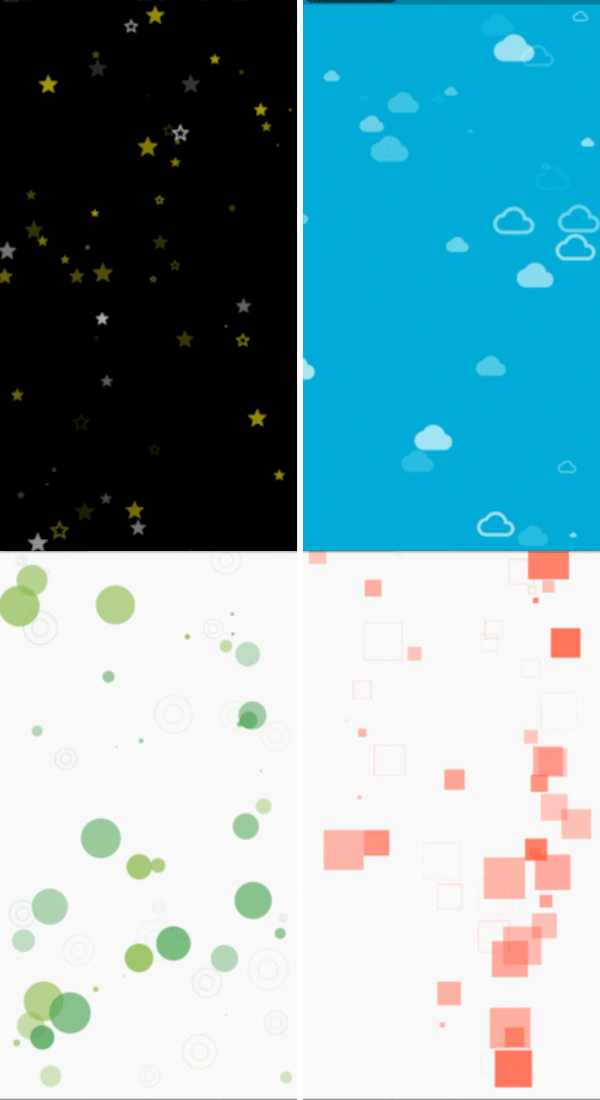
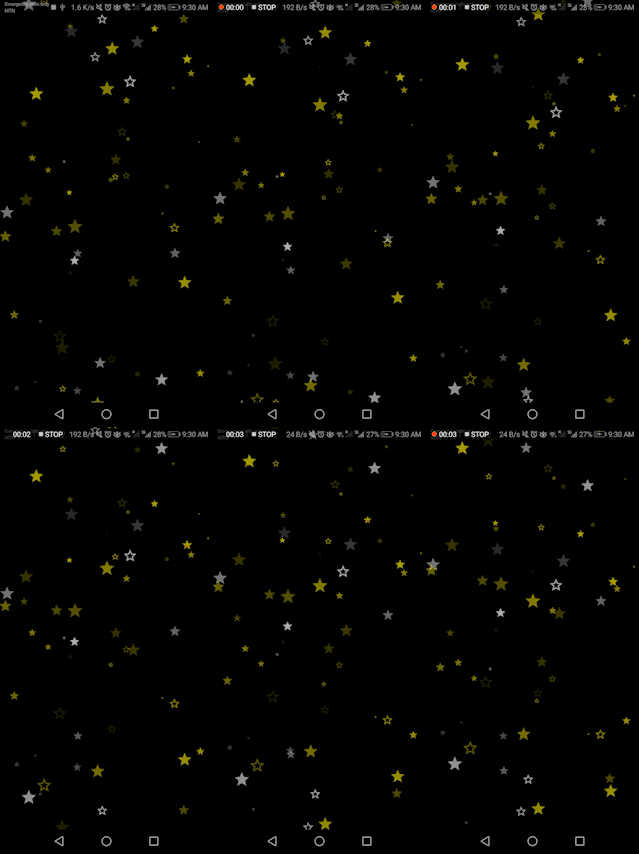
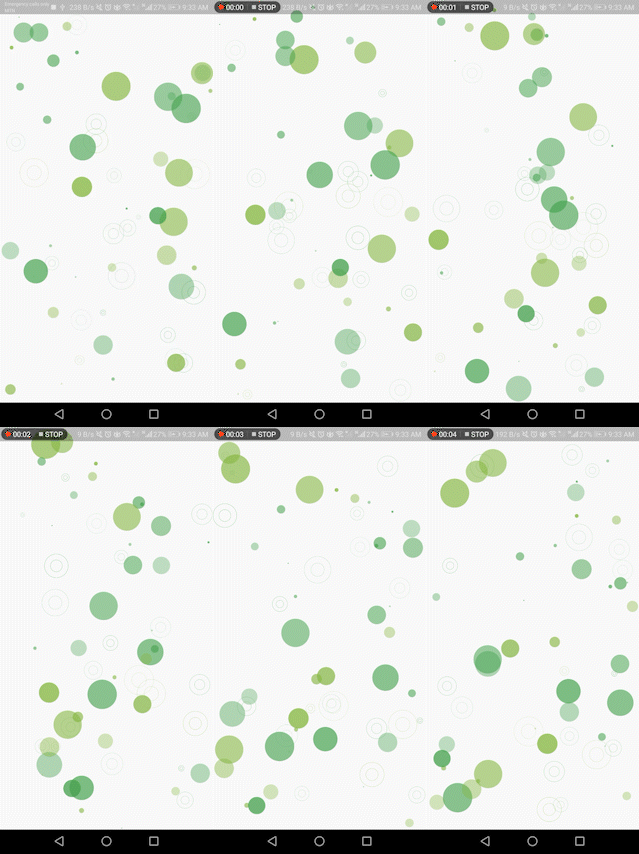
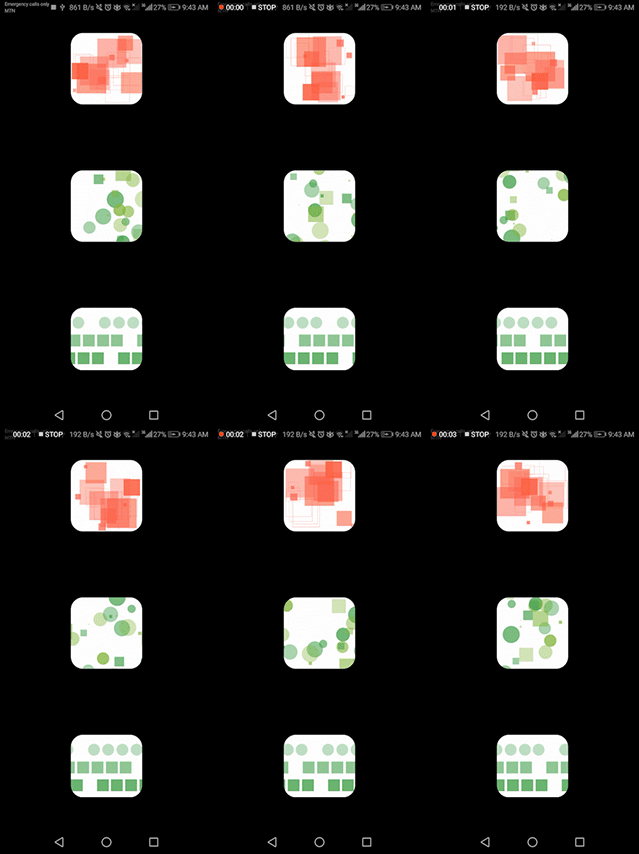
Check out these examples showcasing the versatility of the Vitality library:
Usage:
The Vitality package is designed with simplicity in mind, making integration a breeze. Take a look at the example below to quickly grasp how to use it:
whenOutOfScreenMode Determines how a shape behaves at the screen edge, values are:
none: It does nothing and continues its movements out the screen.
Reflect: It bounces and returns in the oppisite direction.
Teleport: It continues its movements to the other side of the screen.
randomItemsBehaviours Defines the shapes that the library can generate. Choose from the ShapeType enum (FilledCircle, StrokeCicle, FilledSquare, Icon, Image, etc.) :
If you desire even more customization in your animations, Vitality provides a custom mode that is straightforward to use. In this mode, you can specify the exact shapes, icons, or images you want to animate using the shapes parameter. Additionally, you can control the background with the background parameter.
Customizing Individual Shapes:
To customize individual shapes, you can pass a list of Shape objects as the shapes parameter. Each Shape object includes the following properties:
pos: Initial position of the shape [Offset].
dx: Speed on the X-axis [double].
dy: Speed on the Y-axis [double].
size: Size of the shape [double].
color: Color of the shape [Color].
whenOutOfScreenMode: Behavior of the shape at the screen edge [WhenOutOfScreenMode].
behaviour: Structure of the shape [ItemBehaviour].
For more dynamic combinations, you can use the ShapesGenerator class. This class allows you to generate shapes with specific properties,
resulting in an easier way to seamlessly combine multiple shapes, allowing you to effortlessly craft a beautiful background. The parameters include:
minWidth, minHeight: Minimum width and height for random generation [double].
maxWidth, maxHeigh: Maximum width and height for random generation [double].
enableXMovements, enableYMovements: Whether or not the shapes will move on the X and Y axes [bool].
minSize, maxSize: Minimum and maximum size values for shapes [double].
minOpacity, maxOpacity: Minimum and maximum opacity values for shapes (values between 0 and 1) [double].
minSpeed, maxSpeed: Minimum and maximum speed values for shapes [double].
behaviours: List of ItemBehaviour for random selection.
colors: List of Color for random selection.
whenOutOfScreenMode: What will happen when shapes reach the screen edge [WhenOutOfScreenMode].