Search categories, packages and repositories

Package detailsv1.1.0

watermark_unique

watermark_unique is a flutter package to add text and image watermarks on an image. You can customize the watermark's position, color, background color, and padding.

AndroidiOSWeb
30-day downloads
105
Likes
29
Pub points
150

Install package

flutter pub add watermark_unique

Package Overview

Package selection guidance compiled from public package information, community data, and project usage.

watermark_unique is a Flutter package designed to add customizable text and image watermarks to images. It allows users to adjust the watermark's position, color, background color, and padding for precise control. Ideal for apps requiring image protection or branding, it supports Android, iOS, and Web platforms. The package is lightweight and integrates seamlessly into existing Flutter projects using a simple command. Its open-source nature encourages community contributions and transparency.

Use cases

  • Adding copyright notices to images
  • Branding photos with logos
  • Protecting digital content from unauthorized use
  • Creating watermarked thumbnails
  • Customizing image metadata visually

Key features

  • Supports text and image watermarks
  • Configurable position and alignment
  • Adjustable color and background options
  • Customizable padding settings
  • Cross-platform compatibility (Android, iOS, Web)

Suitable for

  • Photography and media apps
  • Content management systems
  • E-commerce platforms
  • Digital asset libraries
  • Creative tools and editors

Considerations

  • Requires image loading before applying watermarks
  • Performance may vary with large images
  • Limited to static watermark placement
  • No built-in undo or edit history
  • Depends on external image processing efficiency
Original README

Original README snapshot from the linked source repository. Visit the repository for the latest content.

watermark_unique

watermark_unique is a flutter package to add text and image watermarks on an image. You can customize the watermark's position, color, background color, and padding. Check on pub.dev: https://pub.dev/packages/watermark_unique

Documentation

Features
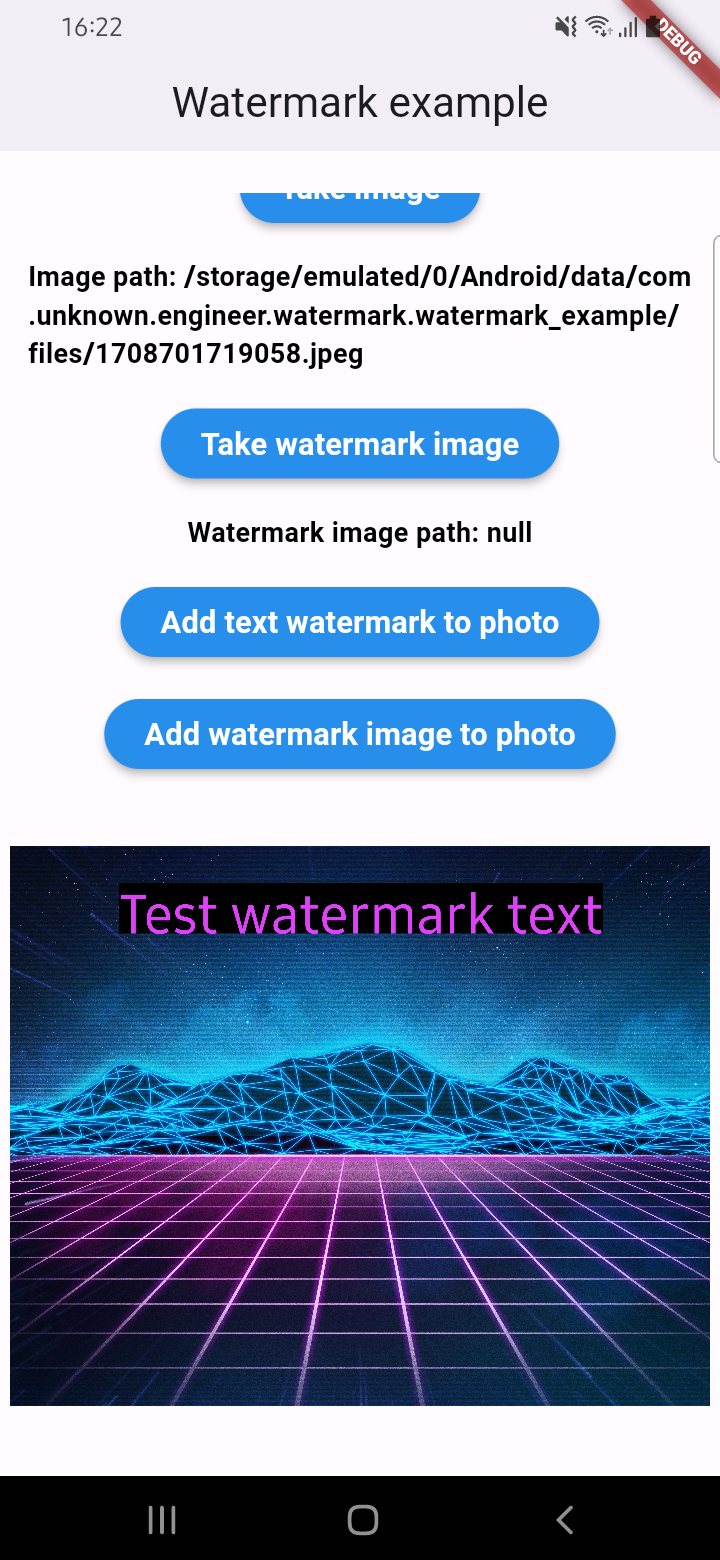
  • Add text to image
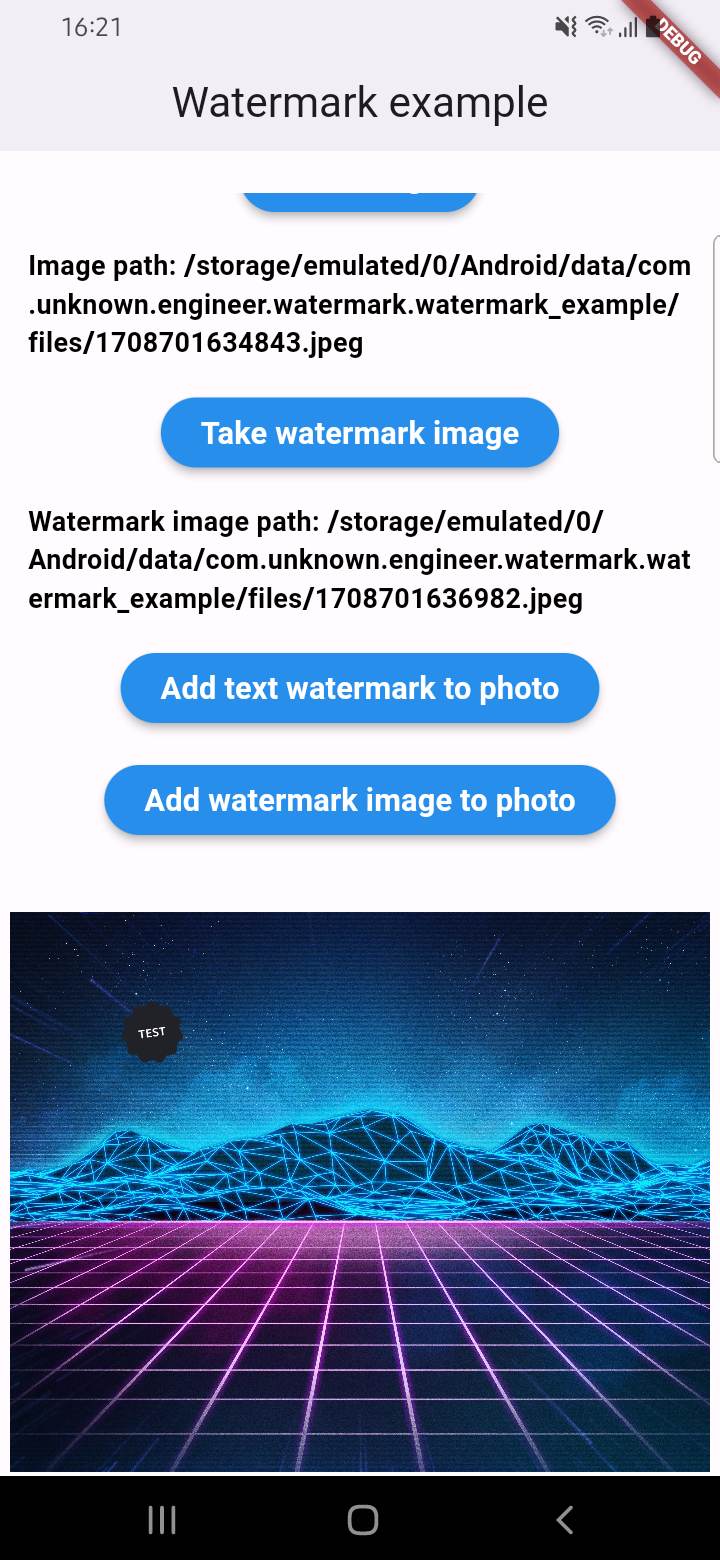
  • Add watermark to image
  • Get result via File or Uint8List

Parameters for image that you can change

  • Text
  • Position by X
  • Position by Y
  • Text size
  • Text color (withOpacity)
  • Background text color (optional / withOpacity)
  • Padding for text if background exist (optional)
  • Quality of image with watermark
  • Image format that you will use to compress

Usage

An example of how you can add text to an image (only IOS or Android):

final image = await watermarkPlugin.addTextWatermark(
  filePath: photo!.path, // image file path
  text: 'Test watermark text', // watermark text
  x: 500, // position by x
  y: 400, // position by y
  textSize: 250, // text size
  color: Colors.purpleAccent, // color of text
  isNeedRotateToPortrait: true, // rotation image to portrait (Default: false) ONLY ANDROID
  backgroundTextColor: Colors.black.withOpacity(0.5), // color of background text (optional)
  quality: 100, // quality of image with watermark
  backgroundTextPaddingLeft: 12, // padding of background text (optional)
  backgroundTextPaddingTop: 12, // padding of background text (optional)
  backgroundTextPaddingRight: 12, // padding of background text (optional)
  backgroundTextPaddingBottom: 12, // padding of background text (optional)
  imageFormat: ImageFormat.jpeg, // image format that you will use to compress
);

An example of how you can add a watermark to an image (only IOS or Android):

final image = await watermarkPlugin.addImageWatermark(
  filePath: photo!.path, // image file path
  watermarkImagePath: watermark!.path, // watermark image file path
  x: 500, // position by x
  y: 400, // position by x
  quality: 100, // quality of image with watermark
  imageFormat: ImageFormat.jpeg, // image format that you will use to compress
  watermarkWidth: 300, // watermark image width
  watermarkHeight: 300,  // watermark image height
);

An example of how you can add text to an image and get results via Uint8List (IOS || Android || WEB):

final image = await watermarkPlugin.addTextWatermarkUint8List(
  filePath: photo!.path, // image file path
  text: 'Test watermark text', // watermark text
  x: 500, // position by x
  y: 400, // position by y
  textSize: 250, // text size
  color: Colors.purpleAccent, // color of text
  isNeedRotateToPortrait: true, // rotation image to portrait (Default: false) ONLY ANDROID
  backgroundTextColor: Colors.black, // color of background text (optional)
  backgroundTextPaddingLeft: 12, // padding of background text (optional)
  backgroundTextPaddingTop: 12, // padding of background text (optional)
  backgroundTextPaddingRight: 12, // padding of background text (optional)
  backgroundTextPaddingBottom: 12, // padding of background text (optional)
);

An example of how you can add a watermark to an image and get results via Uint8List (IOS || Android || WEB):

final image = await watermarkPlugin.addImageWatermarkUint8List(
  filePath: photo!.path, // image file path
  watermarkImagePath: watermark!.path, // watermark image file path
  x: 500, // position by x
  y: 400, // position by x
  watermarkWidth: 300, // watermark image width
  watermarkHeight: 300,  // watermark image height
);

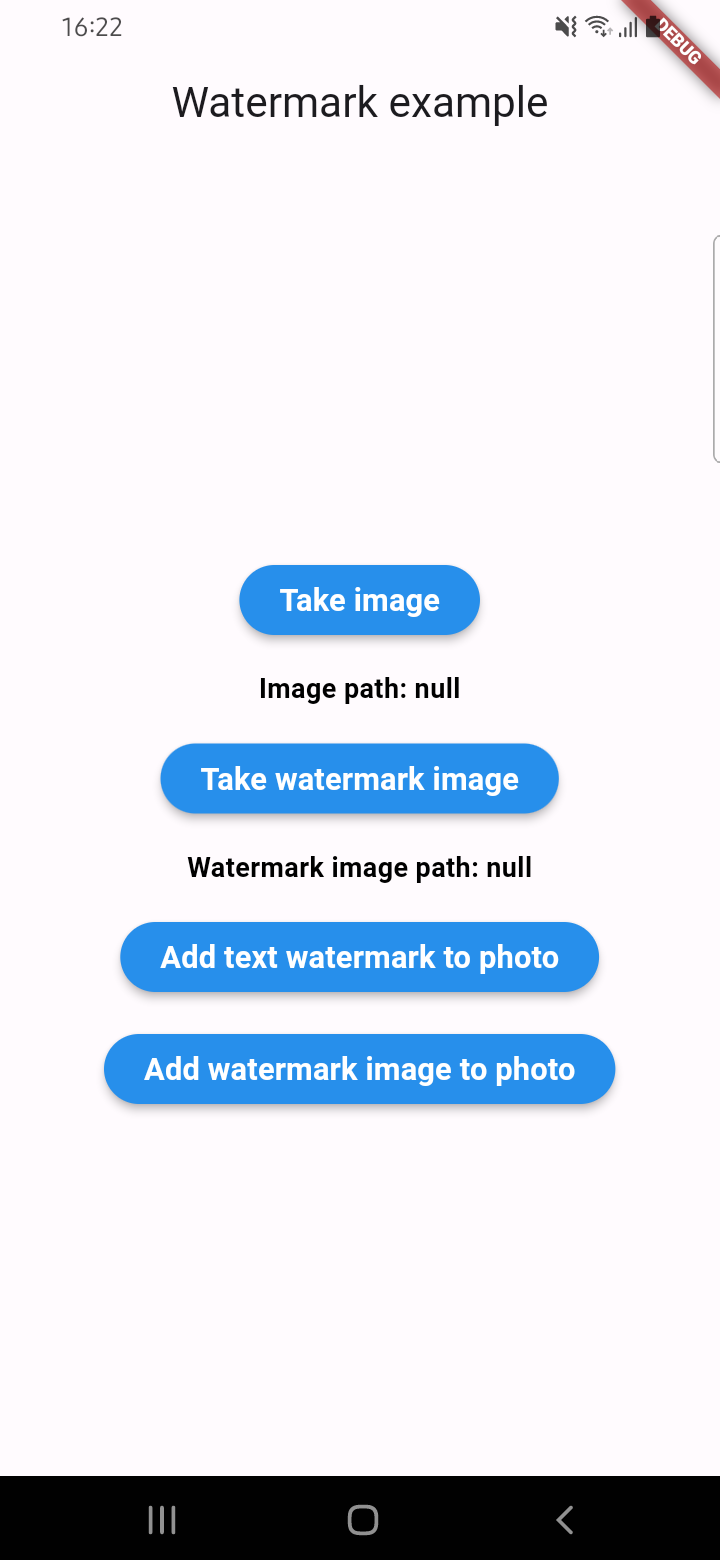
Example screenshots

Categories

Dependencies

Dependency list 2 items

  • image^4.5.4
  • plugin_platform_interface^2.1.8

Source repository

Projects using this package

No data available yet.