Package selection guidance compiled from public package information, community data, and project usage.
Waveform Flutter is a customizable and visually appealing package for creating animated waveforms in Flutter applications. It enables developers to display real-time audio visualizations with smooth animations, supporting various waveform styles and customization options such as color, thickness, and animation speed. Ideal for music players, audio editors, and sound visualization apps, it works across all major platforms including Android, iOS, Web, macOS, Windows, and Linux. The package integrates seamlessly with Flutter's widget system and offers an intuitive API for rendering dynamic audio waveforms.
Use cases
Music player UIs
Audio visualization tools
Real-time sound monitoring
Interactive audio apps
Live performance displays
Key features
Highly customizable appearance
Smooth animated waveforms
Cross-platform support
Real-time audio rendering
Configurable colors and stroke width
Suitable for
Audio app developers
UI designers focused on music apps
Cross-platform audio projects
Apps requiring real-time waveform display
Considerations
Requires audio data input for animation
Performance may vary with high-resolution waveforms
Limited built-in audio processing
Best suited for apps with active audio streams
Original README
Original README snapshot from the linked source repository. Visit the repository for the latest content.
WaveForm
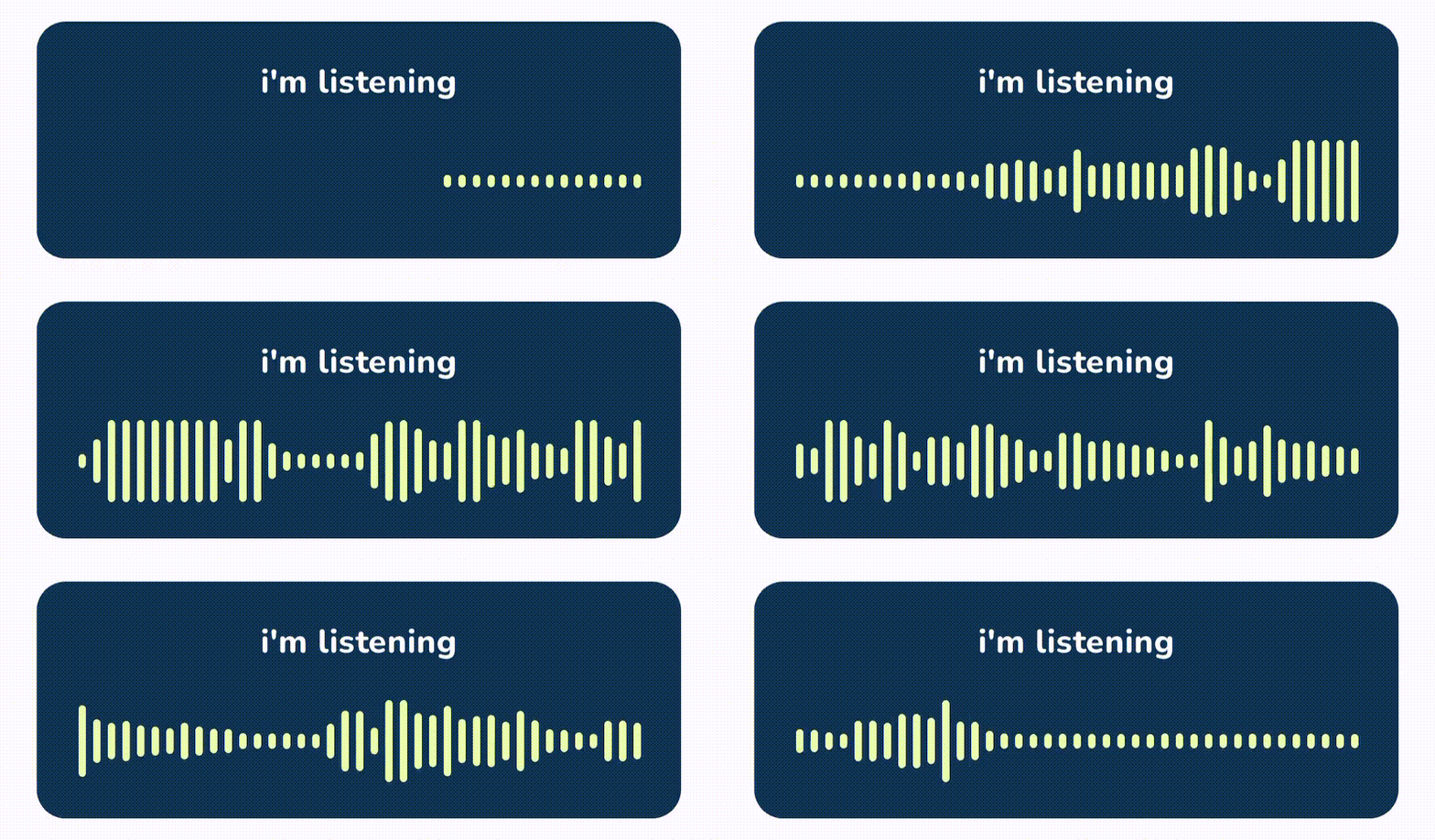
WaveForm is a Flutter package that helps you build animated waveforms in your Flutter app. With the popularity of voice-based chat UIs rising, WaveForm provides an easy and efficient way to visualize audio waveforms. Inspired by WaveSurfer.js, WaveForm offers a range of features to integrate beautiful and functional waveforms into your Flutter applications.
Features
Stream-based Waveform Generation: Create real-time waveforms from a stream of amplitude data.
Customizable Bars: Adjust the appearance of waveform bars, including color and maximum height.
Animated Lists: Use animated lists to smoothly display new waveform data.
Flexible Integration: Easily integrate with other Flutter widgets and packages.
Important 🚨
Please note that this package does not provide a connection to an audio source (like microphone). I recommend using record to connect this package to a live stream of audio.
Installation
Add the following to your pubspec.yaml file:
dependencies:waveform:latest_version
Then run flutter pub get to install the package.
Usage
Basic Example
Below is an example of how to use WaveForm to display an animated waveform: