Package selection guidance compiled from public package information, community data, and project usage.
The weather_animation package offers visually appealing weather-themed animations for Flutter apps, including dynamic effects like rain, snow, and clouds. Designed with ease of use in mind, it features a weather configurator for quick setup and customization. Ideal for enhancing app backgrounds or creating immersive weather experiences across multiple platforms. The animations are smooth and performant, leveraging Flutter’s rendering capabilities. It supports Android, iOS, Web, macOS, Windows, and Linux, making it versatile for cross-platform projects.
Use cases
Enhancing app backgrounds with weather effects
Creating immersive weather dashboards
Adding visual flair to weather forecast apps
Improving user engagement with animated interfaces
Designing themed mobile or web applications
Key features
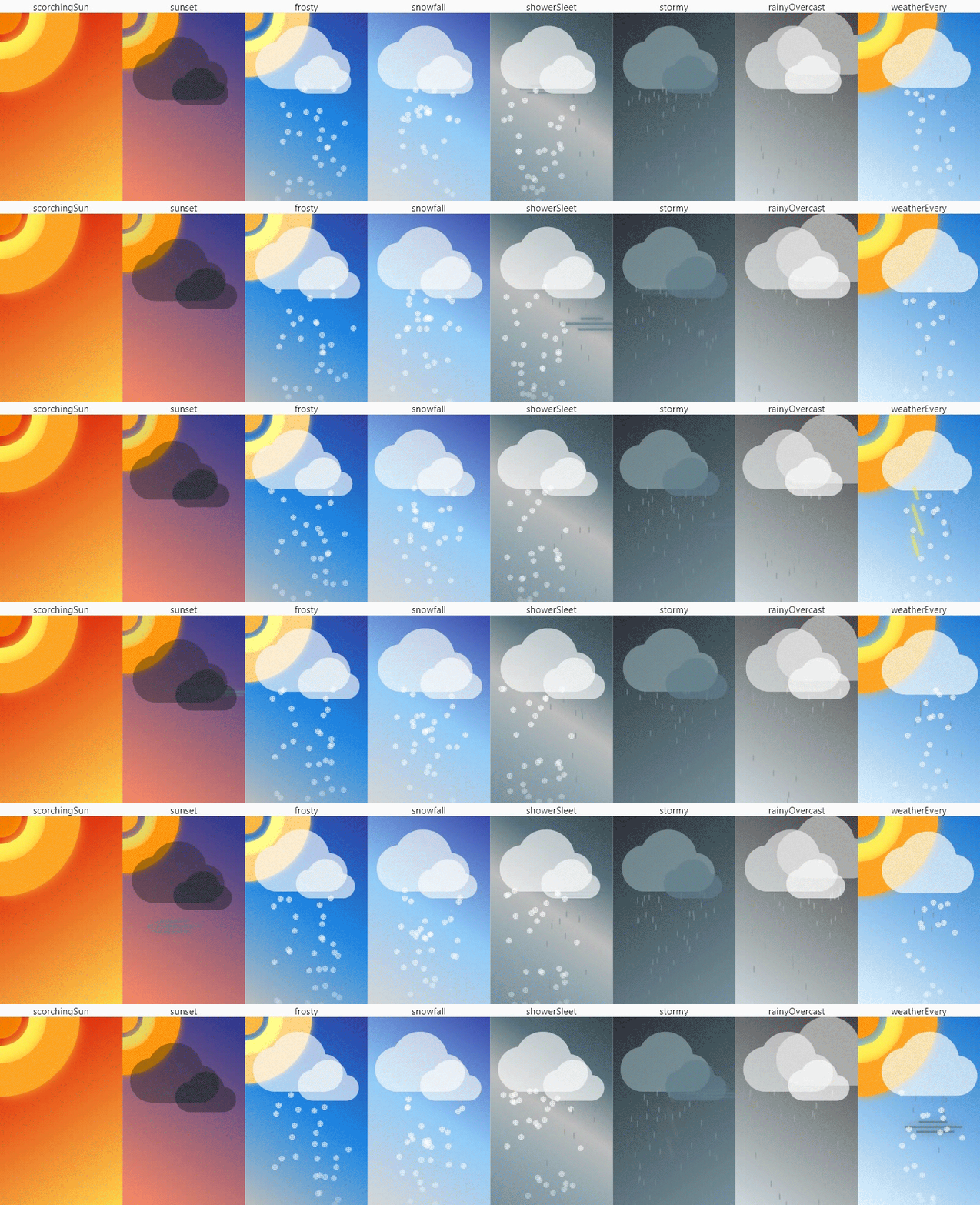
Pre-built weather animations (rain, snow, clouds)
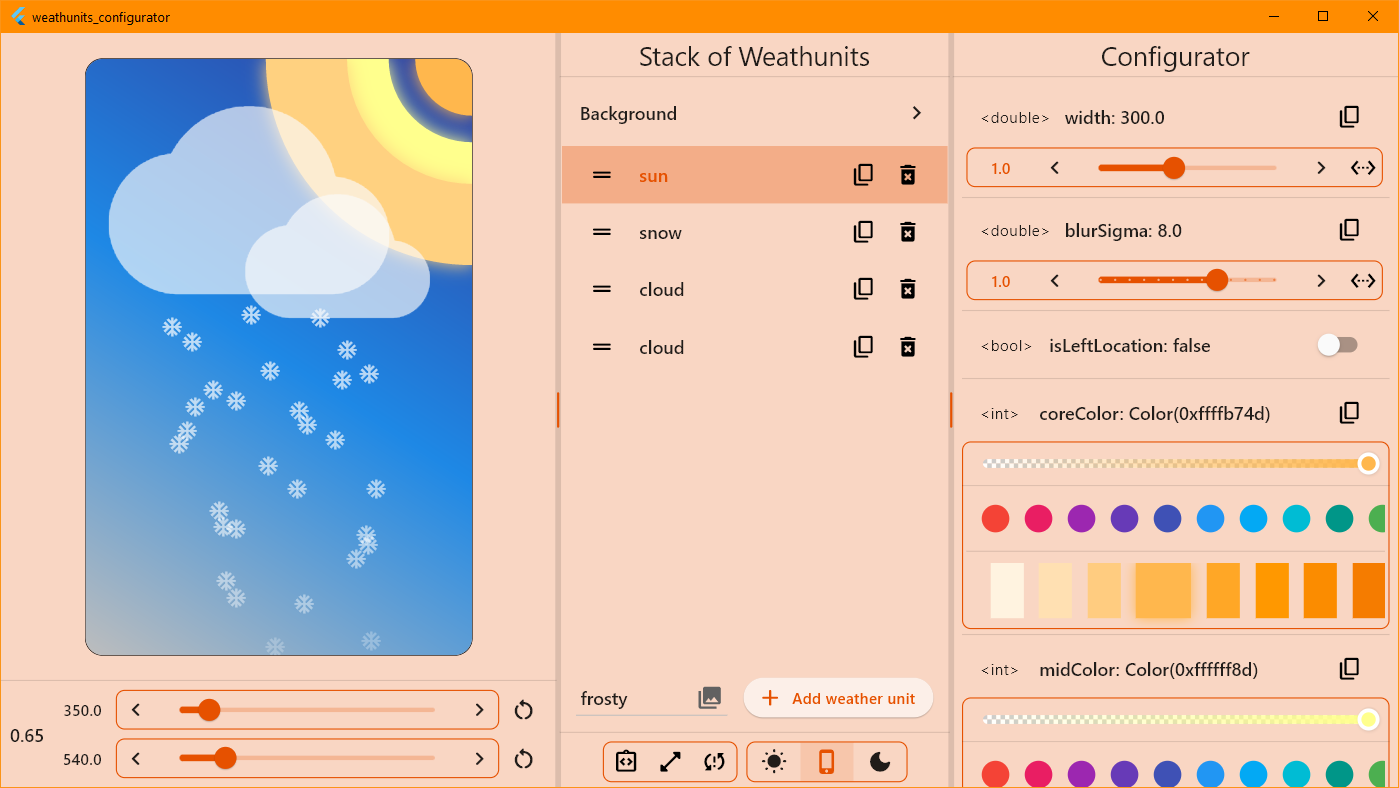
Easy-to-use weather configurator
Cross-platform support
Smooth performance across devices
Customizable animation parameters
Integration with Flutter's rendering engine
Suitable for
App developers seeking visual enhancements
Designers creating weather-themed UIs
Projects requiring animated background effects
Cross-platform Flutter applications
Developers wanting minimal setup for rich visuals
Considerations
May impact performance on low-end devices
Requires careful optimization for complex scenes
Limited to predefined weather types
Best suited for background layers, not interactive elements
Depends on Flutter's graphics pipeline for rendering
Original README
Original README snapshot from the linked source repository. Visit the repository for the latest content.
🌇 weather_animation
Create weather scenes and animate as your heart desires. Simple and free.
💡Tip: Widgets under * represent a single weather item. Use these when another Stack setting is required.
Each weather widget accepts an optional configuration parameter to fine-tune the widget.
Configuration files ...Config
have correctly toString, operator ==, hashCode
have a copyWith method to clone the object
have de/serialization handling (toJson and fromJson). Note: not all fields
are inherited from class WeatherConfig
About WrapperScene
Also, there is a WrapperScene widget for quick scene adjustment, which allows you to scale the
weather scene relative to the specified canvas dimensions. Has a clipper and scene widget decoration.
About BackgroundWidget
The BackgroundWidget class allows you to create a color background in the form of a linear gradient.
Specify the desired colors and you're done.
Author
You can contact me or check out my activities on the following platforms:








 on