Search packages, repositories and app categories

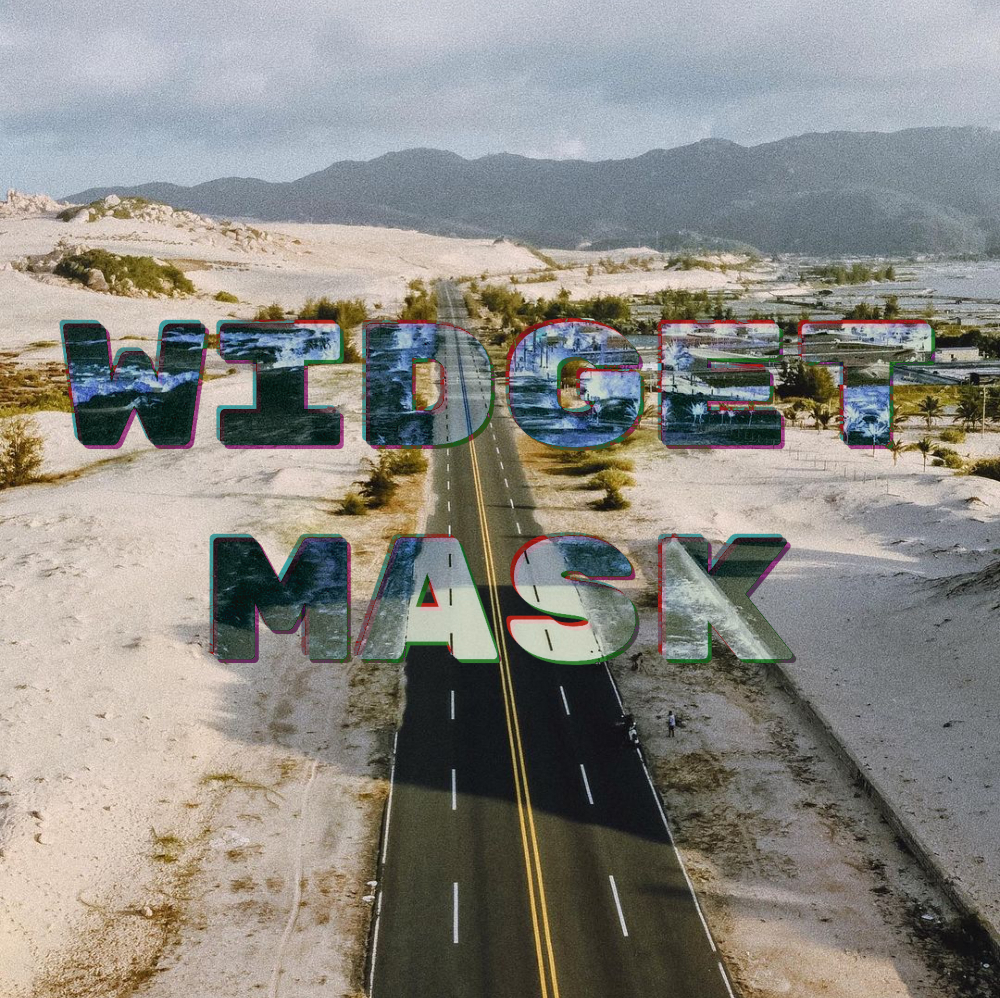
widget_mask cover
Package detailsv1.0.0+0

widget_mask

Use a widget to mask and blend another widget, for example to imprint text onto surfaces.

AndroidiOSWebmacOSWindowsLinux
30-day downloads
10
Likes
70
Pub points
150

Install package

flutter pub add widget_mask

Package Overview

Package selection guidance compiled from public package information, community data, and project usage.

The widget_mask package enables developers to use one widget as a mask to clip or blend another widget, allowing creative visual effects such as imprinting text onto surfaces. It leverages Flutter's compositional capabilities to apply alpha masks, making it ideal for advanced UI designs with transparency and layering. The package is lightweight and integrates seamlessly into existing Flutter projects across multiple platforms. It supports both static and dynamic masking scenarios, enhancing the flexibility of custom widget compositions.

Use cases

  • Creating text overlays on images
  • Designing layered UI elements
  • Implementing custom clipping paths
  • Building animated mask transitions
  • Producing visual effects with transparency
  • Enhancing app branding with masked graphics

Key features

  • Supports any widget as a mask
  • Efficient rendering with minimal overhead
  • Cross-platform compatibility
  • Flexible blending modes
  • Easy integration via simple API
  • Dynamic mask updates

Suitable for

  • UI designers seeking advanced visual effects
  • Developers building branded or artistic interfaces
  • Apps requiring text-on-surface effects
  • Projects using complex layering and transparency
  • Flutter developers exploring creative composition

Considerations

  • May impact performance with heavy masks
  • Requires understanding of Flutter's painting system
  • Limited to widgets that can be rendered as masks
  • Not suitable for high-frequency animations without optimization
  • Best used with predictable, stable mask shapes

Original README

Original README snapshot from the linked source repository. Visit the repository for the latest content.

pub.dev package page GitHub Actions CI GitHub Stars

Use a widget to mask and blend another widget, for example to imprint text onto surfaces.


If you're looking for a database solution, check out cbl, another project of mine. It brings Couchbase Lite to standalone Dart and Flutter, with support for:

  • Full-Text Search,
  • Expressive Queries,
  • Data Sync,
  • Change Notifications

and more.


Limitations

Widgets that are used as children of WidgetMask or SaveLayer must not need compositing, or contain widgets which need compositing, such as RepaintBoundary.

This is because this package makes use of save layers, which cannot encompass compositing layers.

Masks and blending

A mask is an image, which is positioned in front of another image and affects this images in some way, where it is not empty.

Blending is a process which takes two images and produces a new image by applying a mathematical function to each pair of pixels from the input images. For some of these functions, the order of the arguments matters. That's why the input images are labeled with src and dst. A mask is usually the image labeled with src.

Getting started

The example below paints some text onto an image. The text is filled with the negative of the image.

WidgetMask(
  // `BlendMode.difference` results in the negative of `dst` where `src`
  // is fully white. That is why the text is white.
  blendMode: BlendMode.difference,
  mask: Center(
    child: Text(
      'Negative',
      style: TextStyle(
        fontSize: 50,
        color: Colors.white,
      ),
    ),
  ),
  child: Image.asset('images/my_image.jpg'),
);

WidgetMask delegates to child to lay itself out. It always has the same size as child. mask is forced to adopt the same size as child and positioned on top it.

During hit testing mask is positioned over child.

The different BlendModes use src and dst to describe how the colors of two images are blended with each other. In the context of WidgetMask mask is the src and child the dst.

Examples

The NegativeMaskedImageDemo widget, in the example app, implements the image at the top.

SaveLayer

This widget paints its child into a save layer and allows you to fully specify the Paint to use with the save layer. If you need to use a custom Paint or require a different layout of the widgets, you can use SaveLayer.

WidgetMask is implement using two SaveLayers to blend the mask and child:

@override
Widget build(BuildContext context) {
  Widget child = Stack(
    textDirection: TextDirection.ltr,
    fit: StackFit.passthrough,
    children: [
      this.child,
      Positioned.fill(
        child: SaveLayer(
          paint: Paint()..blendMode = blendMode,
          child: mask,
        ),
      ),
    ],
  );

  if (childSaveLayer) {
    child = SaveLayer(
      child: child,
    );
  }

  return child;
}

Gabriel Terwesten • GitHub @blaugold • Twitter @GTerwesten • Medium @gabriel.terwesten

Categories

Dependencies

Dependency list 1 items

Source repository

Projects using this package