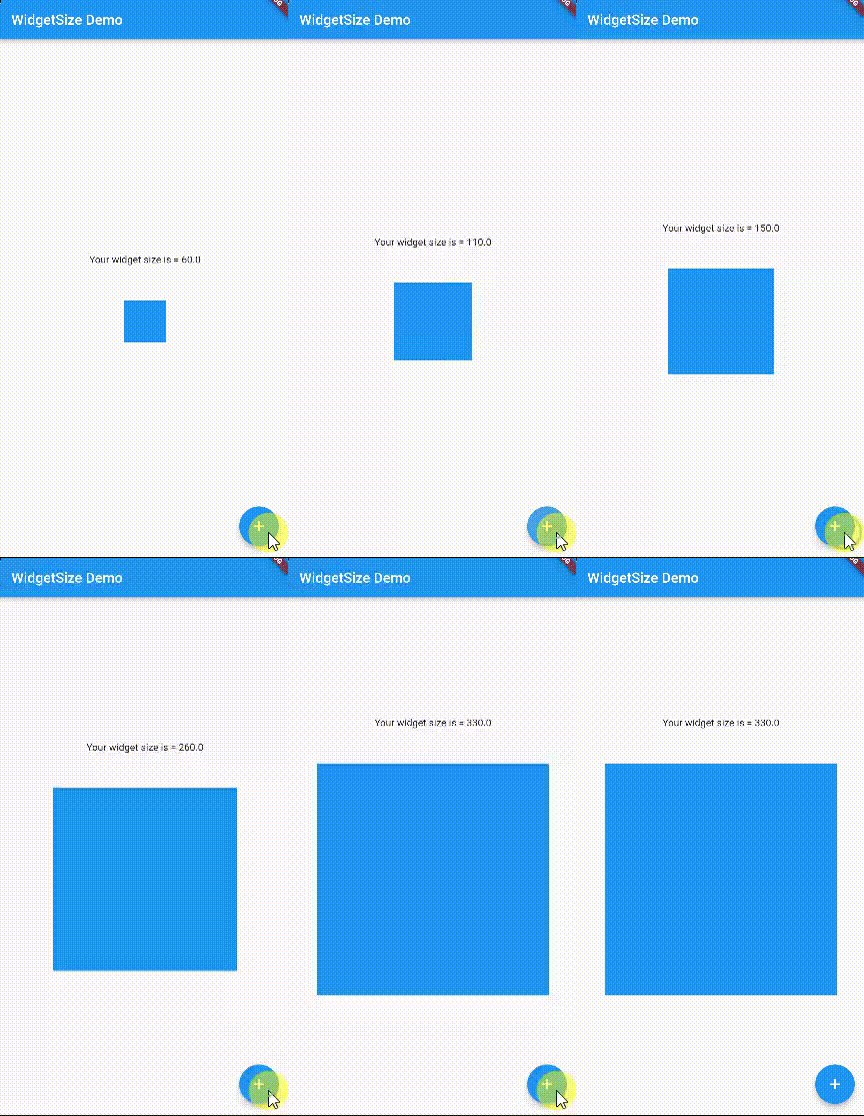
The widget_size package provides a widget that calculates its own size after being built and attached to the widget tree. It enables developers to access the actual rendered dimensions of a widget during runtime, which is useful for dynamic layout adjustments, responsive design, or measuring content size without relying on static values. The package works across all major platforms including Android, iOS, Web, macOS, Windows, and Linux, making it ideal for cross-platform applications. It integrates seamlessly with Flutter’s build system and requires minimal setup.
Use cases
- Dynamic layout sizing
- Responsive UI measurements
- Content dimension tracking
- Cross-platform size detection
- Runtime widget analysis
Key features
- Real-time size calculation
- Cross-platform compatibility
- Minimal configuration
- Integration with build context
- Supports all Flutter platforms
Suitable for
- Developers needing precise widget dimensions
- Apps with adaptive layouts
- UI testing and debugging
- Cross-platform projects
- Performance-sensitive designs
Considerations
- May impact performance if overused
- Requires attachment to widget tree
- Not suitable for pre-build size estimation
- Limited to post-build measurements
- Best used sparingly in complex trees