Search packages, repositories and app categories

Package detailsv1.0.5

xlive_switch

A switch widget plugin with custom UI and design similar to Oleg Frolov's design on Dribbble

30-day downloads
28
Likes
47
Pub points
25

Install package

flutter pub add xlive_switch

Package Overview

Package selection guidance compiled from public package information, community data, and project usage.

A Flutter switch widget plugin inspired by Oleg Frolov's Dribbble design, offering a sleek, customizable toggle with smooth animations and modern aesthetics. It provides a visually appealing alternative to the default Switch widget, ideal for apps emphasizing contemporary UI/UX. The package supports custom colors, sizes, and transition effects, allowing developers to match brand or design system requirements. Built with performance and simplicity in mind, it integrates seamlessly into Flutter projects.

Use cases

  • Custom toggle switches in modern UIs
  • Enhancing app visual appeal with animated toggles
  • Designing settings or preference screens
  • Creating interactive on/off controls
  • Implementing branded switch components

Key features

  • Dribbble-inspired modern design
  • Smooth animation transitions
  • Customizable colors and size
  • Easy integration with Flutter
  • Supports stateful toggle behavior

Suitable for

  • UI designers seeking polished switch components
  • Developers building aesthetic-focused apps
  • Projects requiring branded interactive elements
  • Flutter beginners exploring widget customization
  • Apps with dark/light mode toggle needs

Considerations

  • Limited platform-specific behavior
  • No built-in accessibility labels
  • Requires manual handling of focus and semantics
  • Not optimized for complex form interactions
  • No support for directional layouts beyond basic alignment

Original README

Original README snapshot from the linked source repository. Visit the repository for the latest content.

xlive_switch

A Xlive Switcher plugin for Flutter

Getting Started

This plugin is based on Oleg Frolov's animation design which I found on Dribbble: https://dribbble.com/shots/5429846-Switcher-XLIV

Thanks Oleg Forlov for this beautiful design.

Design:

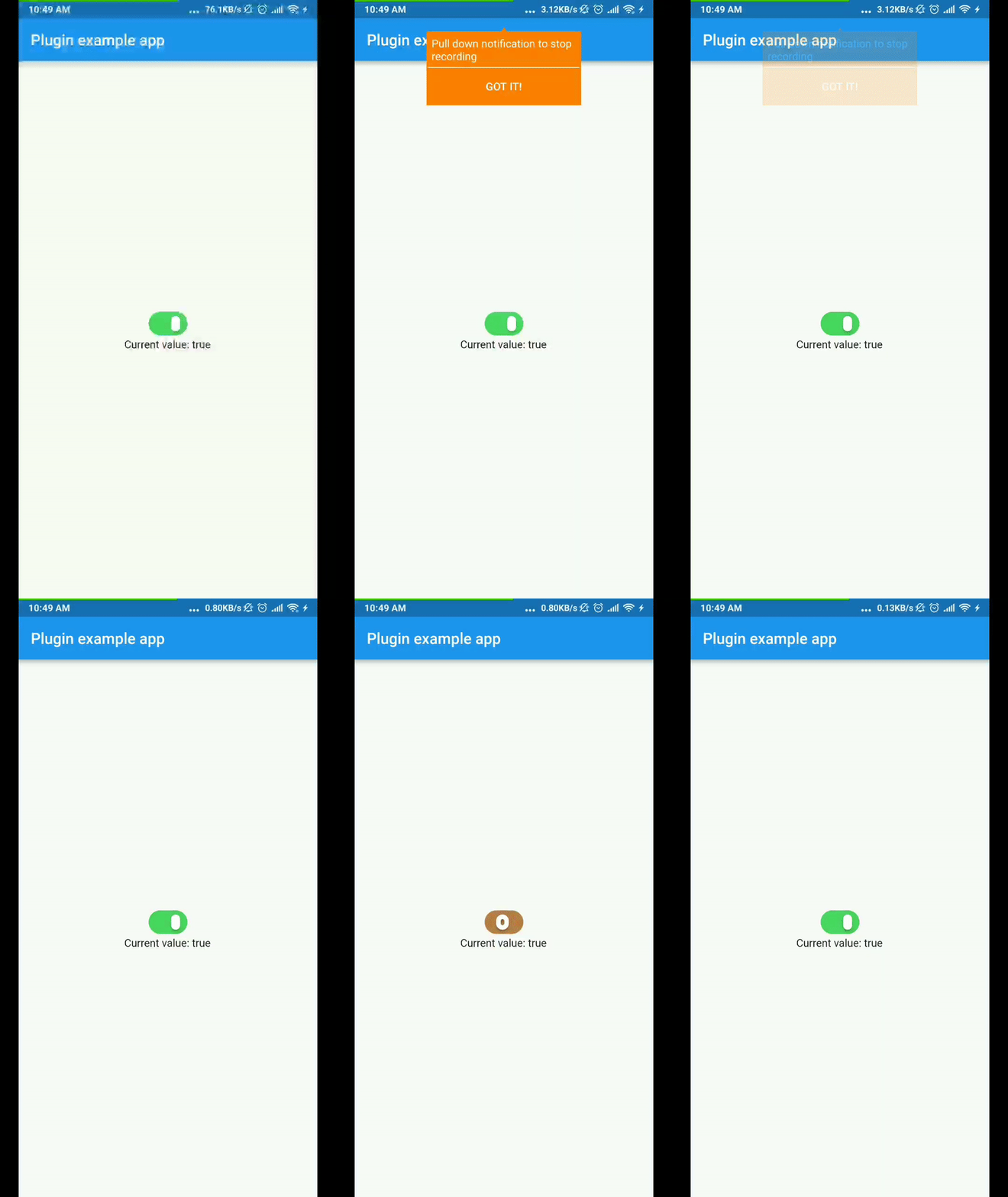
Demo:

Usage

To use plugin, just import package import 'package:xlive_switch/xlive_switch.dart';

You can change the color of the switch follow by these attributes:

  • activeColor: background color when value is true
  • unActiveColor: background color when value is false
  • thumbColor: your thumb color

Example

import 'package:flutter/material.dart';
import 'package:xlive_switch/xlive_switch.dart';

void main() => runApp(MyApp());

class MyApp extends StatefulWidget {
  @override
  _MyAppState createState() => _MyAppState();
}

class _MyAppState extends State<MyApp> {
  bool _value = true;

  @override
  void initState() {
    super.initState();
  }

  @override
  Widget build(BuildContext context) {
    return MaterialApp(
      home: Scaffold(
        appBar: AppBar(
          title: const Text('Plugin example app'),
        ),
        body: Center(
          child: Column(
            mainAxisAlignment: MainAxisAlignment.center,
            children: <Widget>[
              XlivSwitch(
                value: _value,
                onChanged: _changeValue,
              ),
              Text('Current value: $_value'),
            ],
          ),
        ),
      ),
    );
  }

  void _changeValue(bool value) {
    setState(() {
      _value = value;
    });
  }
}

Categories

Source repository

Projects using this package

No data available yet.