Package selection guidance compiled from public package information, community data, and project usage.
Animate_do is a Flutter package that delivers visually appealing, widget-based animations inspired by Animate.css. It enables developers to easily apply smooth, customizable animations to UI elements without relying on external dependencies. With a simple API and support across all major platforms—including Android, iOS, Web, macOS, Windows, and Linux—it enhances user experience through dynamic transitions. The package integrates seamlessly into Flutter apps, offering a lightweight solution for adding engaging motion effects to widgets.
Use cases
Adding entrance animations to UI elements
Creating interactive button feedback
Enhancing splash screens with dynamic effects
Animating lists or cards during scroll
Improving onboarding experiences
Key features
Inspired by Animate.css
No external dependencies
Fully widget-based
Customizable animation duration and delay
Supports all Flutter platforms
Easy-to-use API
Suitable for
Flutter beginners seeking simple animations
Developers building interactive UIs
Apps requiring engaging onboarding flows
Projects focused on visual polish
Teams wanting lightweight animation solutions
Considerations
May impact performance if overused
Limited to predefined animation types
Not suitable for complex custom animations
Requires careful tuning for optimal UX
Best used sparingly to avoid distraction
Original README
Original README snapshot from the linked source repository. Visit the repository for the latest content.
animate_do
A Flutter animation package inspired by Animate.css, built with zero external dependencies.
Getting Started
Every animation widget ships with sensible defaults and is fully customizable. Drop it around any widget and you're done.
Properties
Property
Type
Description
key
Key
Optional widget key reference
child
Widget
Required widget to animate
duration
Duration
Duration of the animation
delay
Duration
Delay before the animation starts
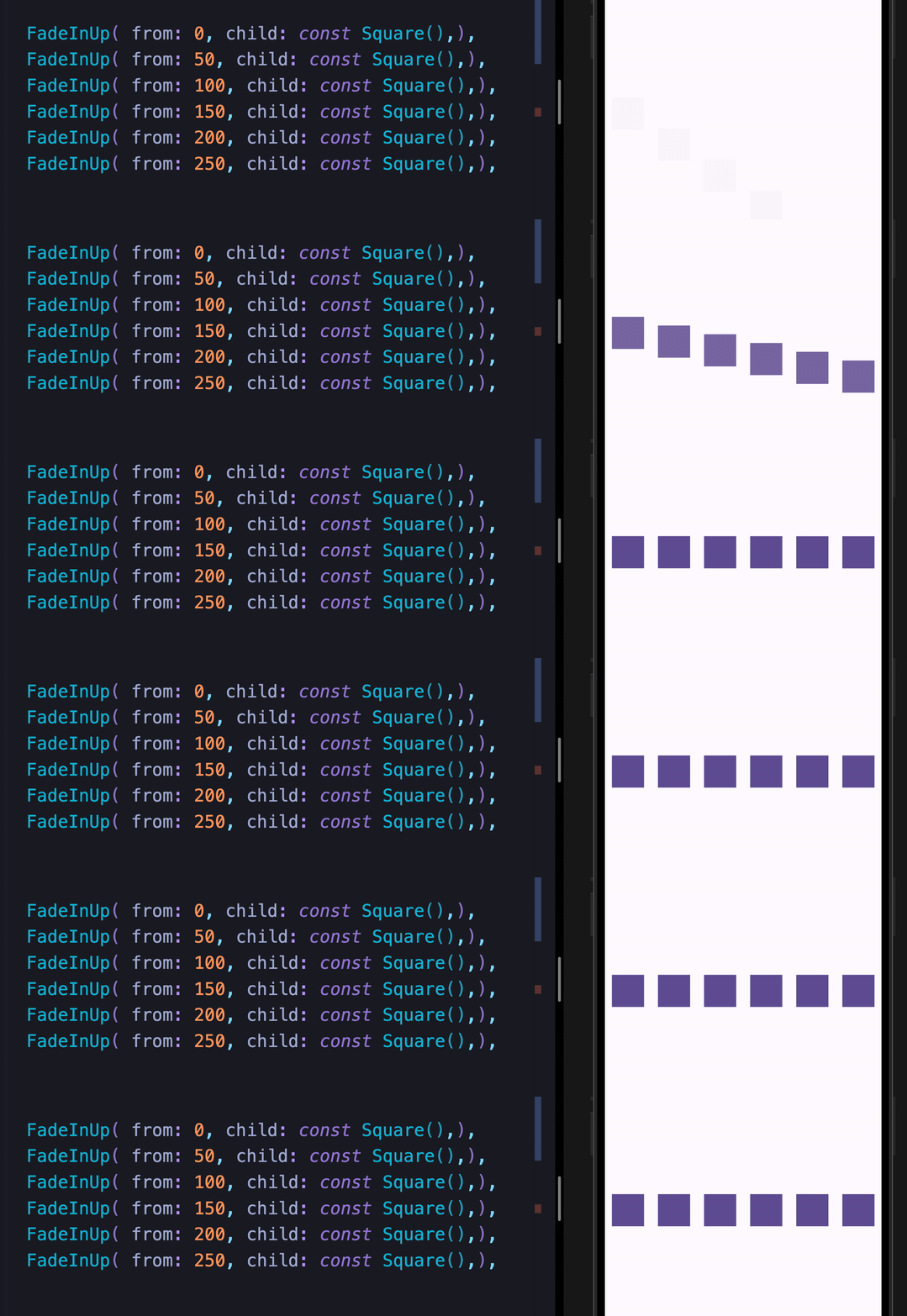
from
double
Initial or final value for more pronounced slide/fade effects
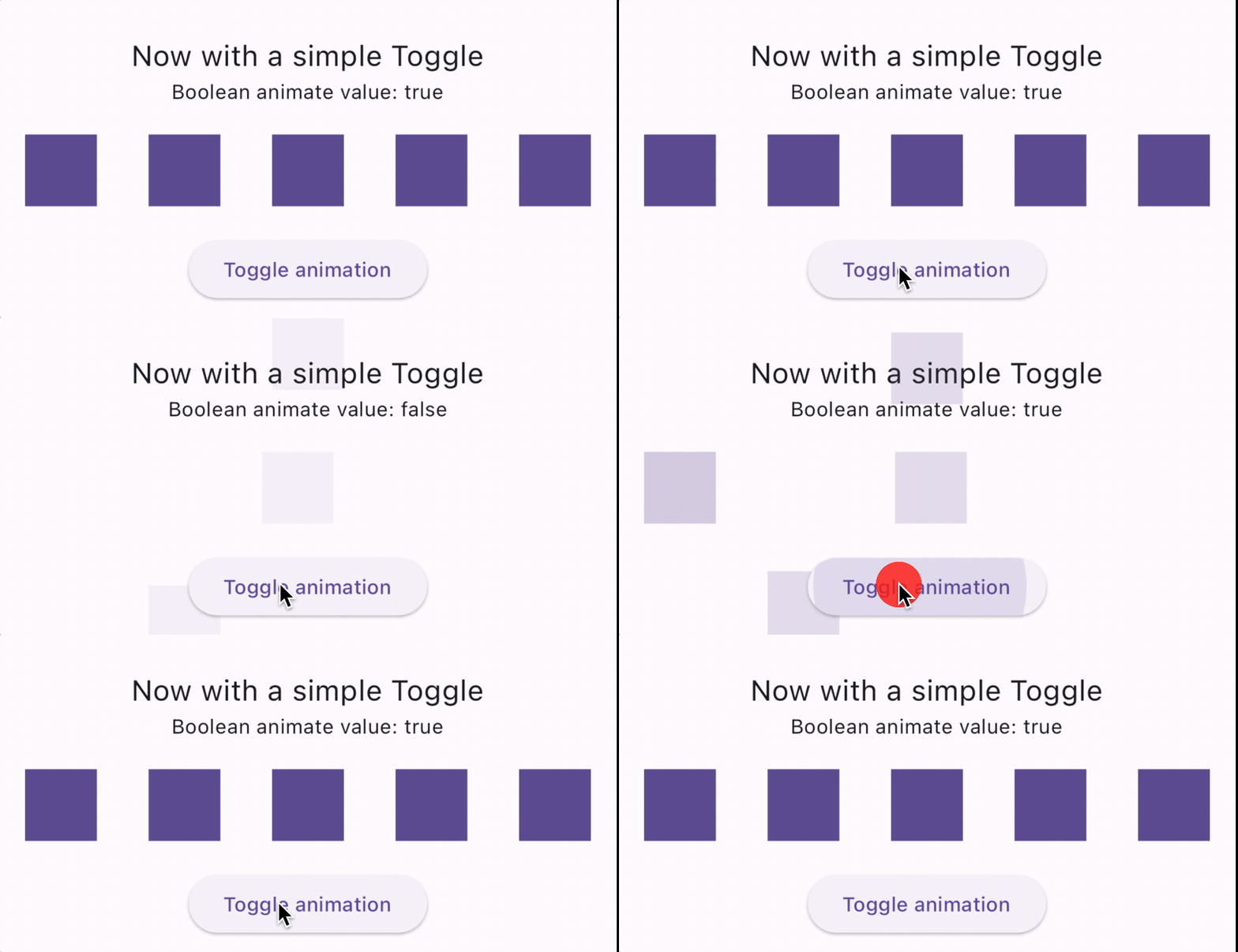
animate
bool
Toggle false → true to trigger; works with setState, Bloc, Provider, Redux, etc.
infinite
bool
Loops the animation indefinitely
spins
double
Number of rotations — applies to Spin, Roulette, SpinPerfect
manualTrigger
bool
Disables auto-play; requires the controller callback to drive the animation
controller
Function
Exposes the AnimationController for advanced control
onFinish
Function
Callback fired when the animation completes; receives an AnimateDoDirection (forward / backward)
curve
Curve
Custom easing curve
Available Animations
Fade In
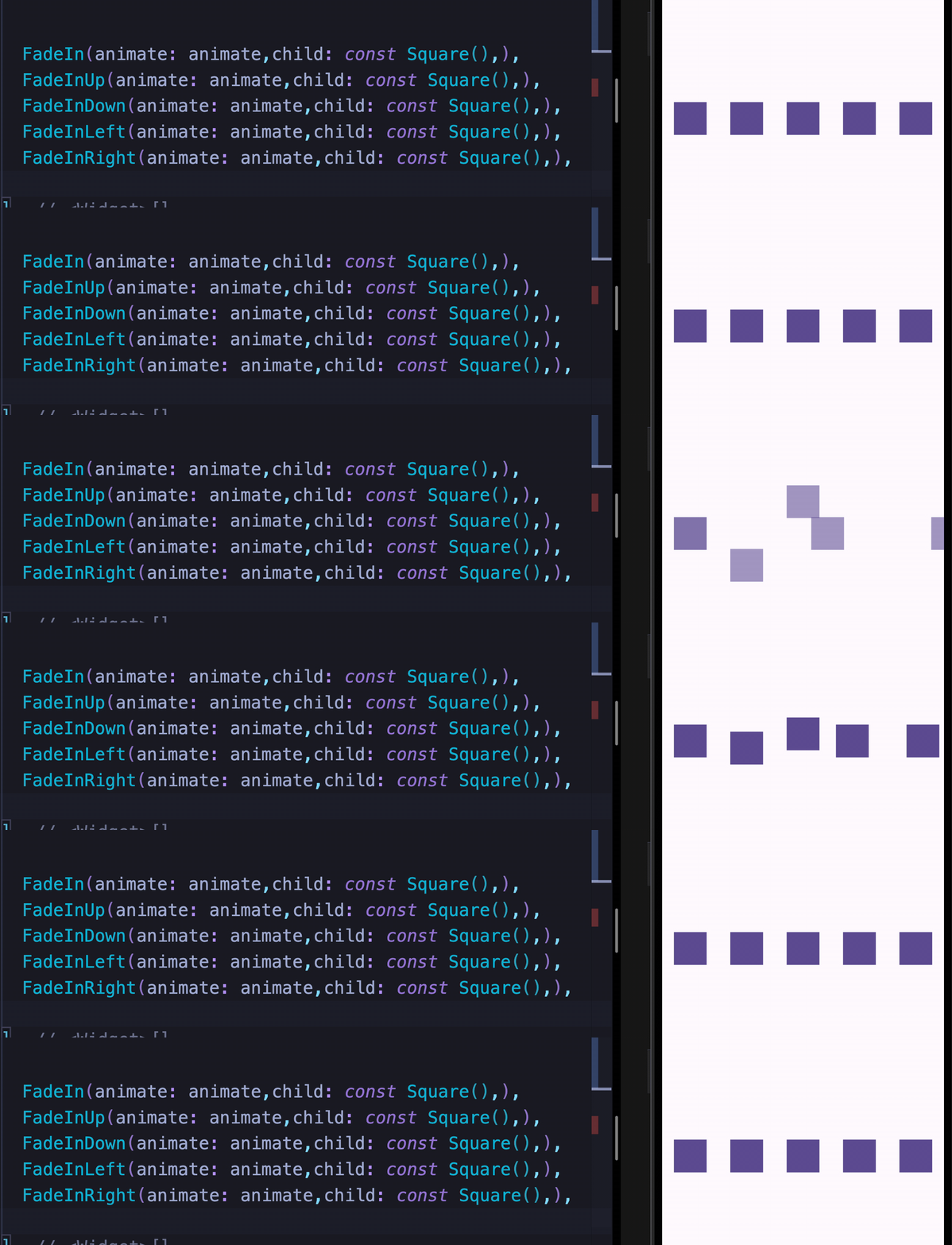
FadeIn
FadeInDown
FadeInDownBig
FadeInUp
FadeInUpBig
FadeInLeft
FadeInLeftBig
FadeInRight
FadeInRightBig
Fade Out
FadeOut
FadeOutDown
FadeOutDownBig
FadeOutUp
FadeOutUpBig
FadeOutLeft
FadeOutLeftBig
FadeOutRight
FadeOutRightBig
Bounce In
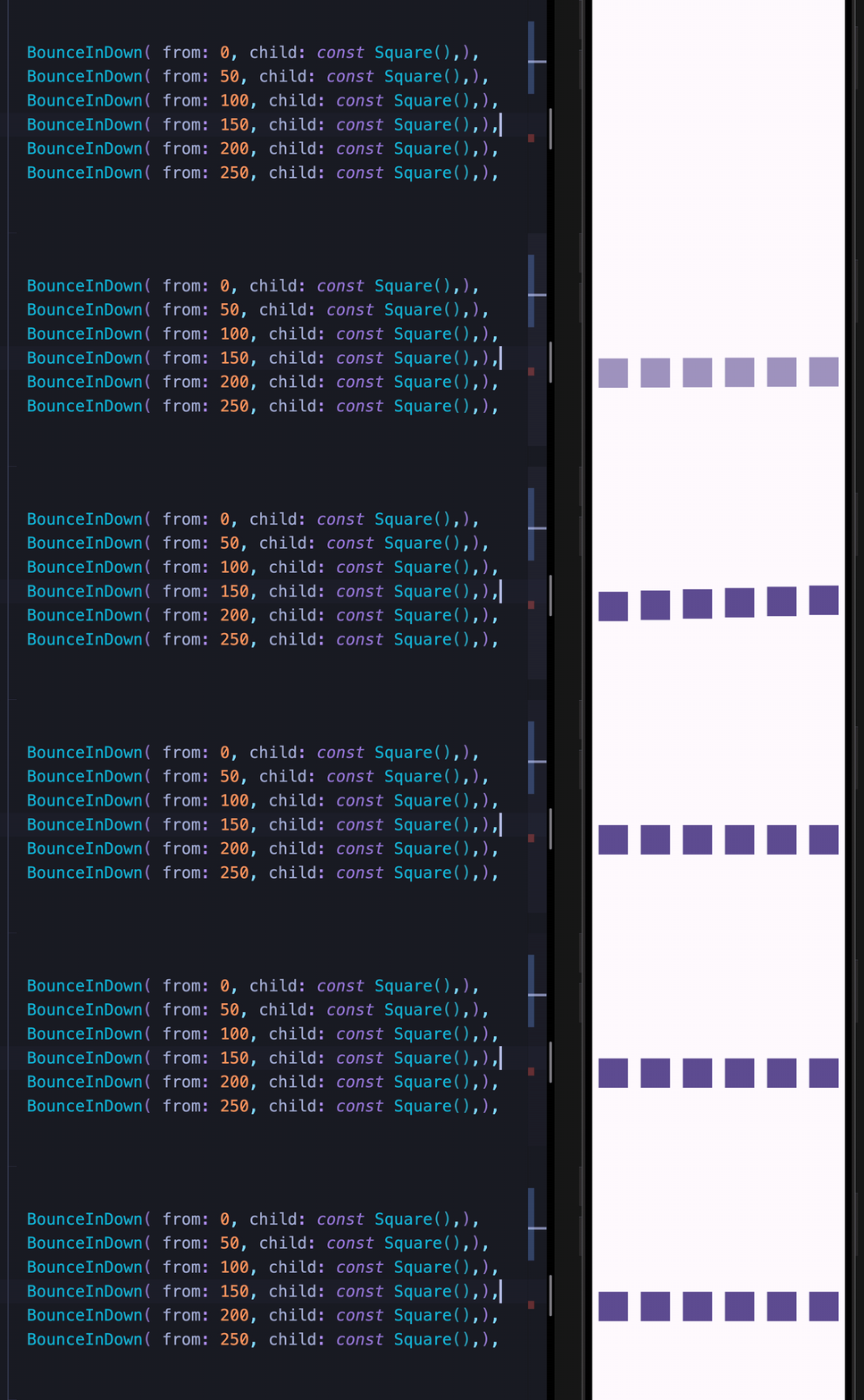
BounceInDown
BounceInUp
BounceInLeft
BounceInRight
Elastic In
ElasticIn
ElasticInDown
ElasticInUp
ElasticInLeft
ElasticInRight
Slide In
SlideInDown
SlideInUp
SlideInLeft
SlideInRight
Back In / Back Out
BackInDown
BackInUp
BackInLeft
BackInRight
BackOutDown
BackOutUp
BackOutLeft
BackOutRight
Flip In
FlipInX
FlipInY
Zoom
ZoomIn
ZoomOut
Attention Seekers
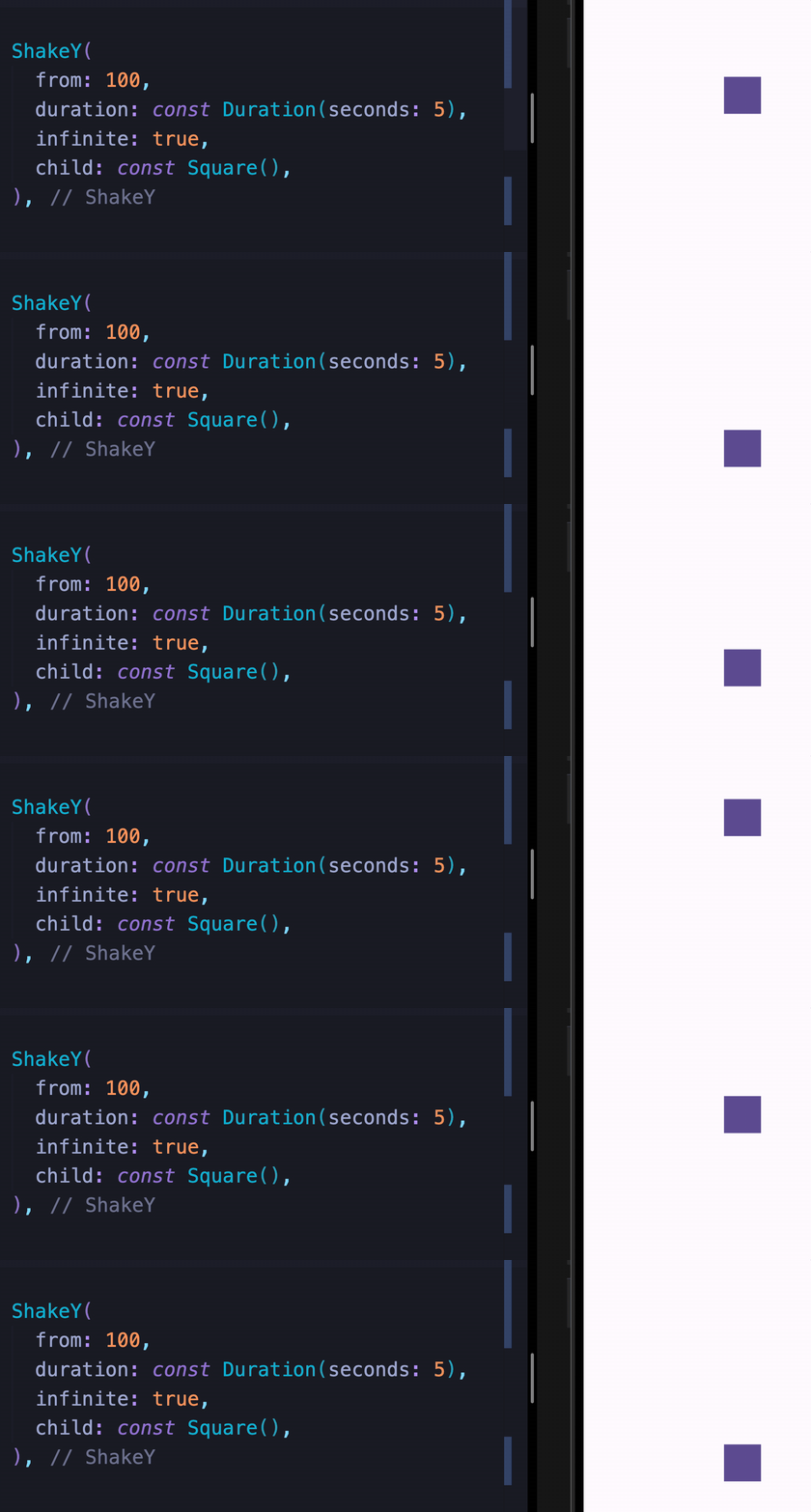
All attention seekers support the infinite property to loop indefinitely.
Bounce
Dance
Flash
Pulse
Flip
Roulette
ShakeX
ShakeY
Spin
SpinPerfect
Swing
HeartBeat
Wobble
Jello
Tada
RubberBand
Custom Animations
These widgets let you move widgets around the screen and chain them with any other animation.
MoveTo
MoveToArc
Two Syntaxes
Both syntaxes are fully supported. Use whichever feels more natural to you.