Search packages, repositories and app categories

calendar_agenda cover
Package detailsv0.0.2+3

calendar_agenda

Calendar agenda widget with a lot of customizable styles, also can be put as appbar widget.

AndroidiOSWebmacOSWindowsLinux
30-day downloads
34
Likes
57
Pub points
130

Install package

flutter pub add calendar_agenda

Package Overview

Package selection guidance compiled from public package information, community data, and project usage.

A highly customizable calendar agenda widget for Flutter, offering flexible styling options and the ability to integrate as an app bar. It supports multiple platforms including Android, iOS, Web, macOS, Windows, and Linux. Designed for developers seeking a sleek, interactive calendar interface with extensive visual customization, it enables seamless integration into existing app layouts. The widget is ideal for scheduling apps, task managers, or any application requiring a dynamic date-based view.

Use cases

  • Scheduling applications
  • Task management interfaces
  • Event planning tools
  • Daily planner features
  • Custom app bar calendars

Key features

  • Extensive style customization
  • App bar integration
  • Multi-platform support
  • Interactive date selection
  • Flexible layout options

Suitable for

  • Developers building calendar-heavy apps
  • Designers needing visual flexibility
  • Apps requiring integrated date views

Considerations

  • Requires understanding of Flutter widgets
  • May need additional state management
  • Limited documentation beyond basic usage

Original README

Original README snapshot from the linked source repository. Visit the repository for the latest content.

Calendar agenda widget with a lot of customizable styles.

Pub Package License: MIT

Getting Started

  1. Depend on it Add it to your package's pubspec.yaml file
dependencies:
  flutter:
    sdk: flutter
  calendar_agenda: version
  1. Install it Install packages from the command line
flutter pub get
  1. Import it Import it to your project
import 'package:calendar_agenda/calendar_agenda.dart';
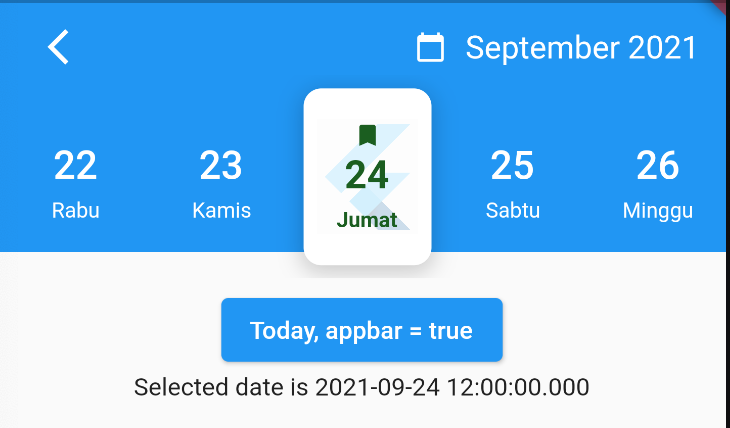
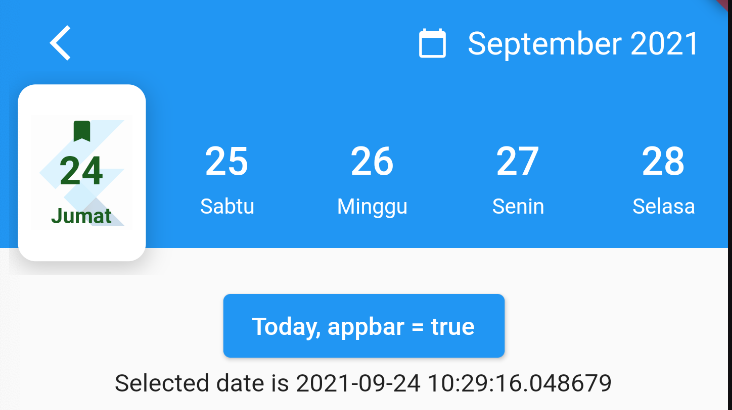
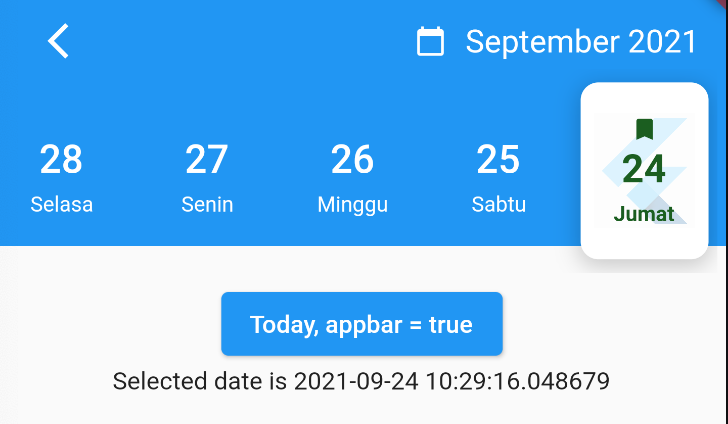
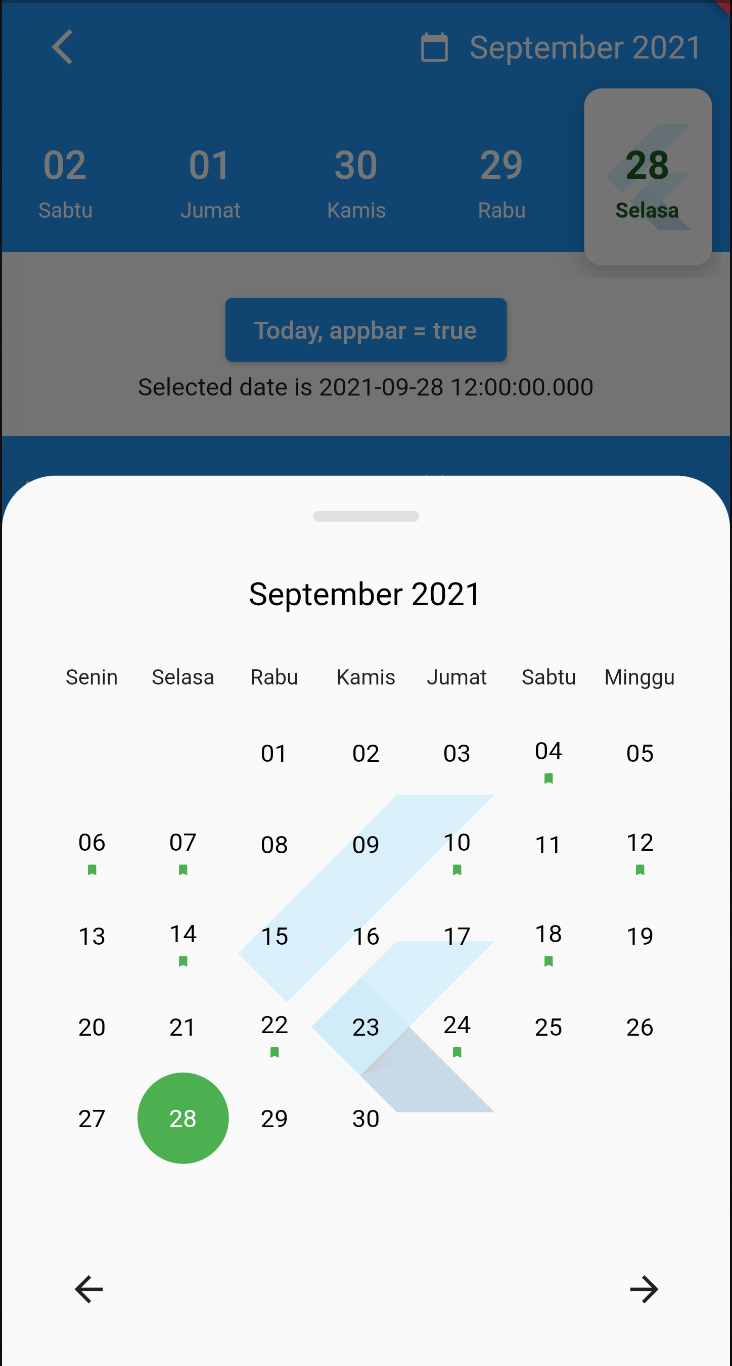
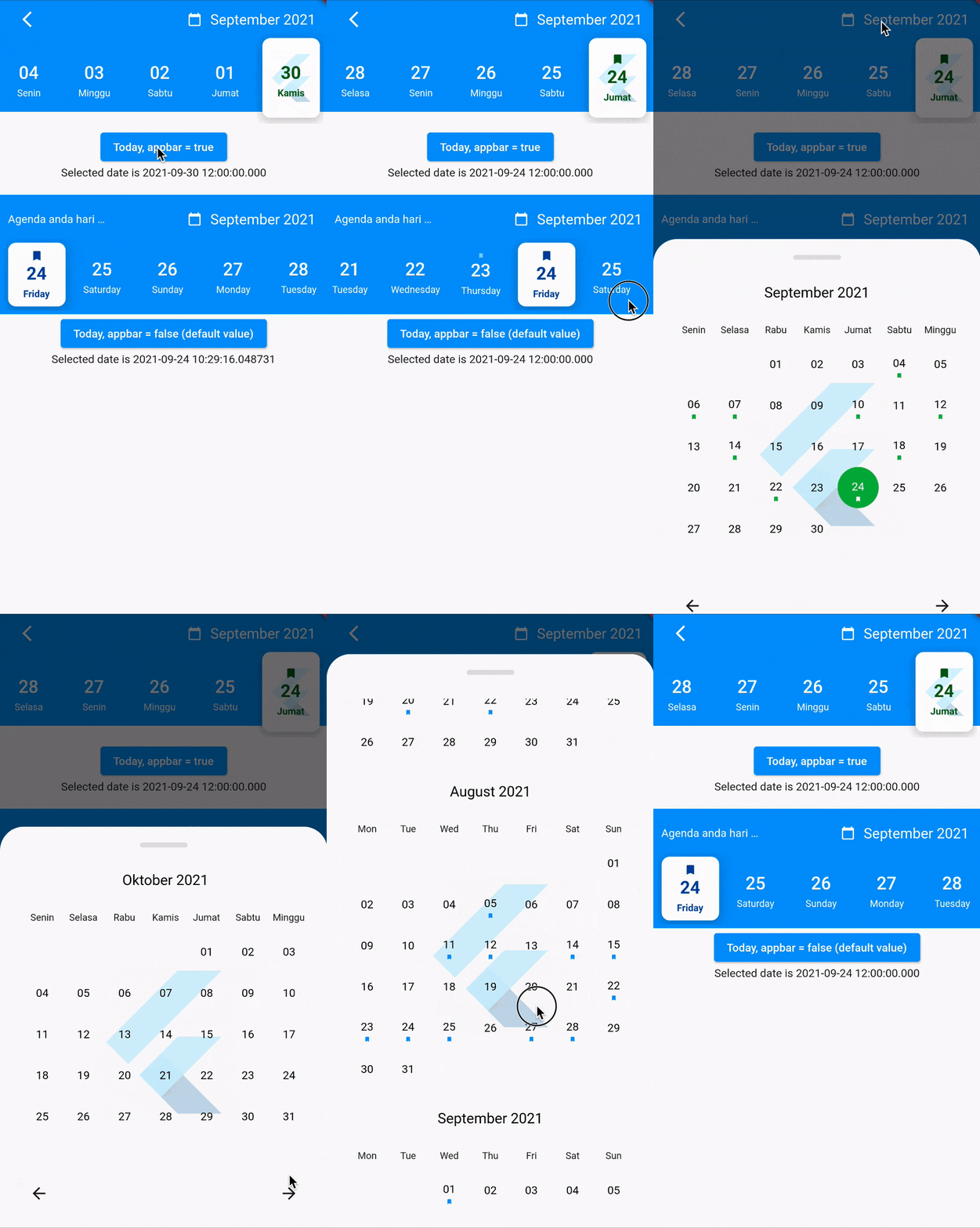
SelectedDayPosition.center SelectedDayPosition.Left SelectedDayPosition.Right
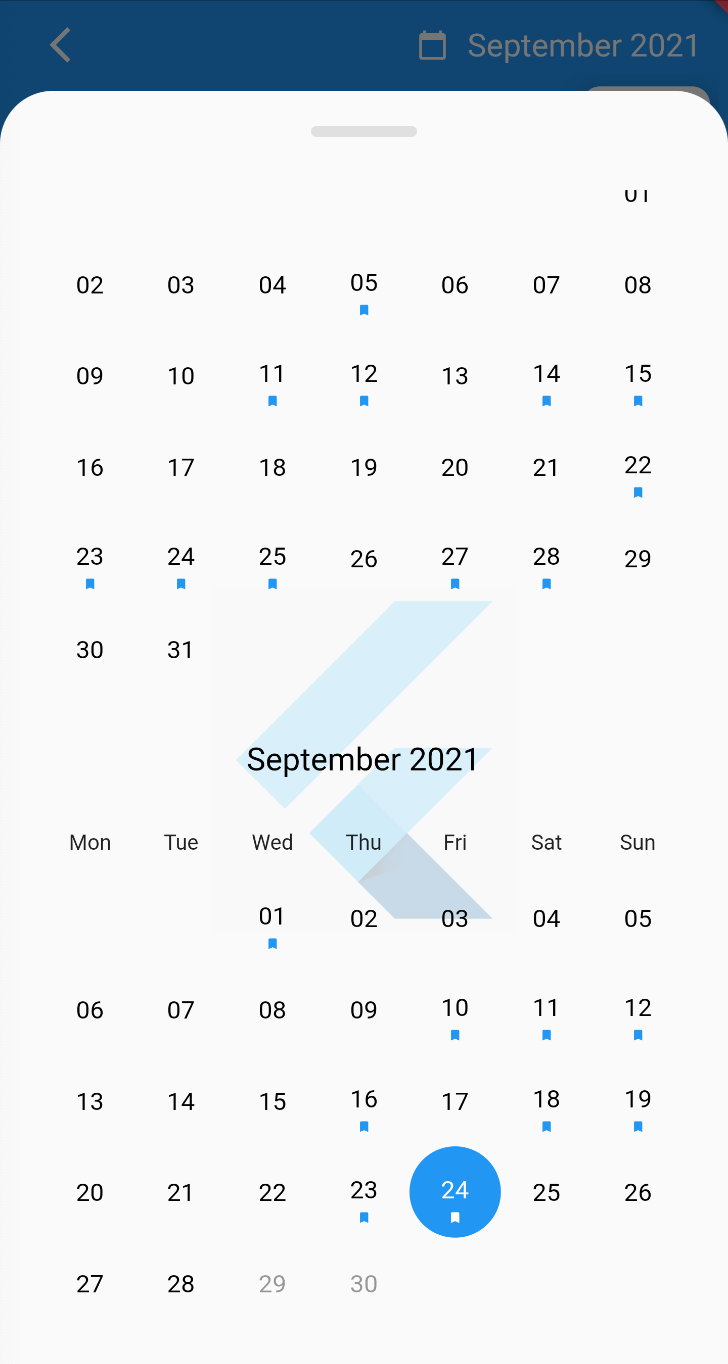
FullCalendarScroll.vertical FullCalendarScroll.horizontal
Demo

How to use?

Use the CalendarAgenda Widget

CalendarAgenda(
initialDate: DateTime.now(),
firstDate: DateTime.now().subtract(Duration(days: 140)),
lastDate: DateTime.now().add(Duration(days: 4)),
onDateSelected: (date) {
print(date);
},
)

Props

Props Types Required defaultValues
initialDate DateTime True
firstDate DateTime True
lastDate DateTime True
onDateSelected Funtion False
backgroundColor Color? False
selectedDayLogo ImageProvider<Object>? False
controller CalendarAgendaController? False
selectedDateColor Color? False Colors.black
dateColor Color? False Colors.white
calendarBackground Color? False Colors.white
calendarEventSelectedColor Color? False Colors.white
calendarEventColor Color? False Colors.blue
locale String? False 'en'
leading Widget? False
appbar bool False False
events List<DateTime>? False
fullCalendar bool False True
fullCalendarScroll FullCalendarScroll False FullCalendarScroll.vertical
fullCalendarDay WeekDay False WeekDay.short
weekDay WeekDay False WeekDay.short
selectedDayPosition SelectedDayPosition False SelectedDayPosition.left

Thank you

Special thanks goes to all contributors to this package. Make sure to check them out.

Donate

You like the package ? Buy me a coffee :)

buymeacoffe buymeacoffe

Categories

Dependencies

Dependency list 2 items

Source repository

Projects using this package

No data available yet.