Package selection guidance compiled from public package information, community data, and project usage.
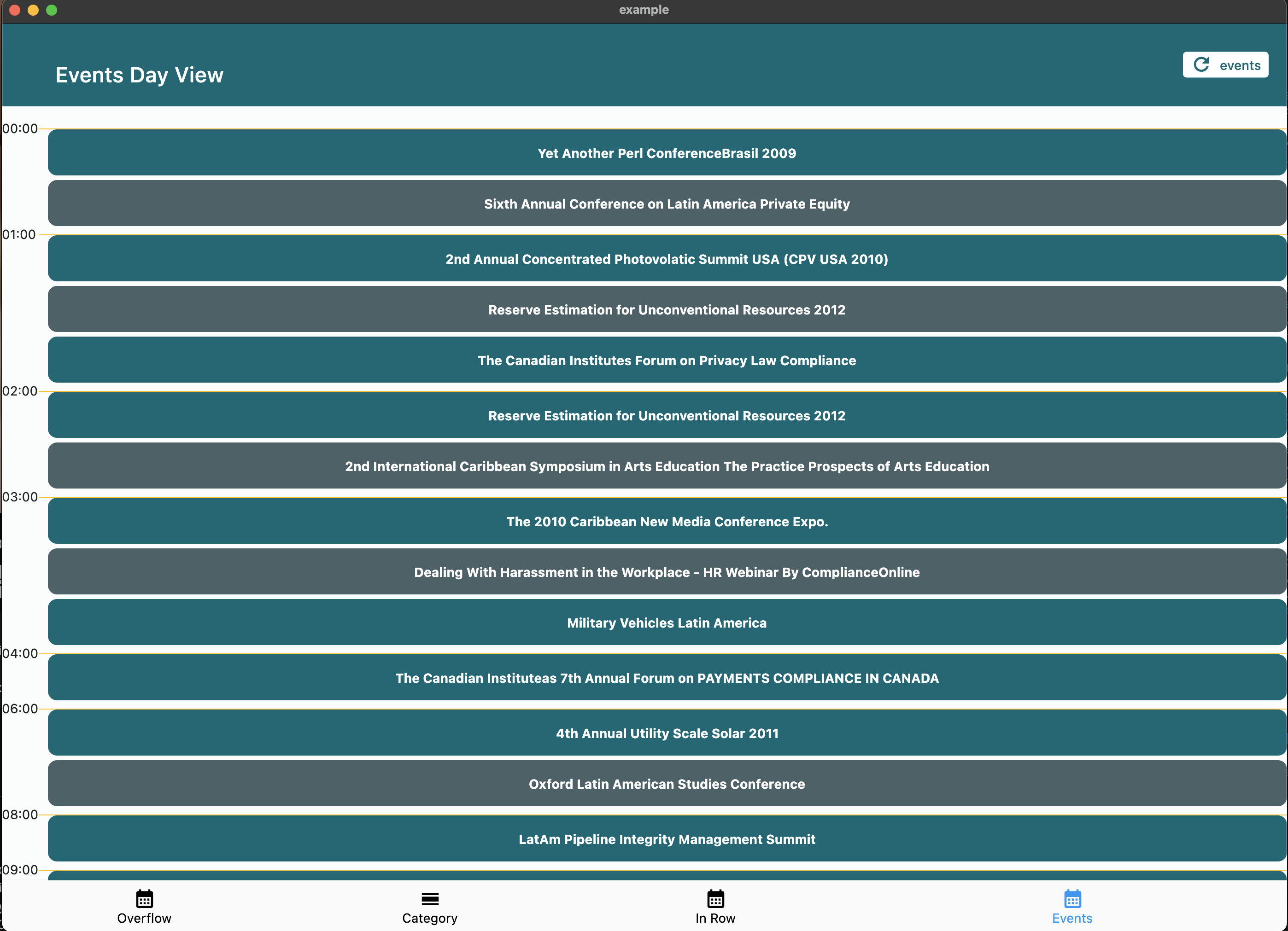
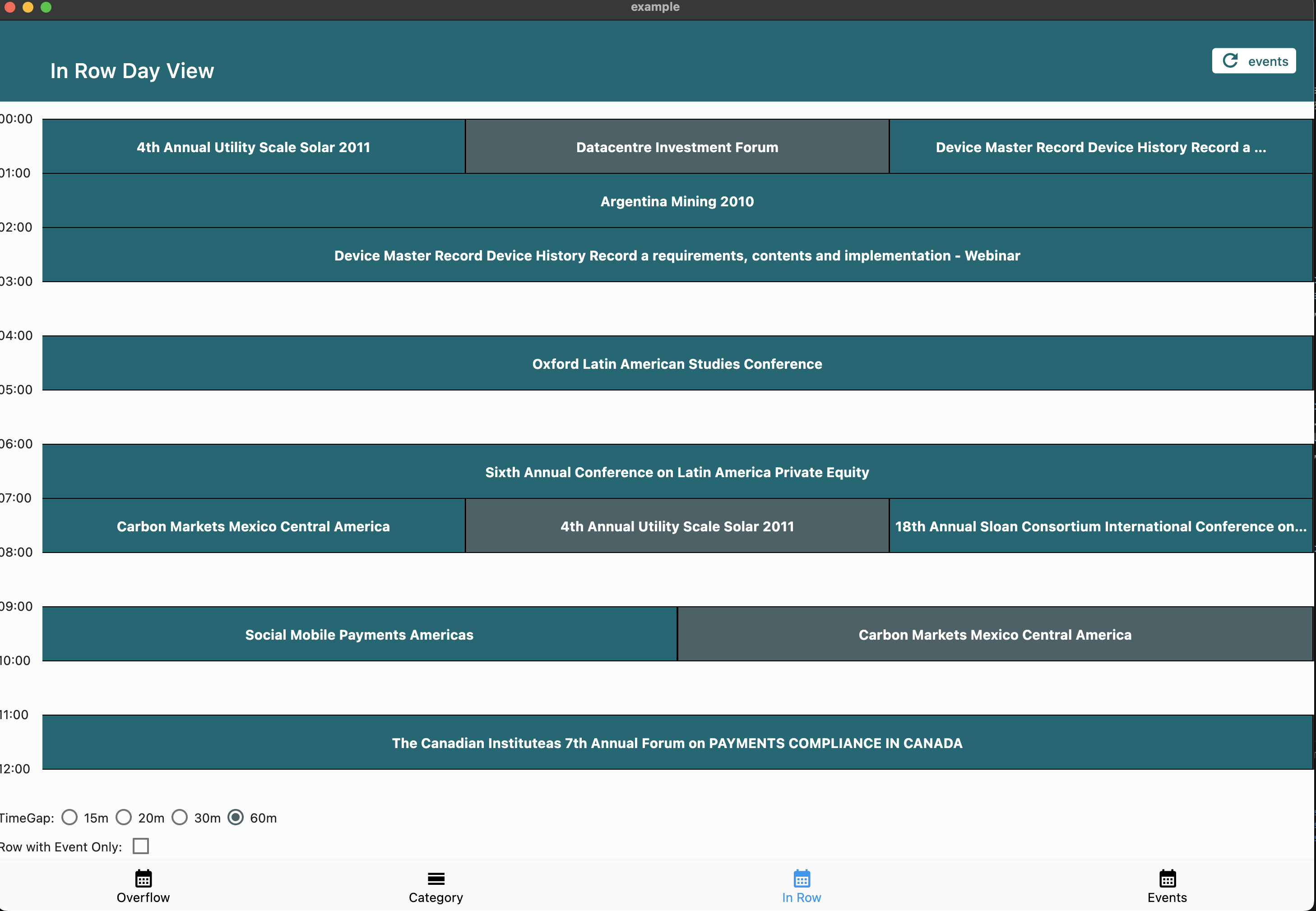
The calendar_day_view package provides a dedicated day view for calendars in Flutter applications. It enhances the user experience by offering a clear, interactive display of daily events and appointments. Designed as a complement to broader calendar solutions, it integrates seamlessly into apps requiring detailed day-based scheduling. The package supports multiple platforms including Android, iOS, Web, macOS, Windows, and Linux, ensuring consistent performance across devices. With customizable layouts and event handling, it simplifies the implementation of day-specific calendar functionality.
Use cases
Daily event planning
Scheduling applications
Time management tools
Appointment trackers
Calendar integrations
Task visualization
Key features
Day-specific event display
Cross-platform compatibility
Customizable UI
Event interaction support
Smooth scrolling
Responsive design
Suitable for
Developers building calendar apps
Apps needing detailed day views
Productivity and scheduling tools
Mobile and web applications
Teams managing shared schedules
Considerations
Requires integration with a main calendar package
Limited to day view only
May need additional styling for branding
Depends on platform-specific rendering
Best used alongside full calendar functionality
Original README
Original README snapshot from the linked source repository. Visit the repository for the latest content.
Calendar Day View
A powerful and customizable Flutter library for displaying calendar events in day view format. Perfect for applications requiring detailed daily event visualization.
🚨 Breaking Changes in v6.0.0
Migration from v5.x
Renamed tap callbacks — all tap callbacks are now consistently named onTimeTap:
View
Before (v5)
After (v6)
CalendarDayView.category()
onTileTap
onTimeTap
CalendarDayView.categoryOverflow()
onTileTap
onTimeTap
CalendarDayView.inRow()
onTap
onTimeTap
CalendarDayView.overflow()
onTimeTap
onTimeTap (no change)
CategoryDayView()
onTileTap
onTimeTap
CategoryOverflowDayView()
onTileTap
onTimeTap
Removed parameters:
controlBarBuilder removed from CalendarDayView.category() and CalendarDayView.categoryOverflow()
backgroundTimeTileBuilder removed from CalendarDayView.categoryOverflow()
Typedefs now exported — all typedefs (e.g., CategoryDayViewEventBuilder, DayViewItemBuilder) are now accessible via the main import 'package:calendar_day_view/calendar_day_view.dart' import. No need to import src/models/typedef.dart directly.
Styling moved to DayViewDecoration — all visual customization is now grouped in a separate DayViewDecoration object, passed via config.decoration:
Properties moved to DayViewDecoration: timeColumnWidth, timeTextStyle, timeTextColor, dividerColor, currentTimeLineColor, timeLabel (was timeLabelBuilder), currentTimeLine (was currentTimeLineBuilder), rowBackground (was timeRowBackgroundBuilder), divider (was dividerBuilder). The same decoration can be reused across multiple views for consistent branding.
What's New in v6.0.0
Auto-scroll to current time — set scrollToCurrentTime: true in config to auto-scroll on load (overflow and in-row views)
Custom current time line — use currentTimeLineBuilder in config to fully customize the current time indicator
Show all events in category cell — set showAllEventsInCell: true in CategoryDavViewConfig to display all events horizontally instead of only the first
Empty tile builder — use emptyTileBuilder in category views to customize empty cells
Null end time safety — overflow views now default to 30 min duration for events without an end time instead of crashing
Multi-Column Day View — new Google Calendar-style layout where overlapping events are placed side-by-side in columns with smart column reuse
Config consolidation — currentTimeLineColor and cropBottomEvents moved to base DavViewConfig, available to all views without duplication
Time row background builder — use timeRowBackgroundBuilder in config to shade specific time ranges (lunch break, working hours, unavailable blocks) in overflow, multi-column, and in-row views
Divider builder — use divider in DayViewDecoration for custom dividers per row (dashed lines, per-row thickness, hide specific dividers)
DayViewDecoration — new visual decoration class groups all styling and builder callbacks. Reusable across view types for shared theming
Time column position — timeColumnPosition: TimeColumnPosition.left | .right | .none in decoration for flexible layouts
Header / footer builders — header and footer in decoration for custom widgets above/below the time grid
Custom overlap strategy — overlapStrategy on MultiColumnDayViewConfig<T> for custom multi-column layout algorithms
Google Calendar-style layout. Overlapping events are automatically placed side-by-side in columns. Column count is determined by the overlap pattern — solo events get full width.
We welcome contributions! Please feel free to submit a Pull Request. For major changes, please open an issue first to discuss what you would like to change.
Fork the repository
Create your feature branch (git checkout -b feature/amazing-feature)
Commit your changes (git commit -m 'Add some amazing feature')
Format your code with dart format --line-length 200 lib/ test/ example/
Push to the branch (git push origin feature/amazing-feature)
Open a Pull Request
📝 License
This project is licensed under the MIT License - see the LICENSE file for details.
🙏 Acknowledgments
Thanks to all contributors who have helped improve this package
Special thanks to the Flutter team for creating such an amazing framework