Search packages, repositories and app categories

calendar_timeline cover
Package detailsv1.1.3

calendar_timeline

A horizontal date picker that takes up little screen space, so we can always have it visible, and that facilitates use with one hand.

AndroidiOSWebmacOSWindowsLinux
30-day downloads
1K
Likes
434
Pub points
130

Install package

flutter pub add calendar_timeline

Package Overview

Package selection guidance compiled from public package information, community data, and project usage.

CalendarTimeline is a compact, horizontal date picker designed for efficient one-handed use and minimal screen space. It keeps the current date visible at all times, making it ideal for apps requiring frequent date selection. The timeline layout allows users to swipe through days, weeks, or months seamlessly. Built with Flutter, it supports multiple platforms including Android, iOS, Web, macOS, Windows, and Linux. Its clean interface enhances usability in forms, scheduling tools, and daily planners.

Use cases

  • Daily task tracking
  • Scheduling applications
  • Event planning
  • Mobile-first date selection
  • One-handed navigation

Key features

  • Horizontal scrollable timeline
  • Compact design
  • One-handed usability
  • Cross-platform support
  • Customizable date range

Suitable for

  • Mobile app developers
  • Productivity apps
  • Calendar integrations
  • Minimalist UI designs
  • Time-sensitive workflows

Considerations

  • Limited to date-only selection
  • No built-in event rendering
  • Requires manual handling of date changes
  • Best suited for linear time navigation
  • May need additional styling for dark mode
Original README

Original README snapshot from the linked source repository. Visit the repository for the latest content.

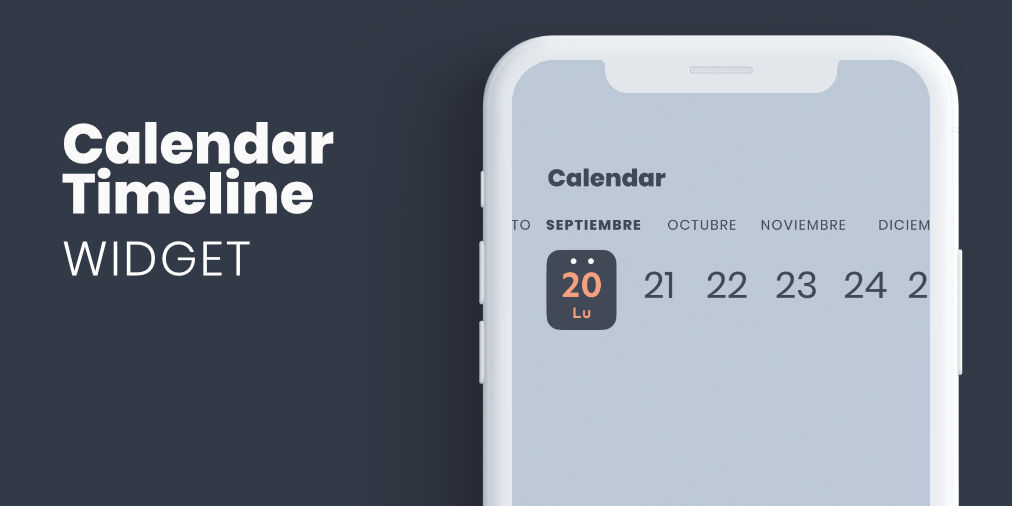
header.jpg

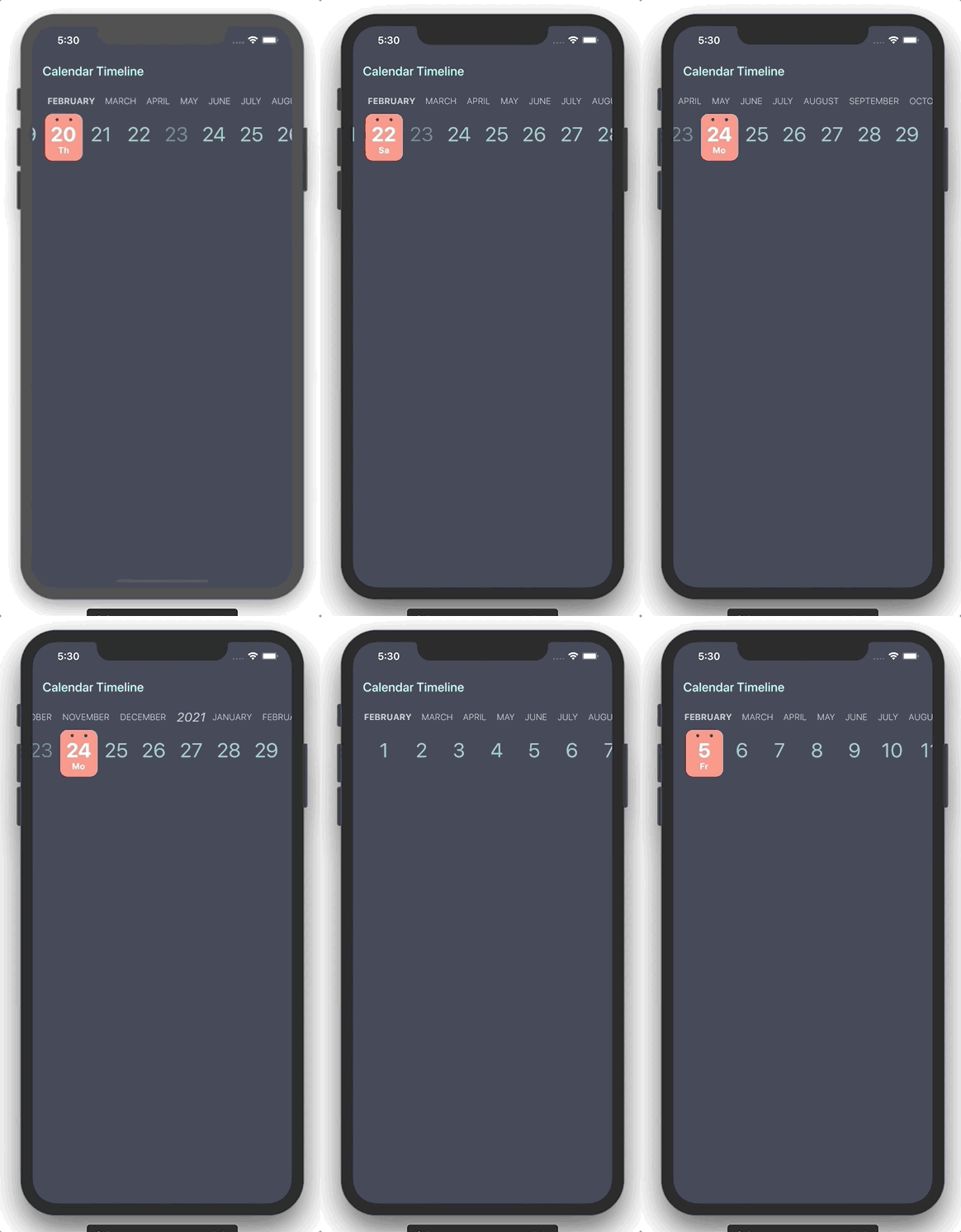
Flutter widget form select a date in horizontal timeline with customizable styles.

Getting Started

You can use this package when you need to add a date picker that takes up little screen space, so we can always have it visible, and that facilitates use with one hand.

example.gif

Properties

Property Type Description
initialDate DateTime Initial date selected
firstDate DateTime First date available in calendar
lastDate DateTime Last date available in calendar
selectableDayPredicate SelectableDayPredicate Signature for predicating dates for enabled date selections
onDateSelected OnDateSelected Callback to notify that a date has been selected
leftMargin double Left margin to month and day list
monthColor Color Color for month list elements
dayColor Color Color for day list elements
activeDayColor Color Color for selected day text
activeBackgroundDayColor Color Color for selected day background
dotColor Color Color for top dots in select day
locale String Locale string to get formatted date
showYears bool Indicates if it show year selector

Use example

You can review the example folder for a complete example of using the widget.

CalendarTimeline(
  initialDate: DateTime(2020, 4, 20),
  firstDate: DateTime(2019, 1, 15),
  lastDate: DateTime(2020, 11, 20),
  onDateSelected: (date) => print(date),
  leftMargin: 20,
  monthColor: Colors.blueGrey,
  dayColor: Colors.teal[200],
  activeDayColor: Colors.white,
  activeBackgroundDayColor: Colors.redAccent[100],
  dotsColor: Color(0xFF333A47),
  selectableDayPredicate: (date) => date.day != 23,
  locale: 'en_ISO',
)

Categories

Dependencies

Dependency list 2 items

Source repository

Projects using this package