Package selection guidance compiled from public package information, community data, and project usage.
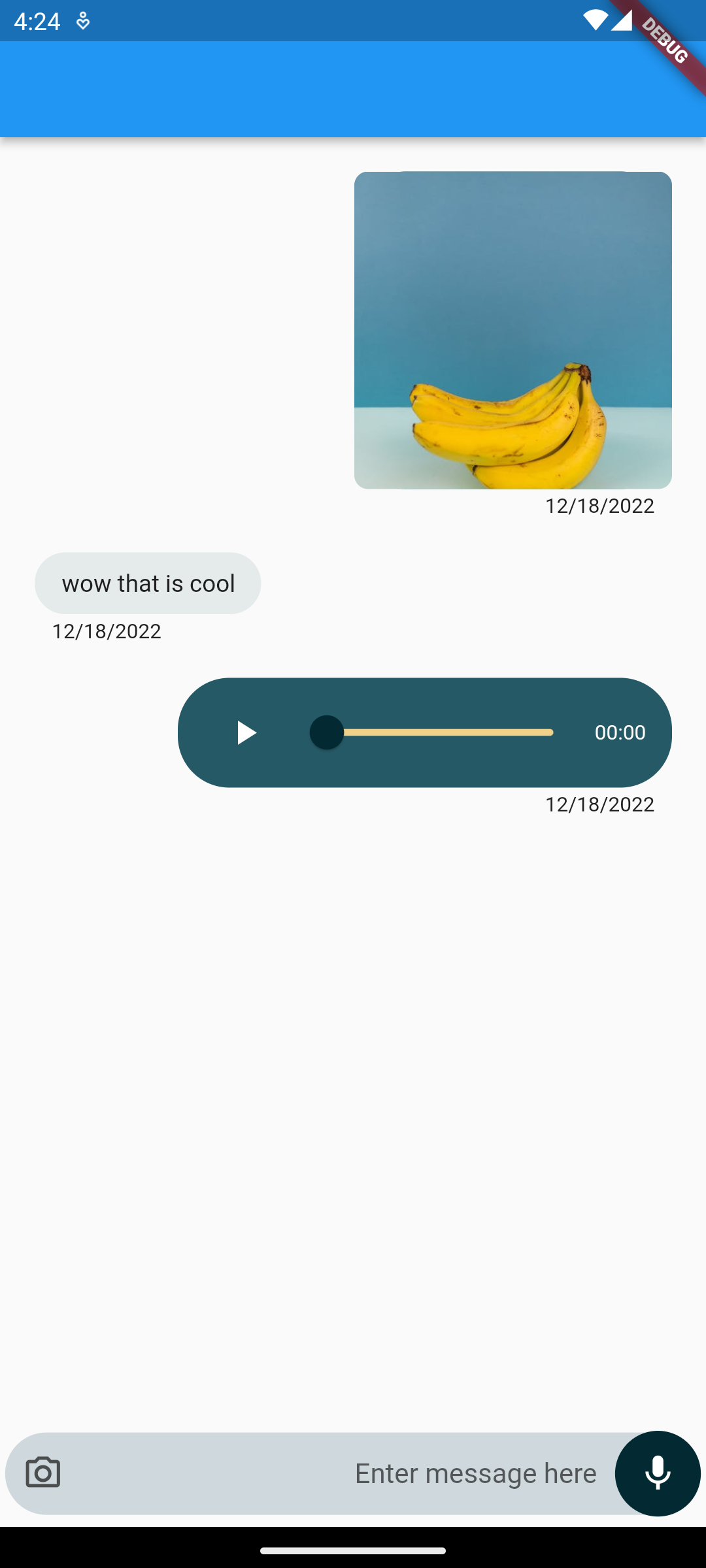
A fully functional chat UI for Flutter that enables users to send text messages, voice notes, and images. Built with a clean, responsive design, it integrates seamlessly into mobile apps targeting Android and iOS. The package simplifies chat implementation by providing pre-built components and handling common messaging workflows. It supports real-time message display and includes basic media attachment capabilities, making it ideal for communication-focused applications.
Use cases
Instant messaging apps
Customer support interfaces
Group chat features
Social networking platforms
Internal team collaboration tools
Key features
Text message sending
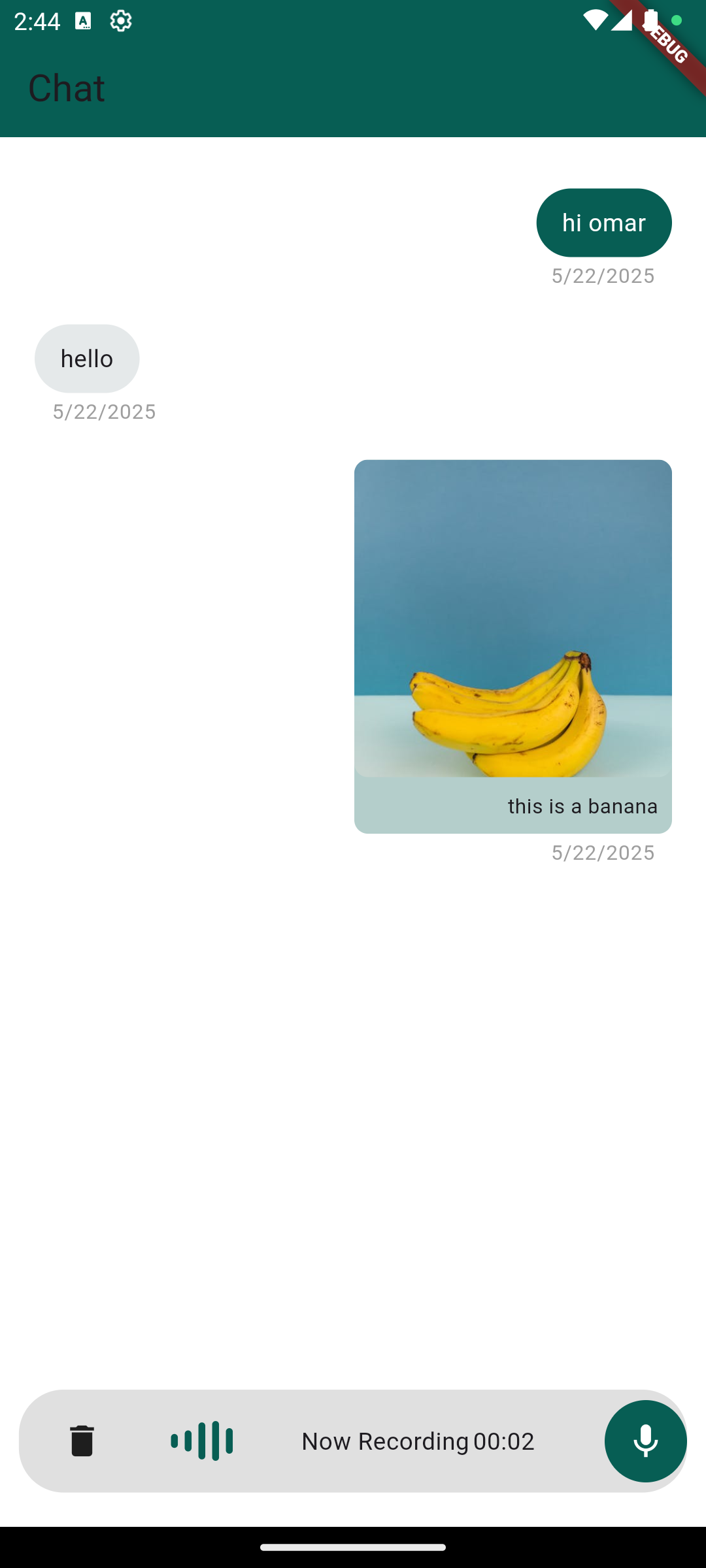
Voice note recording and playback
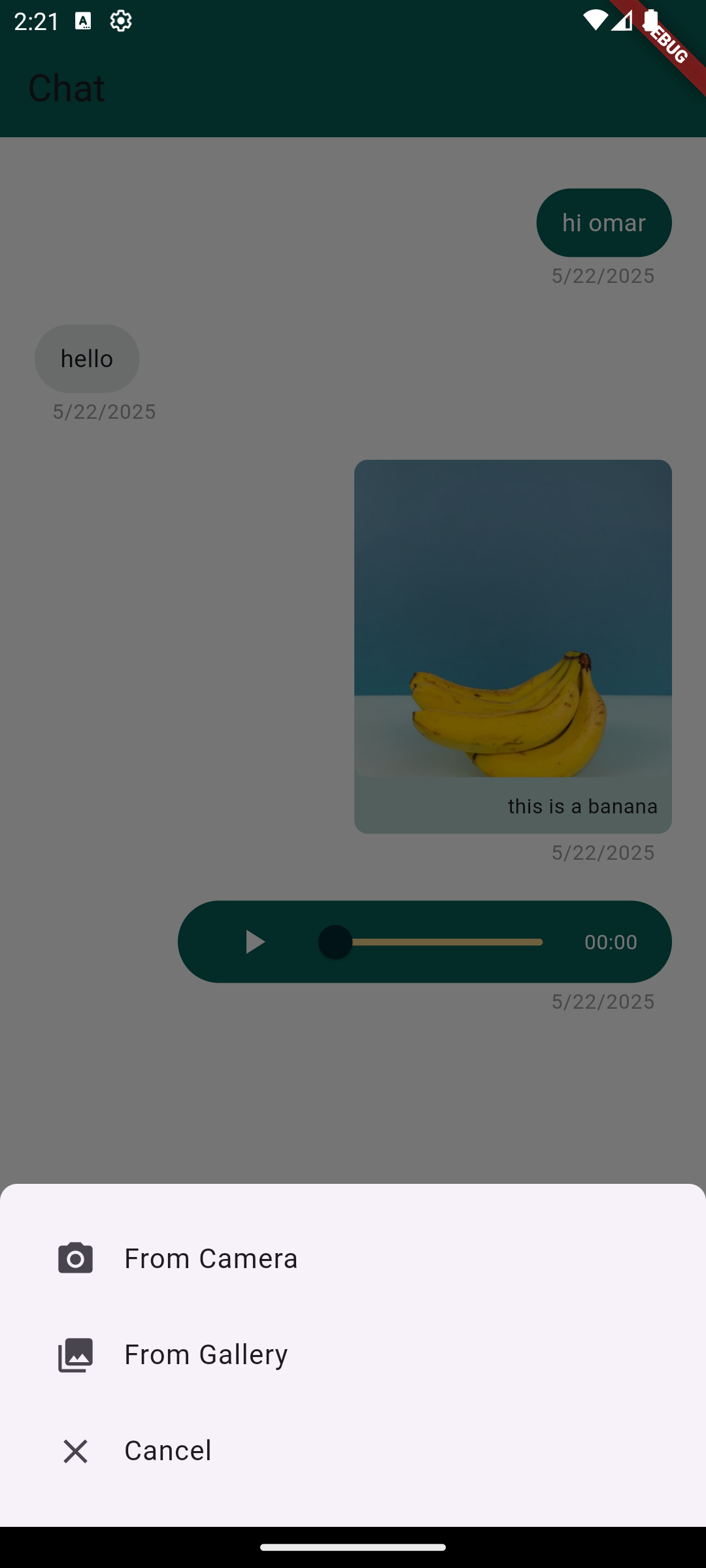
Image attachment support
Cross-platform compatibility (Android & iOS)
Pre-built, customizable UI components
Suitable for
Developers building chat-heavy apps
Teams needing quick chat integration
Mobile-first communication solutions
Prototyping chat features rapidly
Considerations
Requires additional backend for message persistence
Limited to basic media types (no video or files)
No built-in user authentication
Custom logic needed for real-time sync
May require styling adjustments for brand alignment
Original README
Original README snapshot from the linked source repository. Visit the repository for the latest content.
chat_package
A ready-made, highly customizable chat UI for Flutter. Drop in ChatScreen,
wire up a handful of callbacks, and you get text messages, voice notes with
slide-to-cancel, gallery images, an in-app camera, and video messages — out of
the box.
Created by Omar Mouki
Features
💬 Text messages with a customizable input field
🎙️ Voice notes — hold to record, slide to cancel, built-in playback with a seek slider
🖼️ Images from the gallery, shown inline with a full-screen viewer
📷 In-app camera — capture photos and videos with a caption step
🎞️ Video messages — inline thumbnail with tap-to-play full screen
🎨 Highly customizable — colors, sizes, text direction (LTR/RTL), icons, hints and more
🧩 Callback-driven: you own your data and state
Screenshots
Installation
Add the package to your pubspec.yaml:
dependencies:chat_package:^2.1.0
Then run flutter pub get.
Requires Dart >= 3.0 and Flutter >= 3.16.
Platform setup
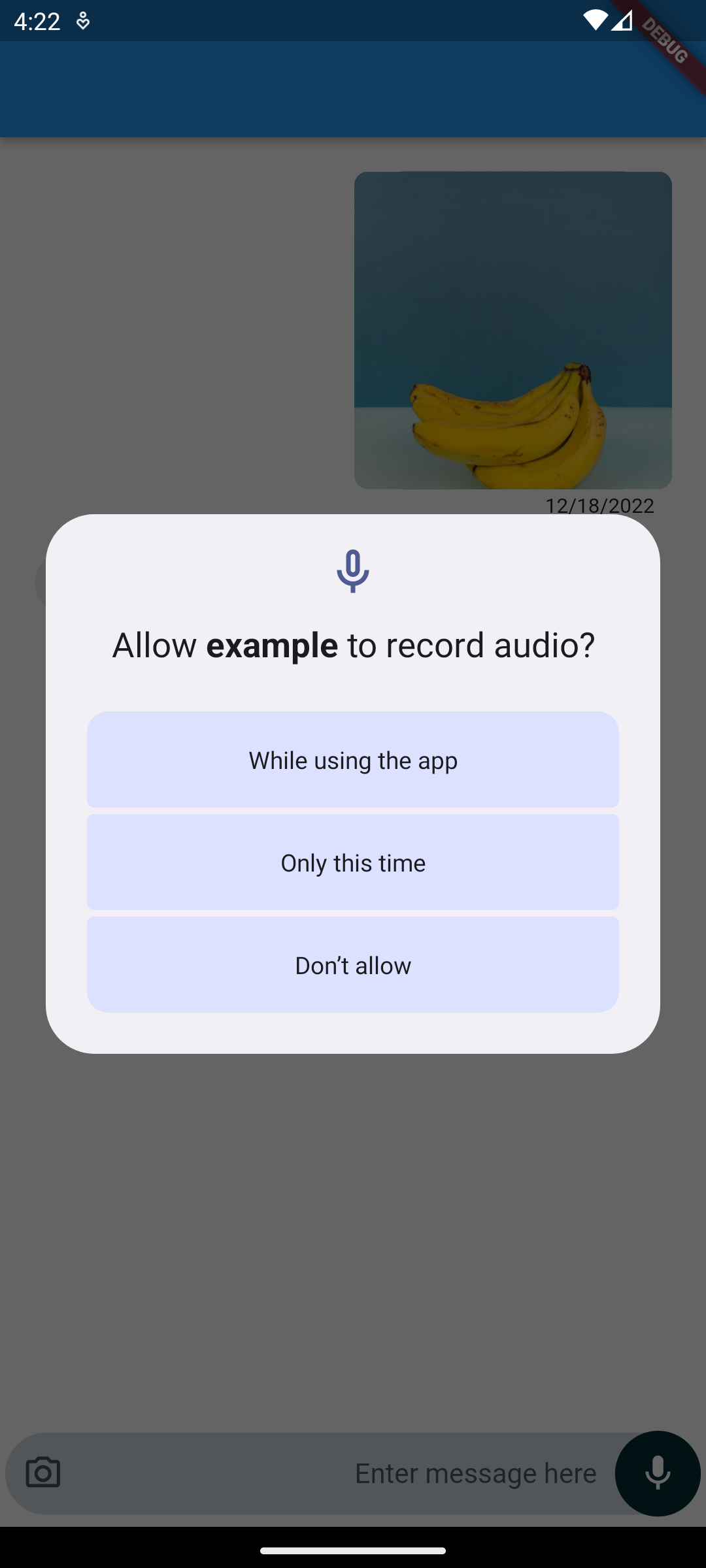
The package requests the runtime permissions it needs (microphone, camera,
photos) for you — you only need to declare them.
Android
In android/app/build.gradle, make sure the minimum SDK is at least 23
(required by the audio recorder):
android {
    defaultConfig {
        minSdkVersion 23
    }
}
Add the permissions to android/app/src/main/AndroidManifest.xml:
Add the usage descriptions to ios/Runner/Info.plist:
<key>NSCameraUsageDescription</key><string>This app needs camera access to take photos and videos.</string><key>NSMicrophoneUsageDescription</key><string>This app needs microphone access to record voice notes.</string><key>NSPhotoLibraryUsageDescription</key><string>This app needs photo library access to attach images.</string>
And enable the matching permission_handler macros in ios/Podfile:
post_install do |installer|
  installer.pods_project.targets.each do |target|
    flutter_additional_ios_build_settings(target)
    target.build_configurations.each do |config|
      config.build_settings['GCC_PREPROCESSOR_DEFINITIONS'] ||= [
        '$(inherited)',
        'PERMISSION_CAMERA=1',
        'PERMISSION_MICROPHONE=1',
        'PERMISSION_PHOTOS=1',
      ]
    end
  end
end
A message holds optional text and optional ChatMedia (an image/audio/video
url or local file path). It also offers toJson() / fromJson() so you can
persist and restore conversations from your backend.
ChatMessage(
  isSender: true,
  text: 'this is a banana',
  chatMedia: ChatMedia(
    url: 'https://example.com/banana.jpg',
    mediaType: MediaType.image, // image | audio | video
  ),
);
Note:MediaType is now a plain enum (MediaType.image, MediaType.audio,
MediaType.video). See the migration guide below.
API reference
Required
Property
Type
Description
messages
List<ChatMessage>
The messages to render.
scrollController
ScrollController
Controls the chat list.
onTextSubmit
Function(ChatMessage)
Called when a text message is sent.
handleRecord
Function(ChatMessage?, bool canceled)
Called with the recorded voice note (or (null, true) when canceled).
handleImageSelect
Function(ChatMessage?)
Called with the selected/captured image (or null).
Common optional
Property
Type
Default
Description
handleVideoSelect
Function(ChatMessage?)?
null
Captured video callback; falls back to handleImageSelect if omitted.
MediaType is now an enum. Replace MediaType.imageMediaType() →
MediaType.image, MediaType.audioMediaType() → MediaType.audio,
MediaType.videoMediaType() → MediaType.video. (The Freezed dependency was
removed.)
New handleVideoSelect callback for the in-app camera's video captures.
In-app camera now returns captured photos/videos into the chat (with an
optional caption). The attachment camera option opens the in-app camera.
Android minSdkVersion must be >= 23 for the upgraded audio recorder.
New customization params: textDirection, containerBorderRadius,
buttonRadius, message width fractions, and capture-quality settings.
Found this project useful?
If this package helped you, please consider giving it a ⭐️ on
GitHub and sharing it.
Issues and feedback
Open an issue on GitHub with
suggestions, bugs or feature requests.