Search packages, repositories and app categories

entry cover
Package detailsv1.0.3

entry

Make your widgets come to life – Entry lets you simply animate a widget into a visible state. One widget to animate the opacity, scale, position and angle.

AndroidiOSWebmacOSWindowsLinux
30-day downloads
2.5K
Likes
315
Pub points
160

Install package

flutter pub add entry

Package Overview

Package selection guidance compiled from public package information, community data, and project usage.

Entry is a Flutter package that simplifies widget animations by enabling smooth transitions for opacity, scale, position, and rotation. With a single widget, developers can animate elements into view with minimal code, making it ideal for creating engaging UIs. It supports all major platforms including Android, iOS, Web, macOS, Windows, and Linux, ensuring consistent behavior across devices. The package is lightweight and easy to integrate, focusing on intuitive syntax for common animation needs.

Use cases

  • Onboarding screens
  • Loading indicators
  • Dynamic list item reveals
  • Modal pop-ups
  • Page transitions
  • Interactive element highlights

Key features

  • Single-widget animation control
  • Supports opacity, scale, position, and rotation
  • Cross-platform compatibility
  • Minimal setup
  • Smooth default easing
  • Customizable duration and delay

Suitable for

  • Beginner Flutter developers
  • UI/UX designers seeking quick animations
  • Apps with interactive or dynamic content
  • Prototyping rapid UI changes
  • Projects requiring subtle entrance effects

Considerations

  • Limited to basic transform and opacity animations
  • Not suitable for complex choreographed sequences
  • May require additional state management for advanced use cases
  • Performance impact with many simultaneous animations
Original README

Original README snapshot from the linked source repository. Visit the repository for the latest content.

entry

Entry

Pub Package Platform

CodeFactor CodeFactor


This Flutter package introduces a new widget : Entry.

It lets you simply animate a widget into a visible state.

  • Don't just display widgets : make them appear (and disappear).
  • Lightweight and flexible : one widget is all you need.
  • Wrap a widget with an Entry.all and watch it come to life.

Entry animates opacity, scale, position and angle concurrently.

You can visualize the Curves constants on its documentation page.

🏭 Constructors

Default

Entry({key, delay, duration, curve, visible, opacity, scale, xOffset, yOffset, angle, child})

This constructor is motionless by default.

It includes every parameter available in named constructors.

Named

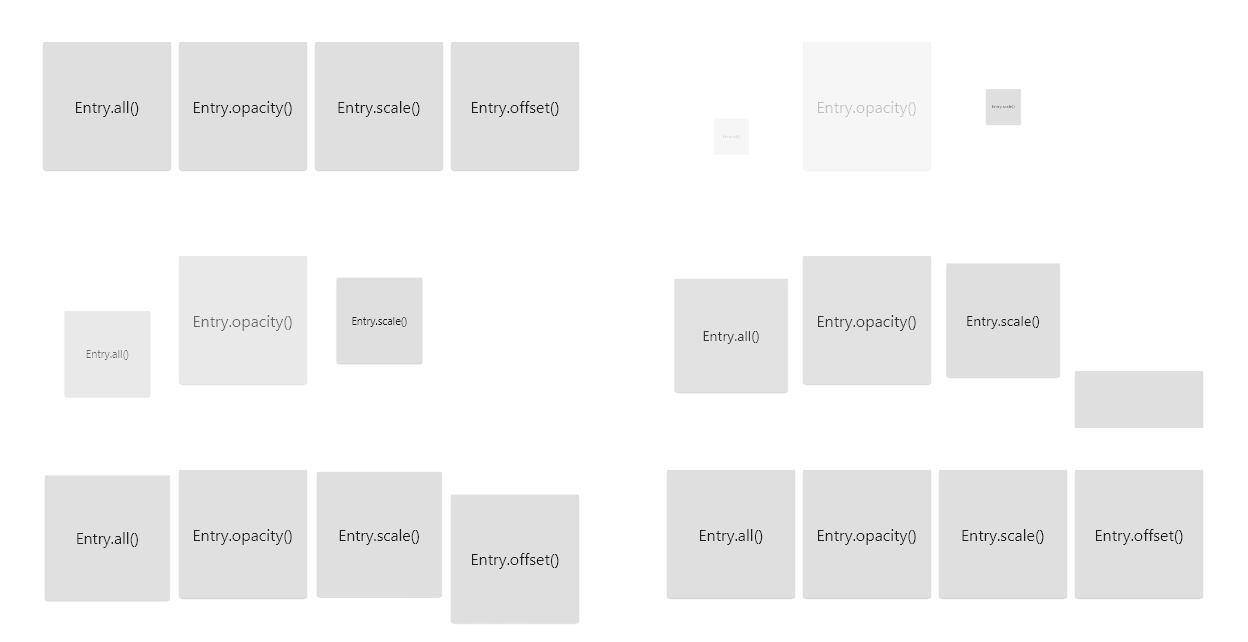
Entry has four named constructors :

  1. Entry.all({visible, opacity, scale, xOffset, yOffset, angle})

.all makes use of every animation by default, except for angle and xOffset.

The three others are each dedicated to a single animation :

  1. Entry.opacity({opacity})
  2. Entry.scale({scale})
  3. Entry.offset({xOffset, yOffset})

The key, delay, duration, curve, visible and child parameters are omitted here.

💕 Combining entries

Wrapping an Entry with another one works just as you expect it.

By playing with all the parameters, possibilities are endless.

You can copy one of the examples and start from there.

See in action

entry

👷 Grid builders

Fixed crossed-axis count

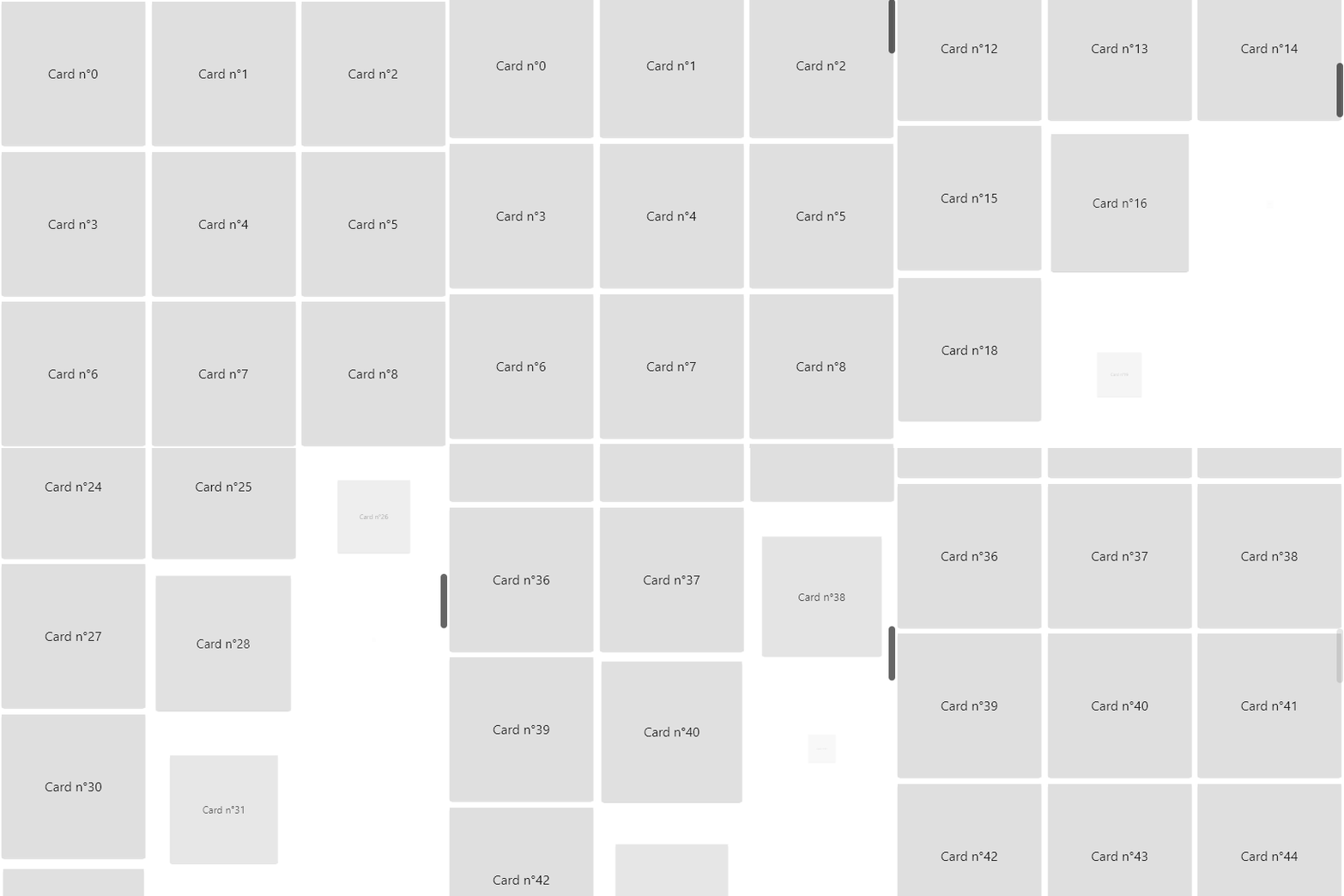
Using Entry with grid builders can create a staggered effect :

  • Wrap the generated child with an Entry widget
  • Multiply the delay value by the index % crossAxisCount

In result, the widgets of a same row will appear after each other.

See in action

entry

Randomization

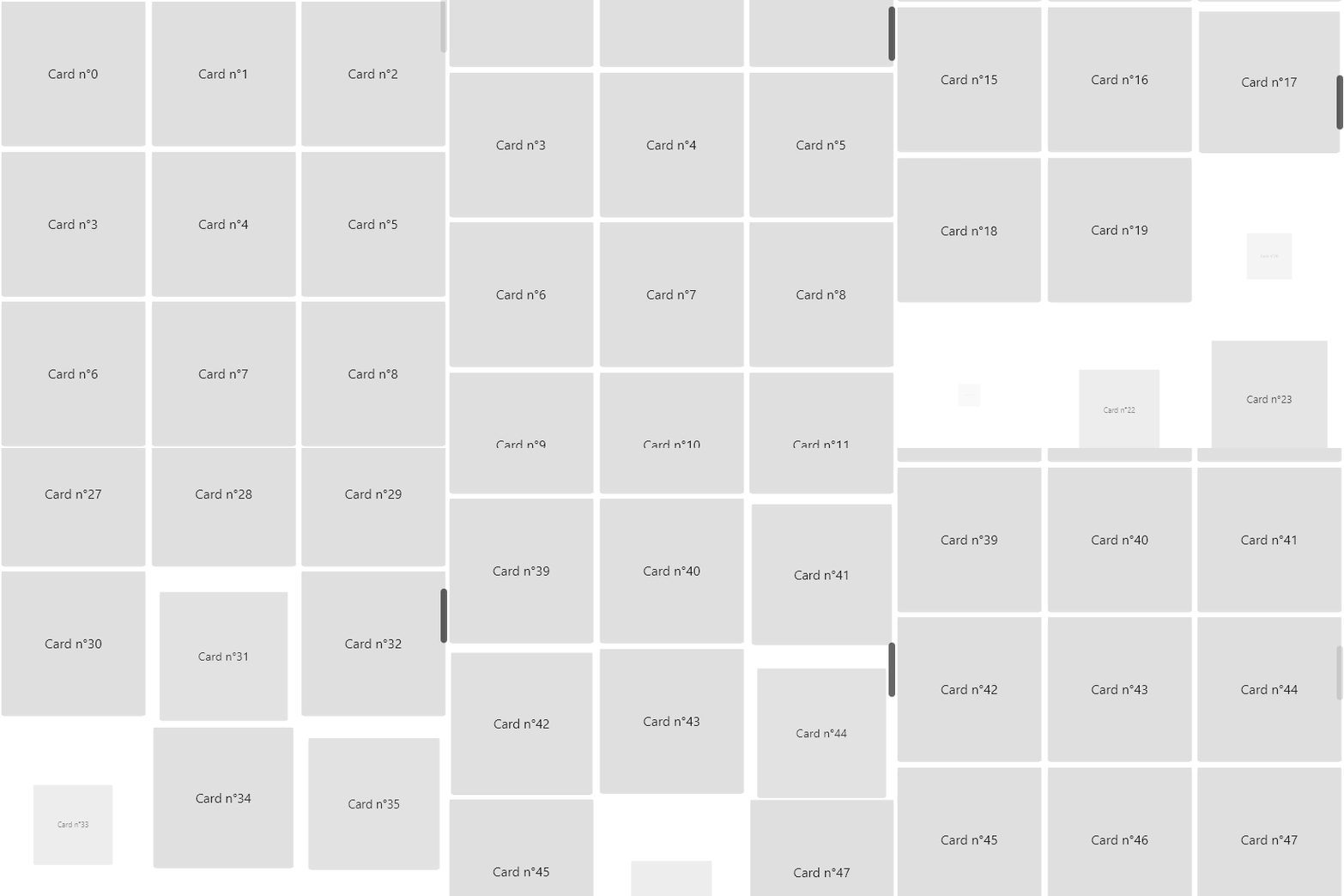
You can set your delay and/or duration to a random number :

delay: Duration(milliseconds: random.nextInt(300))

This makes the entries look more independent from each other.

See in action

entry

✊ Motivation

  • Animations are key to elevate and refine the user experience.
  • By default, all widgets appear instantly. It feels basic, almost webpage-like.
  • Flutter doesn't provide a simple way to delay and animate a widget's entry into view.
  • Animations overall implies a lot of complexity and boilerplate code.
  • I got tired of copying the same file over multiple projects.

🙏 Credit

A special thank you to Felix Blaschke for his simple_animations package. This package literally depends on it.

Categories

Dependencies

Dependency list 2 items

Source repository

Projects using this package

No data available yet.