Search packages, repositories and app categories

flutter_storyboard cover
Package detailsv0.1.7

flutter_storyboard

A Flutter package to show a storyboard of all your widgets.

30-day downloads
122
Likes
133
Pub points
40

Install package

flutter pub add flutter_storyboard

Package Overview

Package selection guidance compiled from public package information, community data, and project usage.

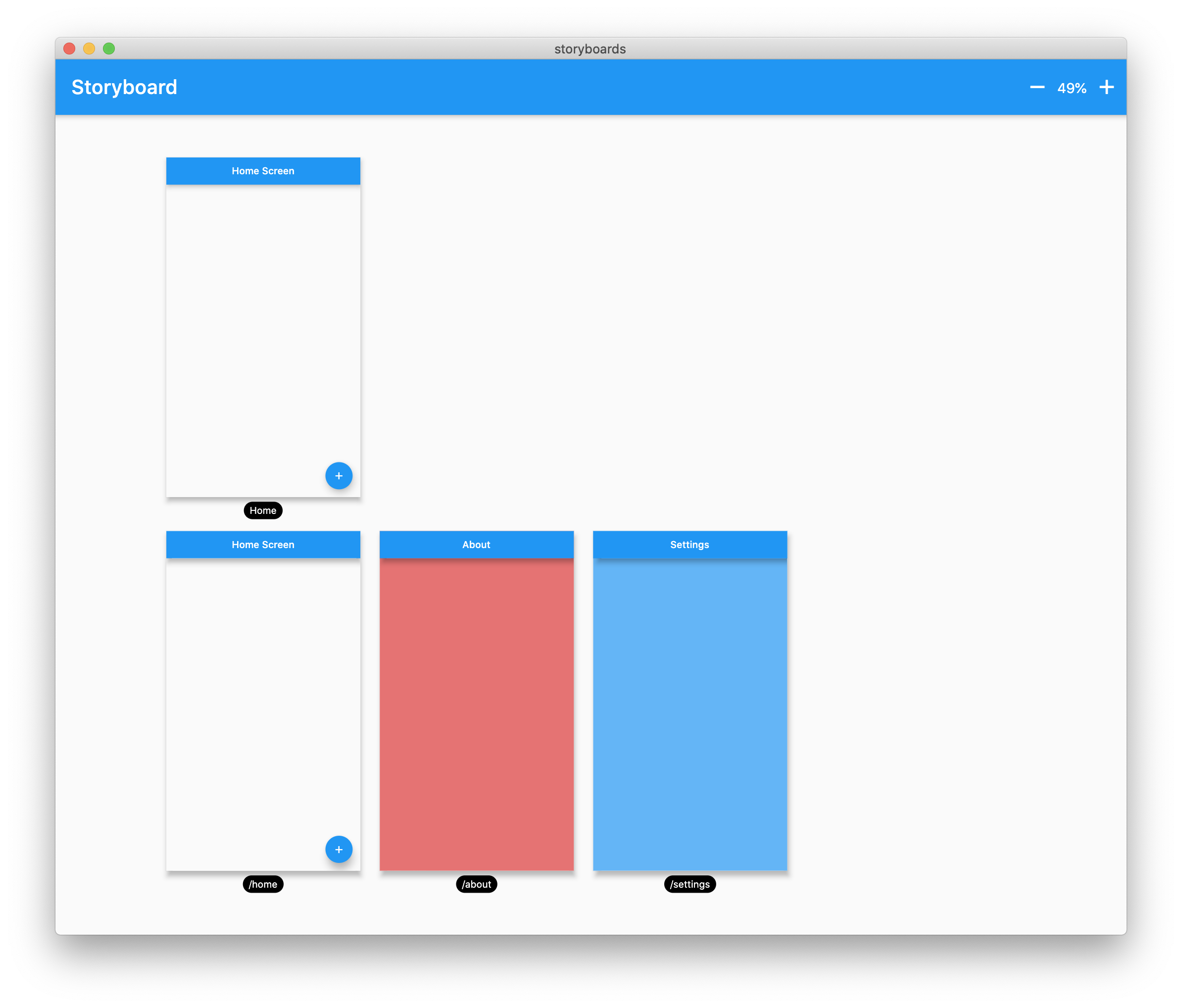
Flutter Storyboard is a debugging tool that visualizes all widgets in a Flutter app as a storyboard, enabling developers to inspect widget hierarchies and layout structures. It provides a clear, hierarchical view of the UI tree, helping identify performance bottlenecks, layout issues, or unexpected widget nesting. Ideal for development and testing phases, it enhances understanding of complex UI compositions without requiring manual code tracing. The package integrates seamlessly into Flutter projects via pub add.

Use cases

  • Debugging complex widget trees
  • Visualizing UI hierarchy during development
  • Identifying layout inefficiencies
  • Testing UI structure changes
  • Improving team collaboration on UI design

Key features

  • Real-time widget tree visualization
  • Hierarchical display of all widgets
  • Simple integration via pub add
  • No runtime overhead in production
  • Clean, readable interface for UI inspection

Suitable for

  • Flutter developers
  • UI/UX designers working with Flutter
  • Teams debugging complex layouts
  • Beginners learning Flutter widget structure
  • Testers validating UI consistency

Considerations

  • Not intended for production use
  • May slow down development builds
  • Limited customization options
  • Does not support hot reload during inspection
  • Requires manual activation in debug mode

Original README

Original README snapshot from the linked source repository. Visit the repository for the latest content.

Buy Me A Coffee Donate github pages GitHub stars flutter_storyboard

storyboard

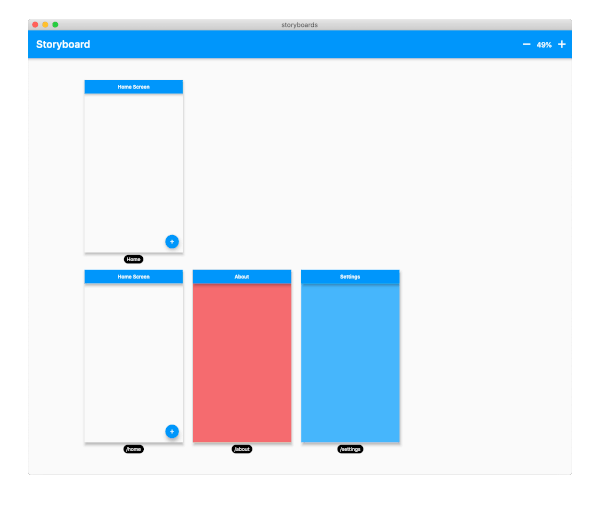
A Flutter Debug tool to see and test all your screens at once.

Online Demo: https://rodydavis.github.io/storyboard/

screenshot

Examples

Custom Lane Builder

Dynamic Screen Sizes

Material App Example

Widget Example

Multiple Custom Lanes Example

Getting Started

Wrap your MaterialApp with Storyboard.

return StoryBoard.material(
      child: MaterialApp(
        debugShowCheckedModeBanner: false,
        title: 'Flutter Storyboard Example',
        theme: ThemeData.light().copyWith(
          visualDensity: VisualDensity.adaptivePlatformDensity,
        ),
        darkTheme: ThemeData.dark().copyWith(
          visualDensity: VisualDensity.adaptivePlatformDensity,
        ),
        themeMode: ThemeMode.light,
        home: HomeScreen(),
        routes: {
          '/home': (_) => HomeScreen(),
          '/about': (_) => AboutScreen(),
          '/settings': (_) => SettingsScreen(),
        },
      ),
    );

Wrap your WidgetsApp with Storyboard.widgets(). Wrap your CupertinoApp with Storyboard.cupertino().

Custom Routes and Widgets

You can add any number of custom widgets to the canvas, including custom routes. You can add dummy data to the constructors here as it will render all default values.

customScreens: [
  SettingsScreen(),
  AboutScreen(),
  CustomWidget(title: 'Dummy Data'),
],
customRoutes: [
  RouteSettings(name: '/about'),
],

Misc

Now you can test all your screens with a hot reload! You can also disable the widget at any time by setting enabled to false. You will need to do a hot restart after you change this value.

Categories

Dependencies

Dependency list 2 items

Source repository

Projects using this package

No data available yet.