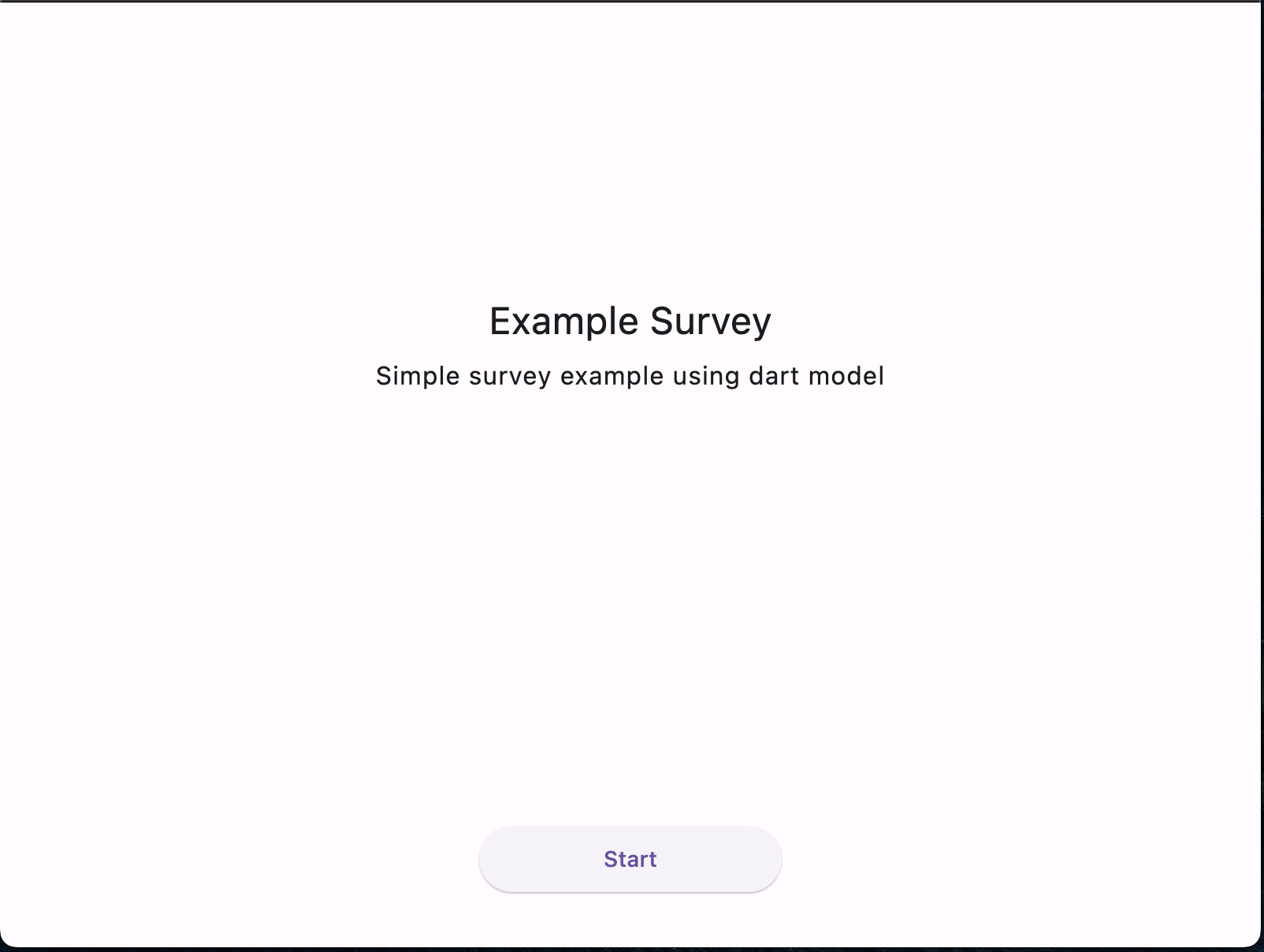
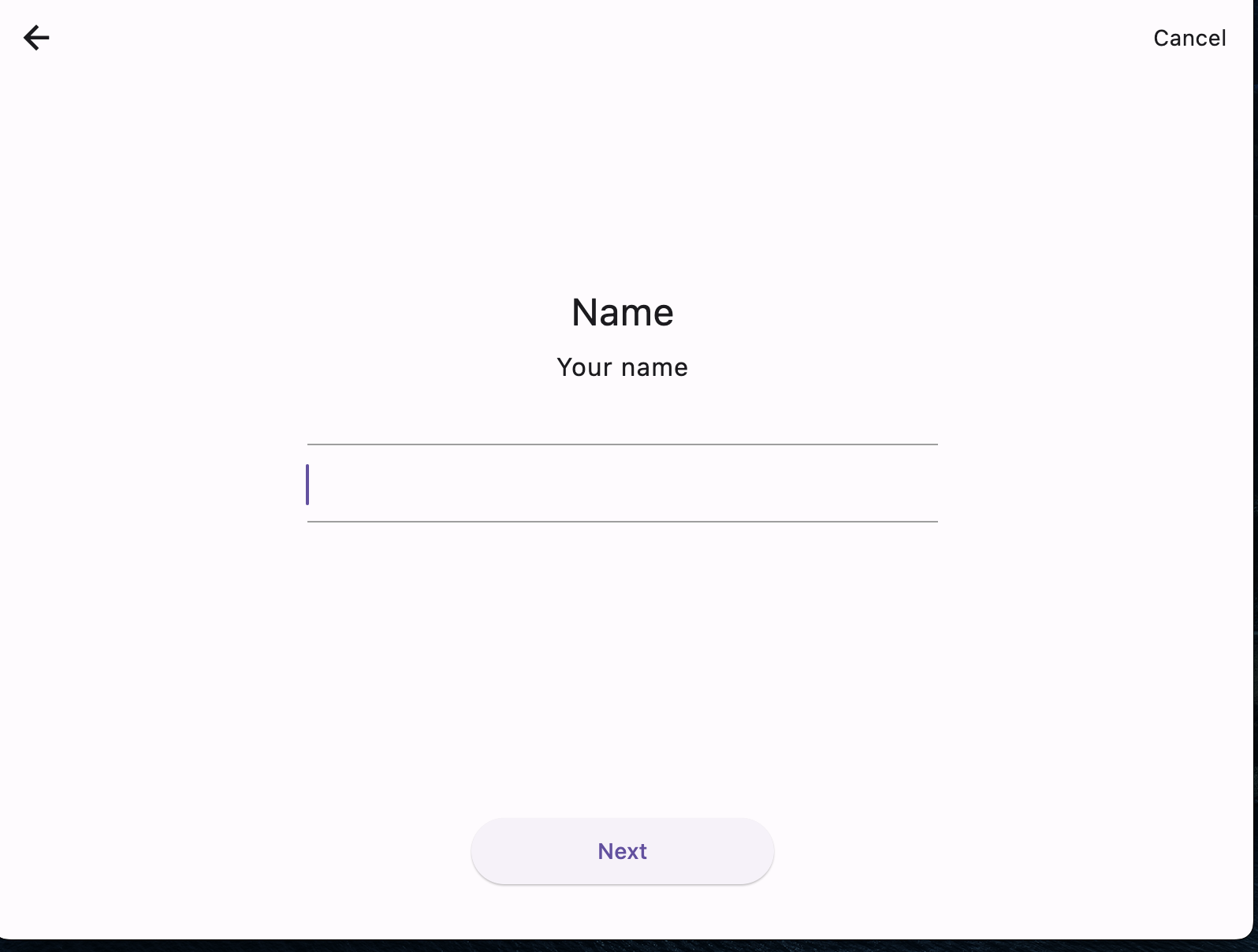
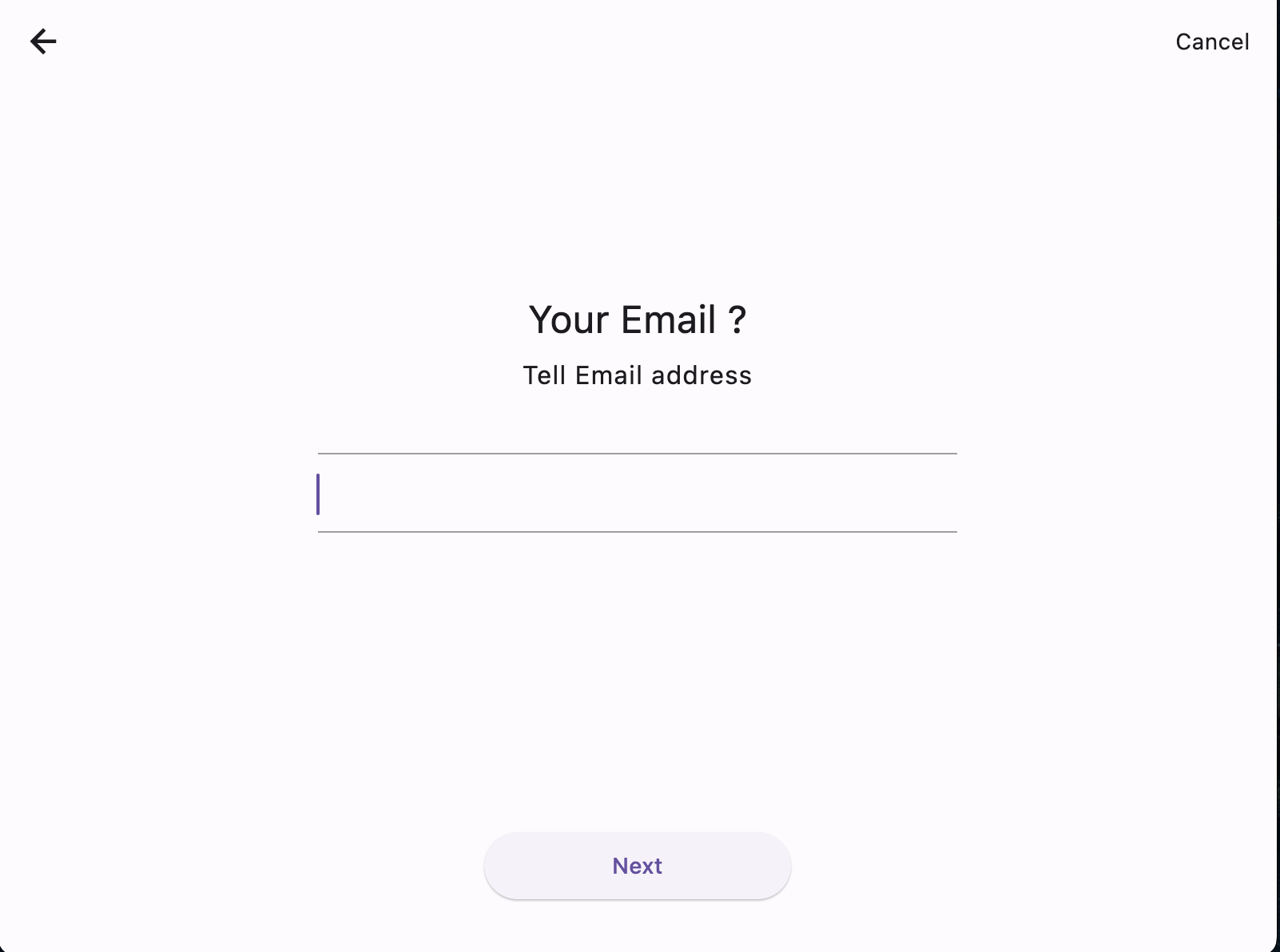
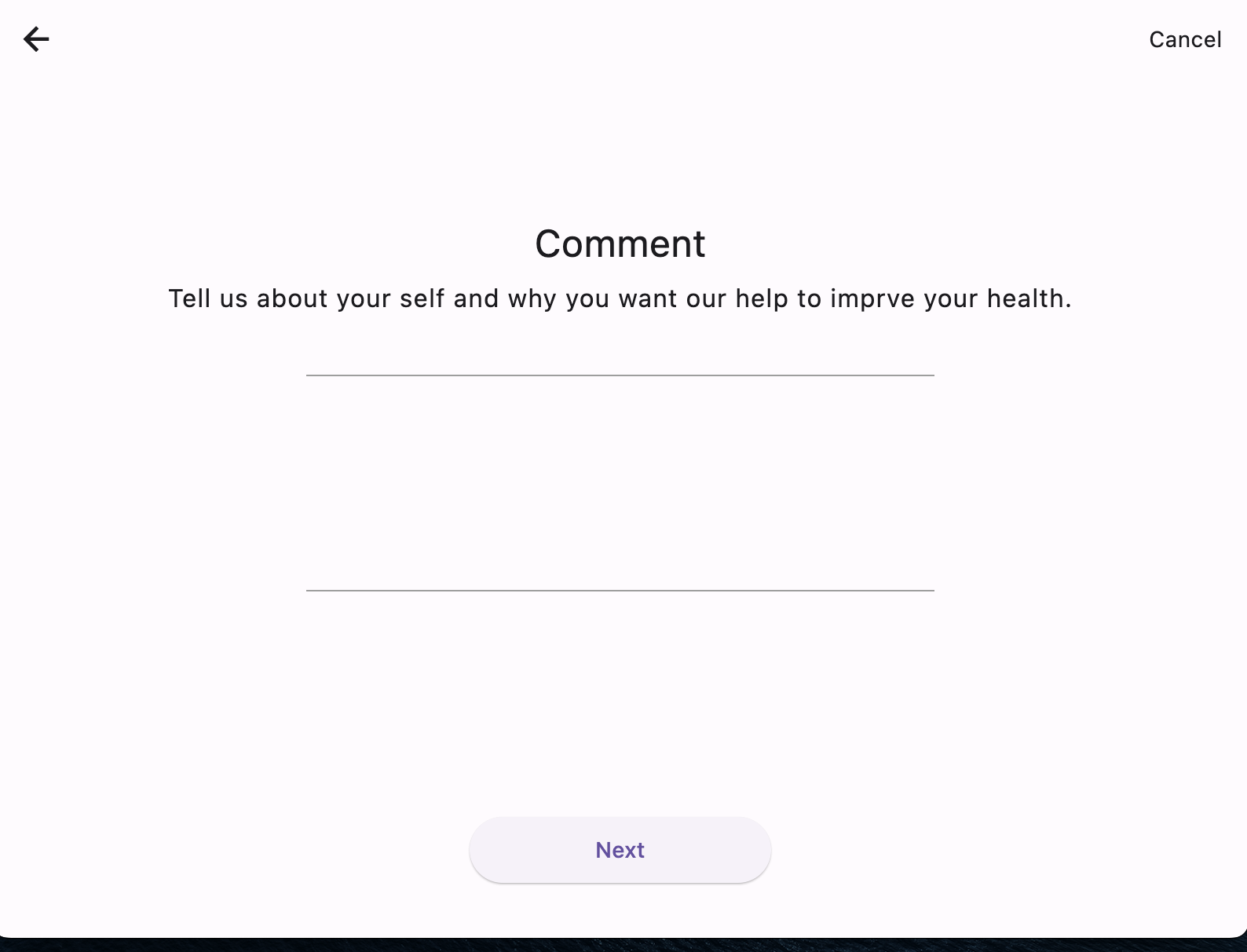
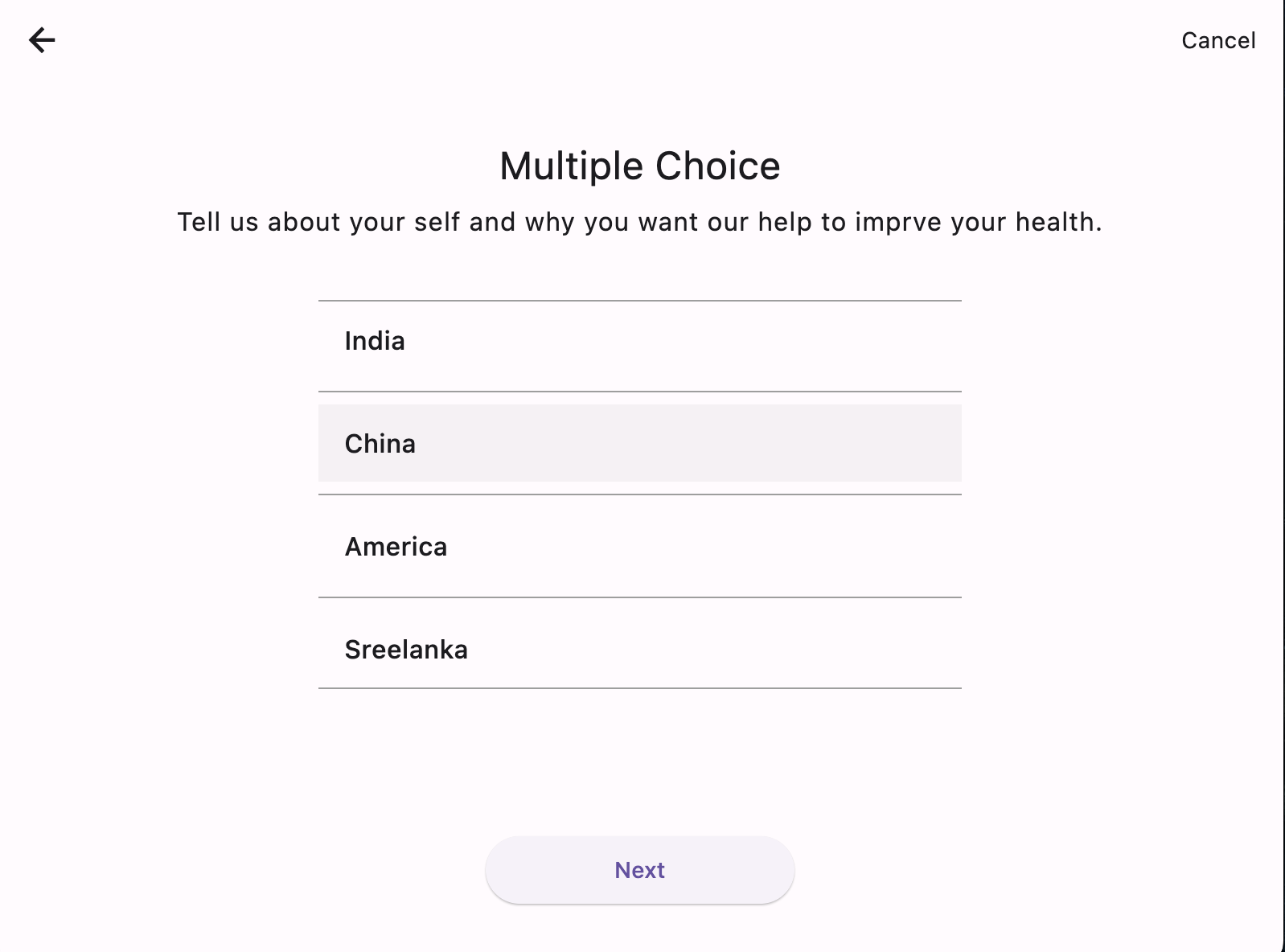
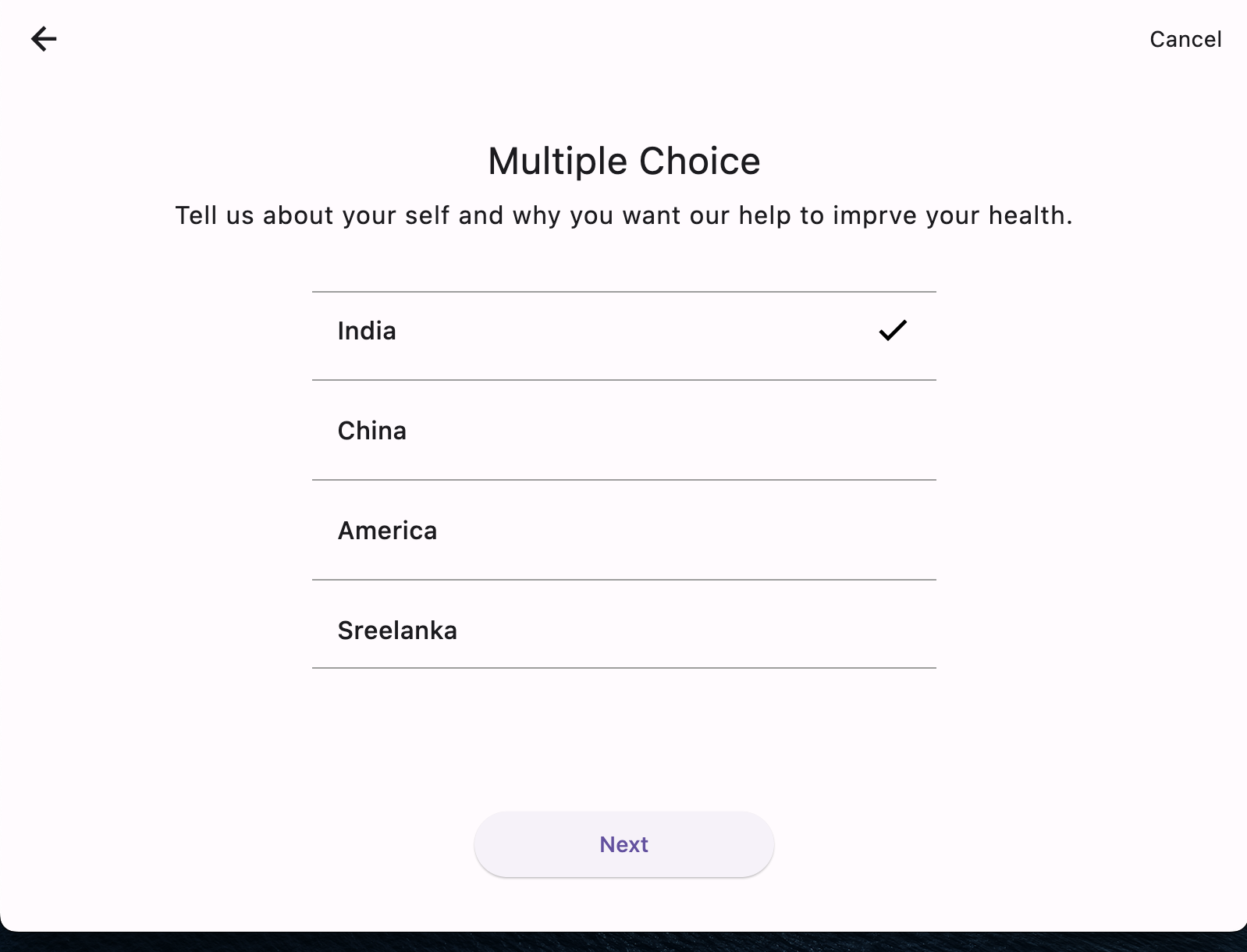
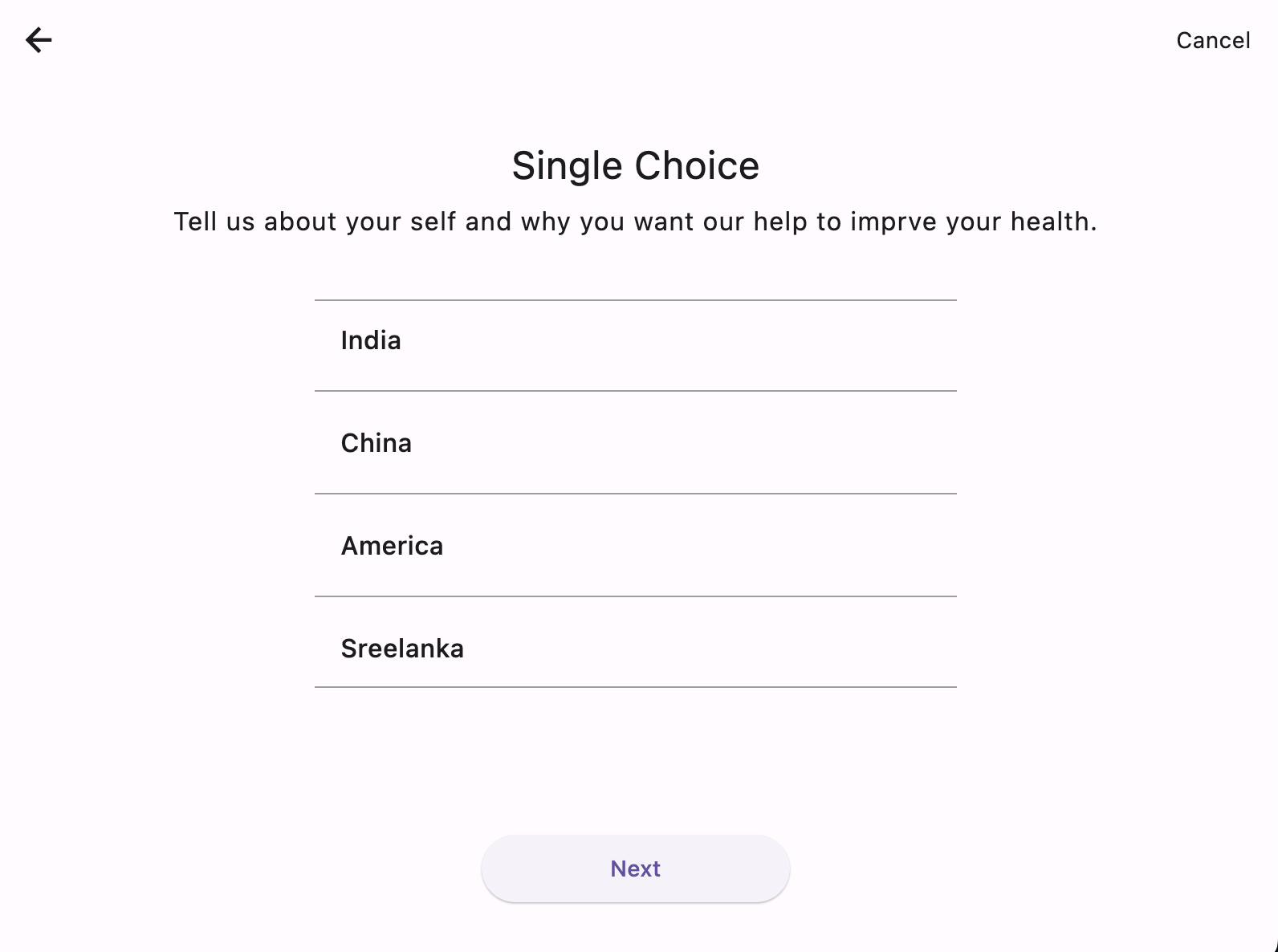
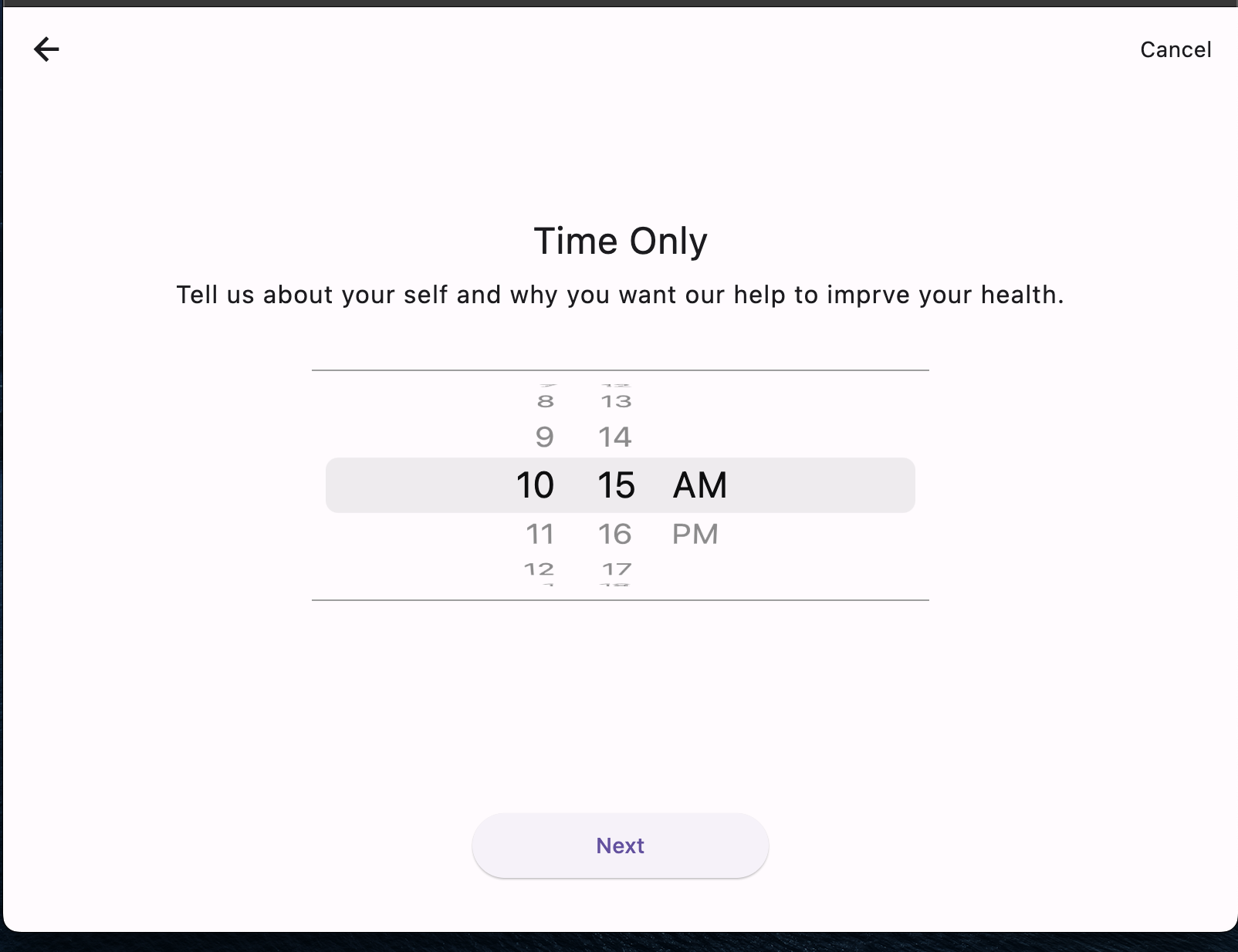
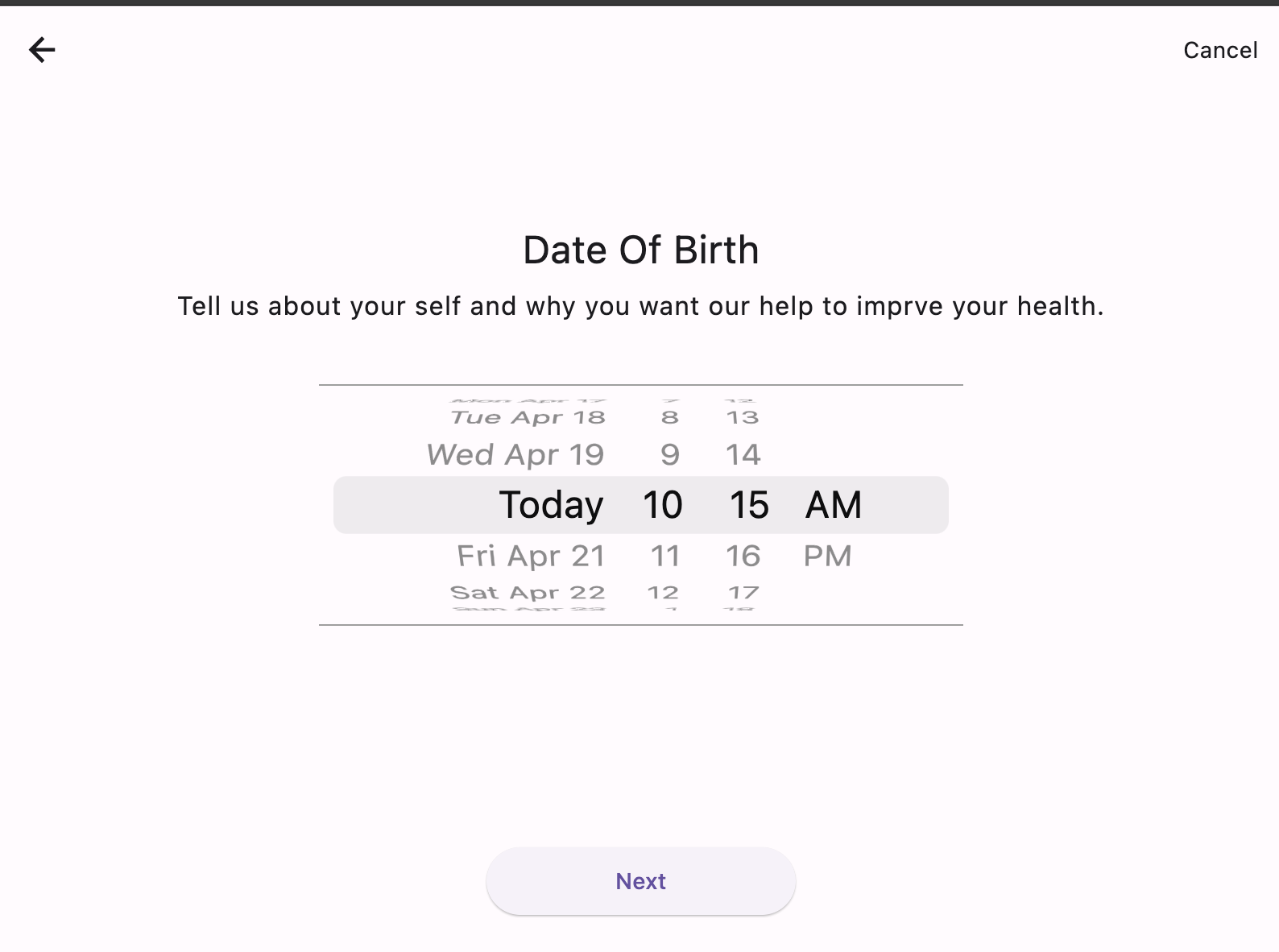
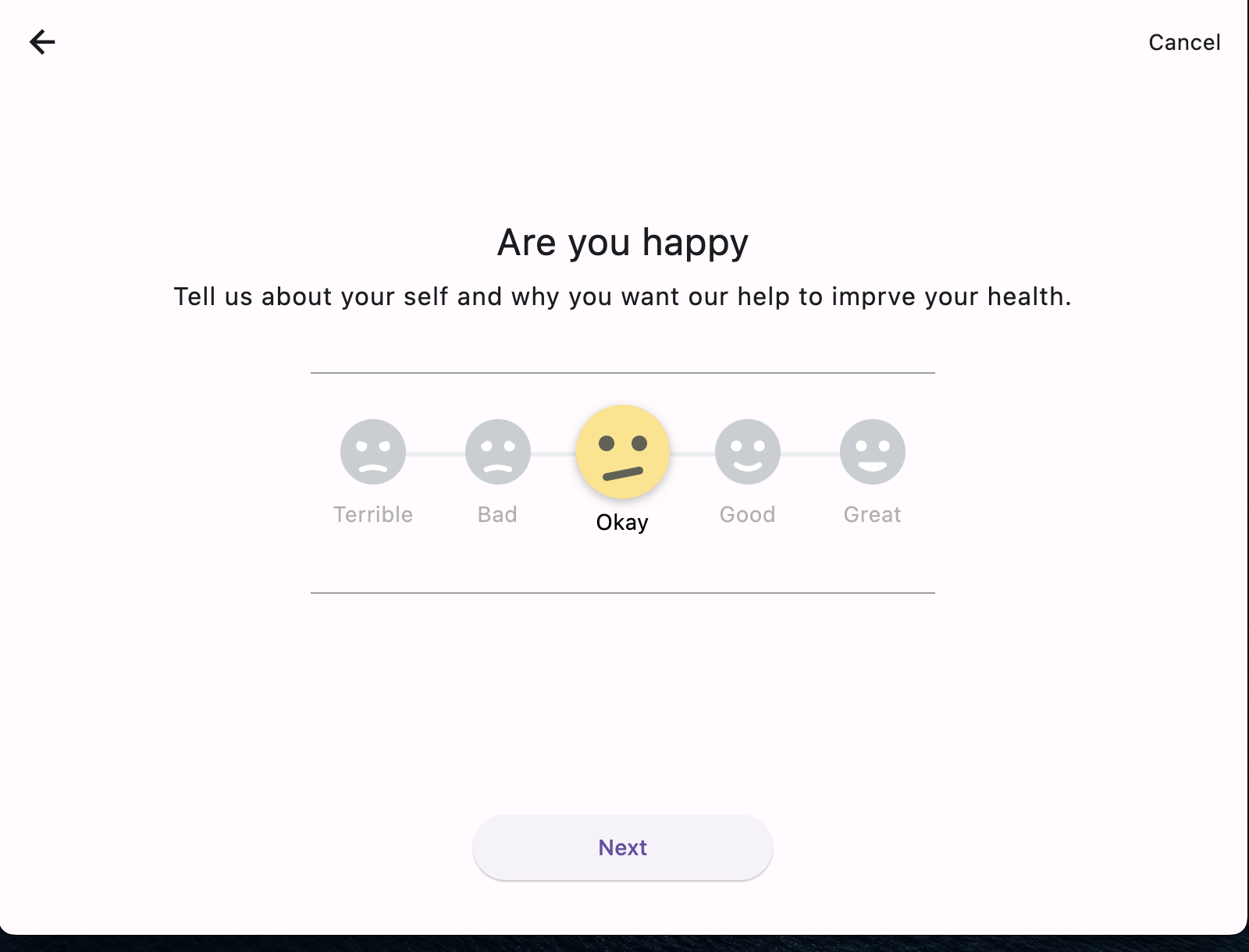
A cross-platform ResearchKit and ODK alternative for Flutter. Build dynamic forms and surveys with 35 input types, 35+ validators, repeat groups, offline save, and multi-language.
Package selection guidance compiled from public package information, community data, and project usage.
FormStack is a cross-platform solution for building dynamic forms and surveys in Flutter, offering a robust alternative to ResearchKit and ODK. It supports 35 input types, 35+ validators, repeat groups, offline data saving, and multi-language capabilities. Designed for flexibility and scalability, it enables developers to create complex, interactive forms without writing extensive custom code. Ideal for research, healthcare, and data collection applications across Android, iOS, Web, macOS, Windows, and Linux.
Use cases
Healthcare data collection
Research studies
Mobile surveys
Offline data entry
Multi-language forms
Field data gathering
Key features
35+ input types
35+ built-in validators
Repeat groups support
Offline form saving
Multi-language localization
Cross-platform compatibility
Suitable for
Researchers
Healthcare apps
Survey platforms
Field data collection tools
Enterprise data intake systems
Educational assessment apps
Considerations
Requires understanding of form schema design
Limited to form-specific workflows
May need custom styling adjustments
Depends on external JSON schema definitions
Not ideal for non-form UIs
Initial setup requires schema configuration
Original README
Original README snapshot from the linked source repository. Visit the repository for the latest content.
FormStack
A cross-platform alternative to Apple ResearchKit for Flutter. Build dynamic forms, surveys, and research questionnaires from Dart objects or JSON -- on iOS, Android, Web, macOS, Windows, and Linux.
35 input types, 9 step types, 35+ validators, conditional navigation, structured consent flows, answer review, progress tracking, and full extensibility. Every ResearchKit UI pattern can be reproduced with FormStack.
barcode and audio need a capability from your app. FormStack declares
no camera or microphone dependency, so an application that never scans or
records does not inherit those SDKs. Both inputs work out of the box in
degraded form — barcode falls back to manual entry, audio records only a
duration — and become fully functional once you register a capability. See
Device capabilities.
Step Types
InstructionStep
Welcome screens, information pages, instructions.
InstructionStep(
  id: GenericIdentifier(id: "welcome"),
  title: "Customer Survey",
  text: "This will take about 2 minutes",
  cancellable: false,
  display: Display.medium,
)
// Text validatorsResultFormat.email("Invalid email")
ResultFormat.name("Invalid name")
ResultFormat.password("Weak password")
ResultFormat.text("Required")
ResultFormat.number("Must be a number")
ResultFormat.phone("Invalid phone")
ResultFormat.url("Invalid URL")
// Numeric range validatorsResultFormat.min("Must be at least 18", 18)
ResultFormat.max("Cannot exceed 100", 100)
ResultFormat.range("Must be 1-10", 1, 10)
ResultFormat.age("Invalid age (0-150)")
ResultFormat.percentage("Must be 0-100")
// String length validatorsResultFormat.minLength("Too short", 3)
ResultFormat.maxLength("Too long", 50)
ResultFormat.pattern("Invalid format", r'^[A-Z]{3}\d{4}$')
ResultFormat.length("Must be exactly 6 digits", 6)
// Choice validatorsResultFormat.singleChoice("Please select one")
ResultFormat.multipleChoice("Select at least one")
ResultFormat.minSelections("Select at least 2", 2)
ResultFormat.maxSelections("Select at most 3", 3)
// Specialty validatorsResultFormat.creditCard("Invalid card number") // Luhn algorithmResultFormat.ssn("Invalid SSN") // ###-##-####ResultFormat.zipCode("Invalid zip") // #####(-####)ResultFormat.iban("Invalid IBAN") // ISO 13616ResultFormat.consent("You must agree") // Must be trueResultFormat.dateRange("Invalid date", "dd-MM-yyyy",
minDate: DateTime(2000), maxDate: DateTime(2030)) // Date boundsResultFormat.fileSize("File too large", 5242880) // Max bytesResultFormat.notNull("Required")
ResultFormat.notBlank("Cannot be empty")
ResultFormat.notEmpty("List cannot be empty")
// Custom validatorResultFormat.custom("Must start with 'hello'",
(value) => value.startsWith('hello'))
// Compose multiple validatorsResultFormat.compose([
ResultFormat.minLength("Too short", 3),
ResultFormat.maxLength("Too long", 50),
ResultFormat.pattern("Letters only", r'^[a-zA-Z\s]+$'),
])
Extending FormStack
FormStack resolves input widgets, step types and validators through registries.
Anything you register is available to Dart-defined and JSON-defined forms,
which means you can add capabilities — or replace built-in ones — without
forking the library.
Registering an existing name overrides it for every form:
// Every `signature` step now uses your pad instead of the built-in canvas.InputRegistry.instance.register('signature', (ctx) => CompliantSignaturePad(ctx));
This is also how you make barcode and audio real — see the note under
Media & Files.
Device capabilities
Two inputs need hardware FormStack does not depend on. Supply the capability
once at start-up and the built-in widgets use it — you keep FormStack's layout,
validation and result handling and replace only the capture step.
Returning null from scan or stop means the user cancelled and leaves any
existing answer untouched. Throwing is reported through FlutterError rather
than crashing the form.
With a scanner registered, InputType.barcode stores the scanned string; with
a recorder, InputType.audio stores the recording's file path. Without them
the inputs still render and the form still completes.
To replace an input entirely rather than just its capture step, register a
widget with InputRegistry.
A runnable version of everything in this section — a custom input, a named
validator, a device capability and a scoped theme — is in the example app
under Extension Points (example/lib/extensibility_demo.dart).
{"type":"nhsNumber","message":"Not a valid NHS number"}
Validation in JSON
JSON-defined steps can use the full validator library, not just the default
implied by inputType. Declare validators as a single object or a list — a
list is evaluated in order and reports the first failure:
{"type":"QuestionStep","id":"age","title":"Your age","inputType":"number","validators":[{"type":"notBlank","message":"Age is required"},{"type":"range","message":"Must be between 18 and 120","min":18,"max":120}]}
Every ResultFormat factory has a JSON name. Arguments map to the factory's
parameters: min, max, count, maxBytes, regex, expression, format,
minDate, maxDate.
Structured validation results
validate() returns a stable code and the constraint parameters alongside the
message, so failures can be localized or reported without matching on strings:
final outcome = ResultFormat.range("Must be 18-120", 18, 120).validate(5);

outcome.isValid;  // false
outcome.code;     // 'range'
outcome.params;   // {'min': 18, 'max': 120}
outcome.message;  // 'Must be 18-120'
Localize by mapping the code through your own catalogue:
Only the step on screen is retained. Step views are owned by the widget
tree: leaving a step disposes its view and releases its controllers, so a
hundred-step survey holds one view, not a hundred. If you build custom
inputs, override dispose() and call super.dispose().
Restore from the step, not from your own fields. A view is rebuilt when
the user navigates back, so read the previous answer from formStep.result
in buildWInputWidget. The answer is written back before every navigation.
Step lookup is indexed.getStep, getCurrentIndex and progress are
constant-time rather than walking the step list.
Use form.progress rather than calling getCurrentIndex() and
getTotalSteps() separately — it computes both in one pass.
Styling
Input Styles
inputStyle: InputStyle.basic      // Flat, no border
inputStyle: InputStyle.outline    // Full border
inputStyle: InputStyle.underLined // Bottom border only
ExpressionRelevant(
  identifier: GenericIdentifier(id: "step_id"),
  expression: "IN selected_option",
  formName: "another_form",  // Navigate to a different form
)
All step types and properties are supported in JSON. Wrap forms in a named object:
{"my_form":{"backgroundAnimationFile":"assets/bg.json","steps":[{"type":"InstructionStep","id":"welcome","title":"Welcome","text":"Complete this survey","cancellable":false,"display":"medium"},{"type":"QuestionStep","id":"name","title":"Full Name","inputType":"name","inputStyle":"outline","isOptional":false,"hint":"John Doe","helperText":"Enter your legal name","validators":[{"type":"notBlank","message":"Name is required"},{"type":"minLength","message":"Too short","min":2}]},{"type":"QuestionStep","id":"satisfaction","title":"How satisfied are you?","inputType":"slider","minValue":0,"maxValue":10,"stepValue":1,"defaultValue":5},{"type":"QuestionStep","id":"rating","title":"Rate our service","inputType":"rating","ratingCount":5},{"type":"QuestionStep","id":"recommend","title":"Would you recommend us?","inputType":"nps"},{"type":"QuestionStep","id":"country","title":"Country","inputType":"dropdown","componentsStyle":"basic","options":[{"key":"US","title":"United States"},{"key":"UK","title":"United Kingdom"},{"key":"IN","title":"India"}]},{"type":"QuestionStep","id":"phone","title":"Phone","inputType":"phone","phoneCountryCode":"+1"},{"type":"QuestionStep","id":"budget","title":"Budget","inputType":"currency","currencySymbol":"$"},{"type":"QuestionStep","id":"priorities","title":"Rank by priority","inputType":"ranking","options":[{"key":"speed","title":"Speed"},{"key":"quality","title":"Quality"},{"key":"cost","title":"Cost"}]},{"type":"QuestionStep","id":"agree","title":"Agreement","inputType":"consent","consentText":"I agree to the terms and conditions"},{"type":"QuestionStep","id":"sig","title":"Signature","inputType":"signature"},{"type":"CompletionStep","id":"done","title":"Thank you!","autoTrigger":true}]}}
FormStackLocale, runtime language switching, DisplayStep, offline save/resume
Load from JSON
Multi-file JSON loading with form linking
Run the example:
cd example
flutter run
Extending by Subclassing
The registries are the way to make an extension
available to JSON forms and to override built-ins. When you only need a
one-off used from Dart, you can also pass a subclass directly.
Custom Validators
Subclass ResultFormat directly:
classPalindromeValidatorextendsResultFormat{
finalString errorMsg;
PalindromeValidator(this.errorMsg);
@overrideboolisValid(dynamic input) {
final str = (input asString?)?.toLowerCase() ?? '';
return str == str.split('').reversed.join();
}
@overrideStringerror() => errorMsg;
}
// Use itQuestionStep(
inputType: InputType.text,
resultFormat: PalindromeValidator("Must be a palindrome"),
)
Custom Input Widgets
Extend BaseStepView to create custom inputs:
// ignore: must_be_immutableclassColorPickerWidgetextendsBaseStepView<QuestionStep> {
ColorPickerWidget(super.formStackForm, super.formStep, super.text);
Color _selected = Colors.red;
finalValueNotifier<Color> _notifier = ValueNotifier(Colors.red);
@overrideWidget? buildWInputWidget(BuildContext context, QuestionStep formStep) {
returnStatefulBuilder(builder: (context, setState) {
// Your custom color picker UI here
});
}
@overrideboolisValid() => true;
@overrideStringvalidationError() => "";
@overridedynamicresultValue() => _selected.value;
@overridevoidrequestFocus() {}
@overridevoidclearFocus() {}
// Step views are StatelessWidgets, so the framework never disposes them --// the form does. Release anything disposable here and call super.@overridevoiddispose() {
_notifier.dispose();
super.dispose();
}
}
Get typed results with timestamps (modeled after ResearchKit's ORKTaskResult):
final taskResult = FormStack.api().getTaskResult(formName: "myForm");
print(taskResult.totalDuration);
print(taskResult.completedSteps);
// Full JSON export with step-level timestamps and metadatafinal json = FormStack.api().exportAsJson(formName: "myForm");
await http.post('/api/submit', body: jsonEncode(json));
// Access individual step resultsfinal email = FormStack.api().getStepResult("email");
final step = FormStack.api().getStep("email");
print(step?.startTime); // When user saw this stepprint(step?.endTime); // When user completed it
Architecture
lib/formstack.dart# Public API exportssrc/formstack.dart# FormStack singleton APIformstack_form.dart# Form navigation and stateinput_types.dart# InputType enum (35 values)core/form_step.dart# Base FormStep class, enumsparser.dart# JSON parser (registry-driven)ui_style.dart# UIStyle, HexColorform_locale.dart# FormStackLocale (multi-language)form_persistence.dart# FormPersistence port, in-memory implexternal_data.dart# ExternalDataProvider portregistry/input_registry.dart# Pluggable input widgetsstep_registry.dart# Pluggable step typesvalidator_registry.dart# Named validators, JSON validator supportvalidation/validation_result.dart# Structured validation outcomestep/question_step.dart# QuestionStep (all input types)completion_step.dart# CompletionStep (finish with animation)instruction_step.dart# InstructionStep (info/video screens)nested_step.dart# NestedStep (multi-field)display_step.dart# DisplayStep (web/list content)review_step.dart# ReviewStep (answer review before submit)consent_step.dart# ConsentStep (consent document flow)repeat_step.dart# RepeatStep (dynamic repeating sections)pop_step.dart# PopStep (navigation)result/result_format.dart# 35+ validators (subclassable)step_result.dart# StepResult, TaskResult hierarchycommon_result.dart# Options, KeyValue, DynamicDataidentifiers.dart# GenericIdentifier, StepIdentifierrelevant/relevant_condition.dart# RelevantCondition baseexpression_relevant_condition.dart# Expression-based routingdynamic_relevant_condition.dart# Callback-based routingui/views/input/text_input_field.dart# Text/email/password/numberchoice_input_field.dart# Single/multiple choicedate_input_field.dart# Date/time pickersslider_input_field.dart# Range sliderrating_input_field.dart# Star ratingnps_input_field.dart# Net Promoter Scoreconsent_input_field.dart# Checkbox consentsignature_input_field.dart# Signature padranking_input_field.dart# Drag-to-reorderphone_input_field.dart# Phone with country codecurrency_input_field.dart# Currency inputboolean_input_field.dart# Yes/No toggleimage_choice_input_field.dart# Image grid selectionotp_input_field.dart# OTP digitssmile_input_field.dart# Emoji ratingimage_input_field.dart# Avatar/banner uploaddynamic_key_value_field.dart# Key-value pairsmap_input_field.dart# Google Mapshidden_input_field.dart# Hidden data fieldcalculate_input_field.dart# Calculated fieldbarcode_input_field.dart# Barcode/QR scanneraudio_input_field.dart# Audio recordinggeotrace_input_field.dart# Geotrace/geoshape map inputhtml_input_field.dart# Rich text editor
For the layering rationale, the view-ownership rule, and the list of known
architectural debt, see ARCHITECTURE.md.