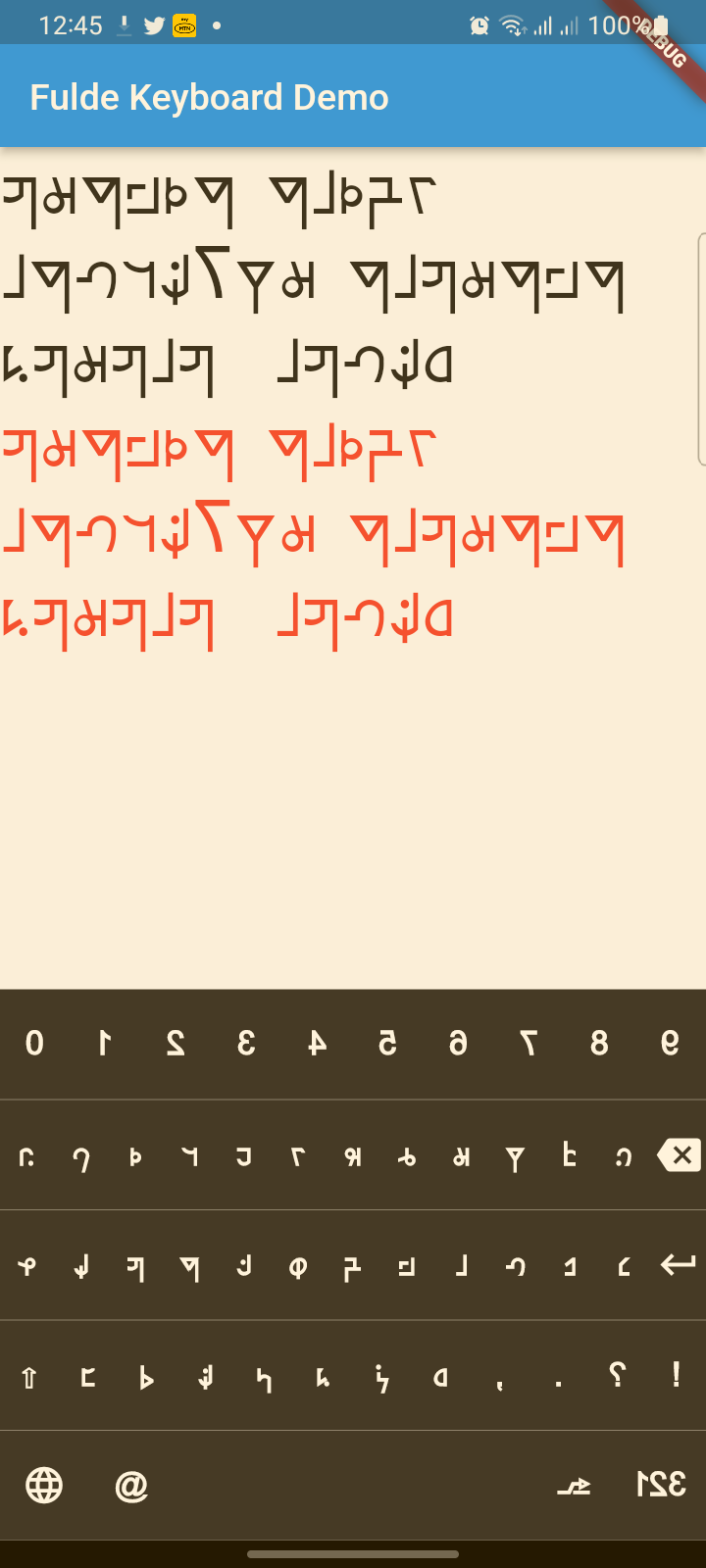
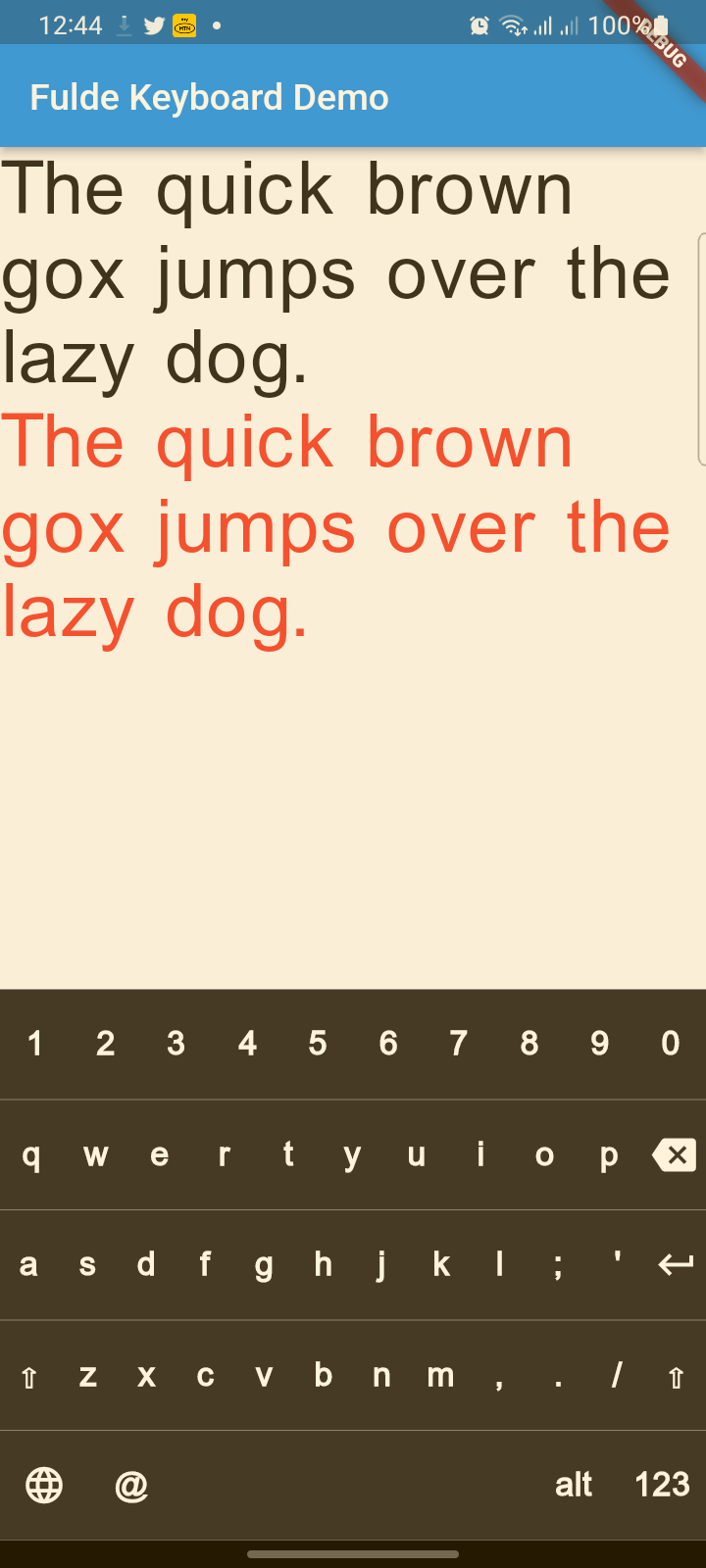
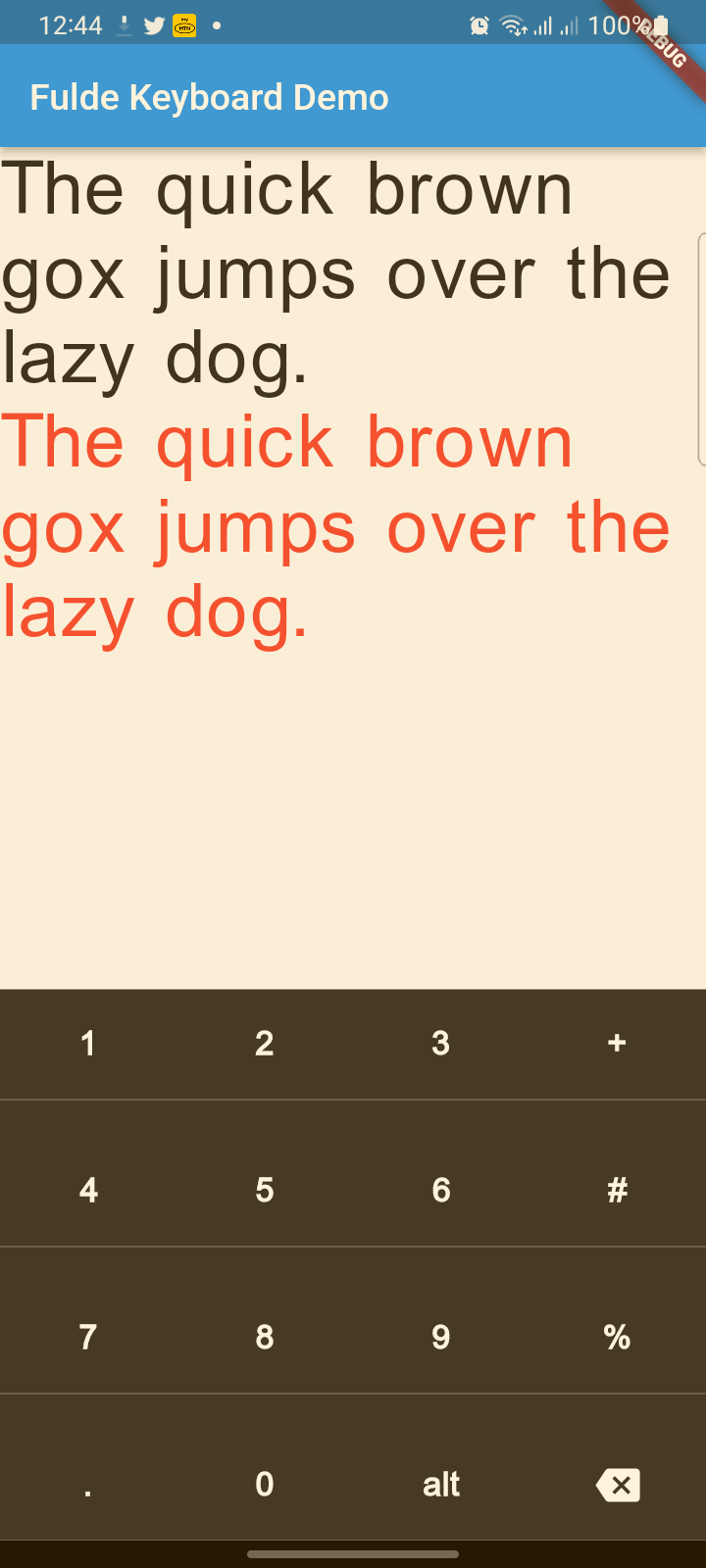
A modern, beautiful virtual keyboard package for Fulde language with multi-language support (Fulde, Latin, English). Features modern UI design, haptic feedback, accessibility support, and smooth animations.
Package selection guidance compiled from public package information, community data, and project usage.
Fulde Keyboard is a modern, visually appealing virtual keyboard package designed specifically for the Fulde language, with seamless support for Fulde, Latin, and English scripts. It features a sleek UI, haptic feedback, accessibility enhancements, and smooth animations across platforms. Built for Flutter, it integrates easily into apps targeting diverse linguistic needs while maintaining performance and usability on Android, iOS, Web, macOS, Windows, and Linux.
Use cases
Multilingual input in Fulde language apps
Accessibility-focused text entry
Mobile and desktop applications requiring custom keyboards
Educational tools for Fulde language learning
Apps supporting multiple writing systems
Key features
Support for Fulde, Latin, and English languages
Modern, animated user interface
Haptic feedback for key presses
Built-in accessibility features
Cross-platform compatibility
Suitable for
Developers building Fulde language applications
Educational software creators
Apps needing multi-script input
Design-conscious Flutter projects
Accessibility-first app development
Considerations
Requires integration with Flutter's text input system
May need customization for non-standard layouts
Performance depends on device capabilities
Limited to supported languages unless extended
Web support may have browser-specific limitations
Original README
Original README snapshot from the linked source repository. Visit the repository for the latest content.
fulde_keyboard
About
A modern, beautiful virtual keyboard package for Fulde language with multi-language support (Fulde, Latin, English). Features modern UI design, haptic feedback, accessibility support, and smooth animations. Perfect for kiosks, ATMs, and mobile applications.
This project has evolved from a simple virtual keyboard to a comprehensive, production-ready keyboard solution with modern design principles and accessibility features.
✨ Features
🎨 Modern Design
Beautiful UI: Modern gradients, shadows, and rounded corners
Smooth Animations: Key press animations and smooth transitions
Material 3 Design: Latest Material Design principles
Dark/Light Theme: Automatic theme switching support
🌍 Multi-Language Support
Fulde Language: Native Fulde keyboard layout
Latin Script: Latin character support
English: Full English QWERTY layout
Easy Language Switching: Animated language selector with visual indicators
♿ Accessibility & UX
Haptic Feedback: Tactile feedback on key presses
Screen Reader Support: Semantic labels for accessibility
Responsive Design: Works on all screen sizes
Touch Optimized: Proper touch targets and visual feedback
🔧 Technical Features
No Native Dependencies: Pure Dart implementation
Customizable Layouts: Easy to modify and extend
Performance Optimized: Smooth rendering and minimal overhead
Flutter 3.x Compatible: Latest Flutter support
📋 TODO List
(ToDo) Adding Arabic and Hausa keyboards (Rabi'at font)
(ToDo) Adding input result viewer and event handling
(ToDo) Adding spell checker
(ToDo) Voice input integration
Reference
FuldeKeyboard
Flutter widget to show virtual keyboards.
// Keyboard Type: Can be Numeric or Alphanumeric.FuldeKeyboardType type
// Callback for Key press event. Called with pressed `Key` object.Function onKeyPress;
// Virtual keyboard height. Default is 300.double height;
/// Virtual keyboard height. Default is full screen widthdouble width;
// Color for key texts and icons.Color textColor;
// Font size for keyboard keys.double fontSize;;
// Only Caps letters enabled.bool alwaysCaps;;
/// the custom layout for multi or single languageFuldeKeyboardLayoutKeys customLayoutKeys;
/// used for multi-languages with default layouts, the default is English only/// will be ignored if customLayoutKeys is not nullList<FuldeKeyboardDefaultLayouts> defaultLayouts;
/// inverse the layout to fix the issues with right to left languages, default is false.bool reverseLayout;
// Just local variable. Use Text widget or similar to show in UI.String text;
/// Fired when the virtual keyboard key is pressed._onKeyPress(FuldeKeyboardKey key) {
if (key.keyType == FuldeKeyboardKeyType.String) {
text = text + (shiftEnabled ? key.capsText : key.text);
} elseif (key.keyType == FuldeKeyboardKeyType.Action) {
switch (key.action) {
caseFuldeKeyboardKeyAction.Backspace:
if (text.length == 0) return;
text = text.substring(0, text.length - 1);
break;
caseFuldeKeyboardKeyAction.Return:
text = text + '\n';
break;
caseFuldeKeyboardKeyAction.Space:
text = text + key.text;
break;
caseFuldeKeyboardKeyAction.Shift:
shiftEnabled = !shiftEnabled;
break;
default:
}
}
// Update the screensetState(() {});
}