Search categories, packages and repositories

horizontal_week_calendar cover
Package detailsv0.0.20

horizontal_week_calendar

A horizontal week calender with on change week and on date selected function

AndroidiOSWebmacOSWindowsLinux
30-day downloads
120
Likes
62
Pub points
140

Install package

flutter pub add horizontal_week_calendar

Package Overview

Package selection guidance compiled from public package information, community data, and project usage.

A Flutter package that provides a horizontal weekly calendar layout, enabling users to navigate between weeks and select specific dates. It supports on-change callbacks for week transitions and date selections, making it ideal for scheduling or time-based applications. The calendar is responsive and works across all major platforms including Android, iOS, Web, macOS, Windows, and Linux. Designed with simplicity and customization in mind, it integrates smoothly into existing Flutter projects.

Use cases

  • Scheduling appointments
  • Tracking weekly tasks
  • Booking systems
  • Time management apps
  • Event planning

Key features

  • Horizontal week view
  • On-week change callback
  • On-date selection callback
  • Cross-platform support
  • Customizable UI
  • Responsive design

Suitable for

  • Developers building calendar-based apps
  • Apps requiring weekly navigation
  • UIs focused on time tracking
  • Projects needing lightweight calendar components
  • Flutter developers targeting multiple platforms

Considerations

  • Limited to weekly view only
  • No built-in event rendering
  • Requires manual handling of date logic
  • Minimal styling options out of the box
  • No localization support mentioned

Original README

Original README snapshot from the linked source repository. Visit the repository for the latest content.

Installation

Add horizontal_week_calendar: to your pubspec.yaml dependencies then run flutter pub get

 dependencies:
  horizontal_week_calendar:

Import

Add this line to import the package.

import 'package:horizontal_week_calendar/horizontal_week_calendar.dart';

How to use

HorizontalWeekCalendar(
  onDateChange: (date) {
    setState(() {
      selectedDate = date;
    });
  },
),

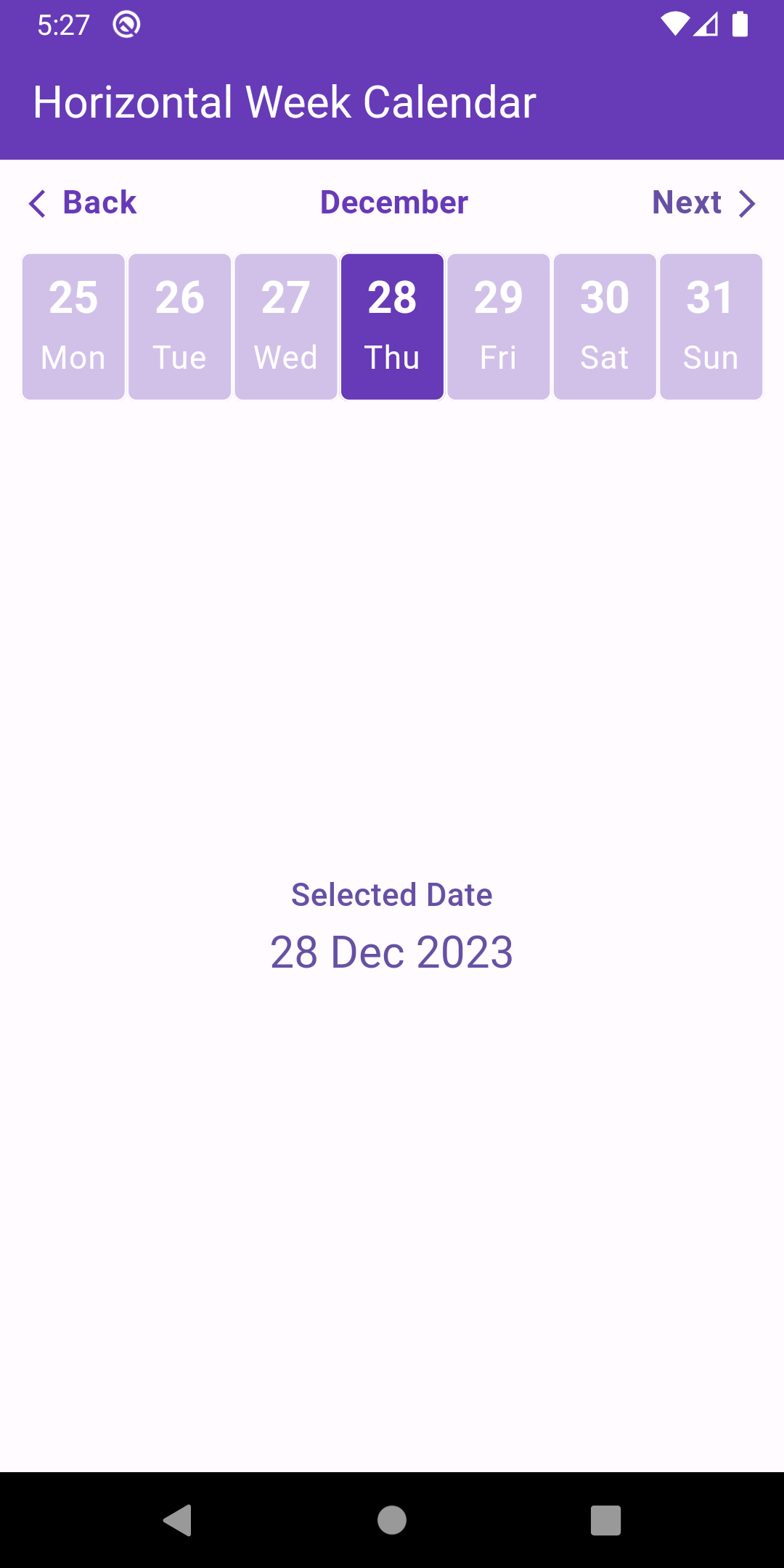
Preview

drawing

Support me

Buy Me A Coffee

Categories

Dependencies

Dependency list 2 items

Source repository

Projects using this package

No data available yet.