Search packages, repositories and app categories

particle_field cover
Package detailsv1.0.0

particle_field

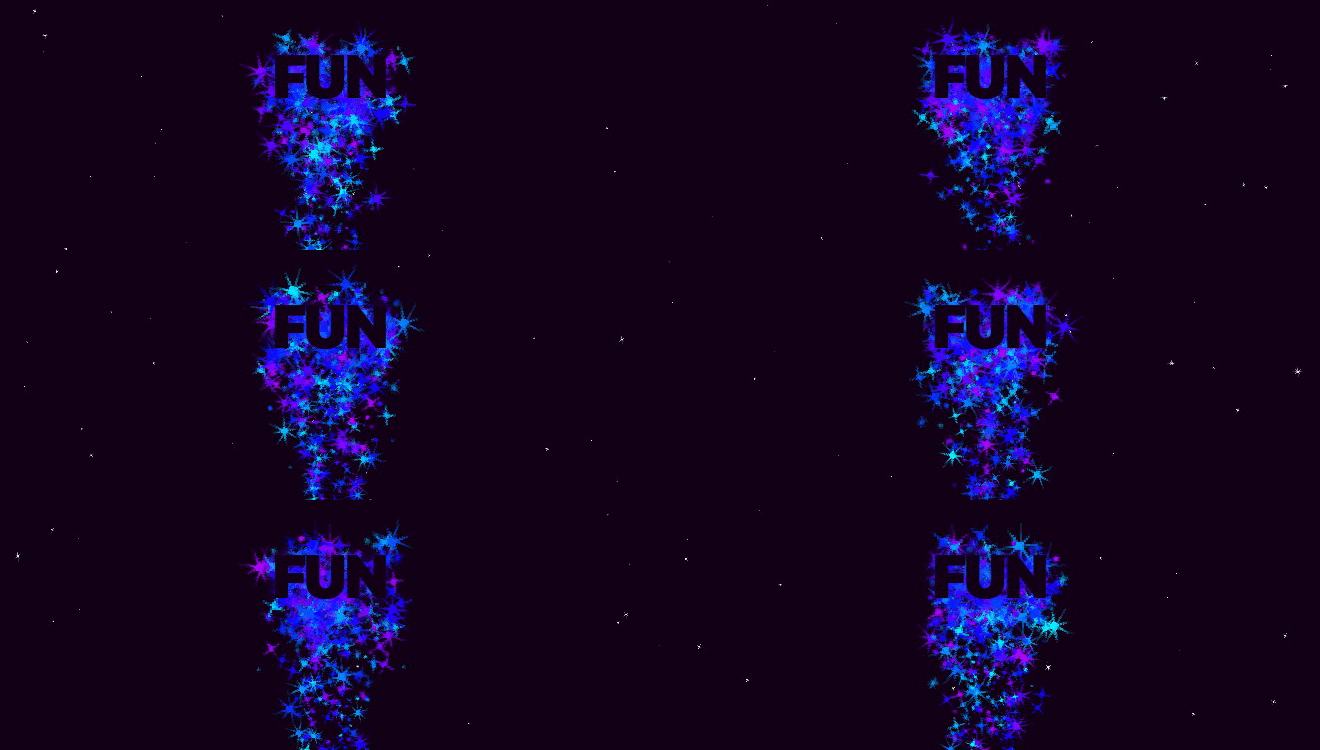
A Flutter Widget for adding high performance custom particle effects to your UI.

AndroidiOSWebmacOSWindowsLinux
30-day downloads
1.2K
Likes
143
Pub points
150

Install package

flutter pub add particle_field

Package Overview

Package selection guidance compiled from public package information, community data, and project usage.

A high-performance Flutter widget that enables developers to create custom particle effects for UIs with smooth animations and real-time interactivity. Built by gskinner.com, it supports multiple platforms including Android, iOS, Web, macOS, Windows, and Linux. The package leverages efficient rendering techniques to deliver visually rich backgrounds, dynamic gradients, and immersive visual experiences without compromising performance. Ideal for enhancing app interfaces with subtle or dramatic animated elements.

Use cases

  • Creating animated background effects
  • Enhancing splash screens
  • Adding interactive visual feedback
  • Designing immersive game interfaces
  • Visualizing data through motion
  • Improving app onboarding experiences

Key features

  • High-performance rendering
  • Customizable particle behaviors
  • Real-time interaction support
  • Cross-platform compatibility
  • Shader-based animation
  • Configurable emission patterns

Suitable for

  • UI designers seeking visual flair
  • Game developers using Flutter
  • App creators wanting dynamic backgrounds
  • Interactive prototype builders
  • Creative digital product teams

Considerations

  • May impact performance on low-end devices
  • Requires understanding of particle system concepts
  • Limited built-in presets
  • Best suited for modern hardware
  • Needs careful optimization for mobile
  • Not ideal for static UI components

Original README

Original README snapshot from the linked source repository. Visit the repository for the latest content.

Particle Field

A Flutter Widget for adding high performance custom particle effects to your UI.

Simple Example

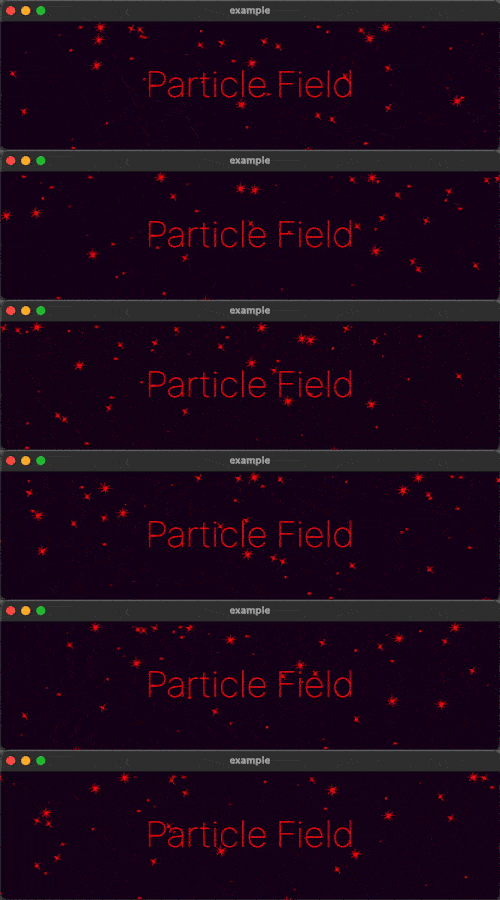
Easy to use: just write a simple onTick handler to manage a list of particles. Architected to be highly extensible. Utilizes CustomPainter and drawAtlas to offer exceptional performance.

// NOTE: this example uses `rnd` (see "Complimentary Libraries" below)
ParticleField field = ParticleField(
  spriteSheet: sparkleSpriteSheet,
  // top left will be 0,0:
  origin: Alignment.topLeft,
  // onTick is where all the magic happens:
  onTick: (controller, elapsed, size) {
    List<Particle> particles = controller.particles;
    // add a new particle each frame:
    particles.add(Particle(x: rnd(size.width), vx: rnd(-1, 1)));
    // update existing particles:
    for (int i = particles.length - 1; i >= 0; i--) {
      Particle particle = particles[i];
      // call update, which automatically adds vx/vy to x/y
      // add some gravity (ie. increase vertical velocity)
      // and increment the frame
      particle.update(vy: particle.vy + 0.1, frame: particle.frame + 1);
      // remove particle if it's out of bounds:
      if (!size.contains(particle.toOffset())) particles.removeAt(i);
    }
  },
)

See the API Reference for more information.

Complimentary Libraries

The rnd package makes working with random values in your particle systems much simpler. For example, if you wanted 20% of your particles to move left, and 80% right at a velocity of between 2 and 5:

particle.vx = rnd(2, 5) * rnd.getSign(0.8)

If you're looking to add animated effects to your UI in addition to particles, check out the Flutter Animate library for pre-made effects, custom effects, and simplified animated builders.

Text("Hello").animate().fadeIn().slide()

Categories

Source repository

Projects using this package