Search categories, packages and repositories

pixel_perfect cover
Package detailsv1.1.3

pixel_perfect

Development tool that helps you make your flutter application "pixel perfect"

AndroidiOSWebmacOSWindowsLinux
30-day downloads
5.3K
Likes
225
Pub points
150

Install package

flutter pub add pixel_perfect

Package Overview

Package selection guidance compiled from public package information, community data, and project usage.

Pixel Perfect is a development tool designed to help Flutter developers achieve pixel-perfect designs by providing visual overlays and alignment guides. It enables precise layout inspection across different screen sizes and resolutions, making it easier to ensure consistency in UI appearance. The tool integrates seamlessly into the development workflow with minimal setup, offering real-time feedback during design implementation. Ideal for teams focused on high-fidelity UIs, it supports all major platforms including Android, iOS, Web, macOS, Windows, and Linux.

Use cases

  • Ensuring consistent UI across multiple device screens
  • Validating exact spacing and alignment in layouts
  • Debugging design discrepancies during development
  • Collaborating with designers to match mockups precisely
  • Performing final quality checks before app release

Key features

  • Visual alignment guides and grid overlays
  • Real-time layout inspection
  • Cross-platform support
  • Minimal configuration required
  • Integration with Flutter's dev tools

Suitable for

  • UI/UX designers working with Flutter
  • Frontend developers focused on design accuracy
  • Teams requiring strict design consistency
  • Mobile and web application development projects
  • Design-led development workflows

Considerations

  • Not intended for production builds
  • May impact performance slightly during development
  • Requires manual activation in debug mode
  • Best used in conjunction with design system guidelines
  • Limited to visual debugging, not automated testing

Original README

Original README snapshot from the linked source repository. Visit the repository for the latest content.

pixel_perfect

Pub License: MIT style: effective dart PRs Welcome Awesome Flutter

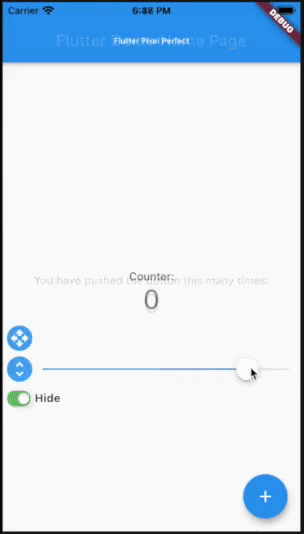
logo

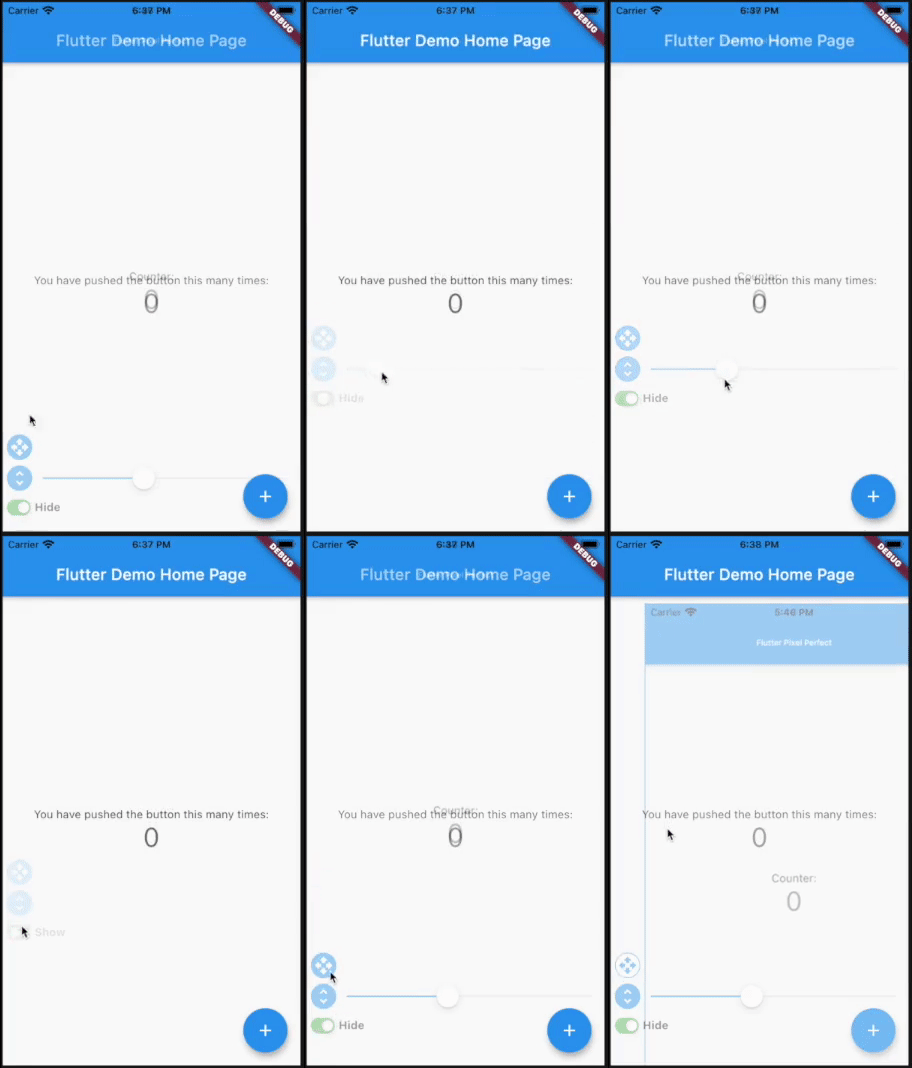
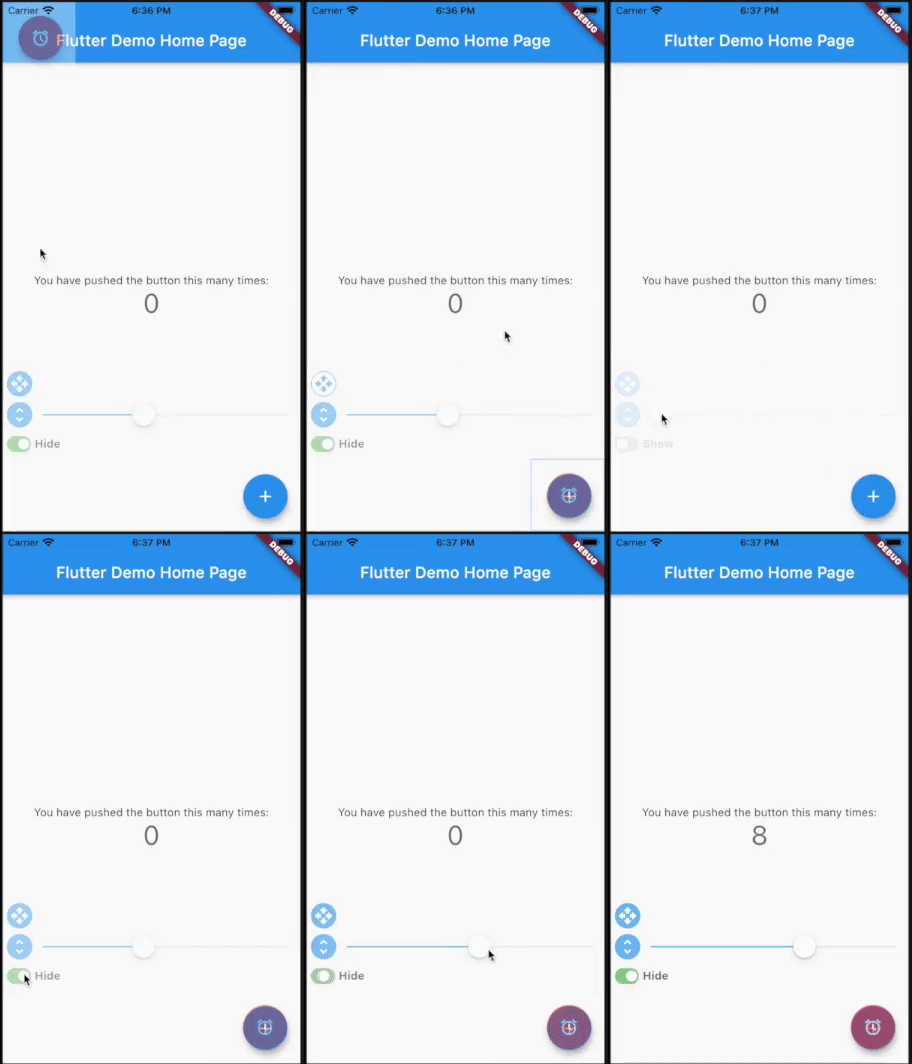
Put a semi-transparent image with the design over the top of the developed layout. It helps you to compare original design and current page.

demo1

demo2

Getting started

Add pixel_perfect in your pubspec.yaml dependencies.

dependencies:
 pixel_perfect: any
How To Use

Simple use

Add assets folder with images to your pubspec.yaml

  uses-material-design: true
  assets:
    - assets/

Import the following package in your dart file

import 'package:pixel_perfect/pixel_perfect.dart';

return PixelPerfect(
  assetPath: 'assets/design.png', // path to your asset image
  scale: 1, // scale value (optional)
  initBottom: 20, //  default bottom distance (optional)
  offset: Offset.zero, // default image offset (optional)
  initOpacity: 0.4, // init opacity value (optional)
  child: Scaffold(
    ..
  )
)

Extended use


return PixelPerfect.extended(
  image: Image.asset( // any image file
    'assets/element.png',
    scale: 2,
  ), 
  initBottom: 20, //  default bottom distance (optional)
  offset: Offset.zero, // default image offset (optional)
  initOpacity: 0.4, // init opacity value (optional)
  child: Scaffold(
    ..
  )
)

Video tutorials by Learn App Code

How to Make Pixel Perfect Flutter Apps
How to Make Responsive Flutter Apps, Pixel Perfect

Categories

Source repository

Projects using this package