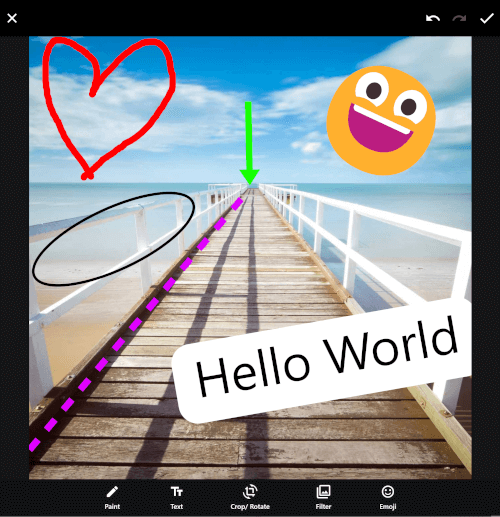
Original README snapshot from the linked source repository. Visit the repository for the latest content.





The ProImageEditor is a Flutter widget designed for image editing within your application. It provides a flexible and convenient way to integrate image editing capabilities into your Flutter project.
Demo Website
Table of contents
Preview
| Grounded-Design |
Frosted-Glass-Design |
WhatsApp-Design |
|
|
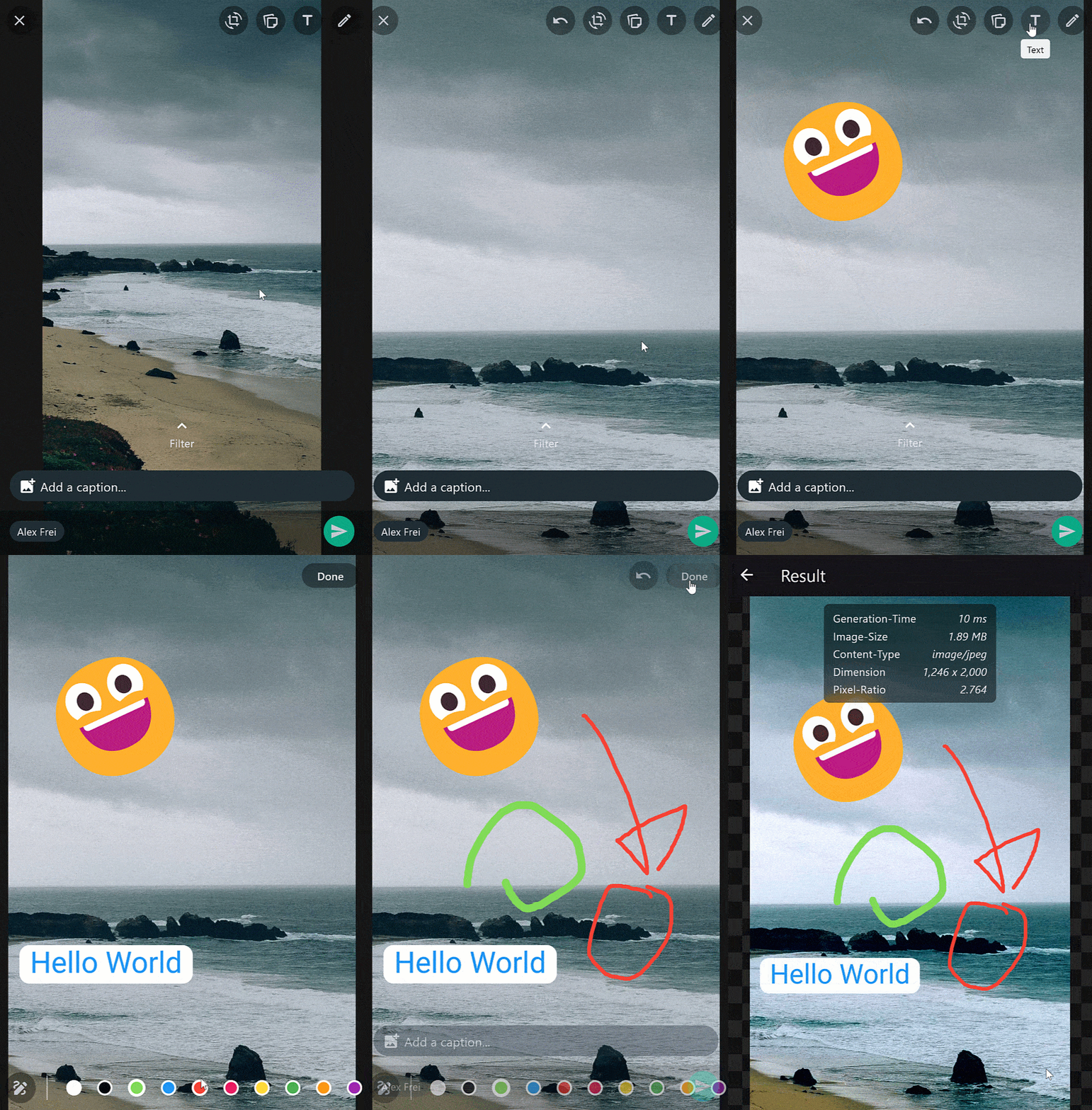
|
| Ai-Commands |
Ai-Remove-Background |
Ai-Replace-Background |
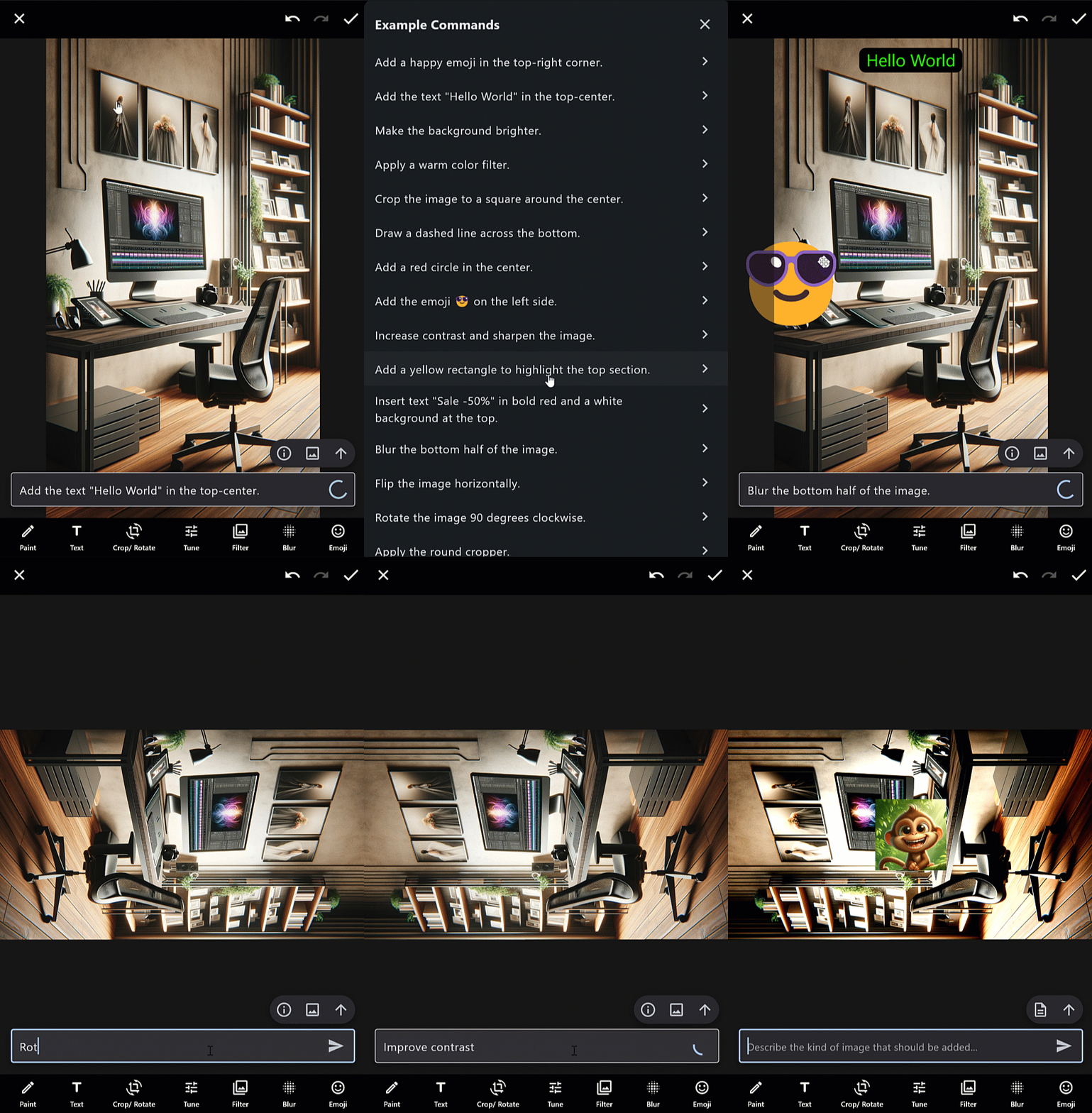
|
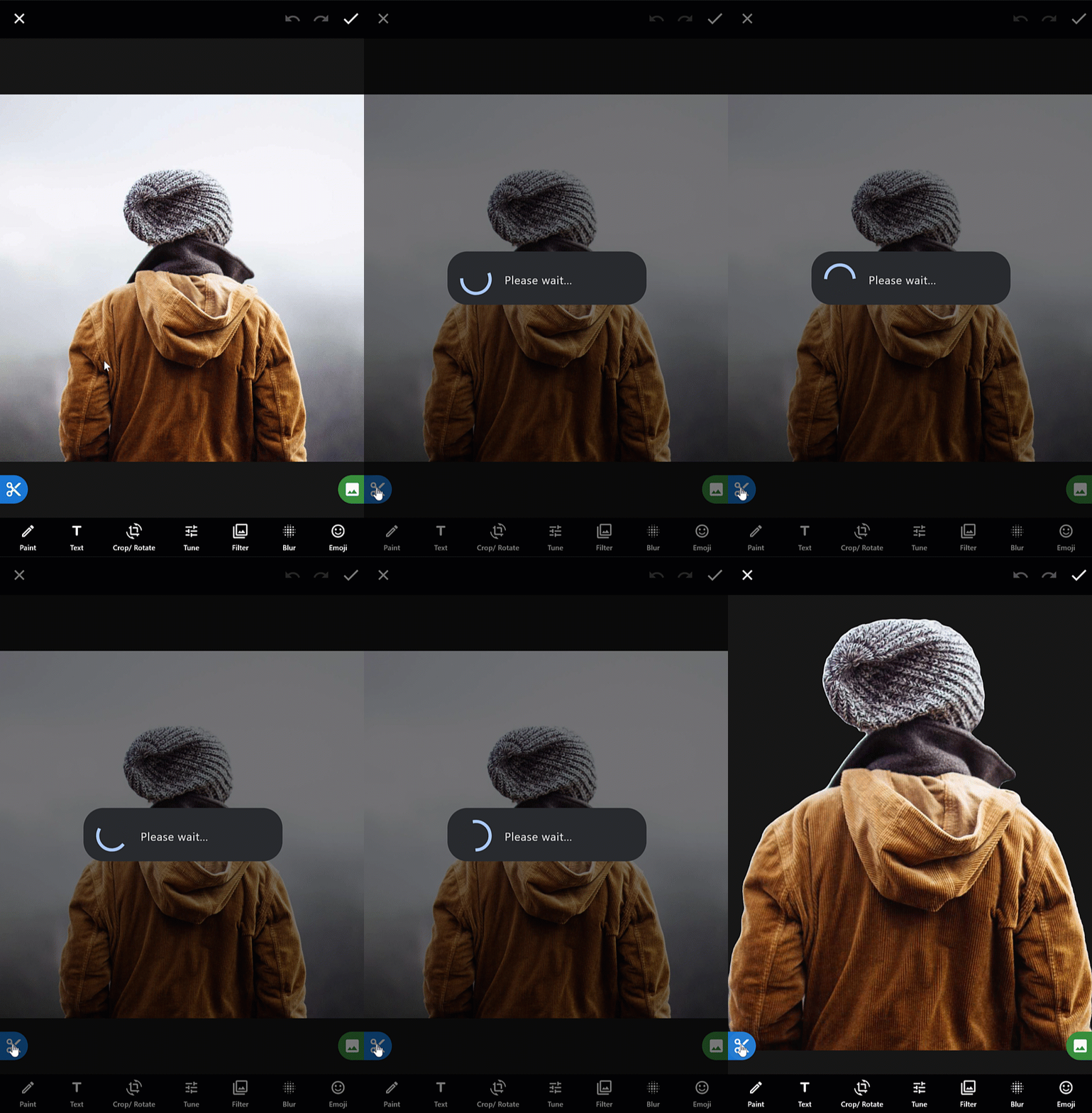
|
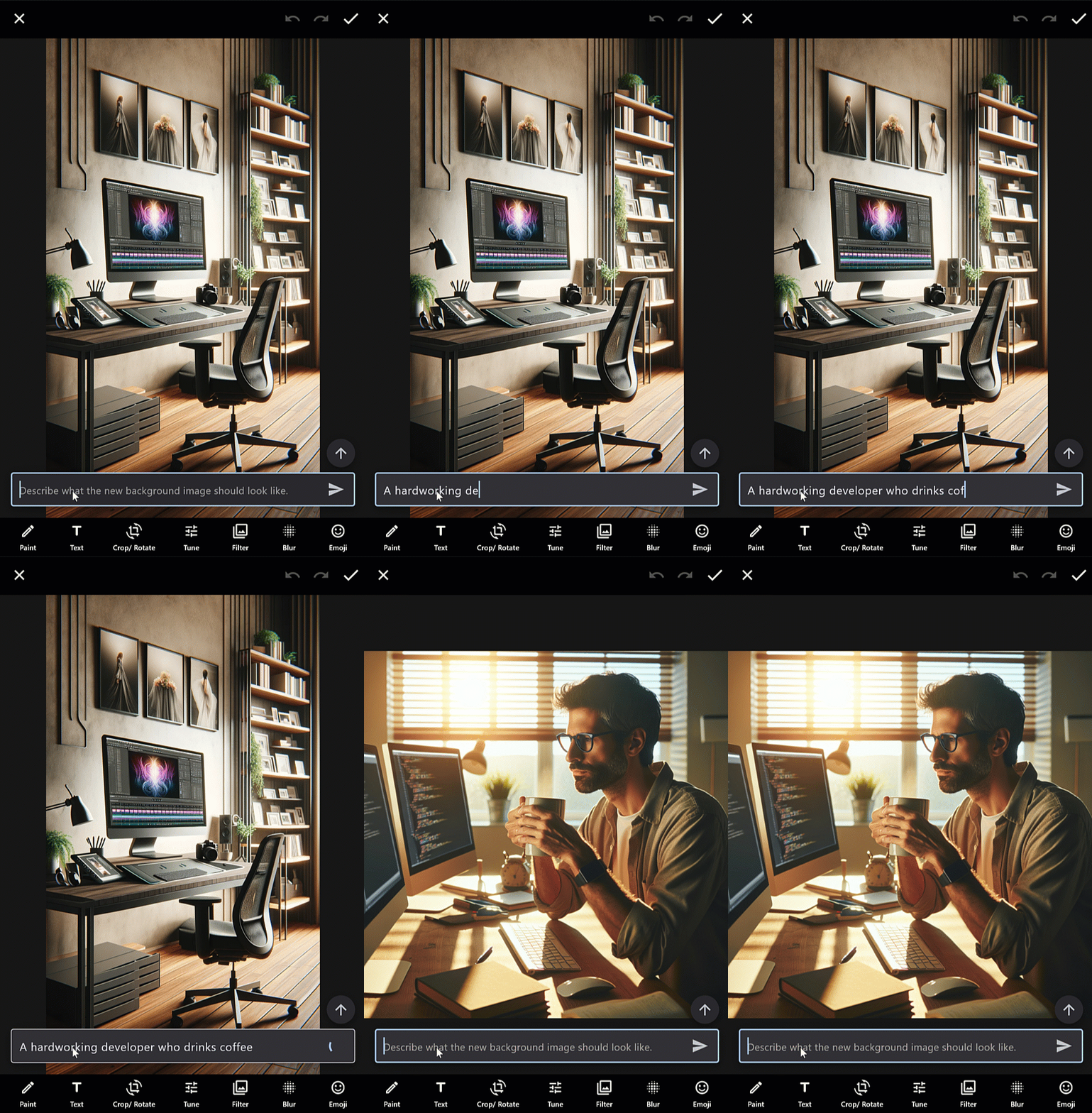
|
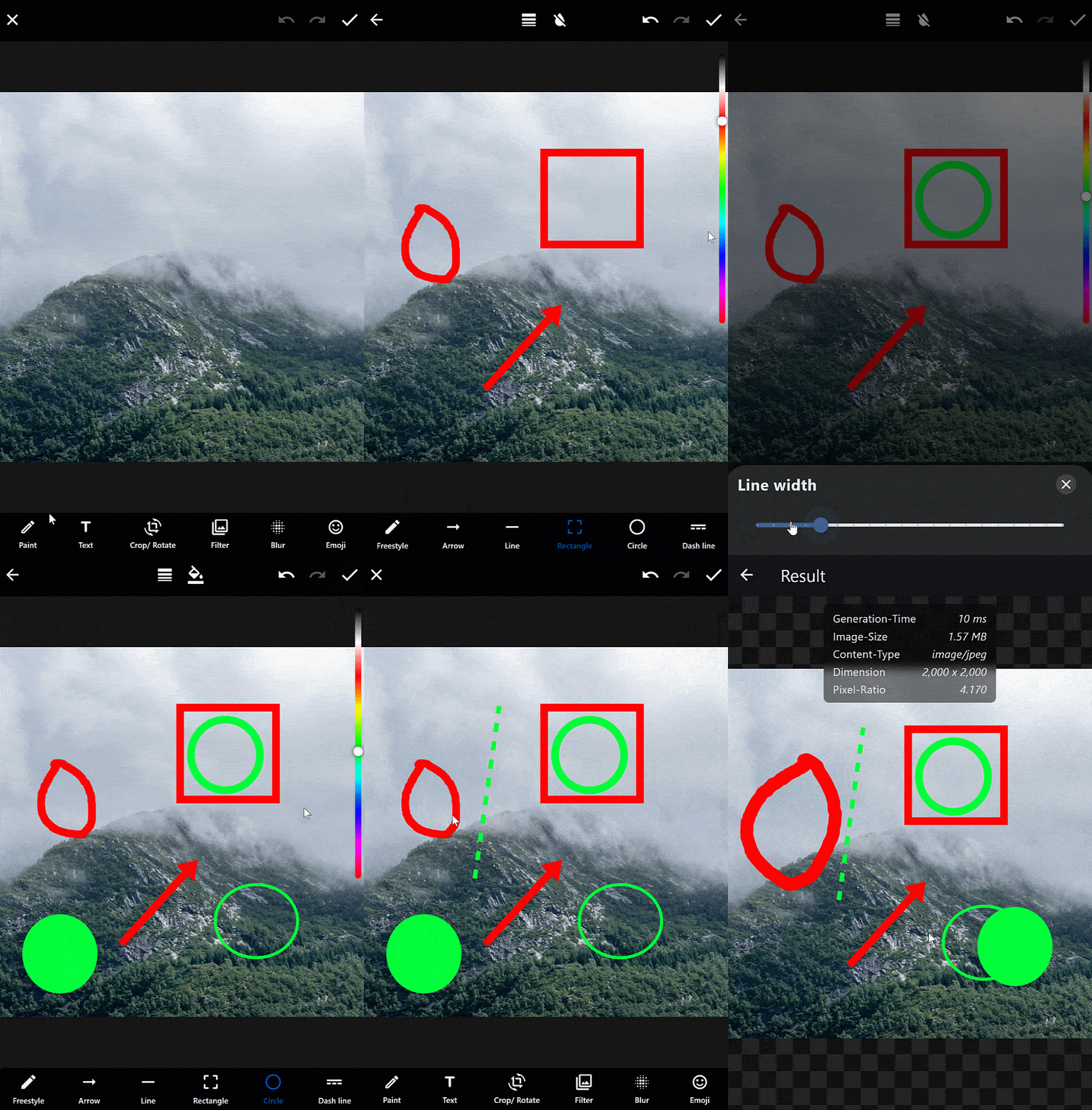
| Paint-Editor |
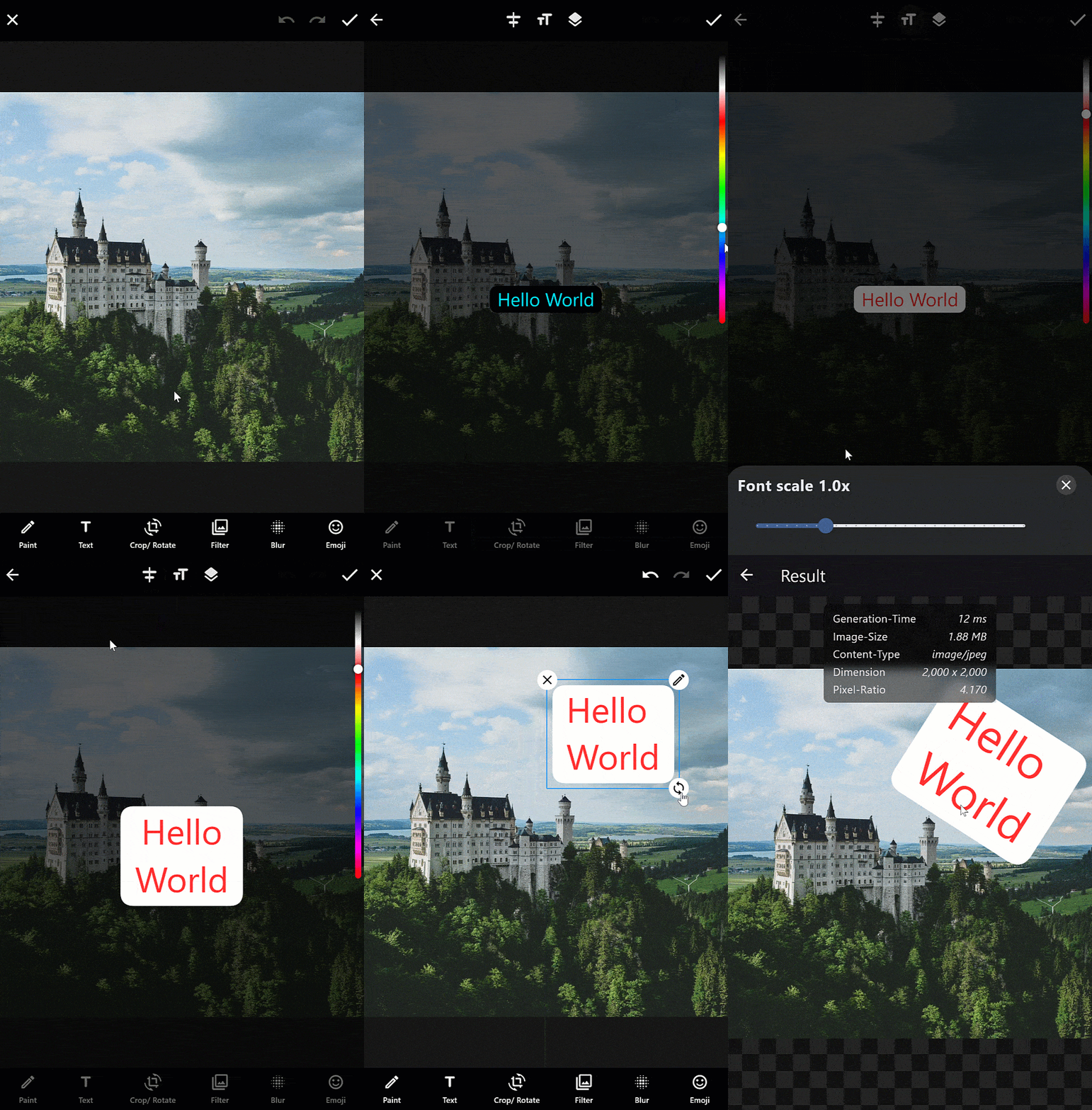
Text-Editor |
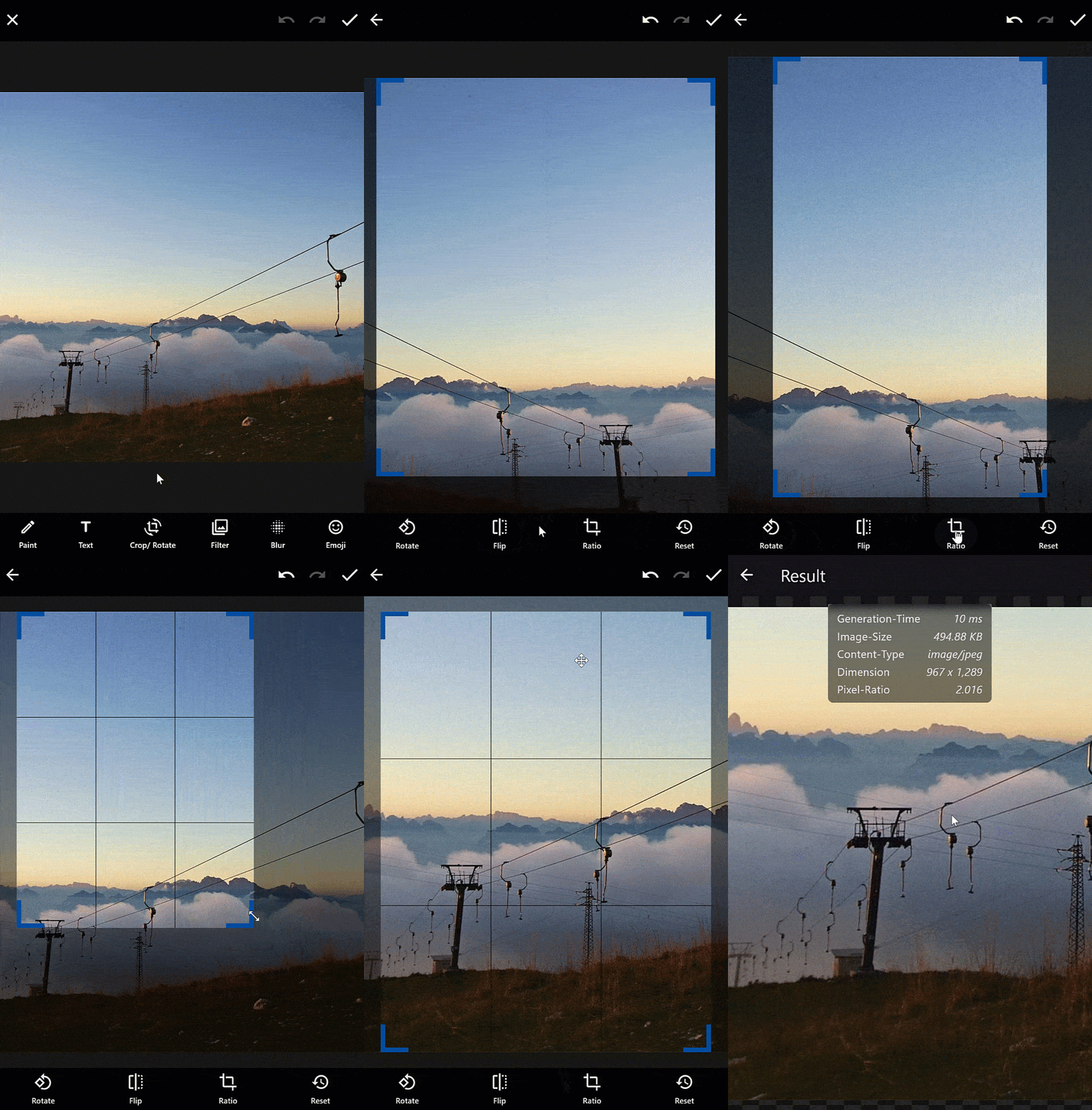
Crop-Rotate-Editor |
|
|
|
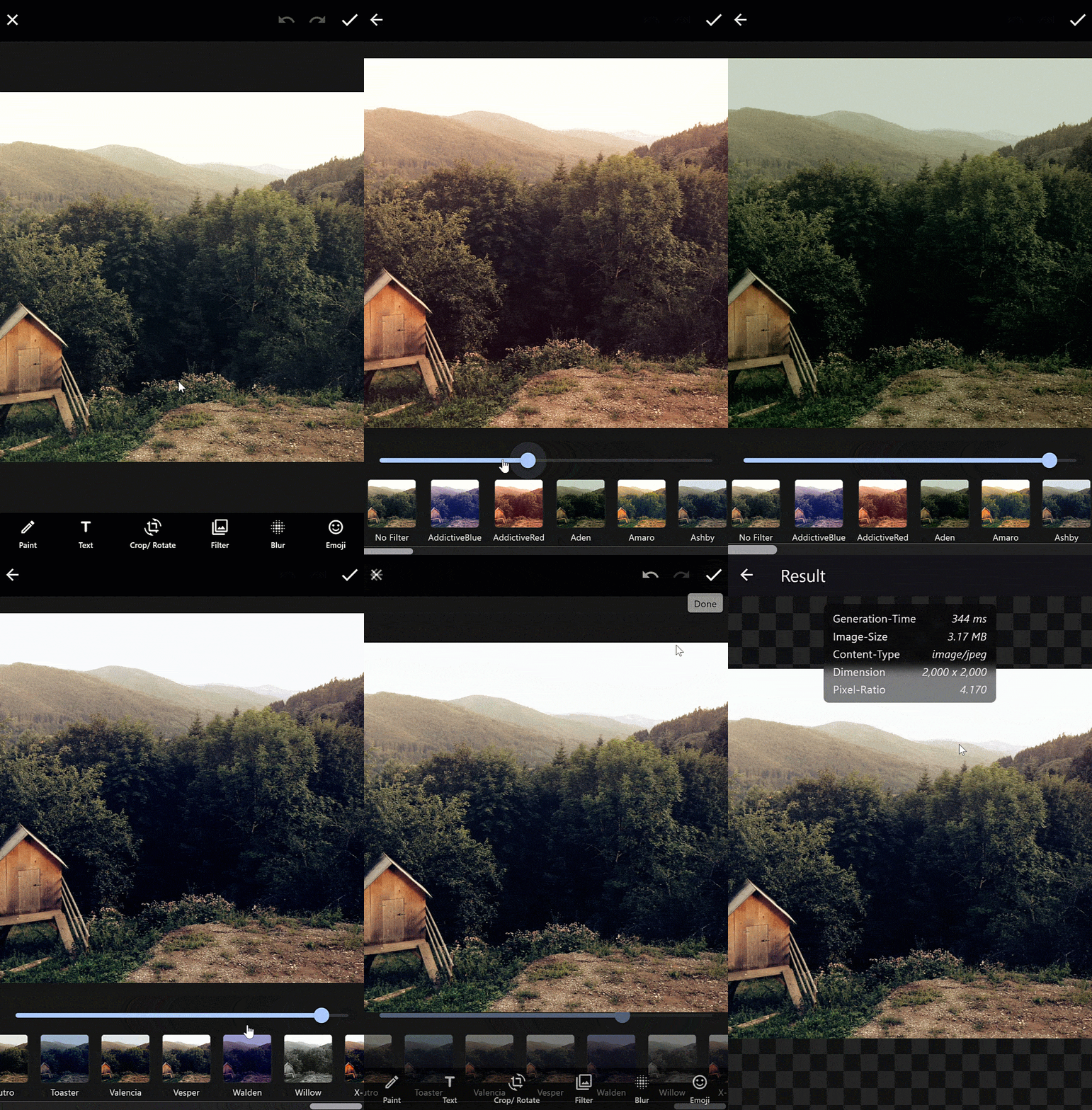
| Filter-Editor |
Emoji-Editor |
Sticker/ Widget Editor |
|
|
|
Features
🧩 Editor Modules
- 🎨 Paint Editor: Draw freehand with various brushes, shapes (like circles and arrows), and apply blur or pixelation for censoring.
- 🅰️ Text Editor: Add and style text with full customization.
- ✂️ Crop & Rotate Editor: Crop, flip, and rotate images with ease.
- 🎛️ Tune Adjustments: Adjust brightness, contrast, saturation, and more.
- 📸 Filter Editor: Apply custom or predefined image filters.
- 💧 Blur Editor: Add blur to any part of the image.
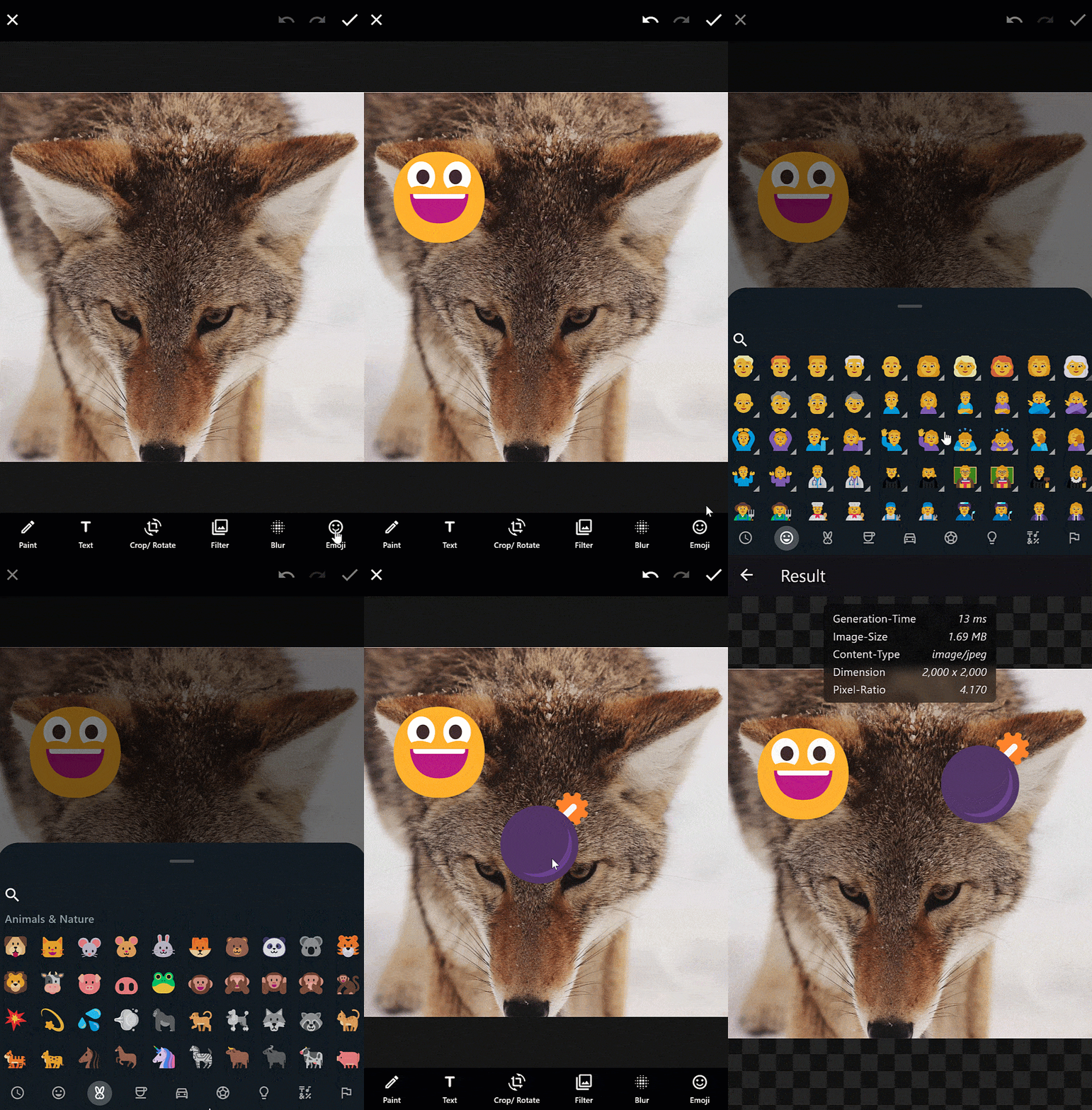
- 😀 Emoji Picker: Quickly insert emojis into your design.
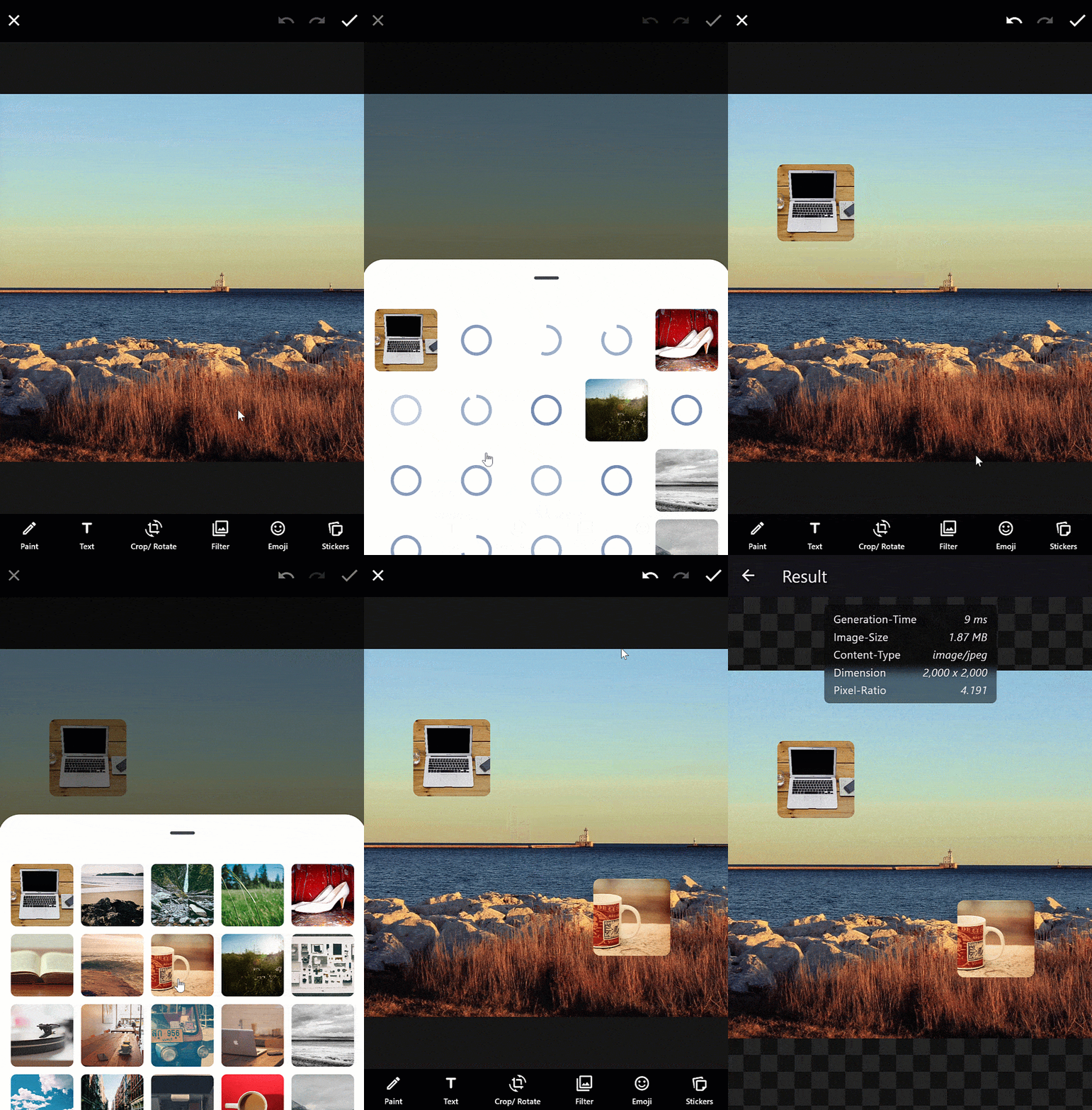
- 🖼️ Sticker Editor: Add and manage custom image stickers.
🚀 Performance & Architecture
- 🧵 Multi-Threading
- Use isolates for background tasks on native platforms.
- Use web workers for background tasks in web environments.
- Auto- or manually configure the number of active background processors based on device capabilities.
🛠️ Core Features
- 🖼️ Flexible Image Input: Load images from memory, assets, files, or network.
- 🌍 i18n Support: Translate every string in the UI.
- 🎚️ Per-Editor Configuration: Each module offers extensive customization options.
- 🧱 Fully Customizable: Swap icons, styles, and widgets for any subeditor.
- 📐 Helper Lines: Snap and align objects more accurately.
- ↩️ Undo/Redo support for non-destructive editing.
- 🔁 Movable Background Image: Position the base image as needed.
- 🔀 Reorder Layers: Change layer stacking order dynamically.
- 🎯 Interactive Layers: Select and manipulate each element with precision.
- 🖌️ Hit Detection: Paint layers support interactive selection.
- 🔍 Zoom Support: Zoom in/out in both paint and main editor views.
- 🖱️ Enhanced Desktop UX: Fine-tuned movement and scaling on desktop platforms.
- 🧲 Multiselect Support: Select multiple elements at once.
🎨 Themes
- 🪵 Grounded Theme
- 🧊 Frosted Glass Theme
- 💬 WhatsApp Theme
🔗 Integration
- 🤖 AI Assistant: Integrate ChatGPT, Gemini, or other AI models to assist with image editing via smart suggestions or direct commands.
- 🎥 Video Editor: Seamlessly combine image and video editing workflows.
Setup
Web
Show web setup
If you're displaying emoji on the web and want them to be colored by default (especially if you're not using a custom font like Noto Emoji), you can achieve this by adding the useColorEmoji: true parameter to your flutter_bootstrap.js file, as shown in the code snippet below:
{{flutter_js}}
{{flutter_build_config}}
_flutter.loader.load({
serviceWorkerSettings: {
serviceWorkerVersion: {{flutter_service_worker_version}},
},
onEntrypointLoaded: function (engineInitializer) {
engineInitializer.initializeEngine({
useColorEmoji: true,
renderer: 'canvaskit'
}).then(function (appRunner) {
appRunner.runApp();
});
}
});
You can view the full web example here.
Android, iOS, macOS, Linux, Windows
No additional setup required.
Apps that still use package:flutter/material.dart
Since v14 the editor is built on material_ui and cupertino_ui, which Flutter is decoupling from the SDK. If your app has not migrated its own MaterialApp yet, hand it the localizations of those packages, otherwise the editor's app bars, dialogs and bottom sheets throw No MaterialLocalizations found:
import 'package:material_ui/material_ui.dart' as material_ui;
MaterialApp(
localizationsDelegates: [
...material_ui.GlobalMaterialLocalizations.delegates,
],
);
Usage
import 'package:pro_image_editor/pro_image_editor.dart';
@override
Widget build(BuildContext context) {
return ProImageEditor.network(
'https://picsum.photos/id/237/2000',
callbacks: ProImageEditorCallbacks(
onImageEditingComplete: (Uint8List bytes) async {
Navigator.pop(context);
},
),
);
}
Designs
The editor offers three prebuilt designs:
Extended-Configurations
The editor provides extensive customization options, allowing you to modify text, icons, colors, and widgets to fit your needs. It also includes numerous callbacks for full control over its functionality.
Check out the web demo to explore all possibilities. You can find the example code for all demos here.
Video-Editor
The editor supports full video generation on Android, iOS, and macOS. Support for Windows and Linux is coming soon.
To keep the image editor lightweight, you’ll need to manually add the video player package of your choice. For rendering the video, you can use my package pro_video_editor, which is also used in the example.
An example of how to implement the video editor with a specific video player can be found here, and a simpler example using just the default video_player is available here.
Sponsors

Included Packages
A big thanks to the authors of these amazing packages.
-
Packages created by the Dart team:
-
Packages that are used with a minor modified version, but are not a direct dependency:
Contributors

Made with contrib.rocks.