Package selection guidance compiled from public package information, community data, and project usage.
The tbib_downloader package enables file downloading in Flutter apps with support for progress tracking, notifications, and real-time byte updates. It allows users to monitor download progress through on-screen or system notifications and provides callbacks for received and total bytes. Designed for Android and iOS, it simplifies handling file downloads with minimal setup. Ideal for apps requiring reliable background downloads and user feedback during transfers.
Use cases
Downloading files with progress tracking
Displaying download notifications
Monitoring byte-by-byte download progress
Handling large file downloads
Integrating background download functionality
Showing real-time download status
Key features
Progress and byte tracking
System notifications for downloads
Callback for received and total bytes
Support for Android and iOS
Simple integration via pub
Background download support
Suitable for
Apps needing file downloads
Media or document download features
Apps requiring user feedback during downloads
Developers building offline content
Projects with large file transfer needs
Considerations
Requires platform-specific permissions
Limited to Android and iOS
No built-in pause/resume functionality
Depends on external repository
May need additional error handling
Notification behavior varies by platform
Original README
Original README snapshot from the linked source repository. Visit the repository for the latest content.
tbib_downloader
This package for download file and open it you can display notifications and progress notification and can receive download bytes and total bytes
Note this package use awesome notification
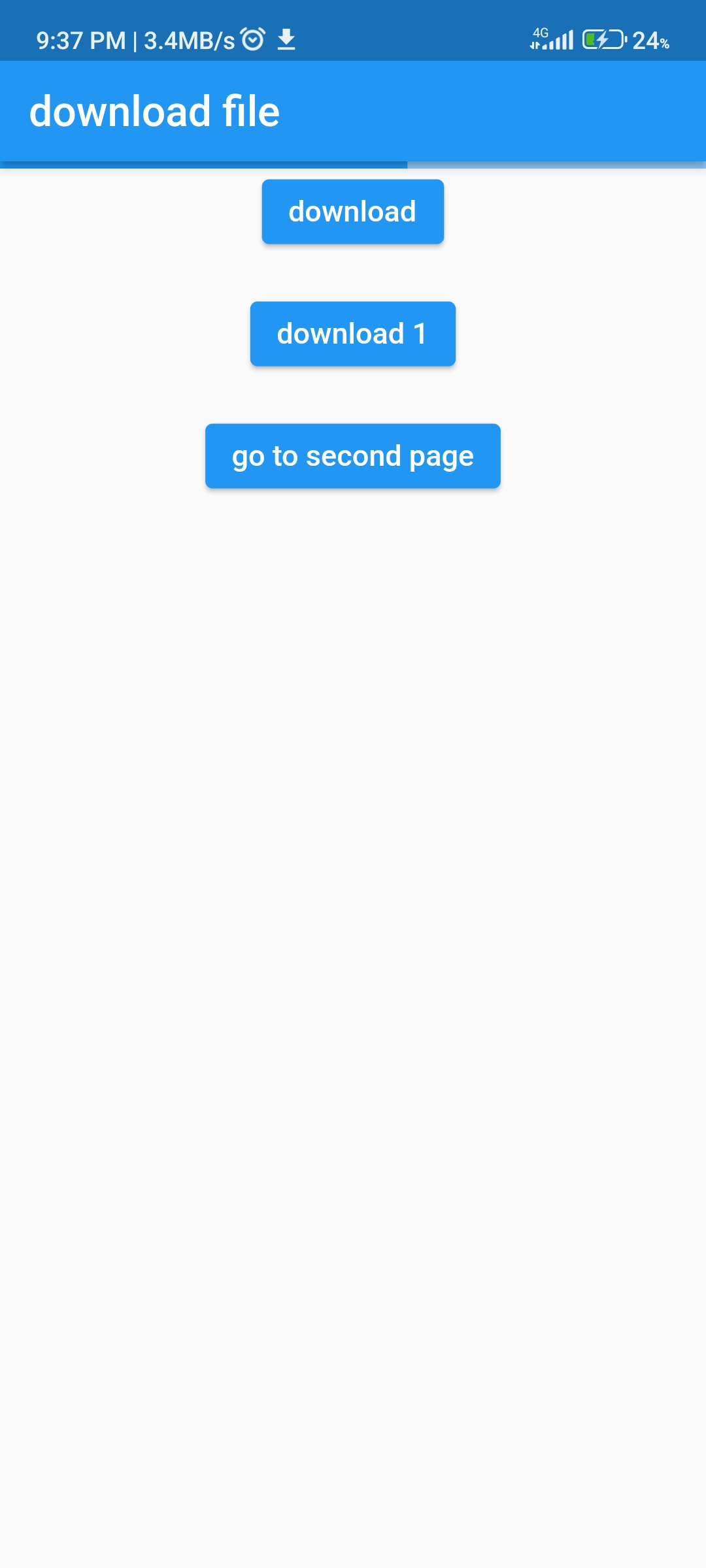
Can display progress in your app
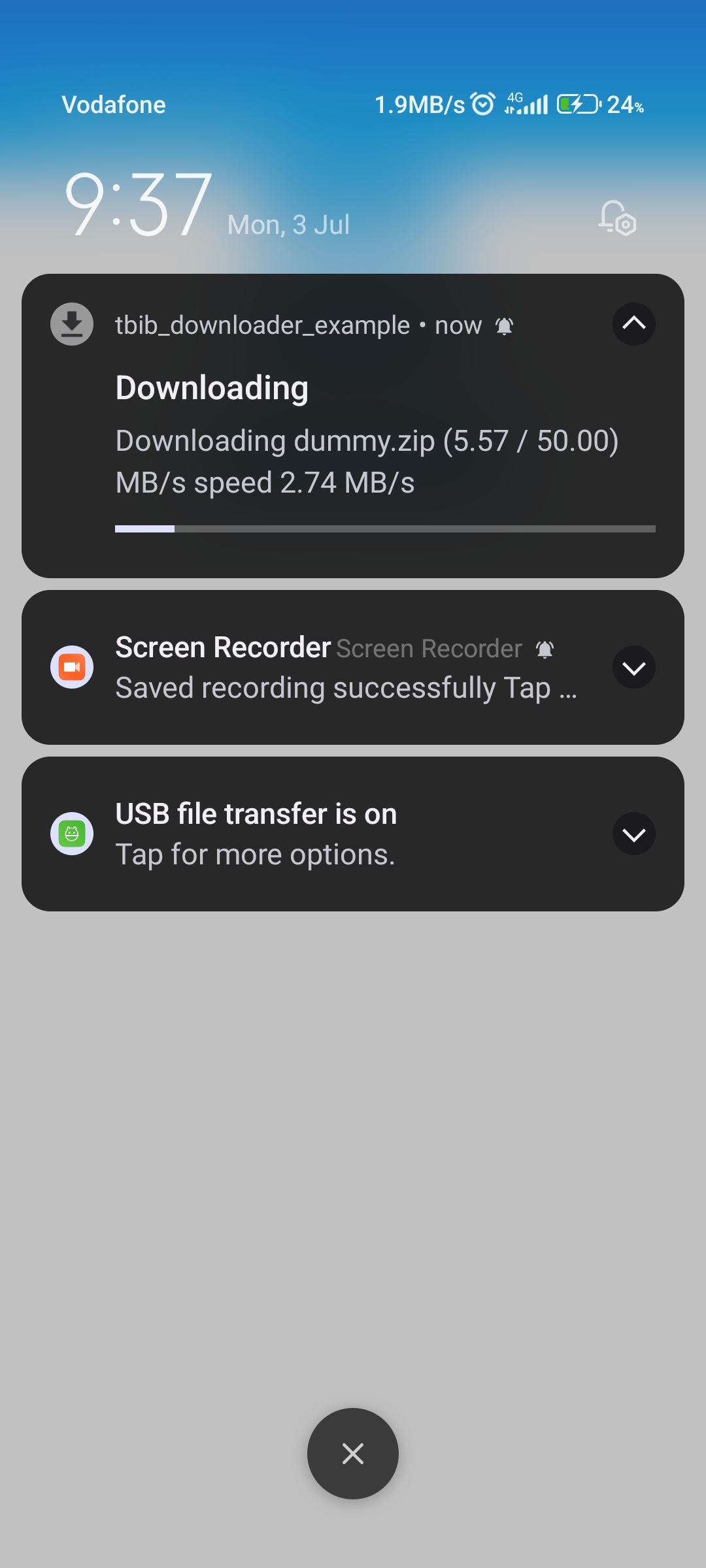
Notification with progress bar
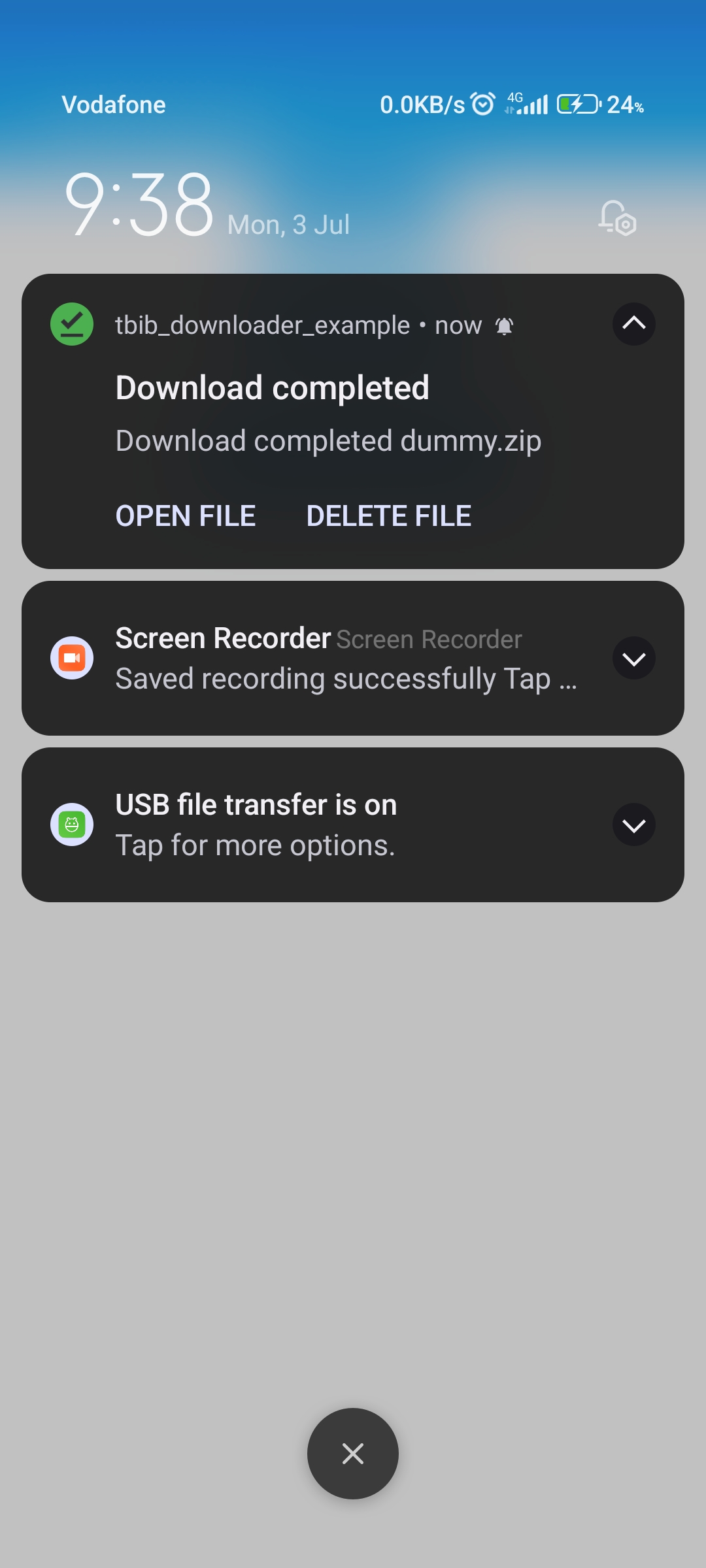
Notification downloaded ended
ios configuration
step 1
 Change
  BUILD_LIBRARY_FOR_DISTRIBUTION = YES
 to
 BUILD_LIBRARY_FOR_DISTRIBUTION = NO
import'dart:developer';
import'package:awesome_notifications/awesome_notifications.dart';
import'package:tbib_downloader/tbib_downloader.dart';
classMyNotificationService{
/// Use this method to detect when a new notification or a schedule is created@pragma("vm:entry-point")
staticFuture<void> onNotificationCreatedMethod(
ReceivedNotification receivedNotification) async {
// Your code goes here
}
/// Use this method to detect every time that a new notification is displayed@pragma("vm:entry-point")
staticFuture<void> onNotificationDisplayedMethod(
ReceivedNotification receivedNotification) async {
// Your code goes here
}
/// Use this method to detect if the user dismissed a notification@pragma("vm:entry-point")
staticFuture<void> onDismissActionReceivedMethod(
ReceivedAction receivedAction) async {
// Your code goes here
}
/// Use this method to detect when the user taps on a notification or action button@pragma("vm:entry-point")
staticFuture<void> onActionReceivedMethod(
ReceivedAction receivedAction) async {
if (receivedAction.buttonKeyPressed == 'tbib_downloader_open_file') {
var res = awaitTBIBDownloaderOpenFile()
.openFile(path: receivedAction.payload!['path']!);
log(res.message);
} elseif (receivedAction.buttonKeyPressed ==
'tbib_downloader_delete_file') {
awaitTBIBDownloaderOpenFile()
.deleteFile(receivedAction.payload!['path']!);
}
}
}
how to download
Note
in version 1.0.1 can use attribute saveFileInDataApp to save in android/data/${package name}/...