Search packages, repositories and app categories

tweet_ui cover
Package detailsv4.0.5

tweet_ui

Show Tweets from a Twitter API JSON on Android and iOS. Support for Tweets with 1-4 photos, Video, GIFs, hashtags, mentions, symbols, urls, quoted Tweets and retweets.

AndroidiOS
30-day downloads
156
Likes
67
Pub points
120

Install package

flutter pub add tweet_ui

Package Overview

Package selection guidance compiled from public package information, community data, and project usage.

tweet_ui is a Flutter package that renders Twitter tweets from JSON data, supporting rich media including 1-4 photos, videos, GIFs, hashtags, mentions, symbols, URLs, quoted tweets, and retweets. It provides a clean, native-like display for tweets on both Android and iOS platforms, making it ideal for social media apps or feeds that integrate Twitter content. The package handles complex tweet structures with minimal setup, ensuring consistent rendering across devices.

Use cases

  • Displaying Twitter feeds in apps
  • Integrating Twitter content into social platforms
  • Rendering rich tweet media in real-time
  • Building news or update dashboards
  • Showing user-generated tweet content
  • Creating social media widgets

Key features

  • Supports multi-photo tweets
  • Handles videos and GIFs
  • Processes hashtags and mentions
  • Displays quoted tweets and retweets
  • Responsive layout for all tweet types
  • Built-in support for Android and iOS

Suitable for

  • Social media app developers
  • Content aggregation platforms
  • News feed integrations
  • Apps with user-generated tweet displays
  • Developers needing native Twitter UI components

Considerations

  • Requires valid Twitter API JSON
  • Limited to Twitter-specific content
  • Depends on external API for data
  • May need custom styling for branding
  • Not suitable for non-Twitter tweet sources
  • Needs proper handling of rate-limited API responses
Original README

Original README snapshot from the linked source repository. Visit the repository for the latest content.

tweet_ui

Flutter Tweet UI - Flutter package that is inspired by twitter-kit-android. Works on iOS and Android.

Getting Started

To use this package add it to the pubspec.yaml file:

tweet_ui: <latest_version>

import it:

import 'package:tweet_ui/tweet_ui.dart';

If you want to show tweets with videos: check the better_player installation site

Video/GIF Tweets don't work on iOS simulators (video_player ios instructions)

finally, create a TweetView from a JSON:

API V1.1
TweetView.fromTweetV1(
    TweetV1Response.fromRawJson(
        jsonFromTwitterAPI
        // {"created_at": "Mon Nov 12 13:00:38 +0000 2018", "id": 1061967001177018368, ...
    )
);
API V2
TweetView.fromTweetV2(
    TweetV2Response.fromRawJson(
        jsonFromTwitterAPI
        // {"data": ["created_at": "2020-09-18T18:36:15.000Z", "id": "1061967001177018368", ...
        // or
        // {"data": {"created_at": "2020-09-18T18:36:15.000Z", "id": "1061967001177018368", ...
    )
);

or a CompactTweetView,

API V1.1
CompactTweetView.fromTweetV1(
    TweetV1Response.fromRawJson(
        jsonFromTwitterAPI
        // {"created_at": "Mon Nov 12 13:00:38 +0000 2018", "id": 1061967001177018368, ...
    )
);
API V2
CompactTweetView.fromTweetV2(
    TweetV2Response.fromRawJson(
        jsonFromTwitterAPI
        // {"data": ["created_at": "2020-09-18T18:36:15.000Z", "id": "1061967001177018368", ...
        // or
        // {"data": {"created_at": "2020-09-18T18:36:15.000Z", "id": "1061967001177018368", ...
    )
);

or a EmbeddedTweetView.

API V1.1
EmbeddedTweetView.fromTweetV1(
    TweetV1Response.fromRawJson(
        jsonFromTwitterAPI
        // {"created_at": "Mon Nov 12 13:00:38 +0000 2018", "id": 1061967001177018368, ...
    )
  darkMode: true,
)
API V2
EmbeddedTweetView.fromTweetV2(
    TweetV2Response.fromRawJson(
      jsonFromTwitterAPI
      // {"data": ["created_at": "2020-09-18T18:36:15.000Z", "id": "1061967001177018368", ...
      // or
      // {"data": {"created_at": "2020-09-18T18:36:15.000Z", "id": "1061967001177018368", ...
    )
    darkMode: true,
)

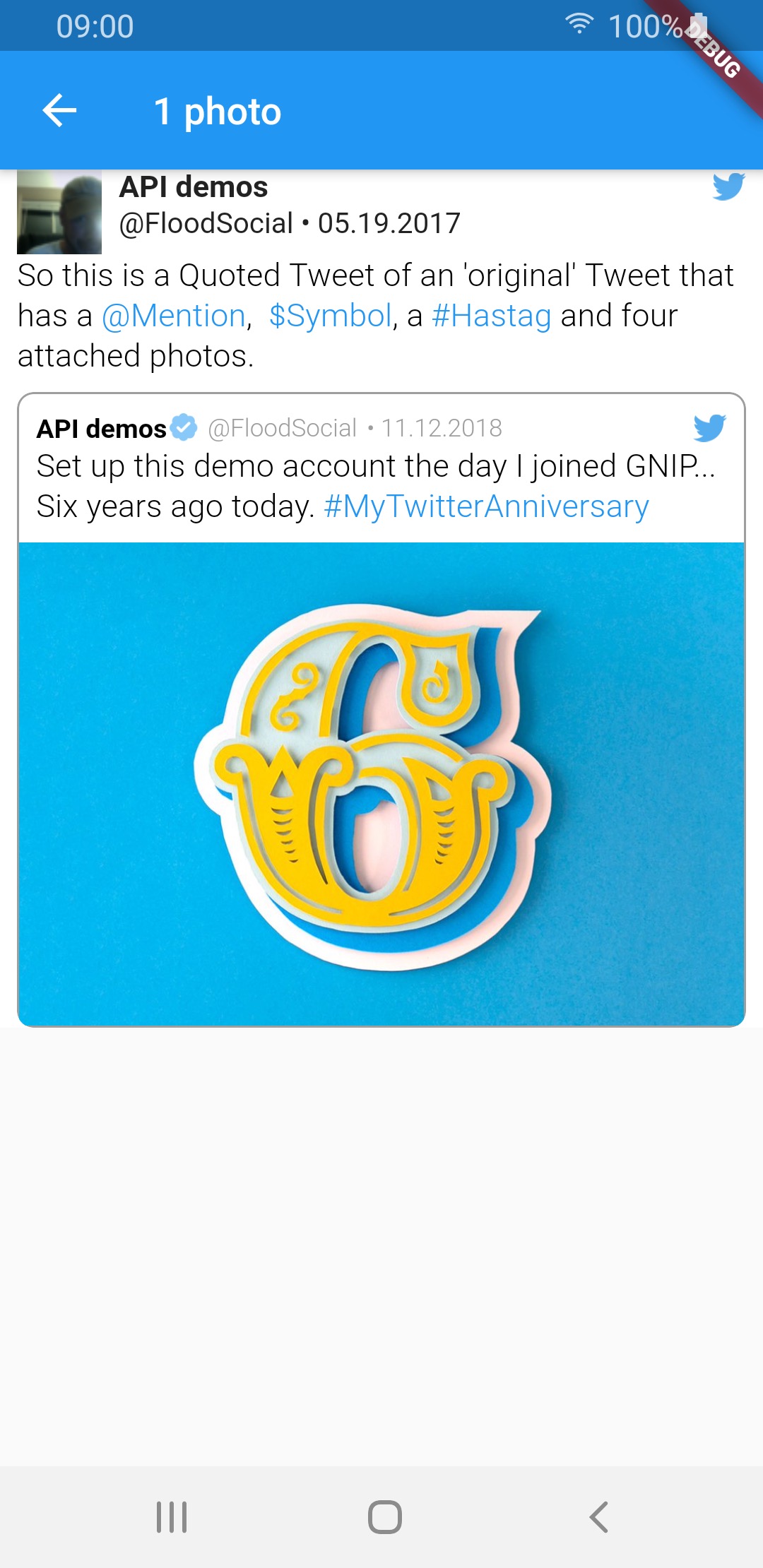
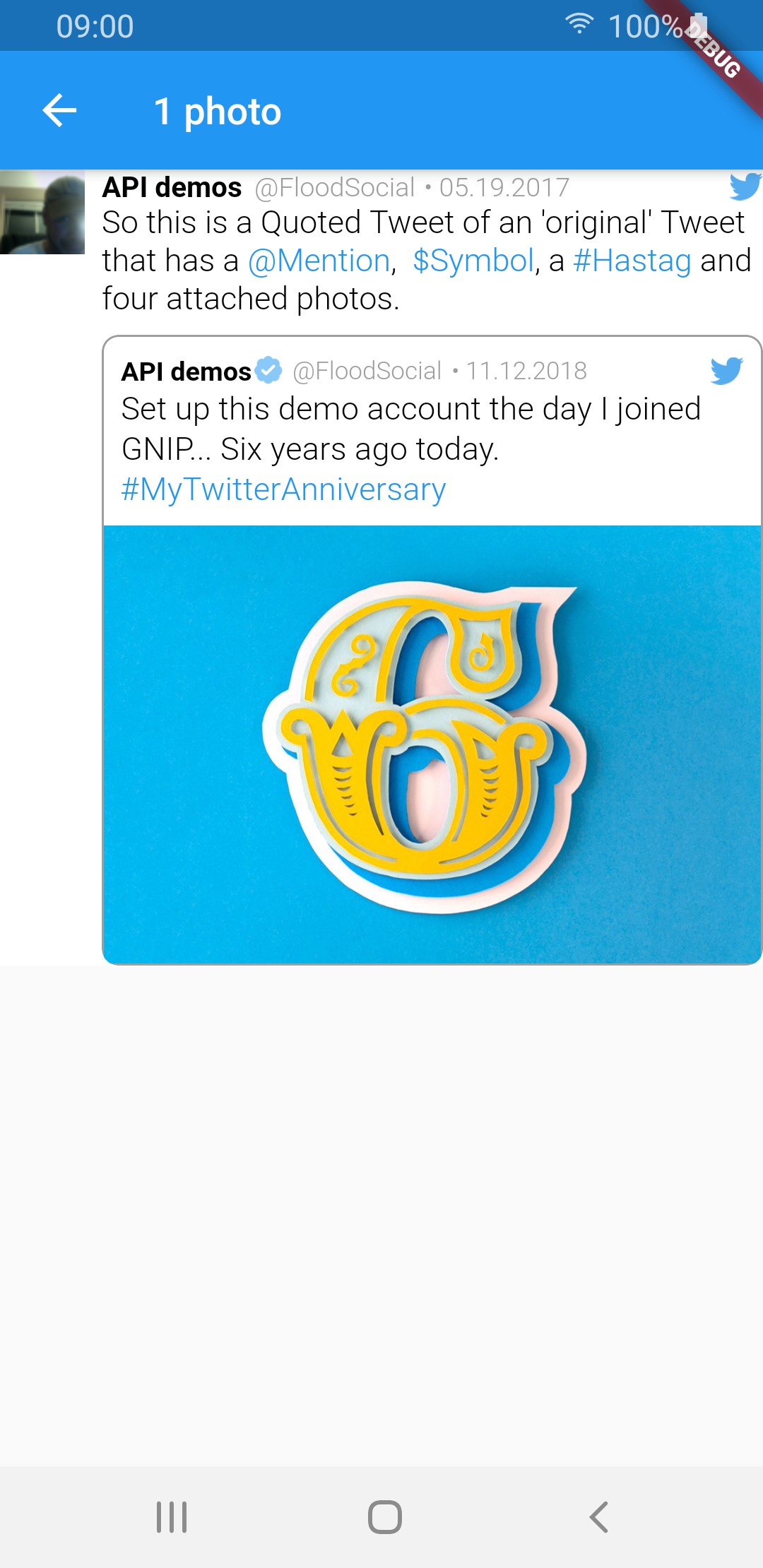
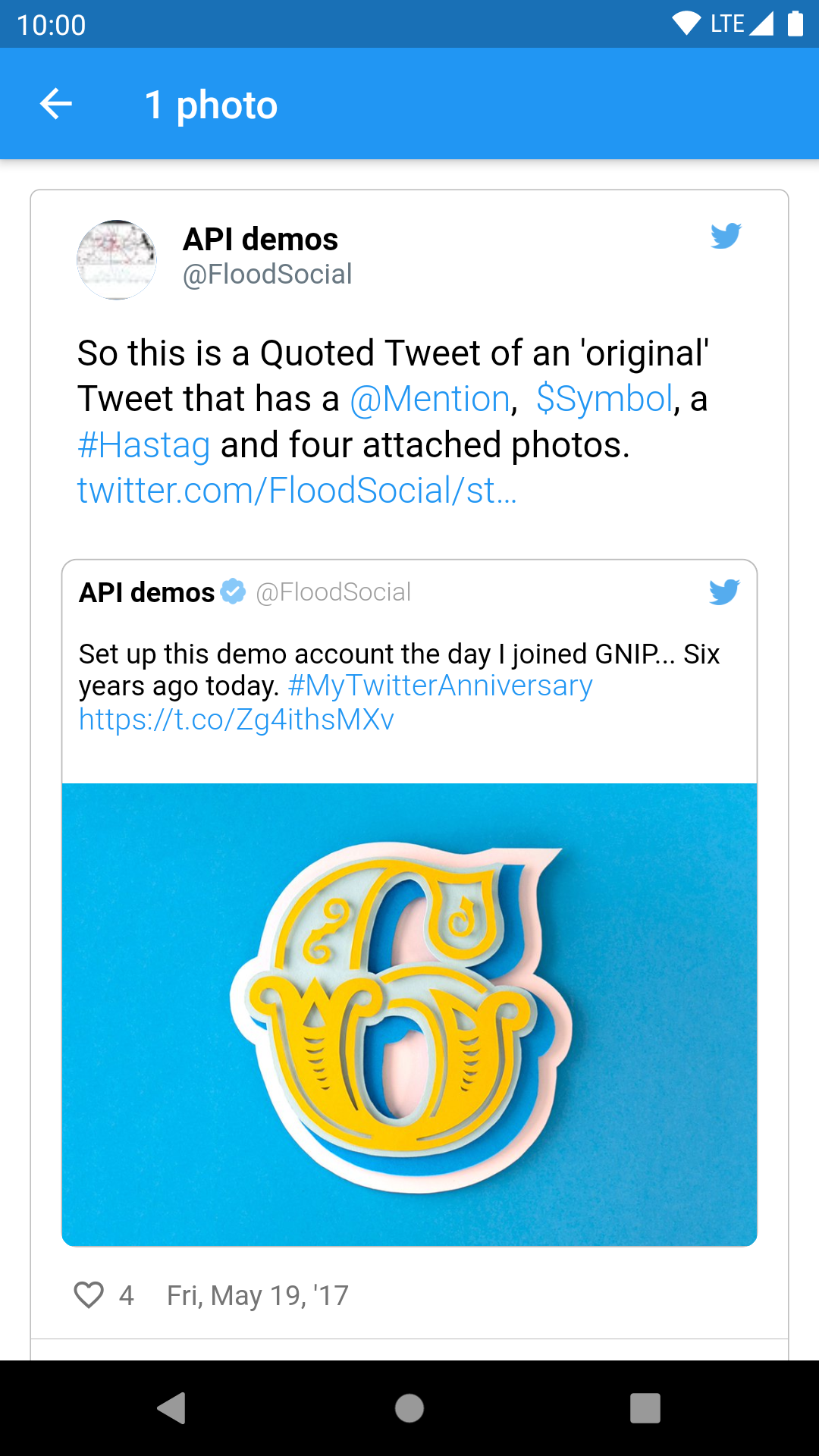
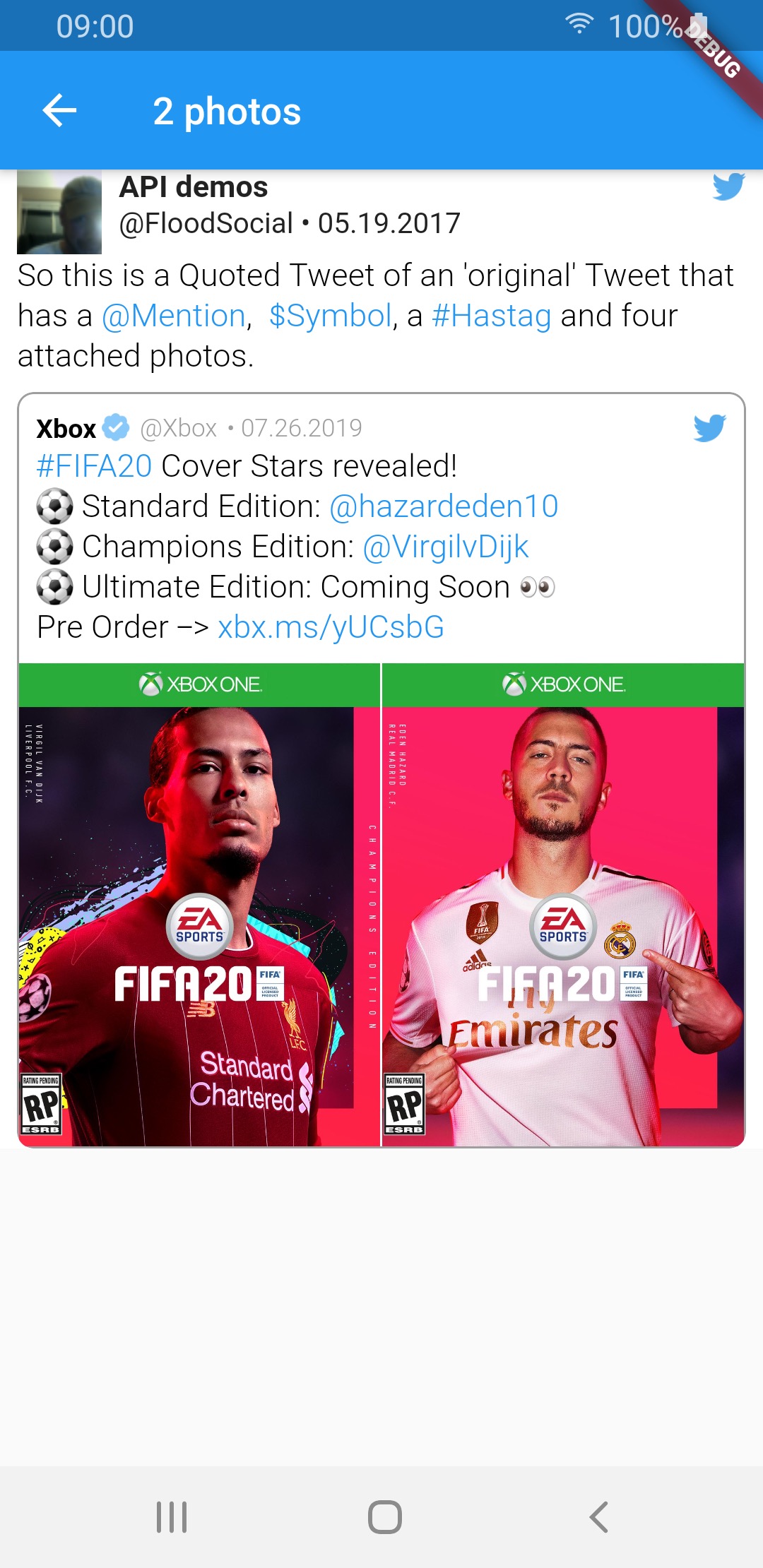
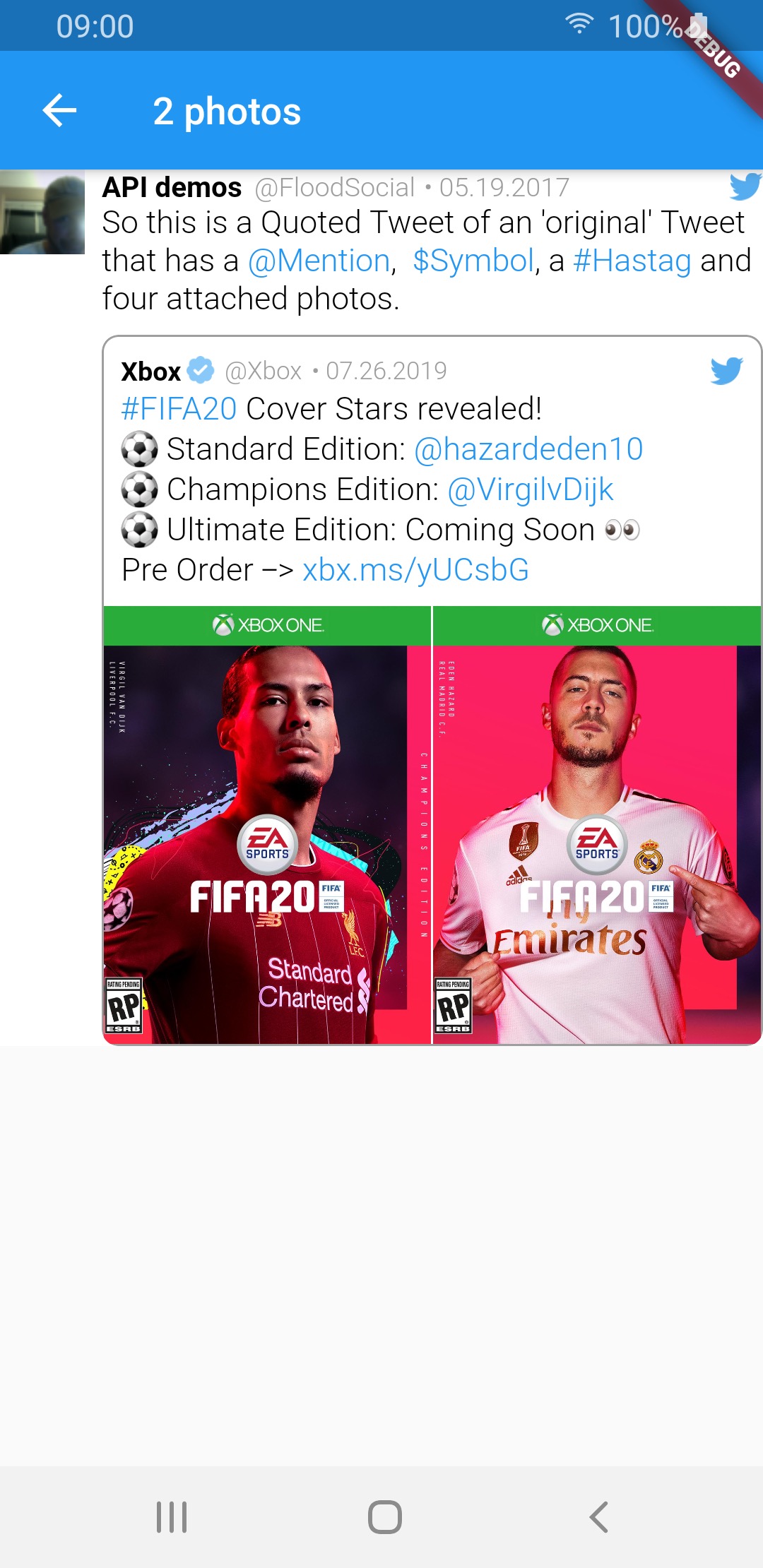
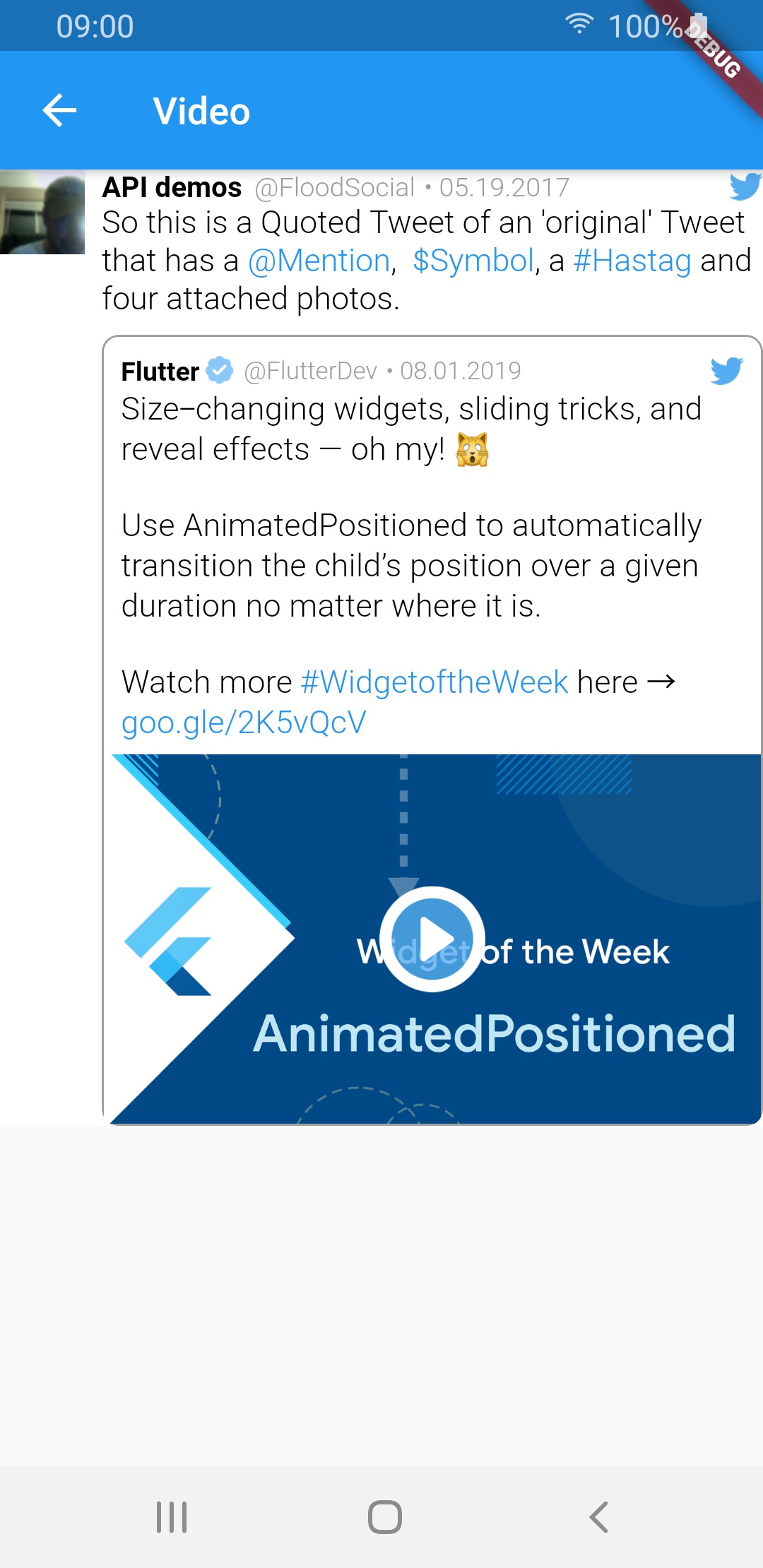
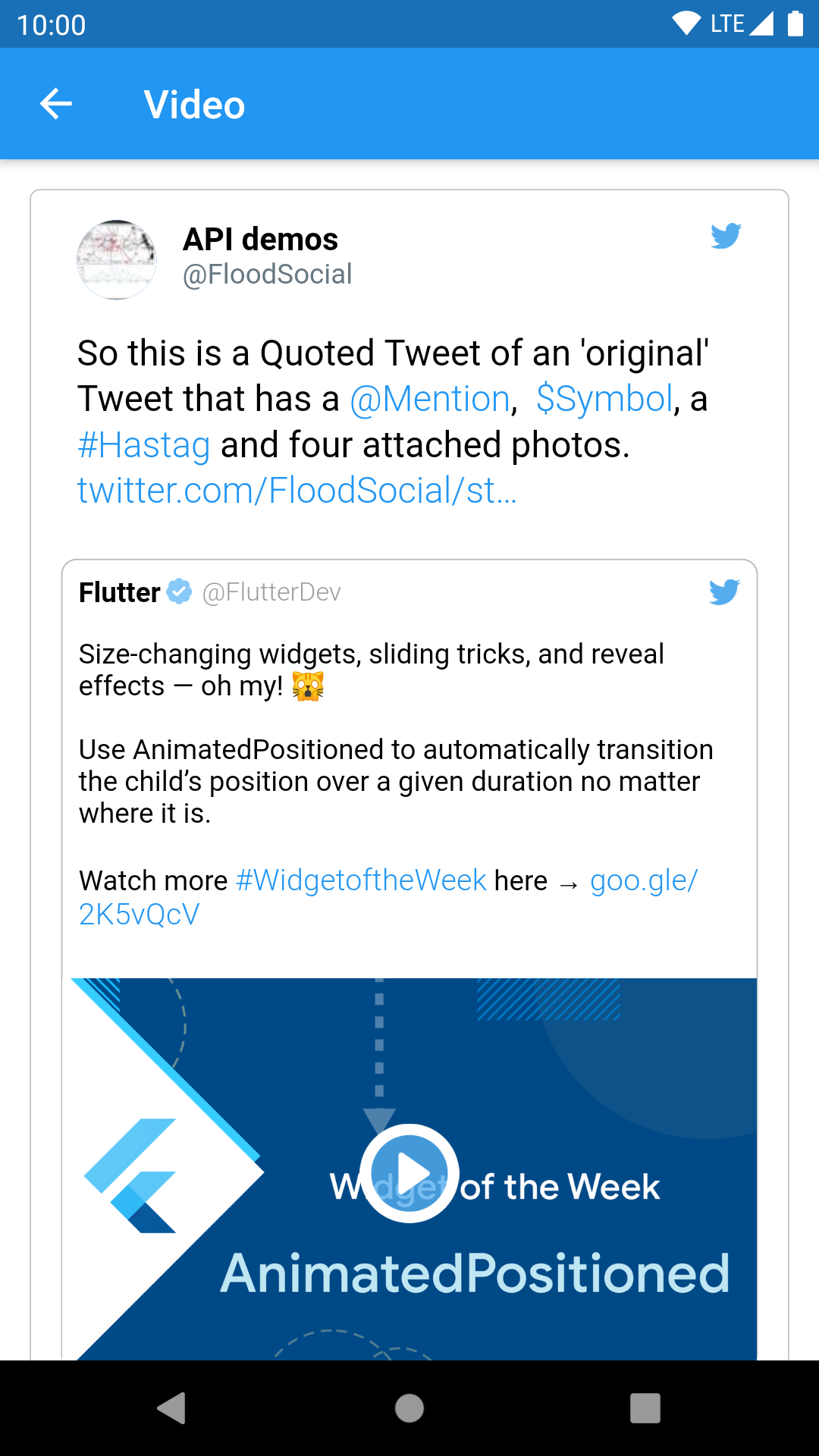
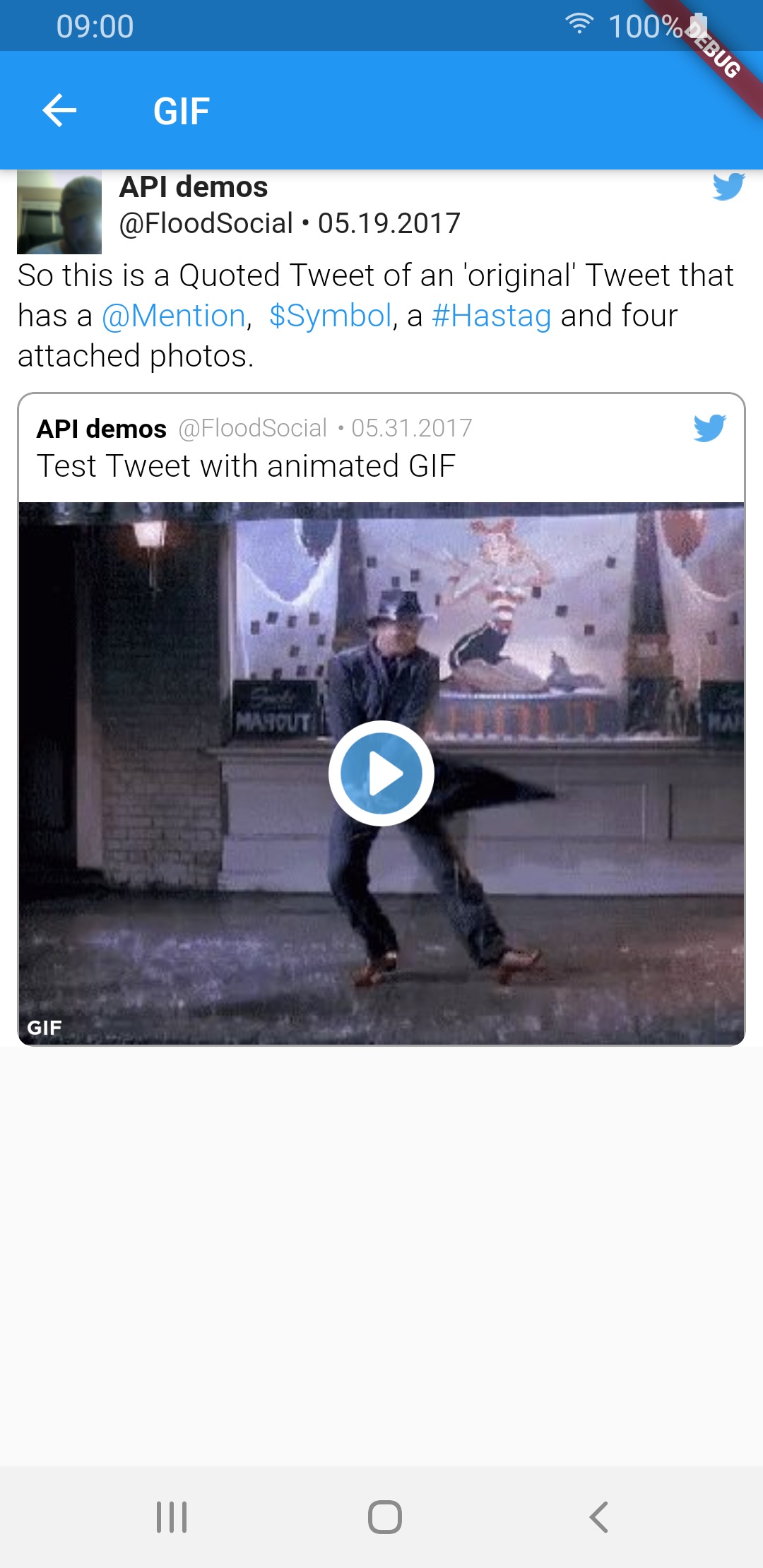
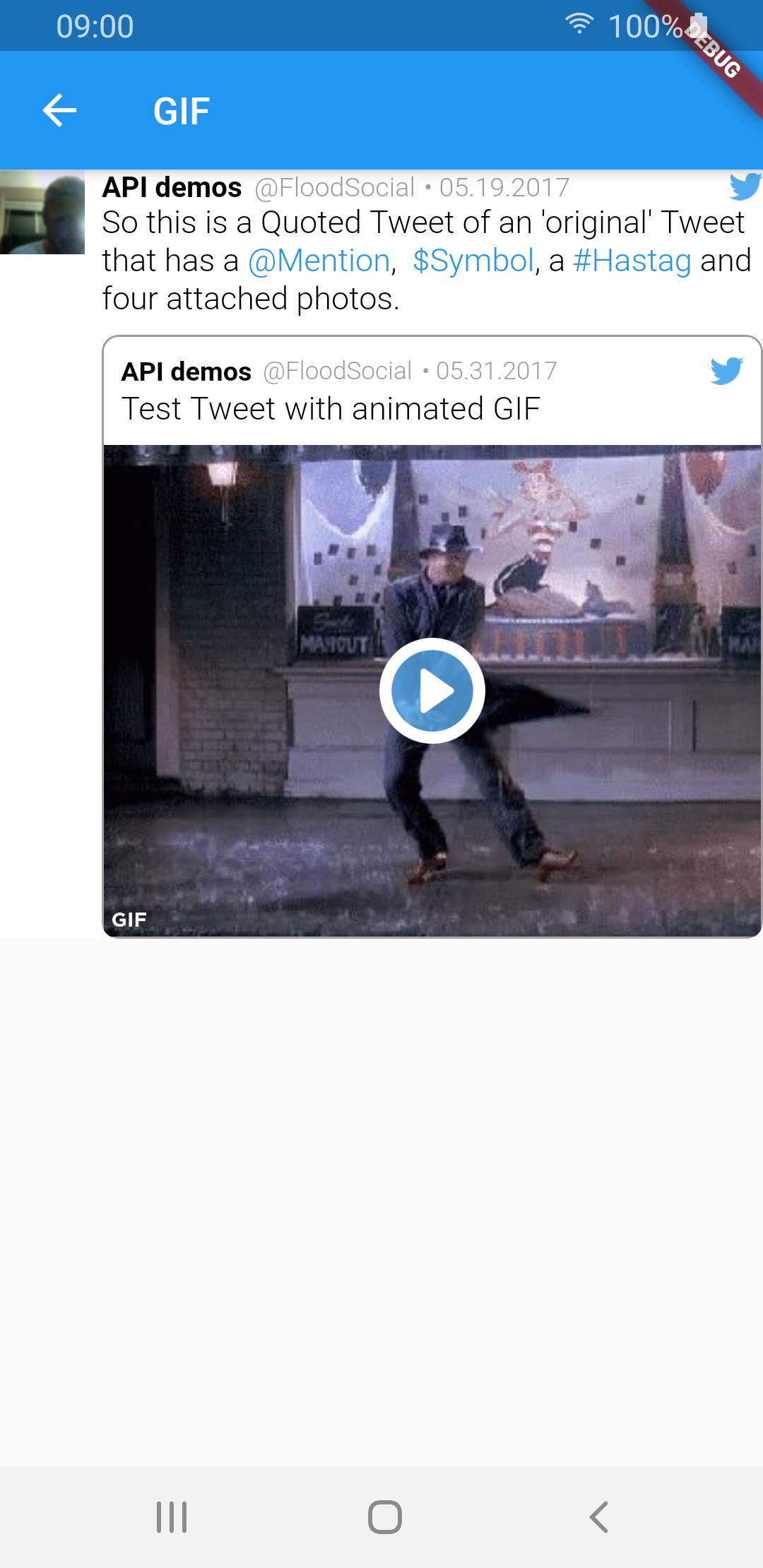
There is also a special QuoteTweetView that is embedded in a TweetView or a CompactTweetView or a EmbeddedTweetView. This depends if a Tweet has a quoted_status value in the JSON.

What tweet view should I create?

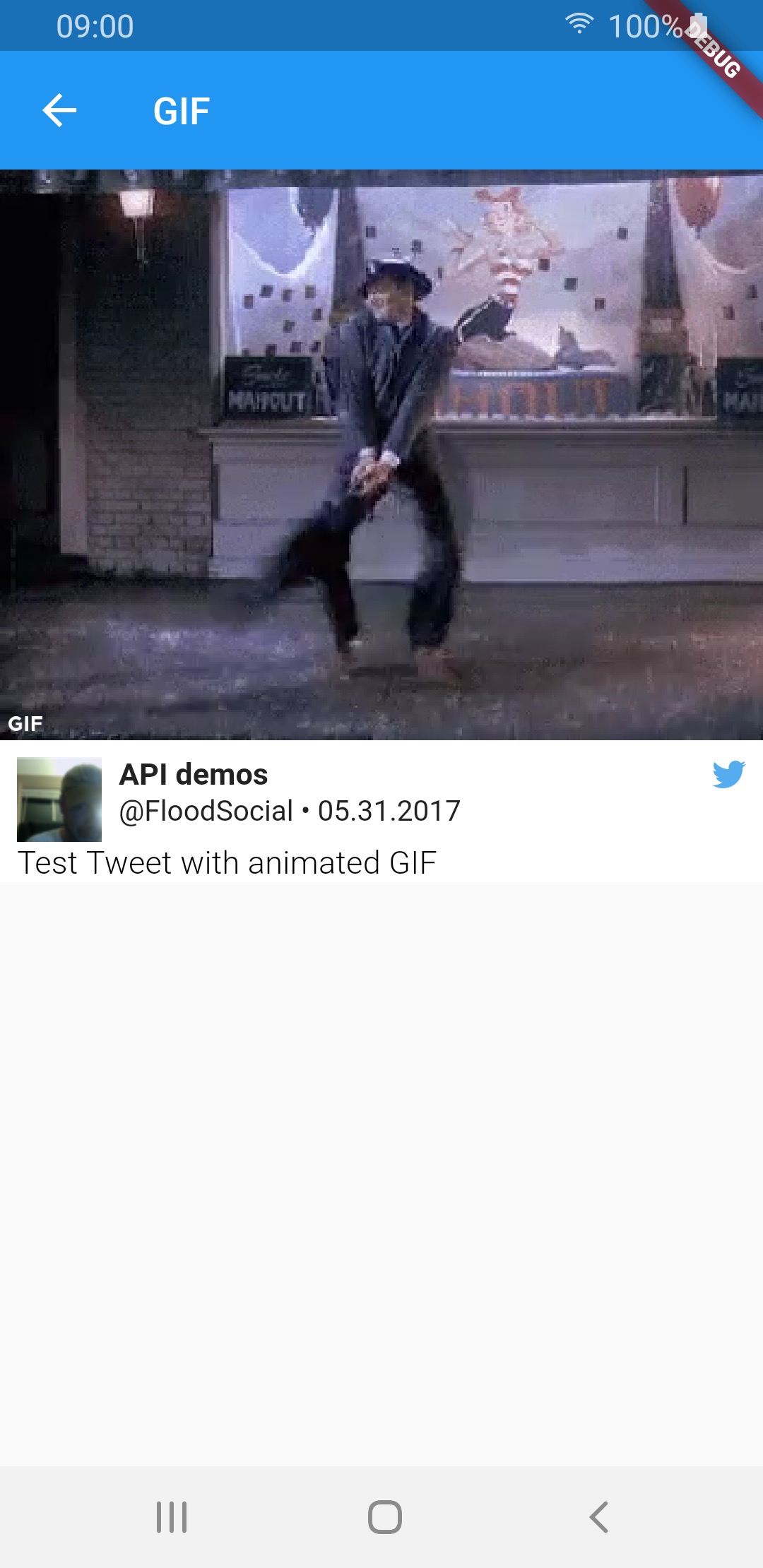
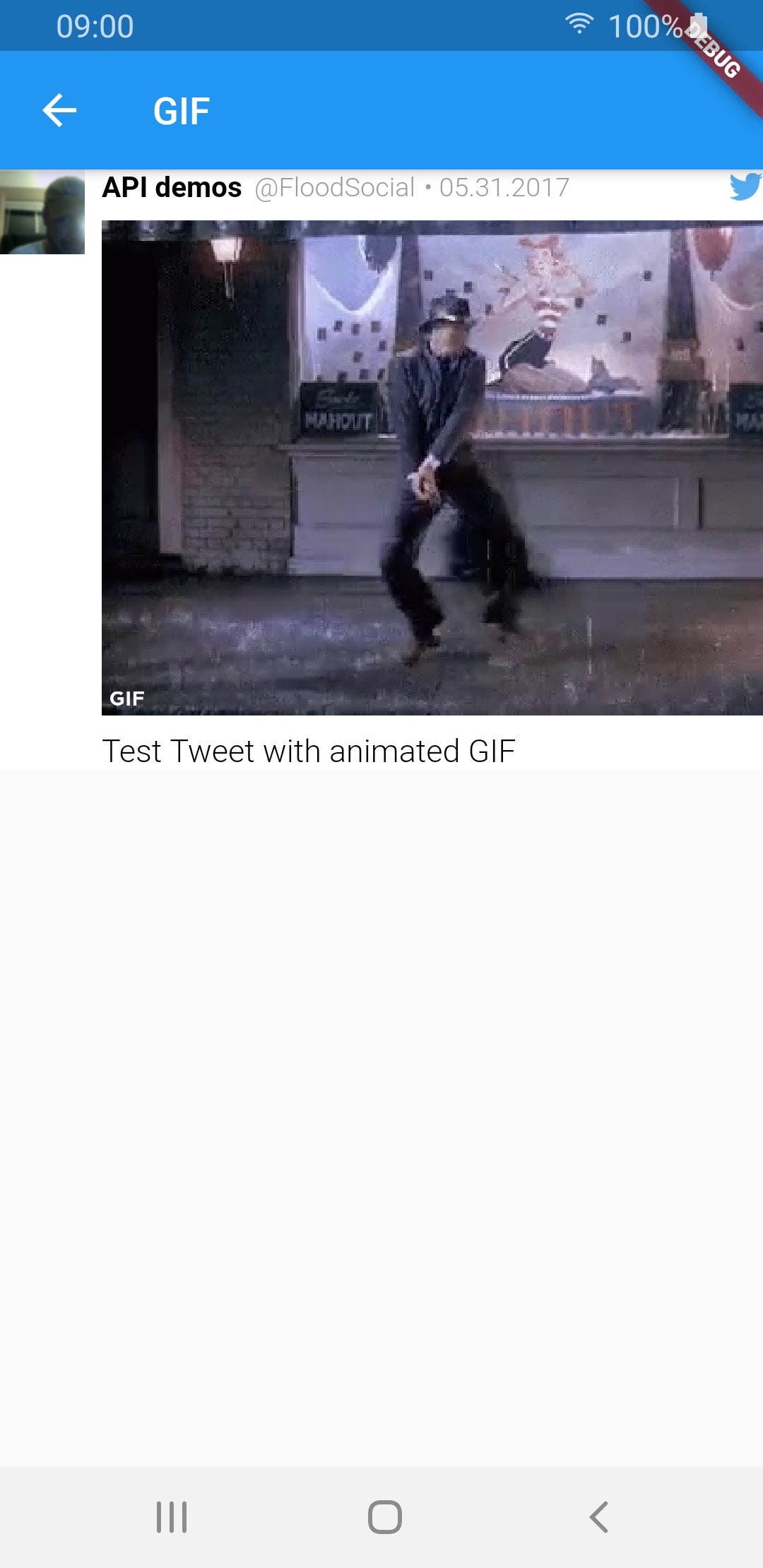
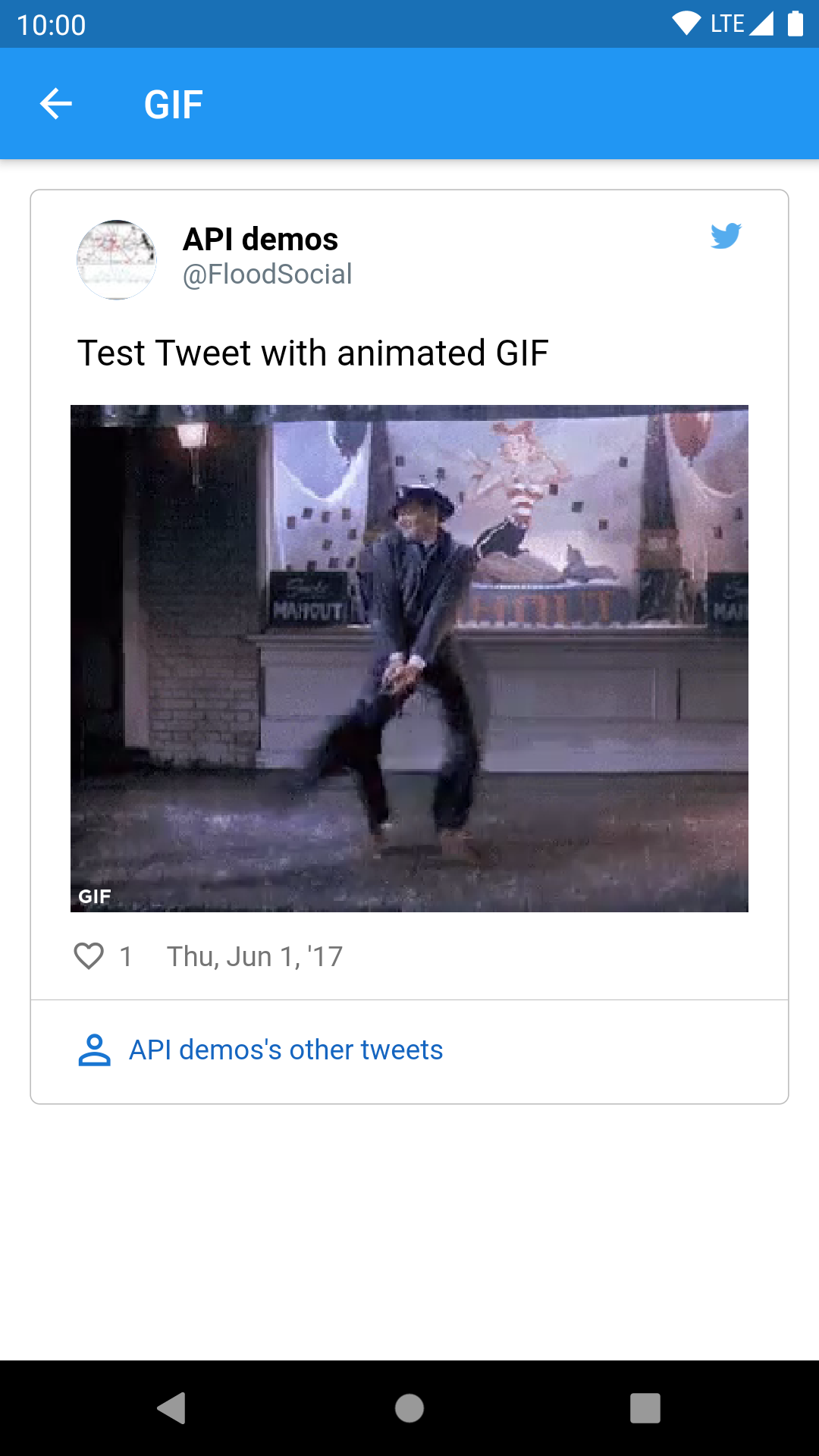
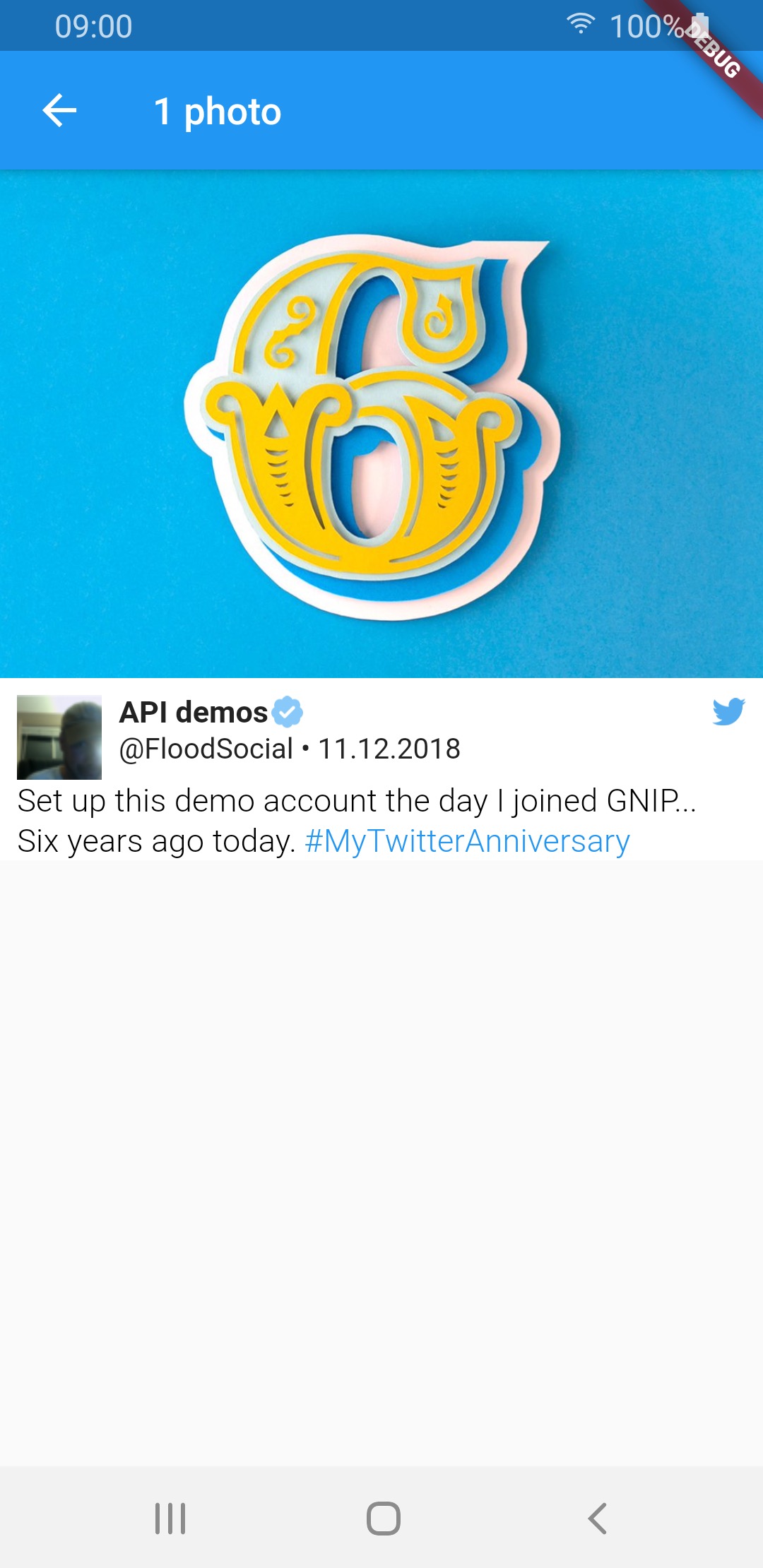
TweetView and CompactTweetView are more customisable, but EmbeddedTweetView looks more modern. Check the screenshots below.

Twitter API V2 know problems

In current version of twitter API (V2 as of 14.02.2022) it is not possible to get video url in tweet response. See the following links for more info:

All other video fields (like size or duration) are available in the response. This means that videos will not work for now.

Need more information? Check our wiki pages!

Colors & styling

Custom callbacks

Custom date format

Video player options

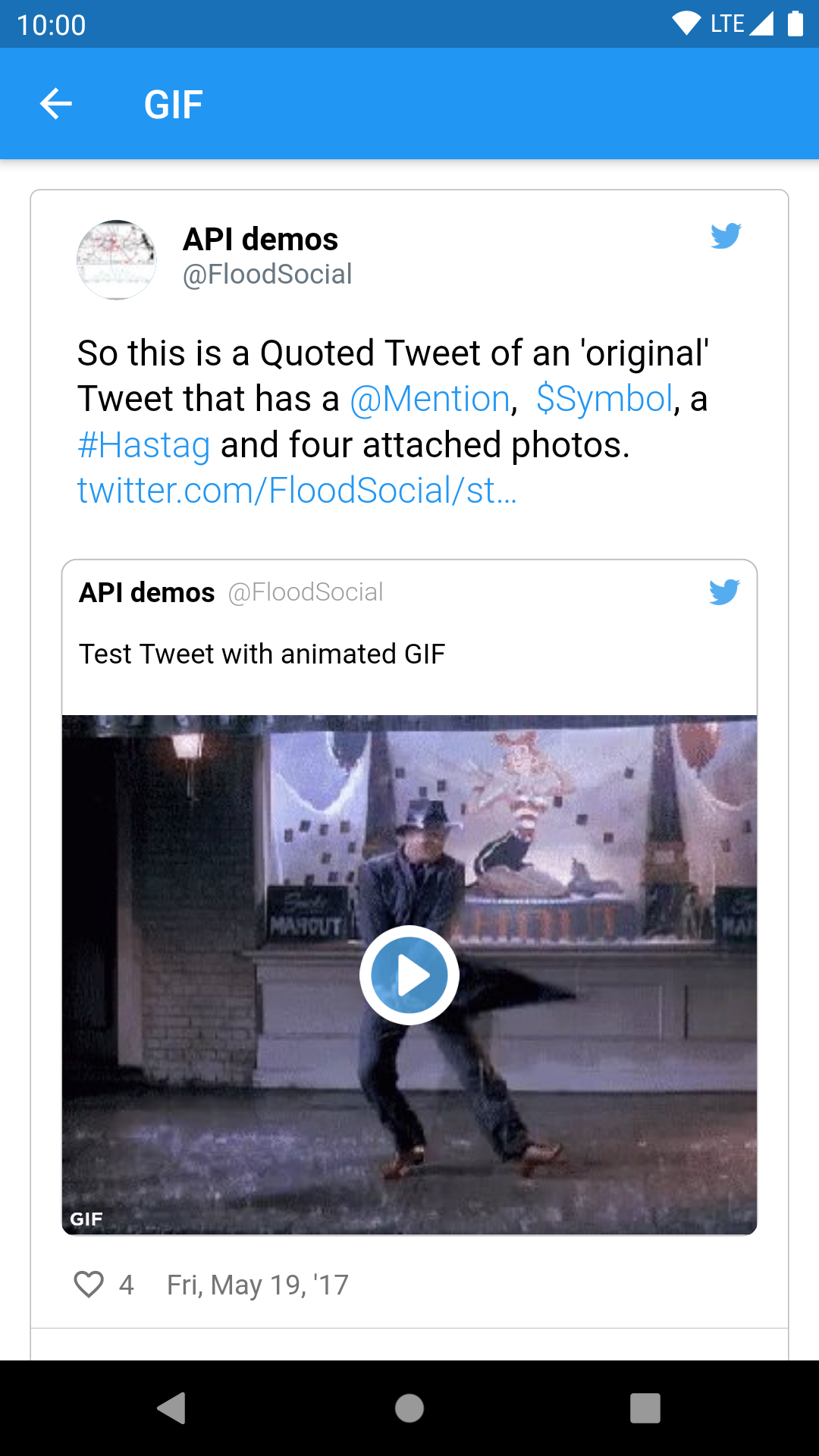
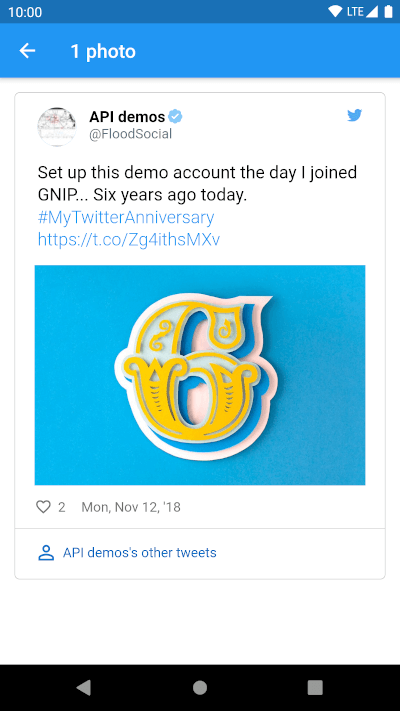
Example of supported view and media types:

Standard tweet views
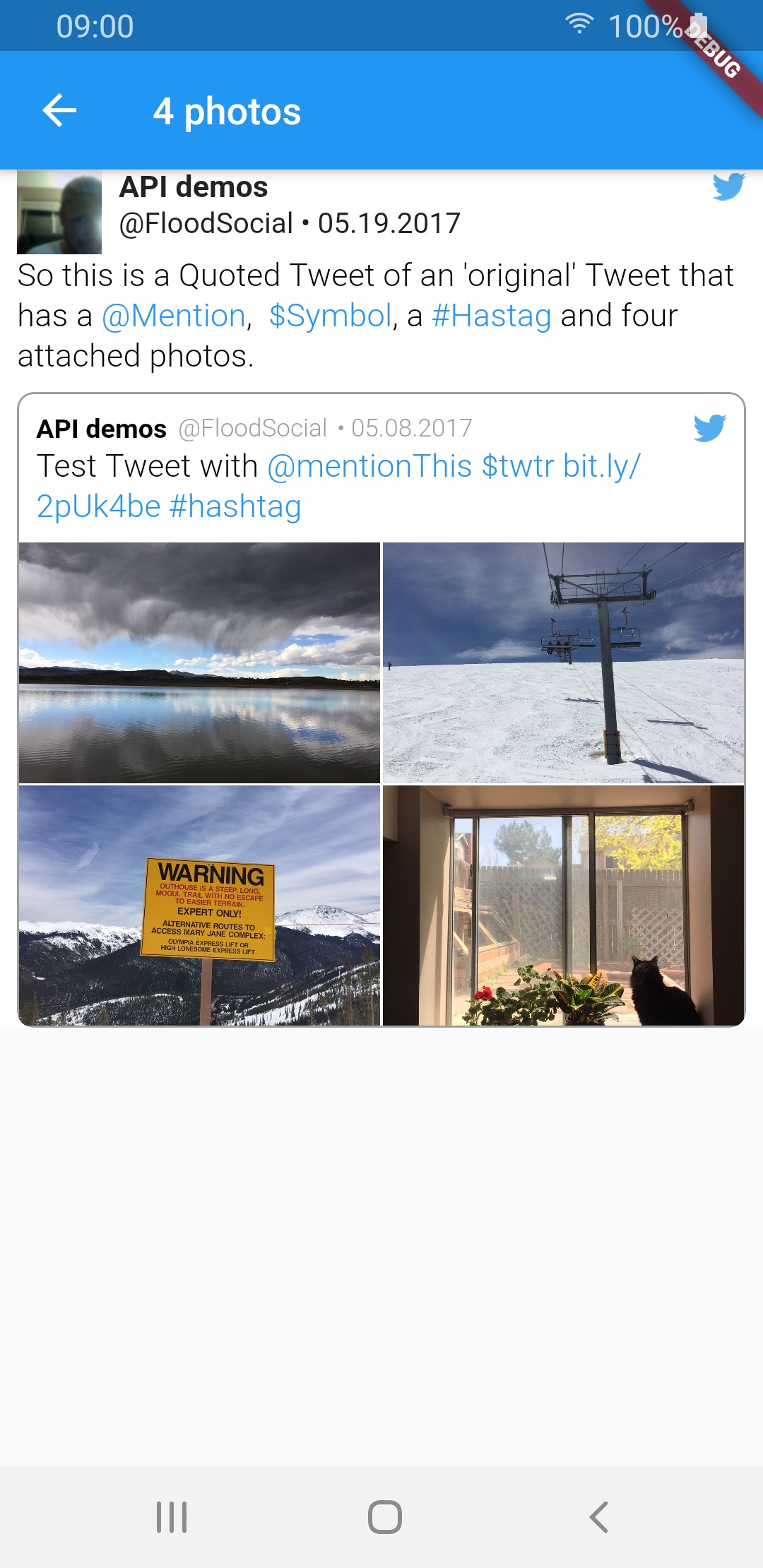
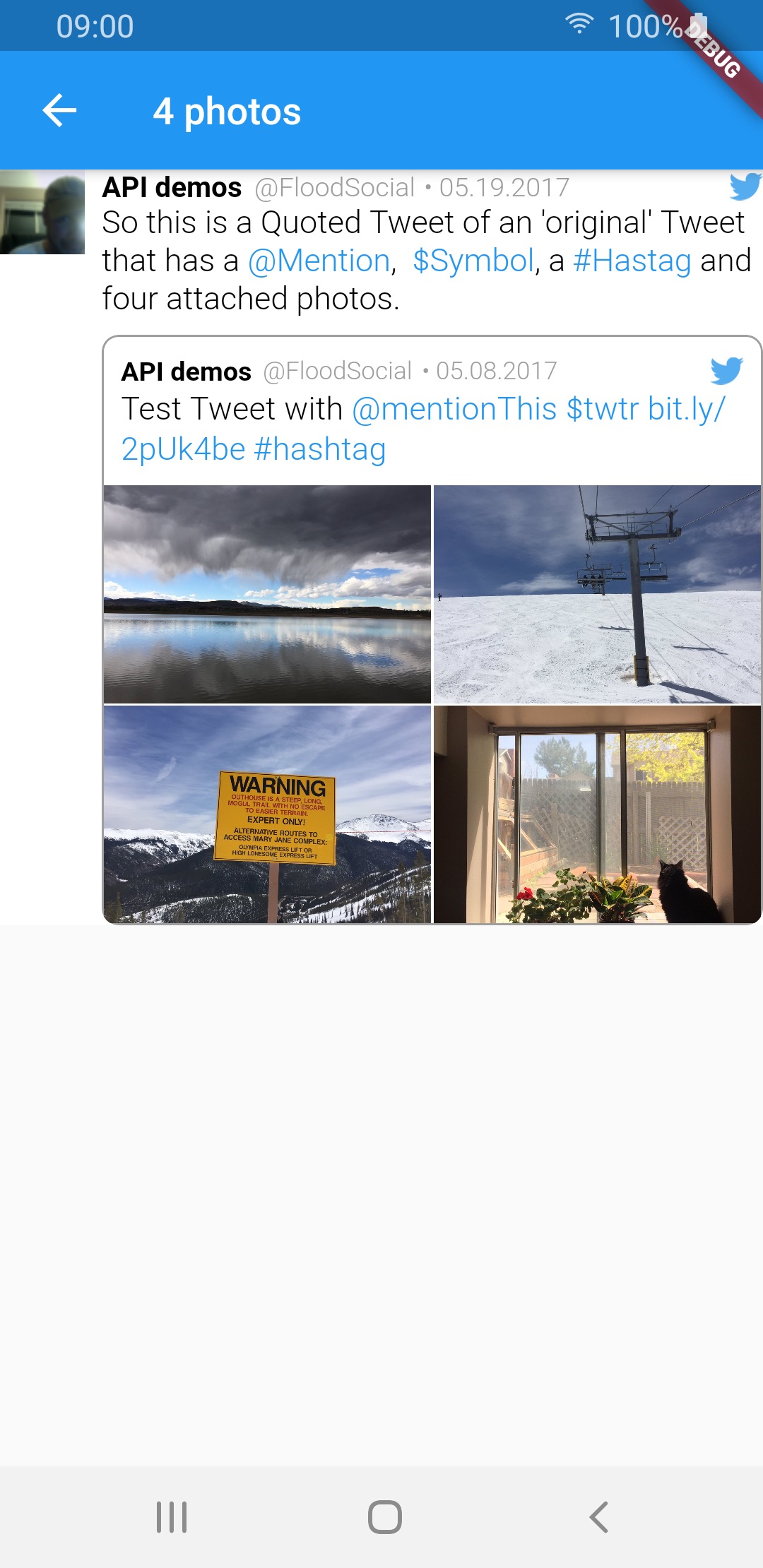
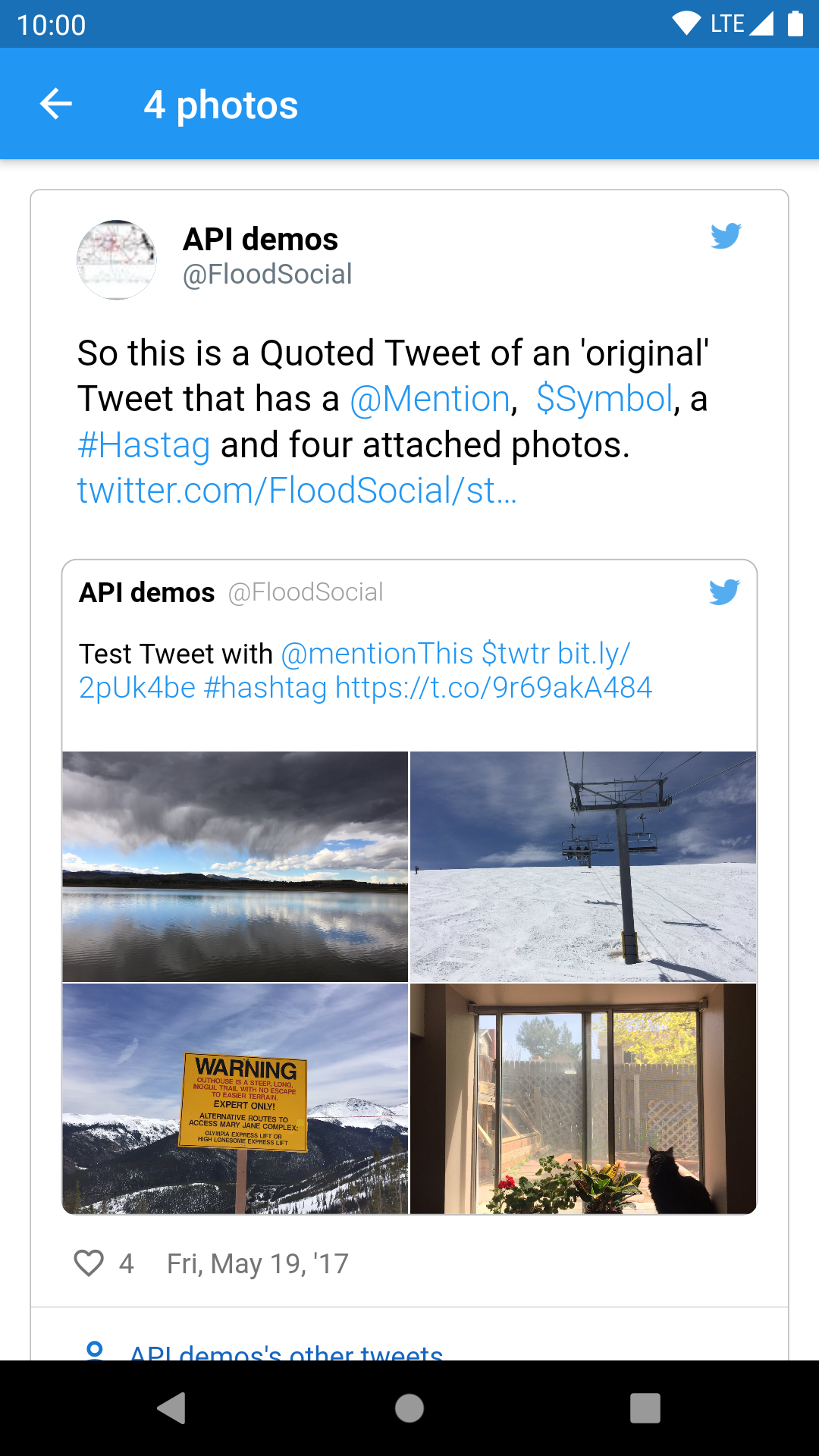
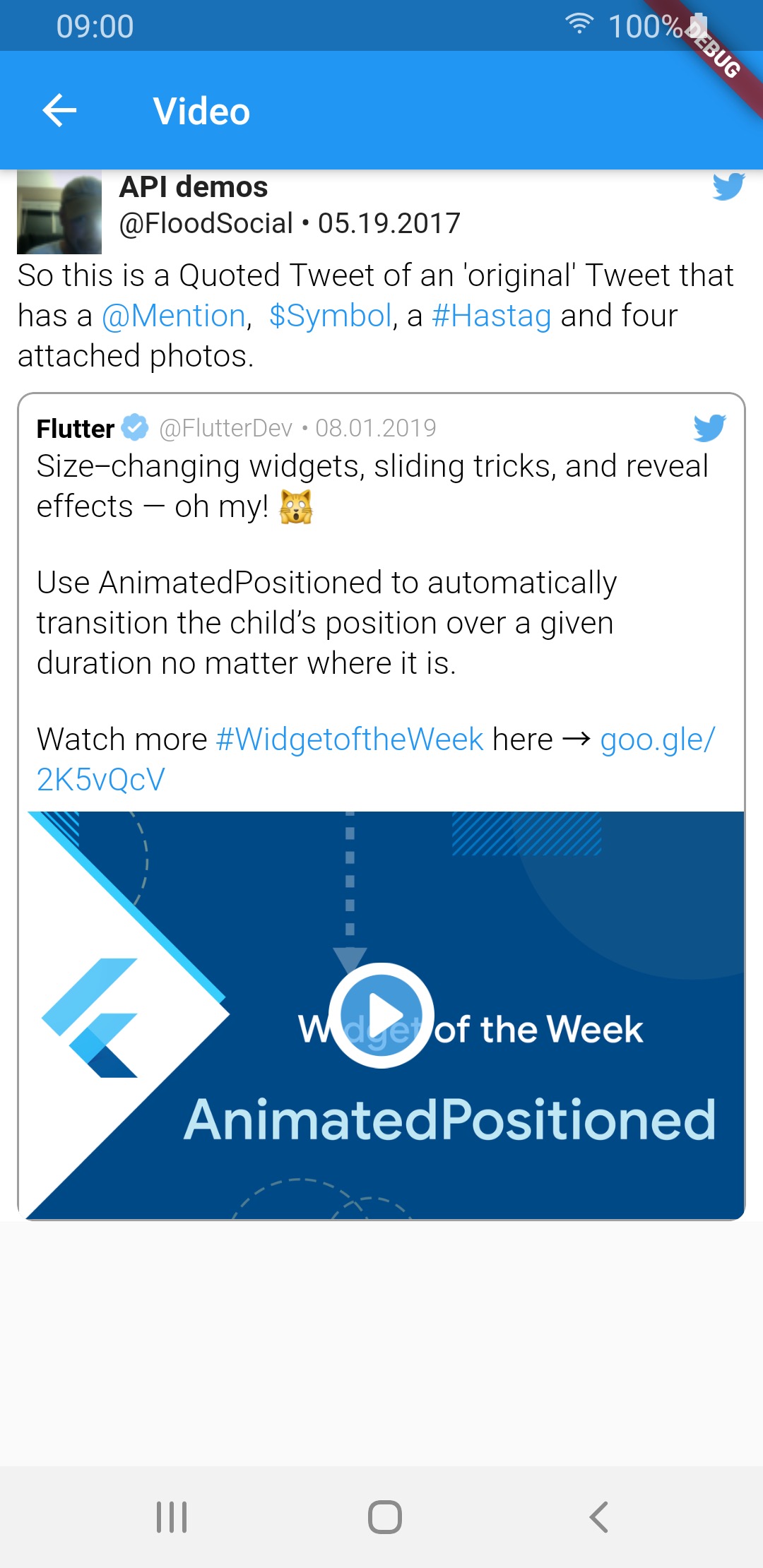
Media type TweetView CompactTweetView EmbeddedTweetView
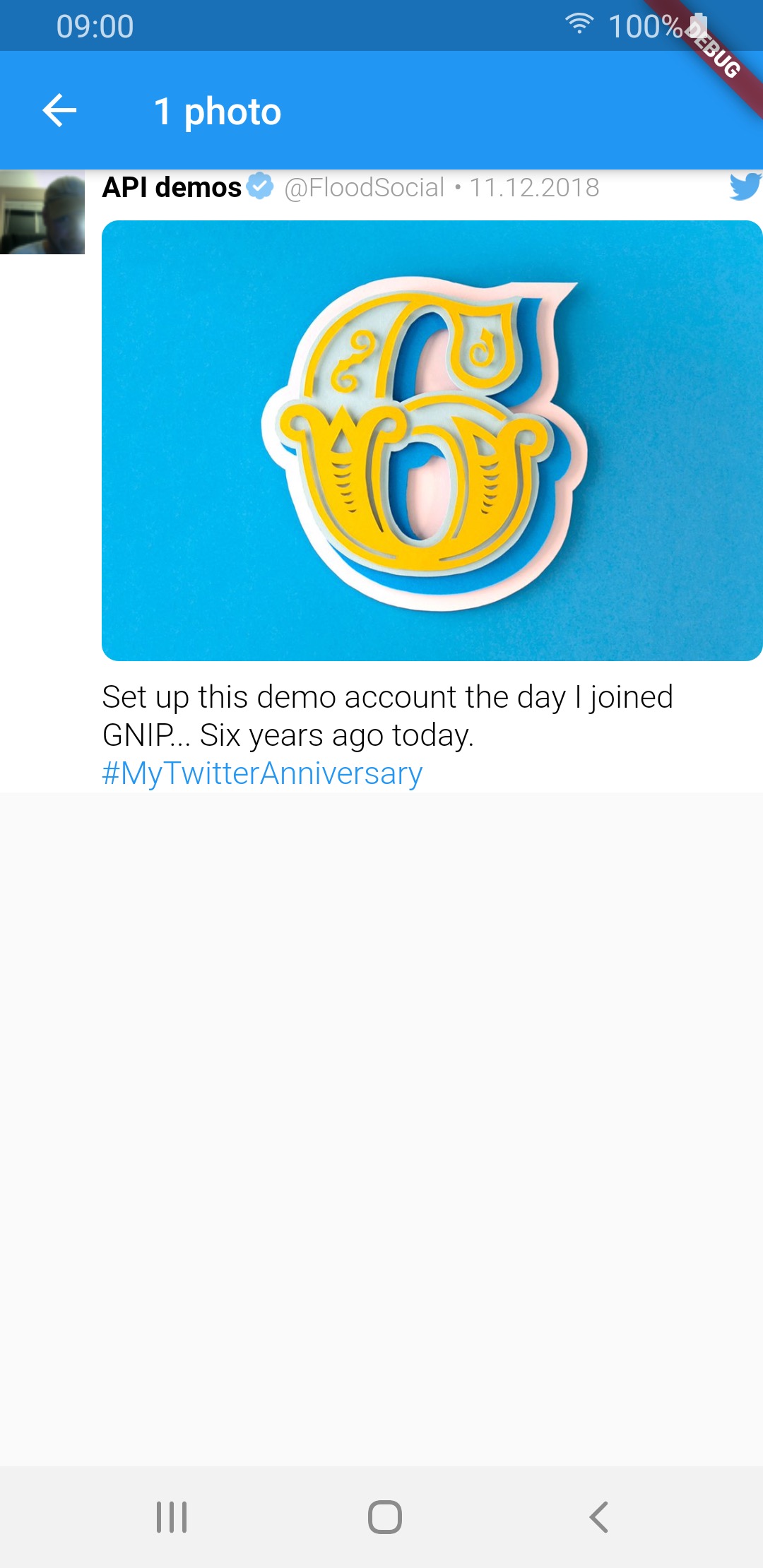
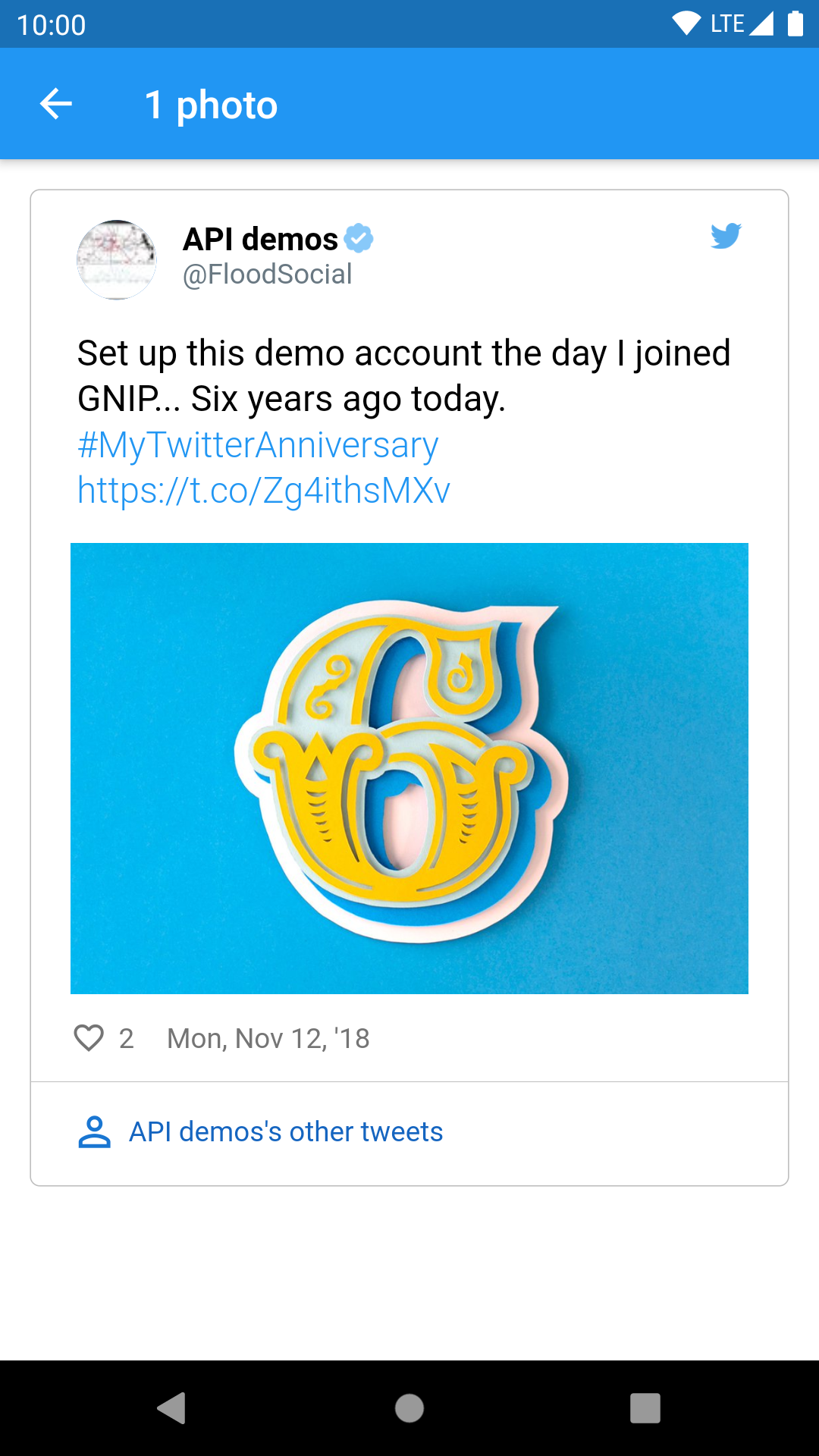
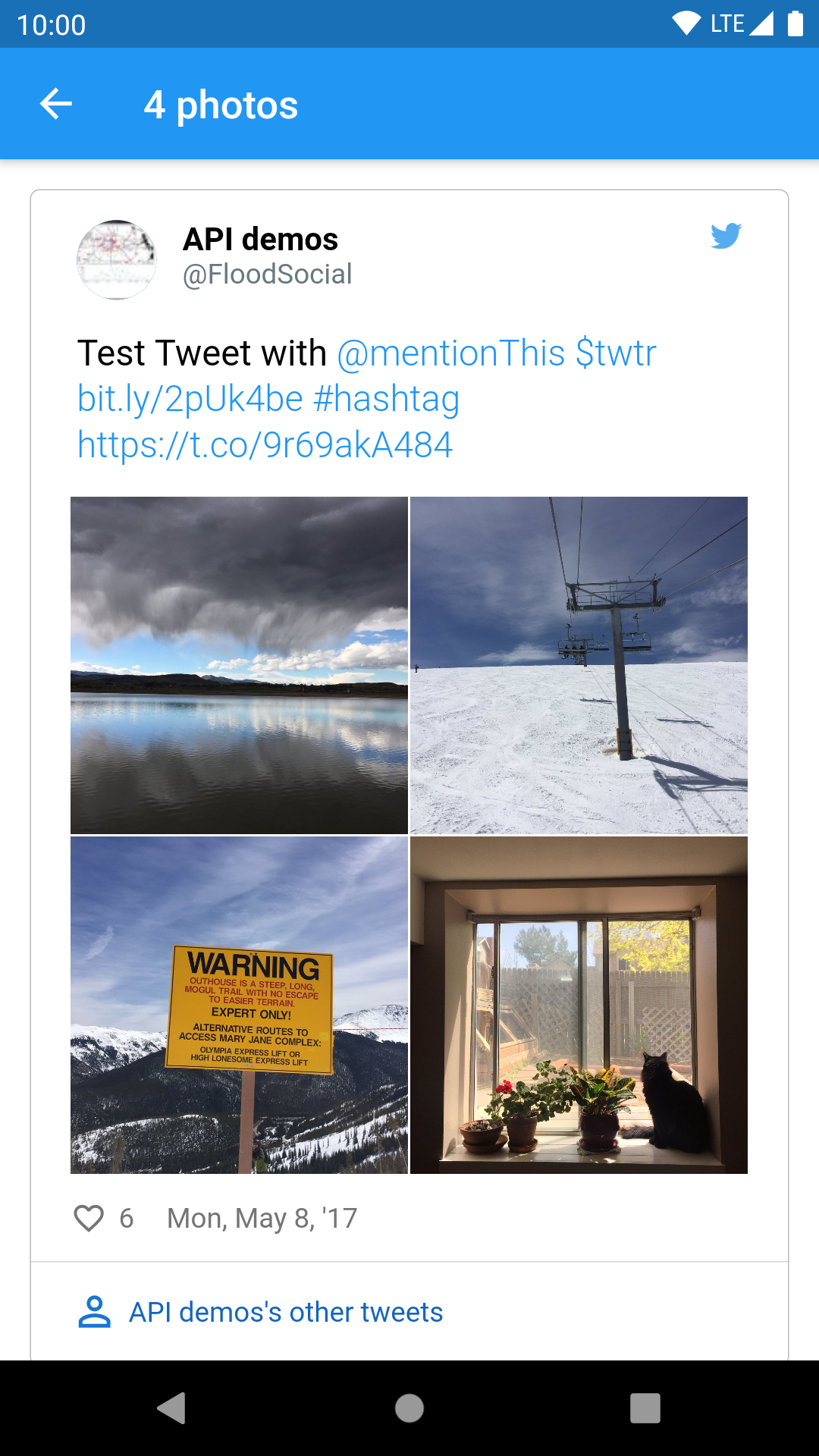
1 photo img img img
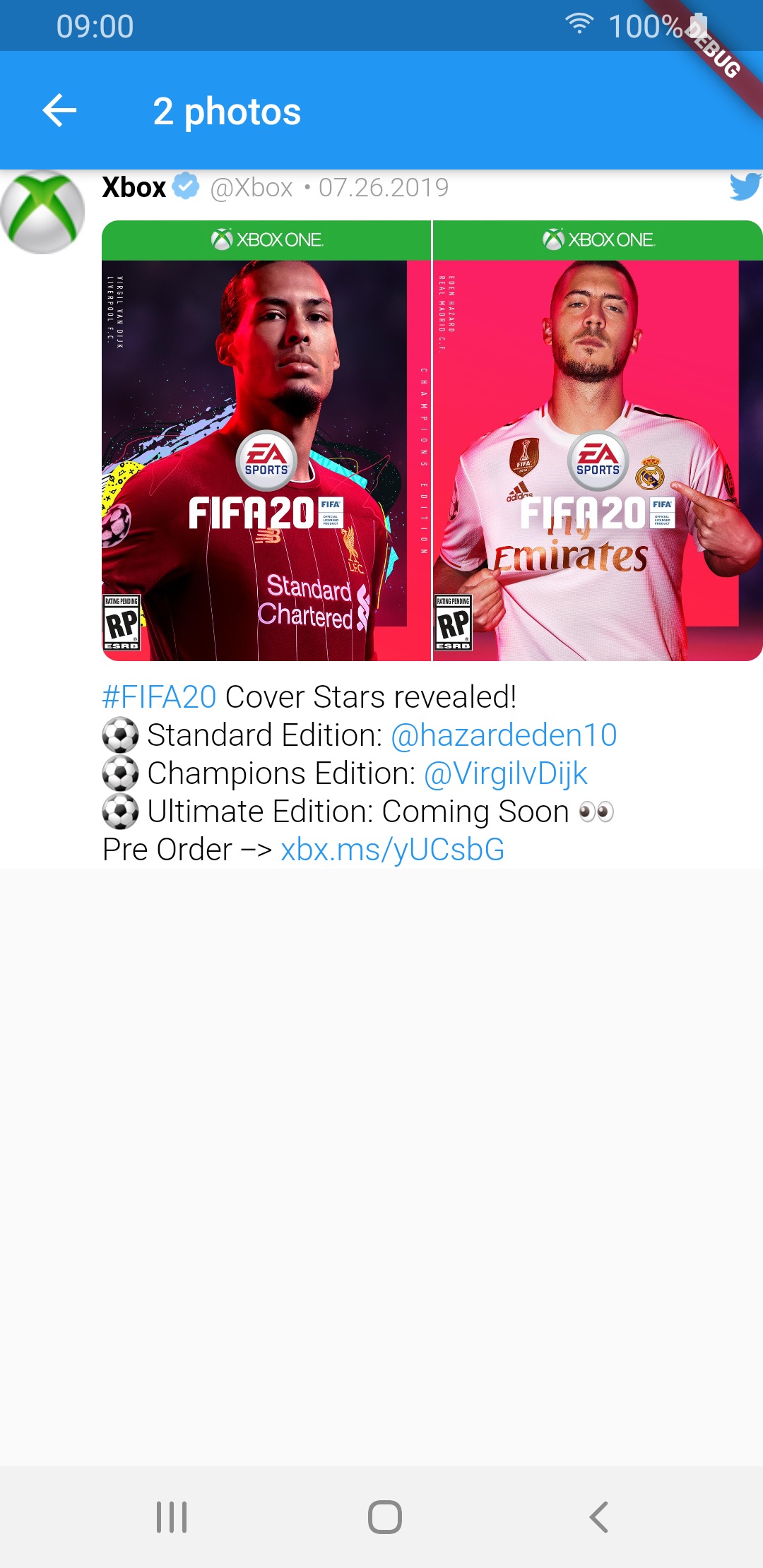
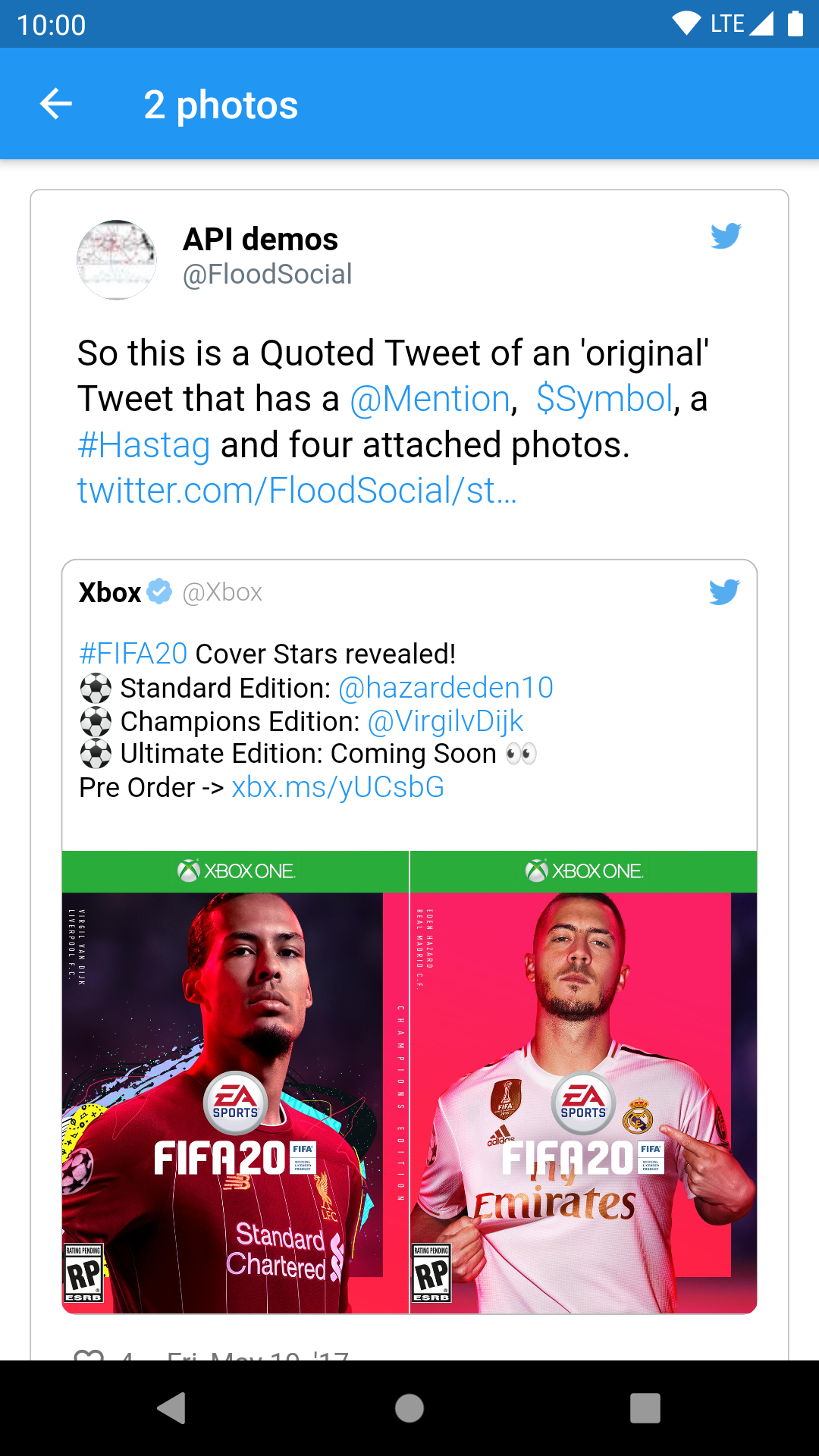
2 photos img img img
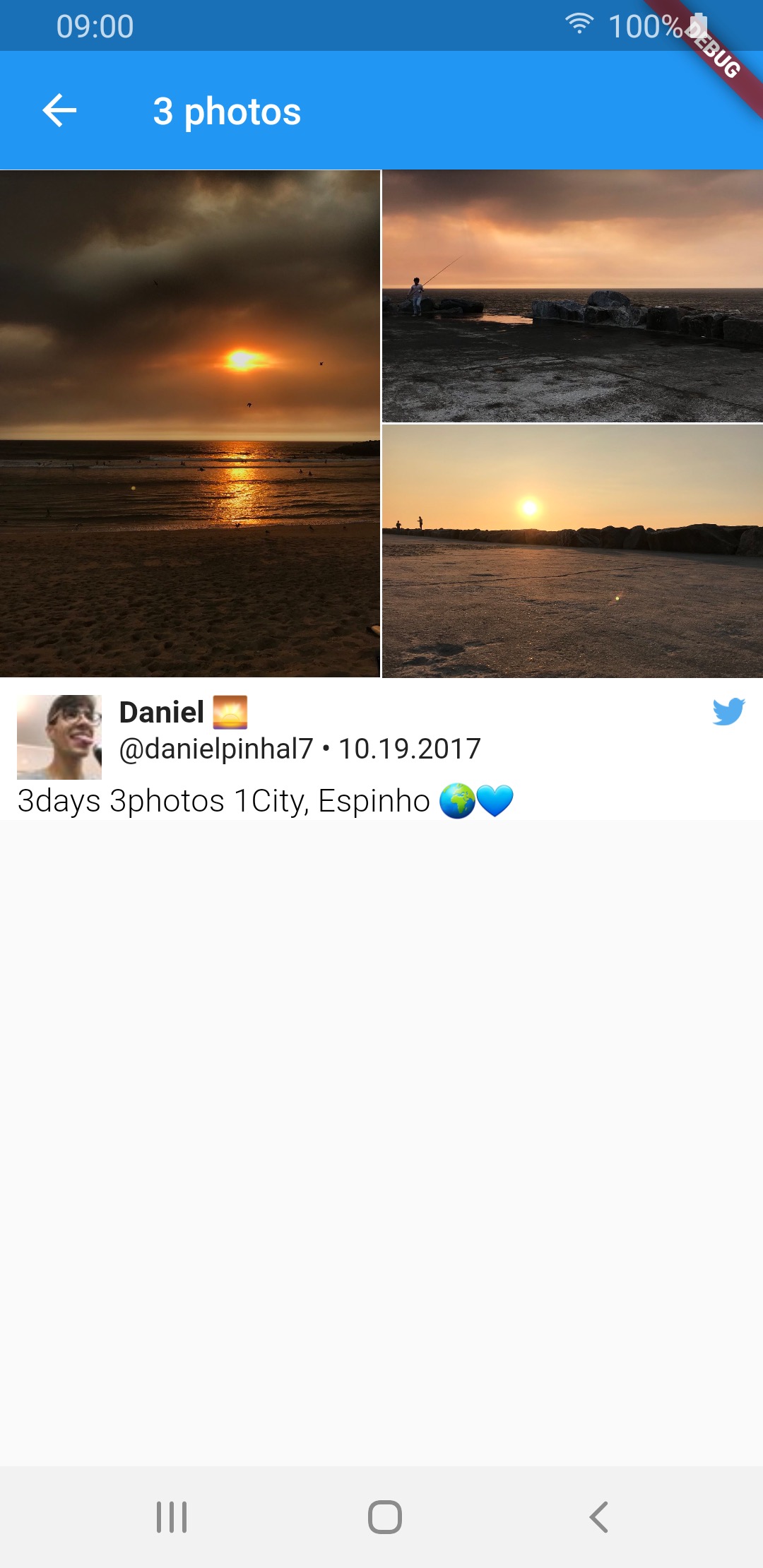
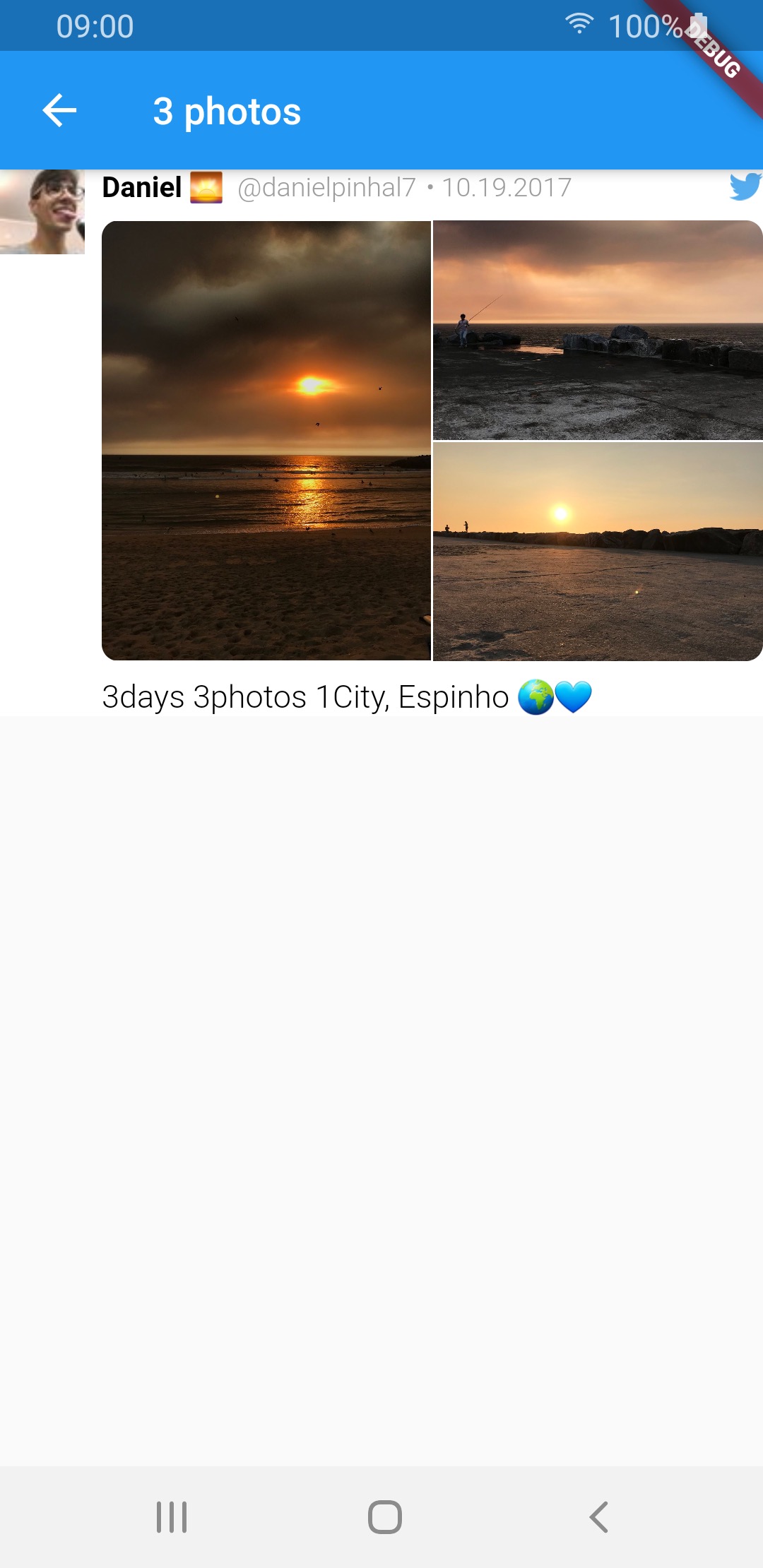
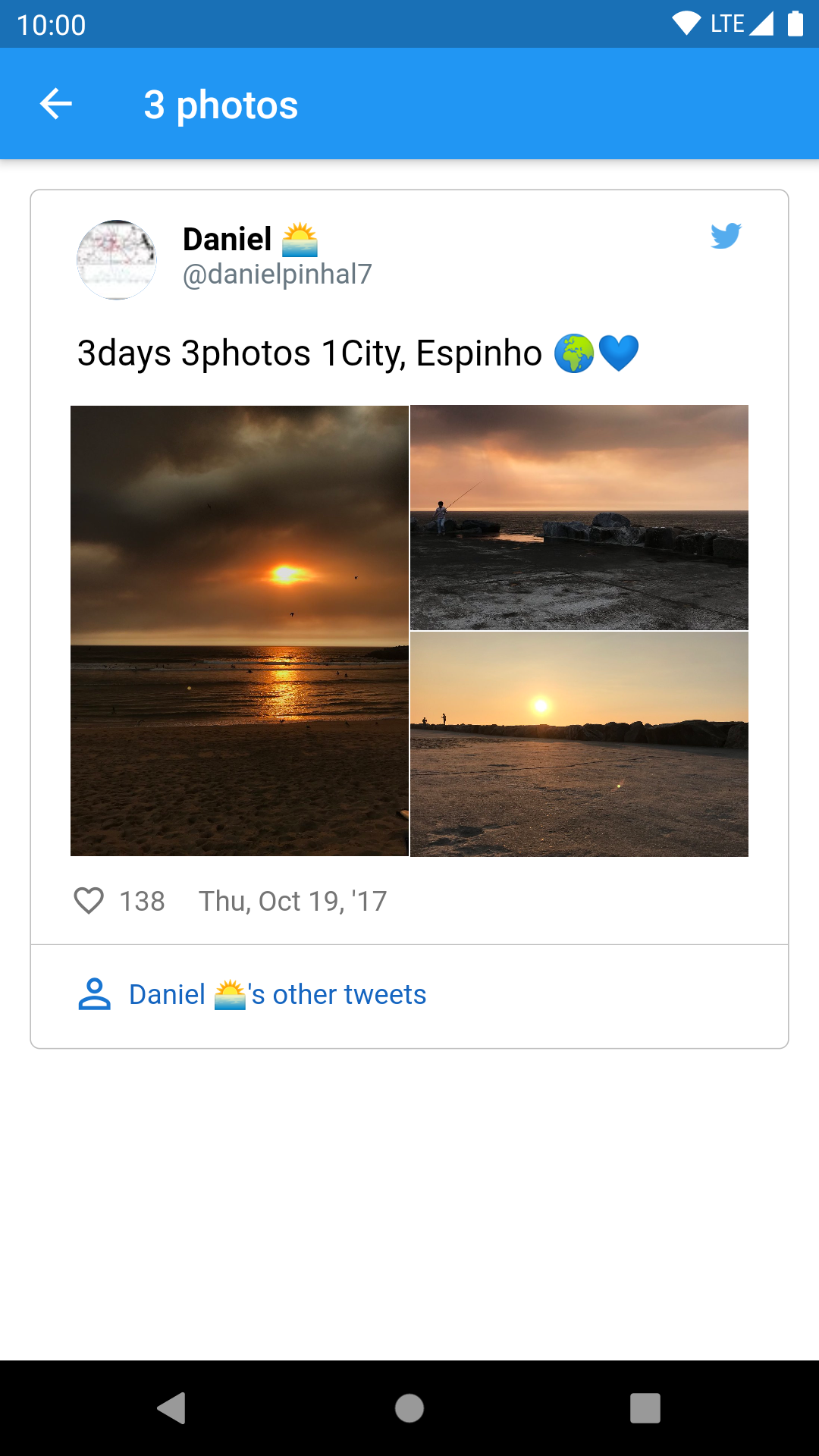
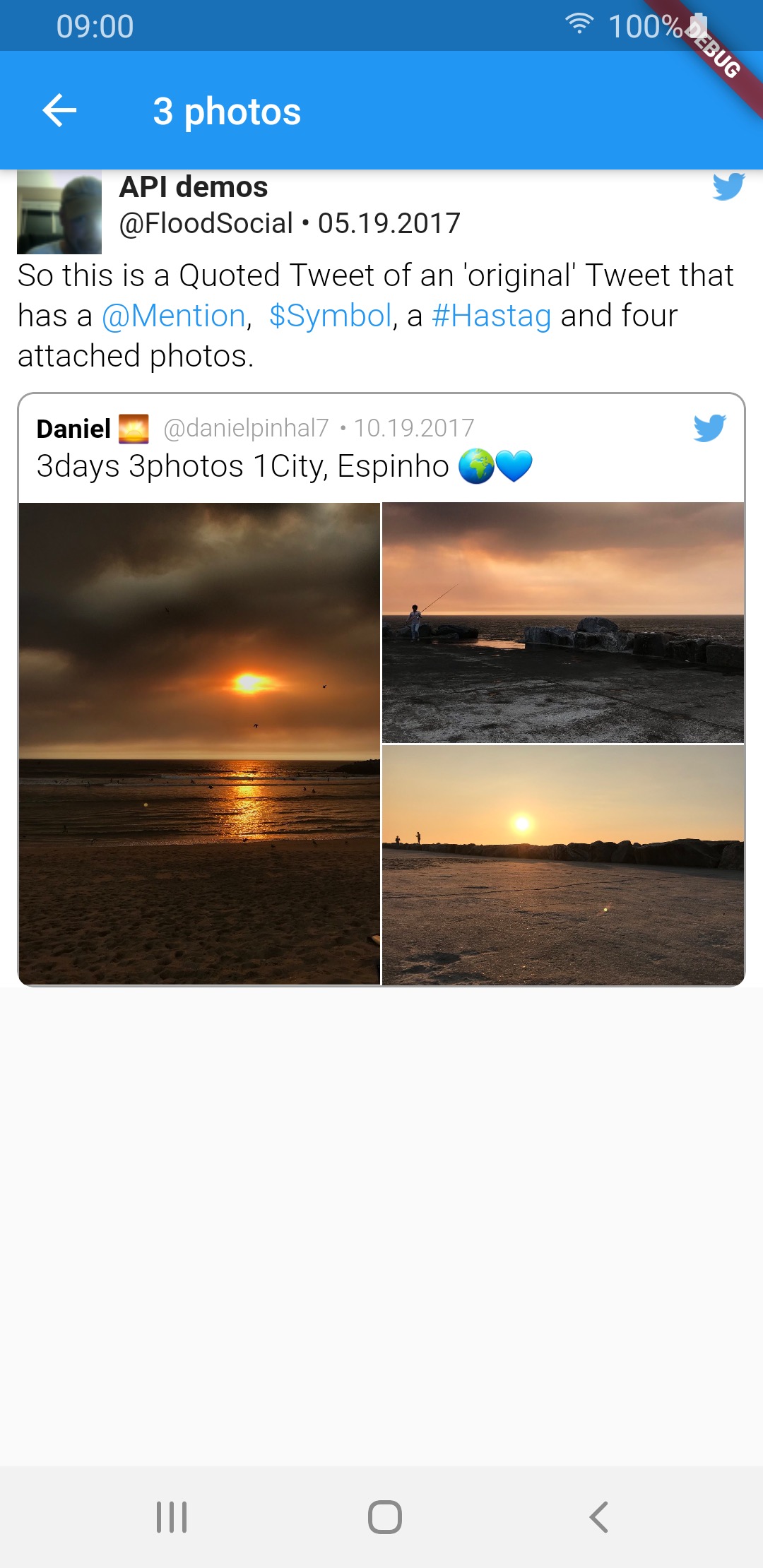
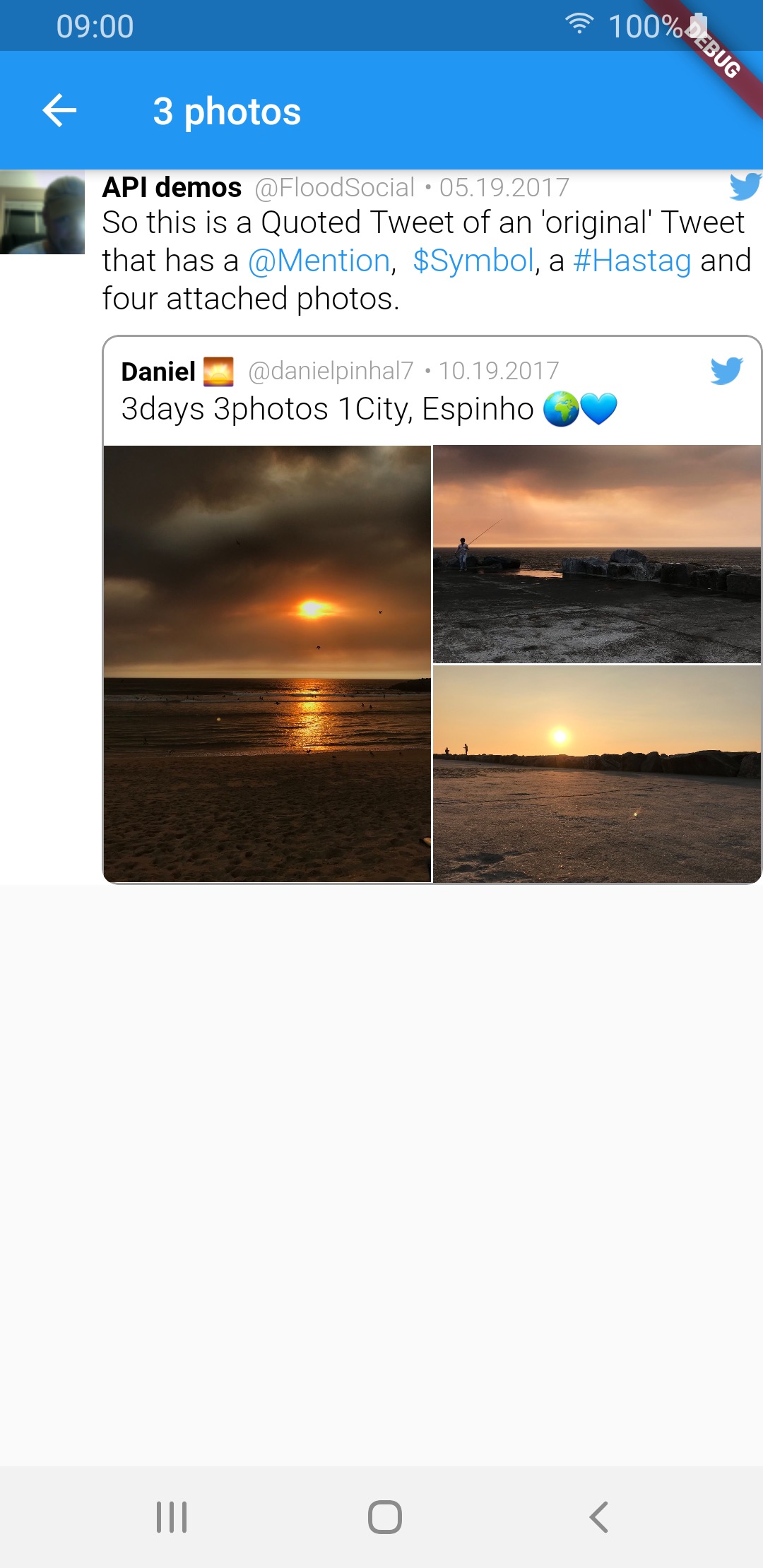
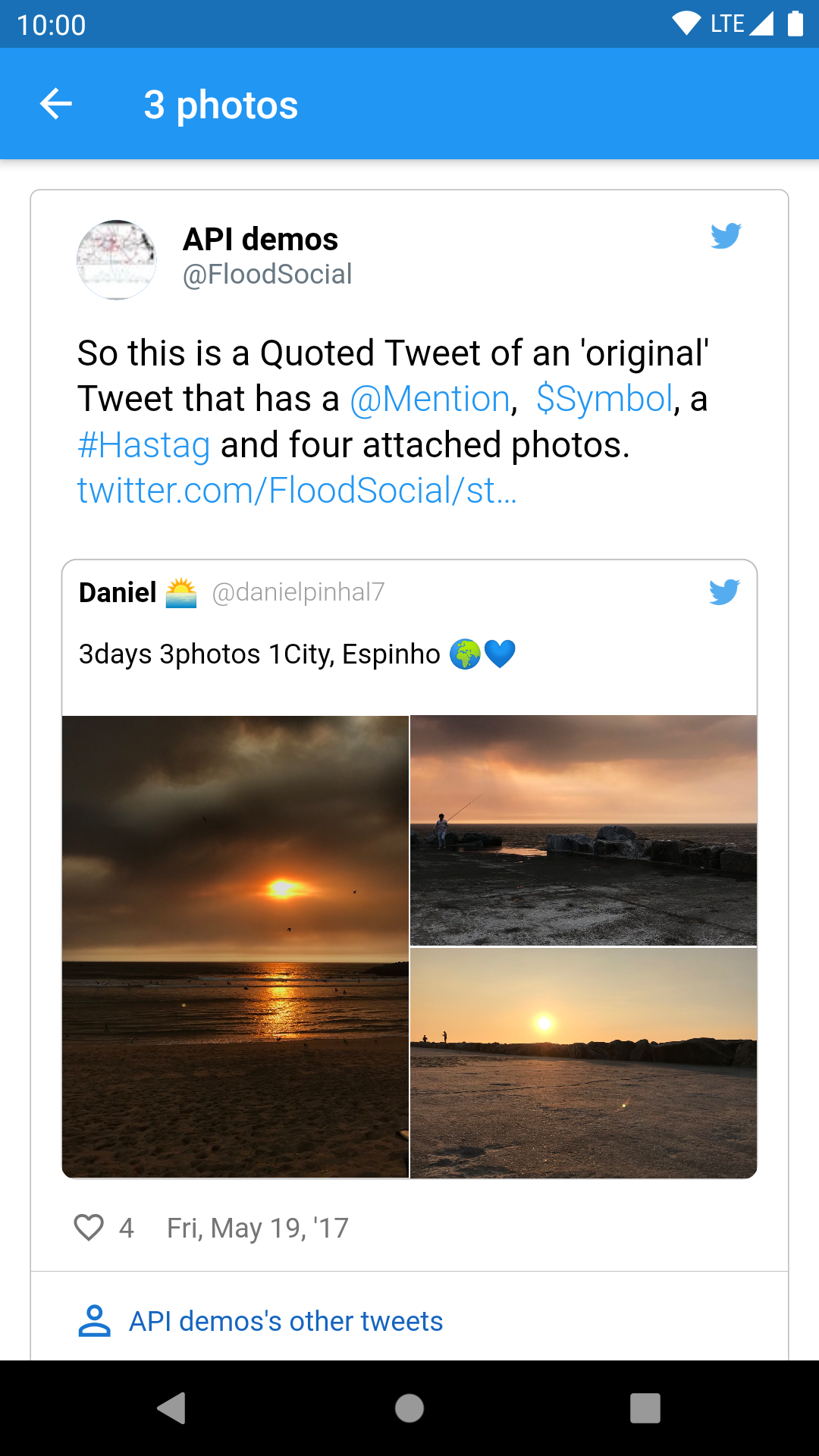
3 photos img img img
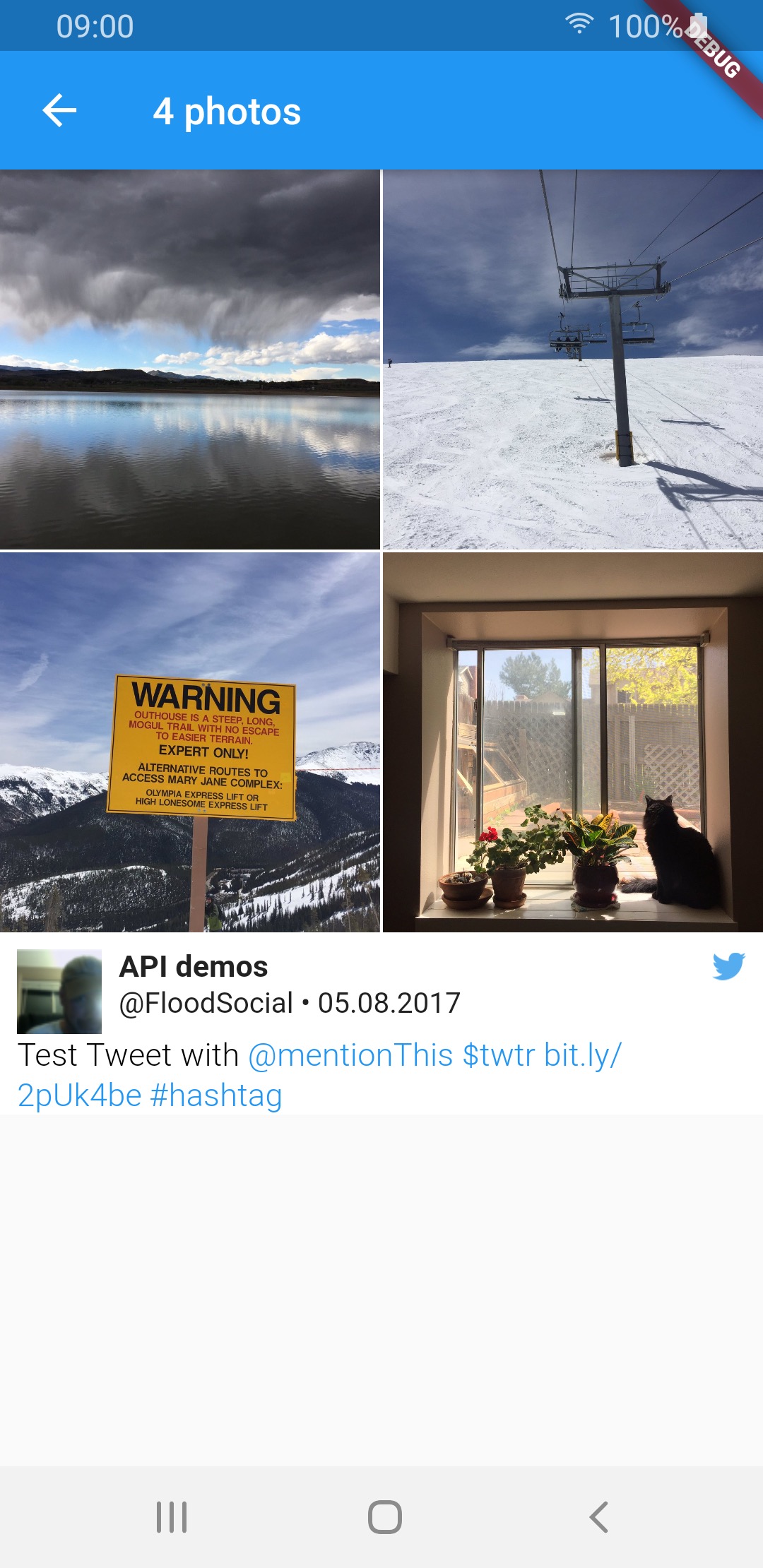
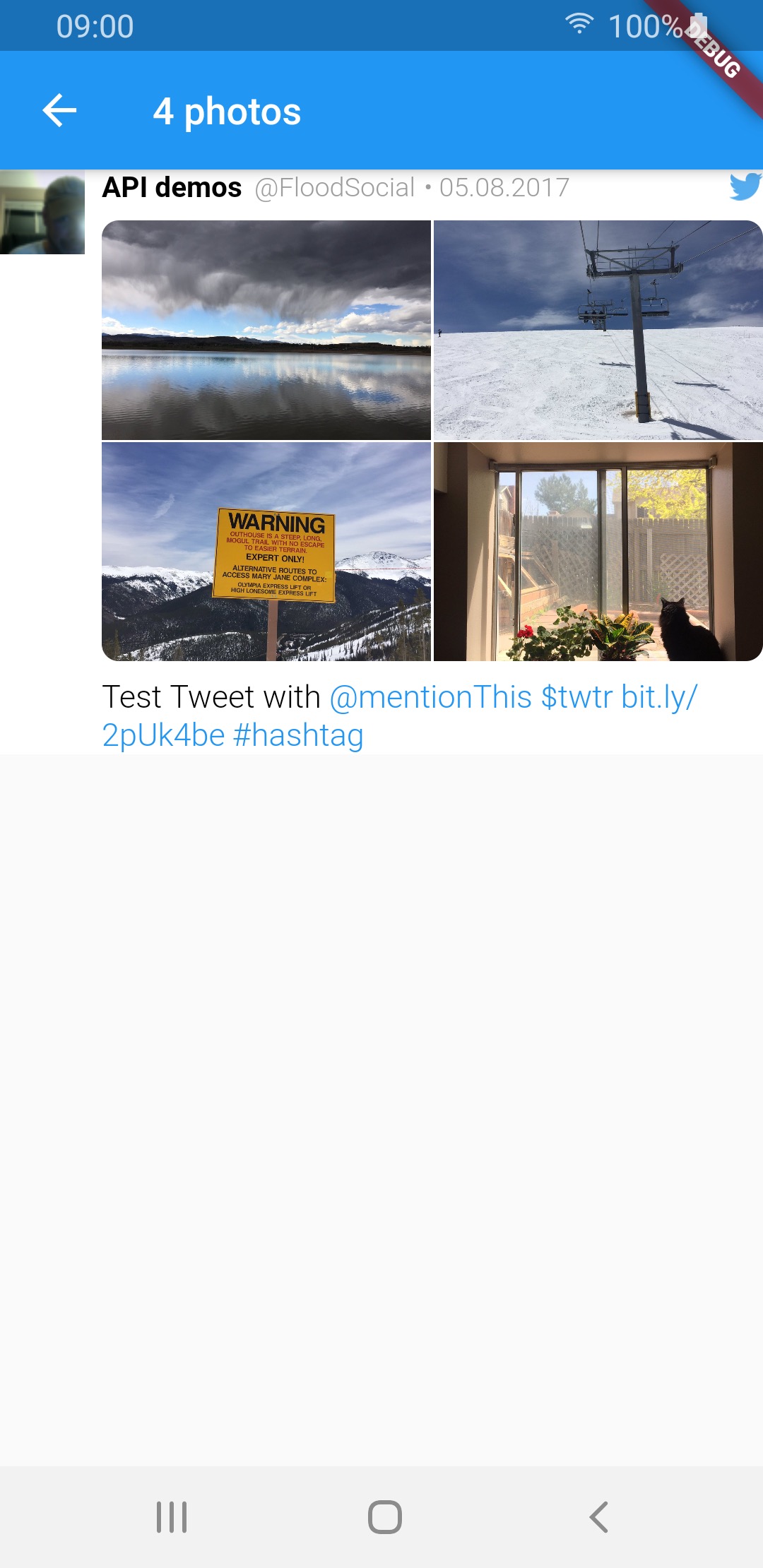
4 photos img img img
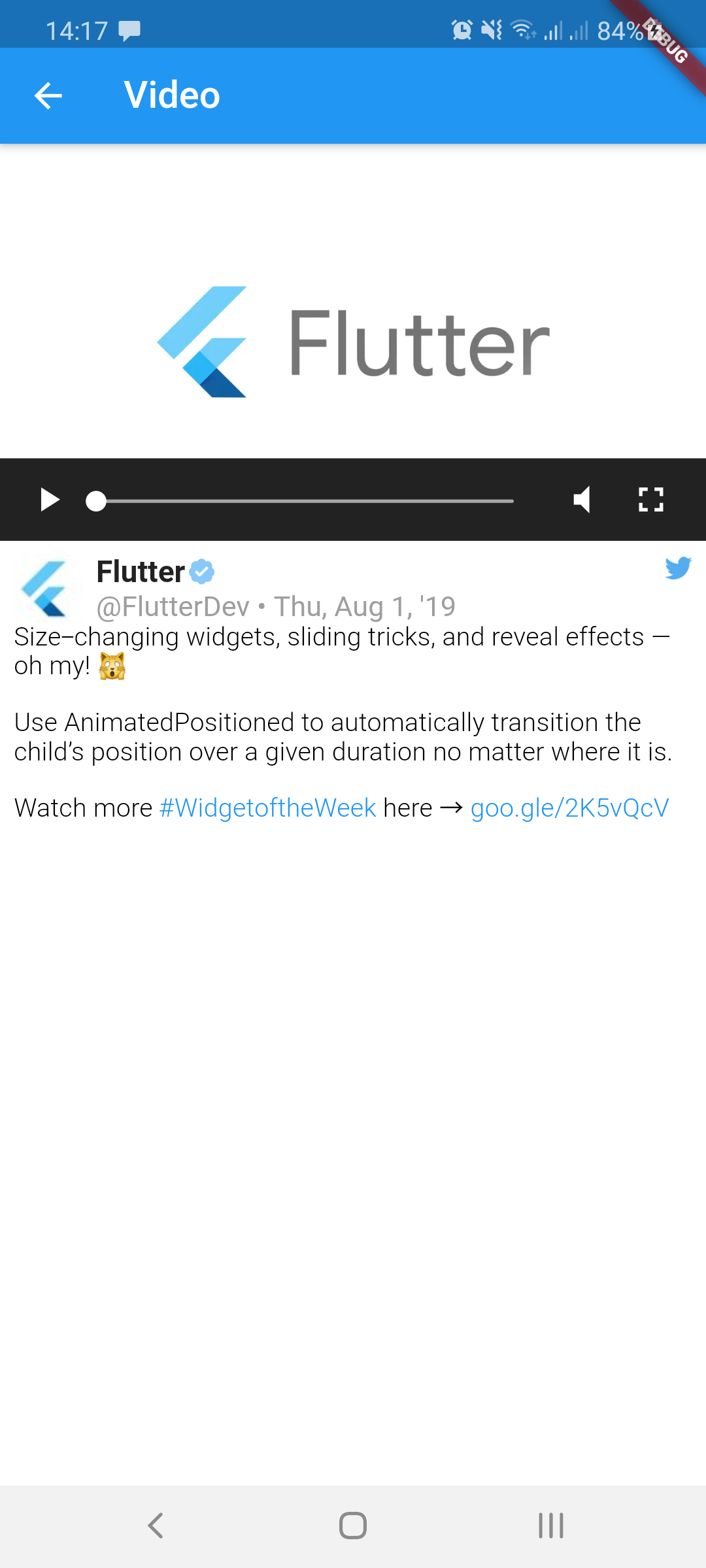
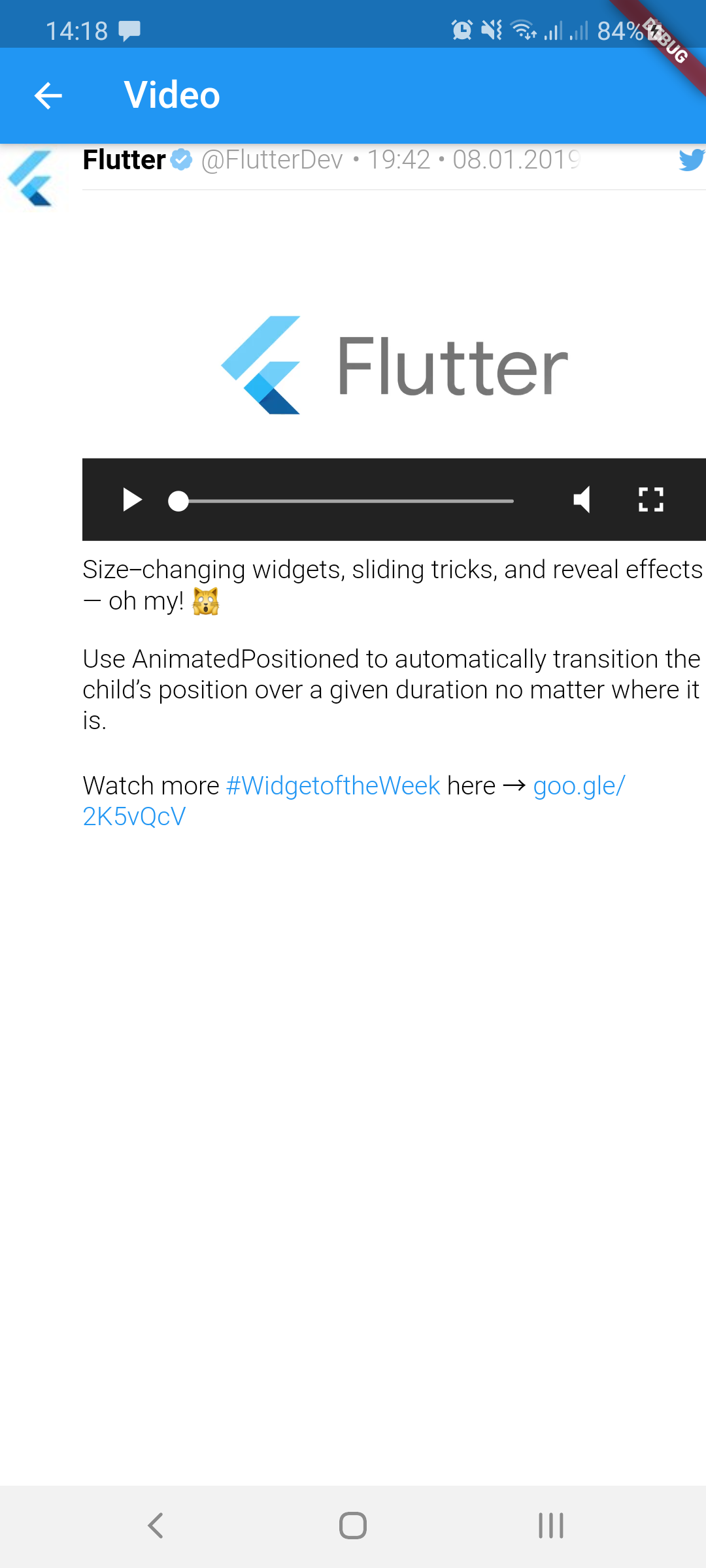
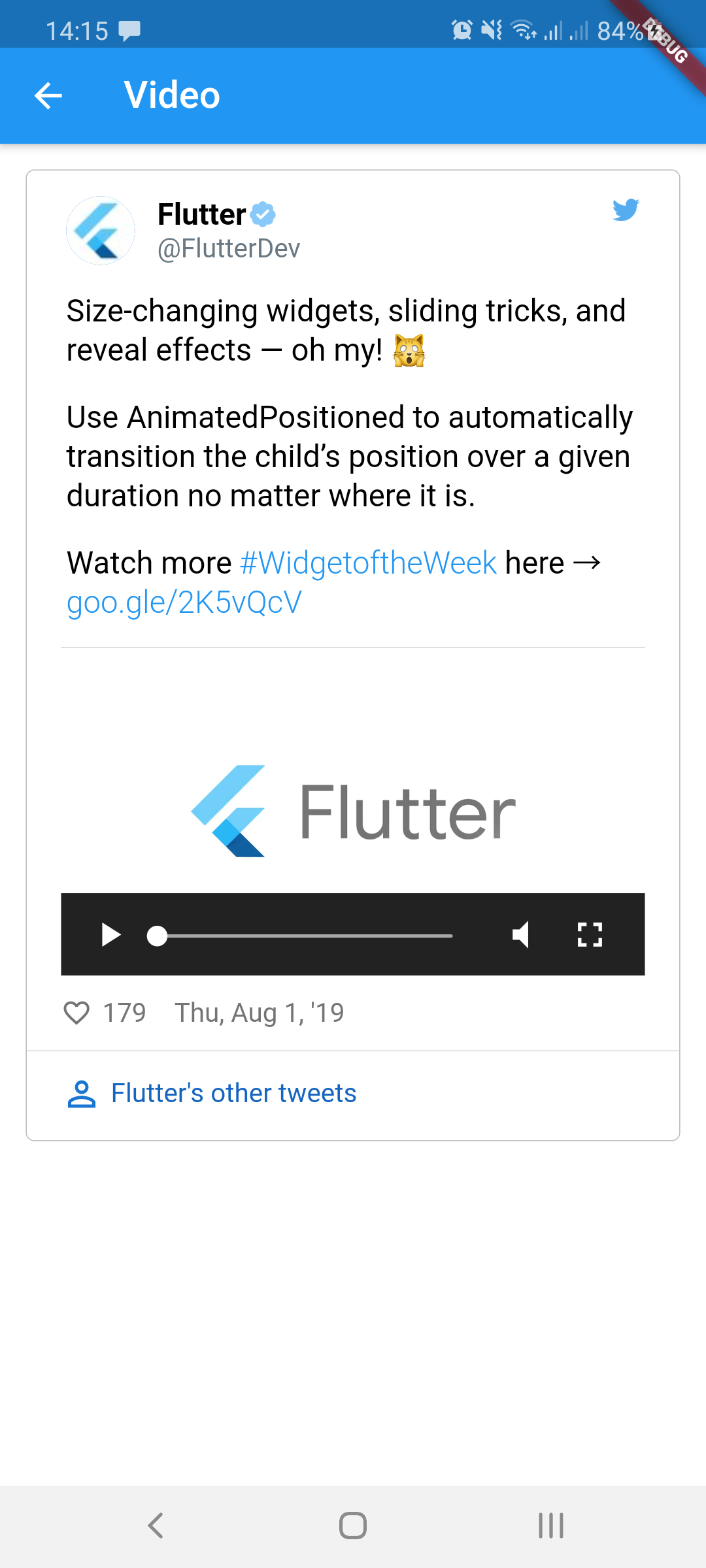
video img img img
GIF img img img
Quoted tweet views
Media type TweetView CompactTweetView EmbeddedTweetView
1 photo img img img
2 photos img img img
3 photos img img img
4 photos img img img
video img img img
GIF img img img

Sample tweets use real-life tweet ids but for example purposes, their content was changed.


Thanks for contributing: dasmikko, jamesblasco, tristan-vrt, daver123, ercadev, ivanjpg, escamoteur, ndahlquist, wszeborowskimateusz, robertmrobo

Categories

Dependencies

Dependency list 9 items

Source repository

Projects using this package

No data available yet.