Search packages, repositories and app categories

Package detailsv0.32.0

vyuh_node_flow

A flexible, high-performance node-based flow editor for Flutter. Build visual programming interfaces, workflow editors, diagrams, and data pipelines.

AndroidiOSWebmacOSWindowsLinux
30-day downloads
6.9K
Likes
168
Pub points
150

Install package

flutter pub add vyuh_node_flow

Package Overview

Package selection guidance compiled from public package information, community data, and project usage.

Vyuh Node Flow is a high-performance, flexible node-based flow editor for Flutter, enabling developers to create visual programming interfaces, workflow editors, diagrams, and data pipelines. It provides an intuitive drag-and-drop interface for building interconnected nodes with customizable inputs, outputs, and connections. Designed for cross-platform use, it supports Android, iOS, Web, macOS, Windows, and Linux. The package is ideal for applications requiring dynamic visual logic representation, such as low-code tools, data processing workflows, or interactive diagramming systems.

Use cases

  • Visual programming interfaces
  • Workflow and process design
  • Data pipeline visualization
  • Interactive diagram editors
  • Low-code application development

Key features

  • Drag-and-drop node manipulation
  • Customizable node templates
  • Real-time connection handling
  • Cross-platform compatibility
  • High performance rendering
  • Extensible plugin architecture

Suitable for

  • Developers building interactive diagram tools
  • Teams creating low-code platforms
  • Educational apps with visual logic
  • Data flow and pipeline visualization
  • UI-heavy applications requiring node-based workflows

Considerations

  • Requires understanding of node-based logic design
  • May need custom styling for complex UIs
  • Performance depends on node count and complexity
  • Limited built-in node types (extensible via plugins)
  • Initial setup may require learning curve for new users
Original README

Original README snapshot from the linked source repository. Visit the repository for the latest content.

Vyuh Node Flow

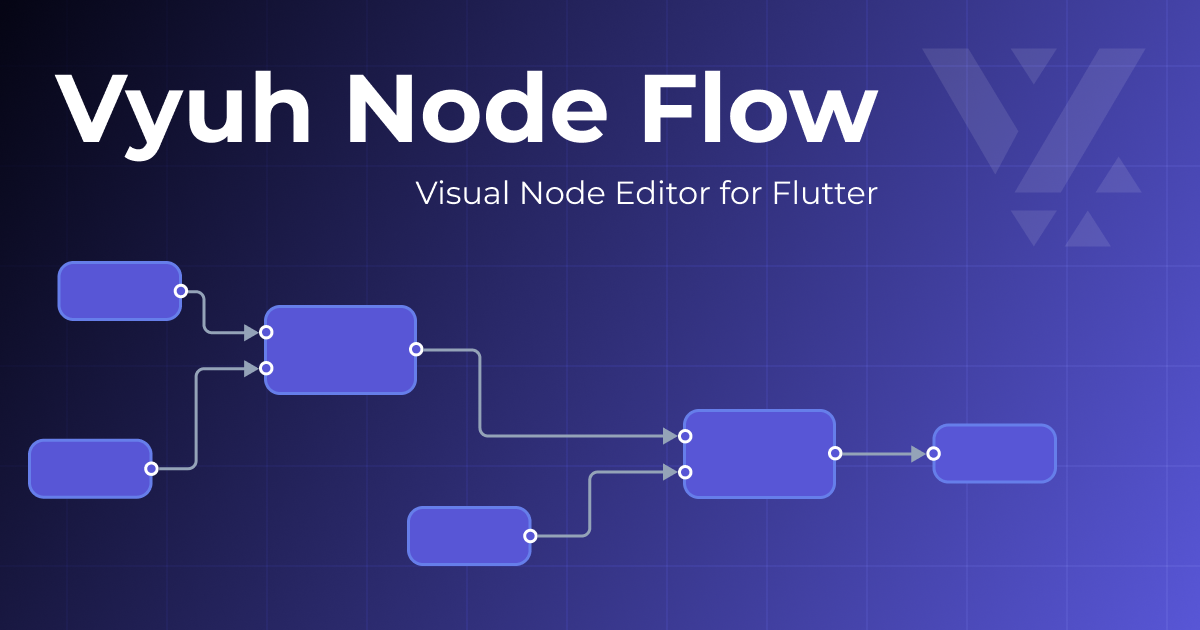
Vyuh Node Flow Banner

A flexible, high-performance node-based flow editor for Flutter applications, inspired by React Flow. This monorepo contains the core library and demo application.

Pub Version License Live Demo

📦 Packages

This repository is organized as a Dart workspace with the following packages:

vyuh_node_flow

The core Flutter package providing the node-based flow editor functionality.

Features:

  • High-performance reactive rendering with MobX
  • Level of Detail (LOD) for automatic visual simplification at zoom levels
  • Type-safe node data with generics
  • Fully customizable themes for nodes, connections, and ports
  • Flexible port system with multiple shapes and positions
  • Connection animation effects (flowing dashes, particles, gradients, pulse)
  • Multiple connection styles (bezier, smoothstep, straight, step) with customizable endpoints
  • AutoPan when dragging near viewport edges
  • Viewport animations for smooth navigation transitions
  • Annotations (sticky notes, markers, groups)
  • Built-in minimap for navigation
  • Comprehensive keyboard shortcuts
  • Read-only viewer mode
  • JSON serialization for saving/loading flows
  • Extension architecture for modular, pluggable features

Installation:

dependencies:
  vyuh_node_flow: <latest version>
demo

A comprehensive demo application showcasing all features of the Vyuh Node Flow editor.

Includes:

  • Interactive workbench with full editor controls
  • Multiple example workflows (manufacturing, healthcare, IoT, etc.)
  • Theme customization controls
  • Layout and alignment tools
  • Connection validation examples
  • Annotation demonstrations

Try it online: 🚀 Live Demo

🚀 Getting Started

Prerequisites
  • Flutter SDK 3.32.0 or higher
  • Dart SDK 3.9.0 or higher
Development Setup

This project uses Melos for workspace management.

  1. Clone the repository:

    git clone https://github.com/vyuh-tech/vyuh_node_flow.git
    cd vyuh_node_flow
    
  2. Install dependencies:

    dart pub get
    
  3. Bootstrap the workspace:

    dart run melos bootstrap
    
  4. Run the demo:

    cd packages/demo
    flutter run -d chrome
    

Documentation

🤝 Contributing

Contributions are welcome! Please feel free to submit a Pull Request.

  1. Fork the repository
  2. Create your feature branch (git checkout -b feature/amazing-feature)
  3. Commit your changes (git commit -m 'Add some amazing feature')
  4. Push to the branch (git push origin feature/amazing-feature)
  5. Open a Pull Request

License

This project is licensed under the MIT License - see the LICENSE file for details.


Made with ❤️ by the Vyuh Team

Categories

Dependencies

Dependency list 7 items

Source repository

Projects using this package

No data available yet.