Package selection guidance compiled from public package information, community data, and project usage.
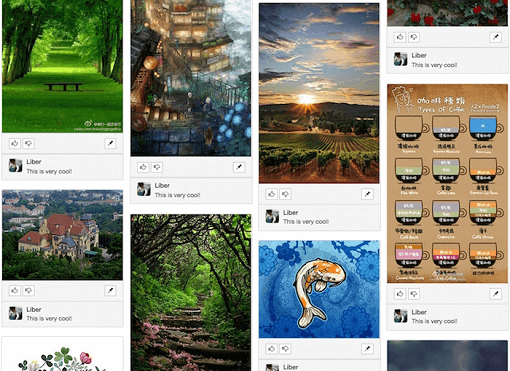
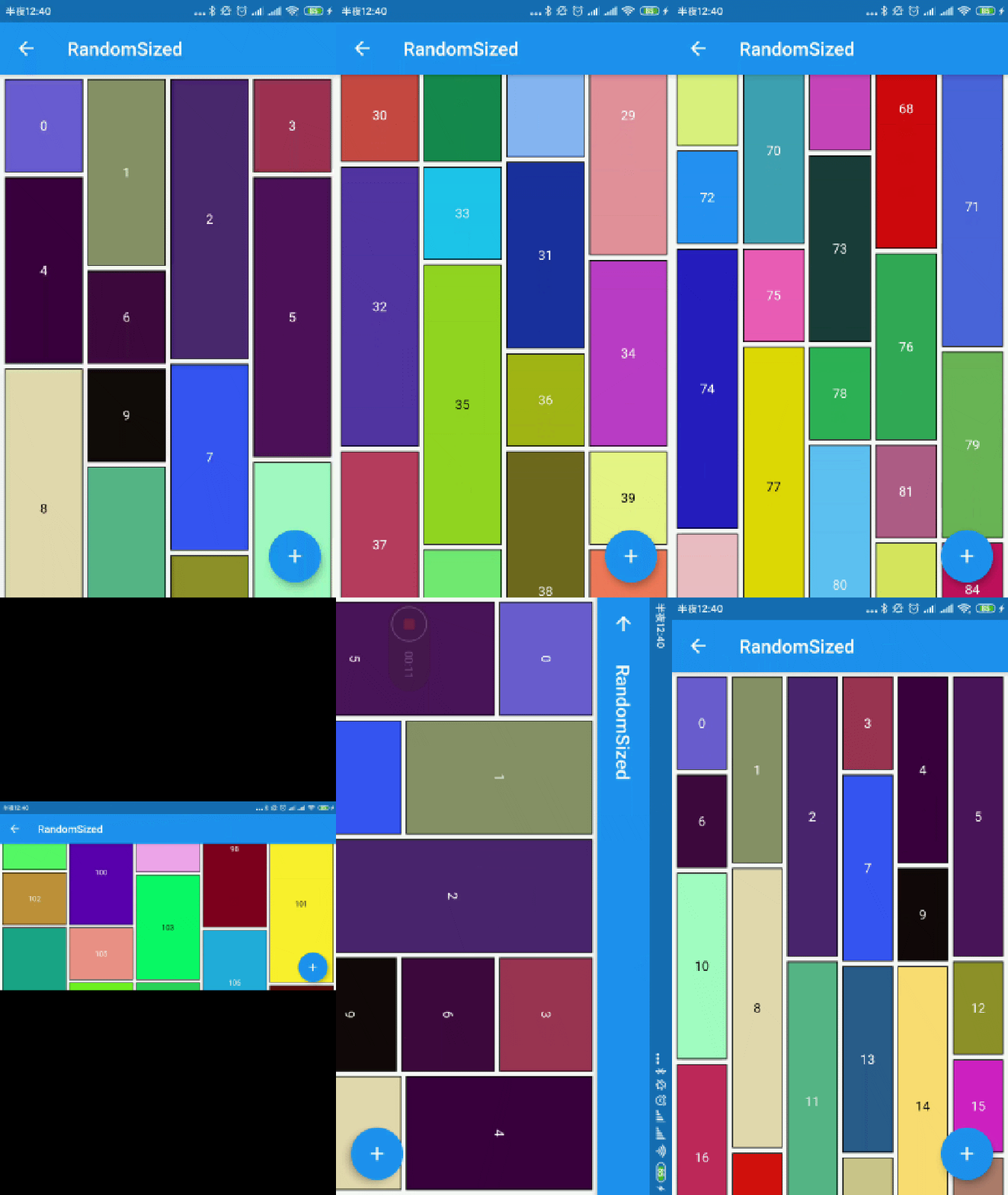
A Flutter package that enables developers to quickly create waterfall flow layouts, a type of grid view where items are arranged in columns with varying heights. Ideal for displaying images or content in a dynamic, visually appealing format similar to Pinterest. The package supports all major platforms including Android, iOS, Web, macOS, Windows, and Linux, ensuring cross-platform consistency. It offers customizable column counts, spacing, and scroll behavior, making it flexible for various UI needs.
Use cases
Displaying image galleries
Creating Pinterest-style feeds
Building dynamic content grids
Showing product listings
Implementing responsive layouts
Key features
Easy setup with minimal code
Supports variable item heights
Customizable column count and spacing
Cross-platform compatibility
Smooth scrolling performance
Flexible item builder
Suitable for
Developers building social media feeds
Designers creating visual content displays
Apps requiring responsive grid layouts
Projects with dynamic or irregular content sizes
Teams targeting multiple platforms
Considerations
May require optimization for large datasets
Performance can degrade with very high item counts
Needs careful handling of item dimensions to avoid layout issues
The number of logical pixels between each child along the main axis.
0.0
crossAxisSpacing
The number of logical pixels between each child along the cross axis.
0.0
collectGarbage
Call when collect garbage, return indexs to collect
-
lastChildLayoutTypeBuilder
The builder to get layout type of last child ,Notice: it should only for last child
-
viewportBuilder
The builder to get indexs in viewport
-
closeToTrailing
Whether make layout close to trailing
false
WaterfallFlow.builder(
//cacheExtent: 0.0,
padding: EdgeInsets.all(5.0),
gridDelegate: SliverWaterfallFlowDelegateWithFixedCrossAxisCount(
crossAxisCount: 2,
crossAxisSpacing: 5.0,
mainAxisSpacing: 5.0,
/// follow max child trailing layout offset and layout with full cross axis extend/// last child as loadmore item/no more item in [GridView] and [WaterfallFlow]/// with full cross axis extend// LastChildLayoutType.fullCrossAxisExtend,/// as foot at trailing and layout with full cross axis extend/// show no more item at trailing when children are not full of viewport/// if children is full of viewport, it's the same as fullCrossAxisExtend// LastChildLayoutType.foot,
lastChildLayoutTypeBuilder: (index) => index == _list.length
? LastChildLayoutType.foot
: LastChildLayoutType.none,
),
CollectGarbage
track the indexes are collect, you can collect garbage at that monment(for example Image cache)
build lastChild as special child in the case that it is loadmore/no more item.
enumLastChildLayoutType {
/// as default child
none,
/// follow max child trailing layout offset and layout with full cross axis extend/// last child as loadmore item/no more item in [ExtendedGridView] and [WaterfallFlow]/// with full cross axis extend
fullCrossAxisExtend,
/// as foot at trailing and layout with full cross axis extend/// show no more item at trailing when children are not full of viewport/// if children is full of viewport, it's the same as fullCrossAxisExtend
foot,
}
WaterfallFlow.builder(
gridDelegate: SliverWaterfallFlowDelegateWithFixedCrossAxisCount(
lastChildLayoutTypeBuilder: (index) => index == length
? LastChildLayoutType.foot
: LastChildLayoutType.none,
),
CloseToTrailing
when reverse property of List is true, layout is as following.
it likes chat list, and new session will insert to zero index.
but it's not right when items are not full of viewport.
to solve it, you could set closeToTrailing to true, layout is as following.
support [ExtendedGridView],[ExtendedList],[WaterfallFlow].
and it also works when reverse is flase, layout will close to trailing.