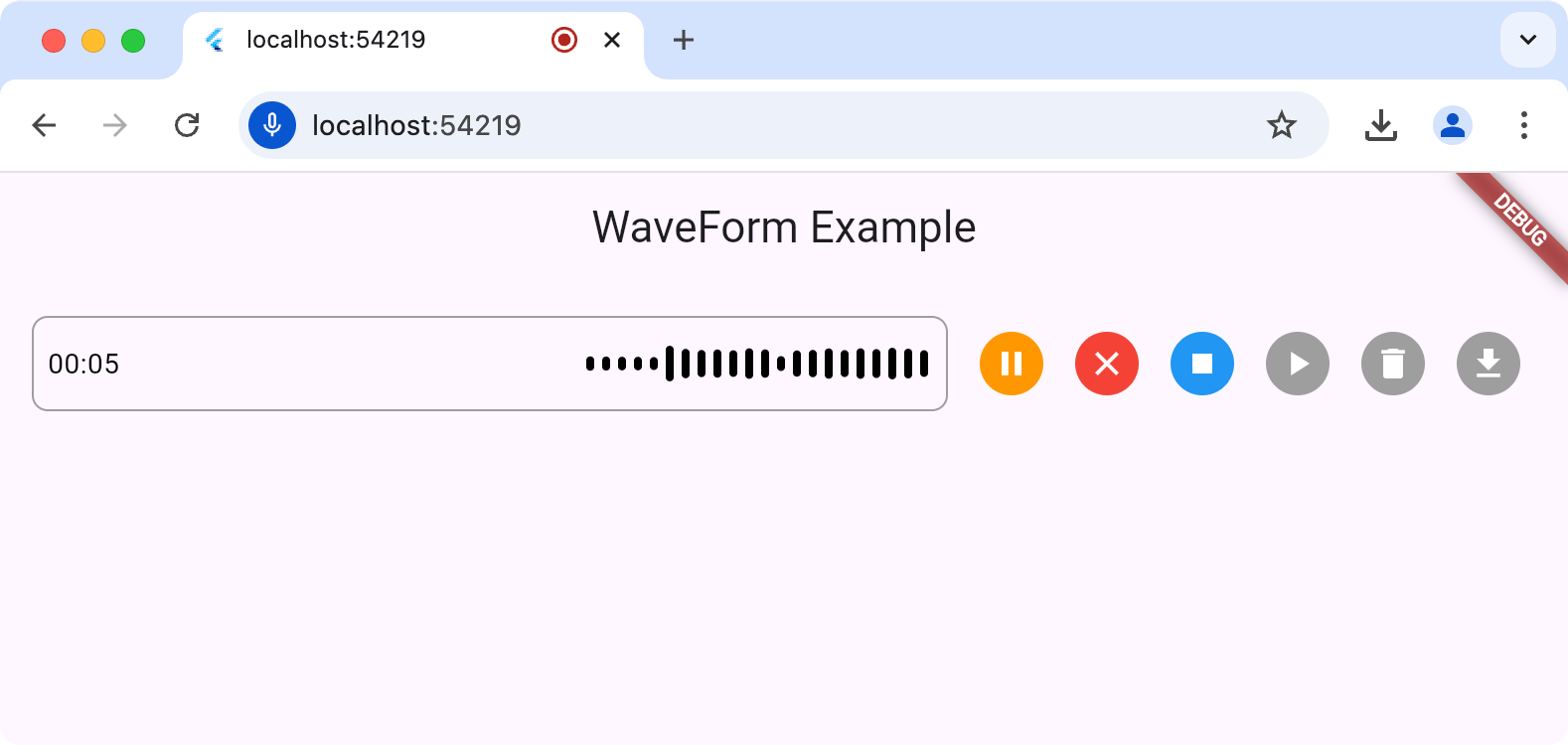
A Flutter package for recording audio with real-time waveform visualization, ideal for voice messaging and audio recording features in chat applications.
Package selection guidance compiled from public package information, community data, and project usage.
A Flutter package that enables audio recording with real-time waveform visualization, designed for applications requiring voice messaging or audio input features. It supports multiple platforms including Android, iOS, Web, macOS, Windows, and Linux, providing a smooth user experience with visual feedback during recording. The package integrates seamlessly into chat or communication apps, allowing users to see their voice waveforms as they speak. Built with performance and cross-platform consistency in mind, it simplifies the implementation of audio recording functionality with minimal setup.
Use cases
Voice messaging in chat apps
Audio note taking
Real-time voice feedback
Podcast recording interfaces
Interactive voice-based games
Live audio streaming previews
Key features
Real-time waveform visualization
Cross-platform support
Simple API for recording
Visual feedback during recording
Low-latency audio processing
Built-in playback controls
Suitable for
Developers building chat applications
Creators of voice-enabled tools
Educational apps with audio input
Audio recording prototypes
Apps requiring intuitive audio UI
Considerations
Requires microphone permissions on all platforms
Web support may have browser limitations
Large recordings may impact memory usage
Performance varies on lower-end devices
Limited customization of waveform appearance
Depends on underlying platform audio APIs
Original README
Original README snapshot from the linked source repository. Visit the repository for the latest content.
The waveform_recorder package
provides a widget to show a waveform as an audio stream is being recorded in the
style of recent AI chat packages.
The main entry point for this package is the WaveformRecorder widget, which
requires an instance of the WaveformRecorderController to start/stop
recording. Here's an example of using the recorder to record audio and then
allowing the user to play it back:
For all platforms except the web, the output of a record operation is a file on
your hard drive; it's your app's responsibility to remove this temp file when
it's done with it. When executing on the web, the file (an instance of the XFile
type from the cross_file package) of the
recorded audio will contain a path to a blob URL but otherwise, it will be a
file in the file system. You can get the path to that file from
WaveformRecorderController.file.path, e.g.
Future<void> _deleteRecording() async {
final file = _waveController.file;
if (file == null) return;
if (!kIsWeb) awaitFile(file.path).delete();
}