Package selection guidance compiled from public package information, community data, and project usage.
The zoom_widget package provides a customizable Flutter widget that enables interactive zooming on a canvas of adjustable size. It allows developers to wrap any child widget with zoom and pan functionality, making it ideal for images, maps, or complex UI elements requiring detailed exploration. The widget supports touch gestures and mouse interactions across multiple platforms, ensuring consistent behavior on Android, iOS, Web, macOS, Windows, and Linux. It is lightweight and designed for seamless integration into existing Flutter applications.
Use cases
Interactive image viewers
Digital whiteboards
Map navigation interfaces
Data visualization tools
Educational apps with scalable content
Key features
Supports pinch-to-zoom and drag gestures
Adjustable canvas size
Cross-platform compatibility
Smooth animation transitions
Customizable zoom limits
Easy integration with existing widgets
Suitable for
Developers building interactive visualizations
Apps requiring scalable content display
Projects needing multi-touch support
Cross-platform applications with gesture controls
UIs involving detailed graphics or diagrams
Considerations
Performance may vary with very large canvases
Requires careful handling of child widget sizing
May need additional logic for edge cases like overflow
Not optimized for high-frequency updates
Best suited for static or infrequently updated content
Original README
Original README snapshot from the linked source repository. Visit the repository for the latest content.
Flutter zoom widget
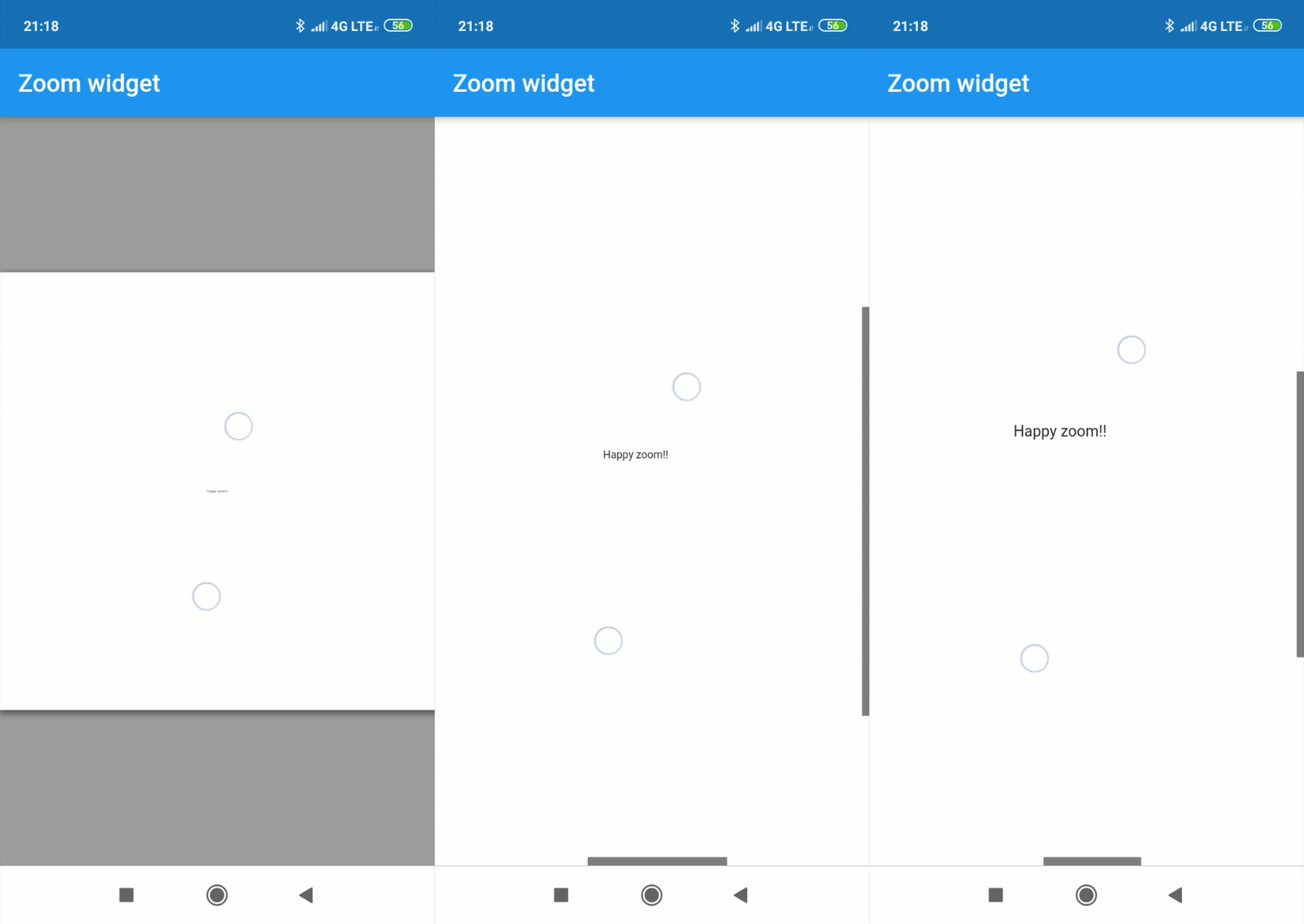
With this widget you can create a customizable canvas in which you can zoom in flutter.
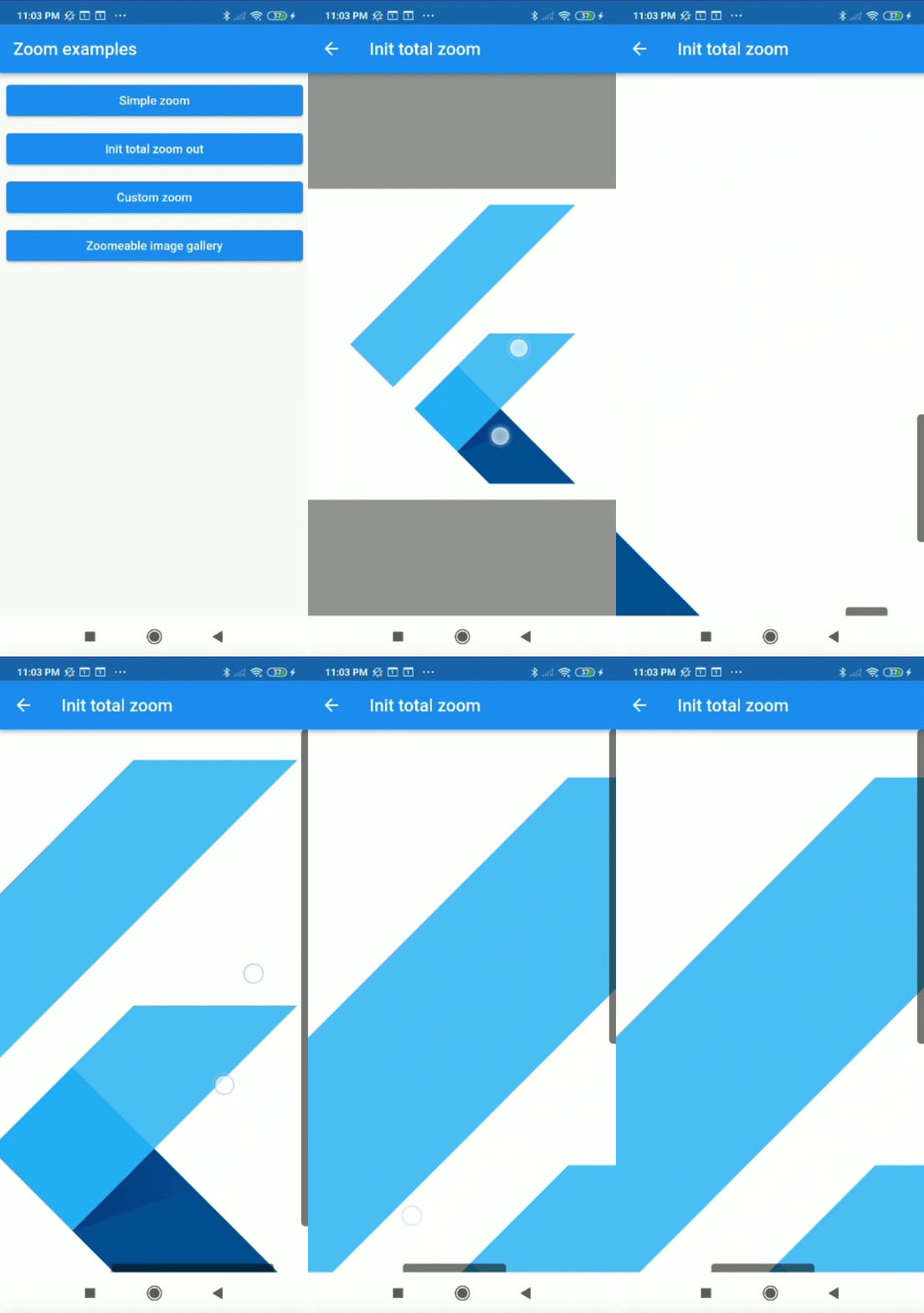
It is possible to customize virtually all the canvases of the canvas such as color, background color, acitvate and deactivate scrolls, change the color of scrolls, modify the sensitivity of the zoom, the initial zoom enters other aspects found in the construction of the Zoom class.
Installation
Add to pubspec.yaml:
dependencies:zoom_widget:^2.0.0
How to use
You only need to create an instance of the Zoom class in the child of your Scaffold or within the widget of your choice, within the child attribute, put the widget that you want to zoom in and the width and height of the canvas where it will be made zoom.
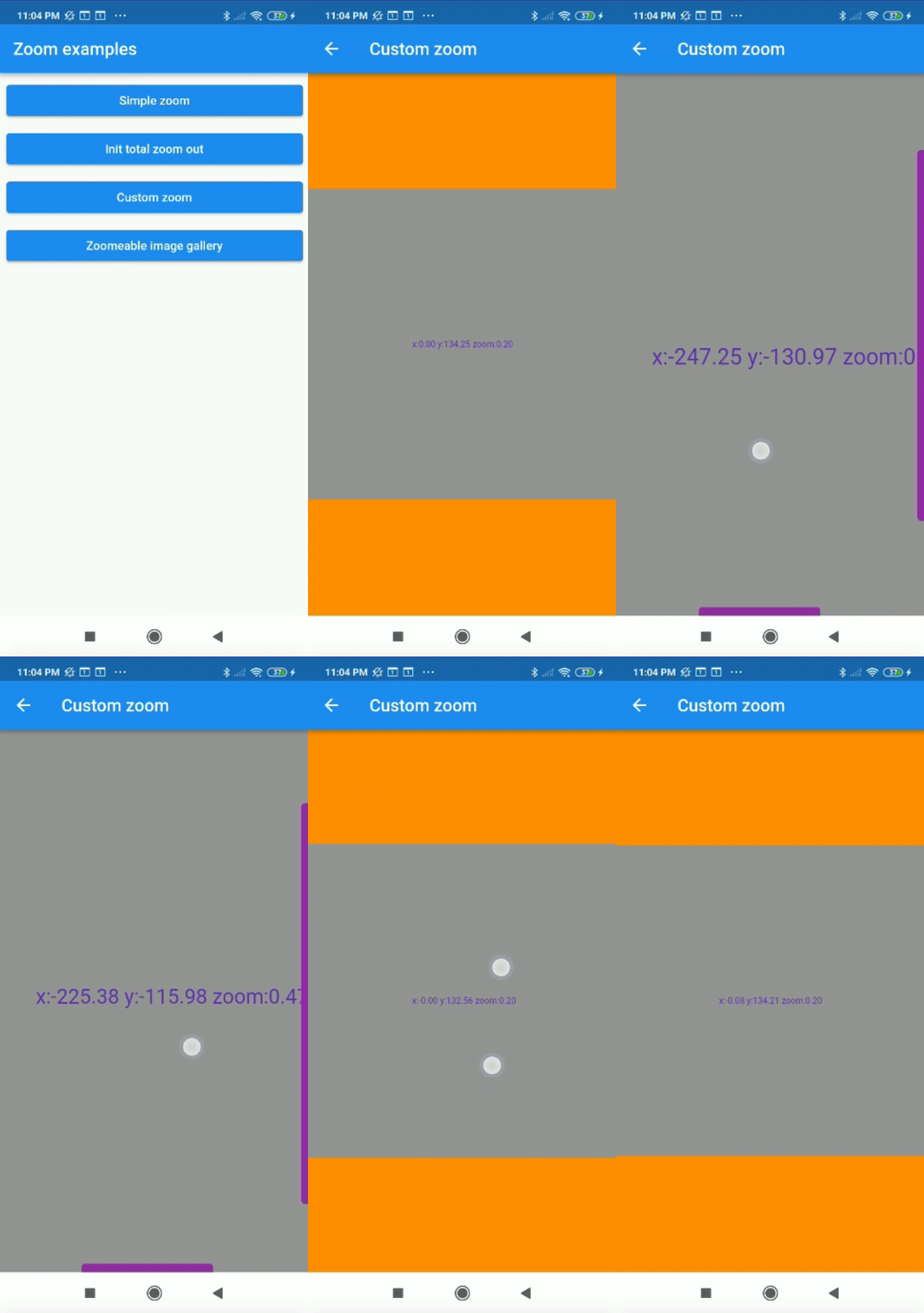
It is possible to obtain the x and y position of our canvas with respect to the scrolls and and the zoom and scale of our canvas using two simple callbacks in our Zoom instance.