Package selection guidance compiled from public package information, community data, and project usage.
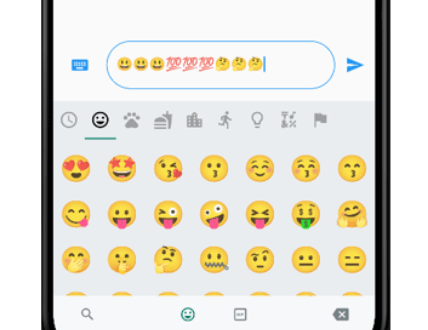
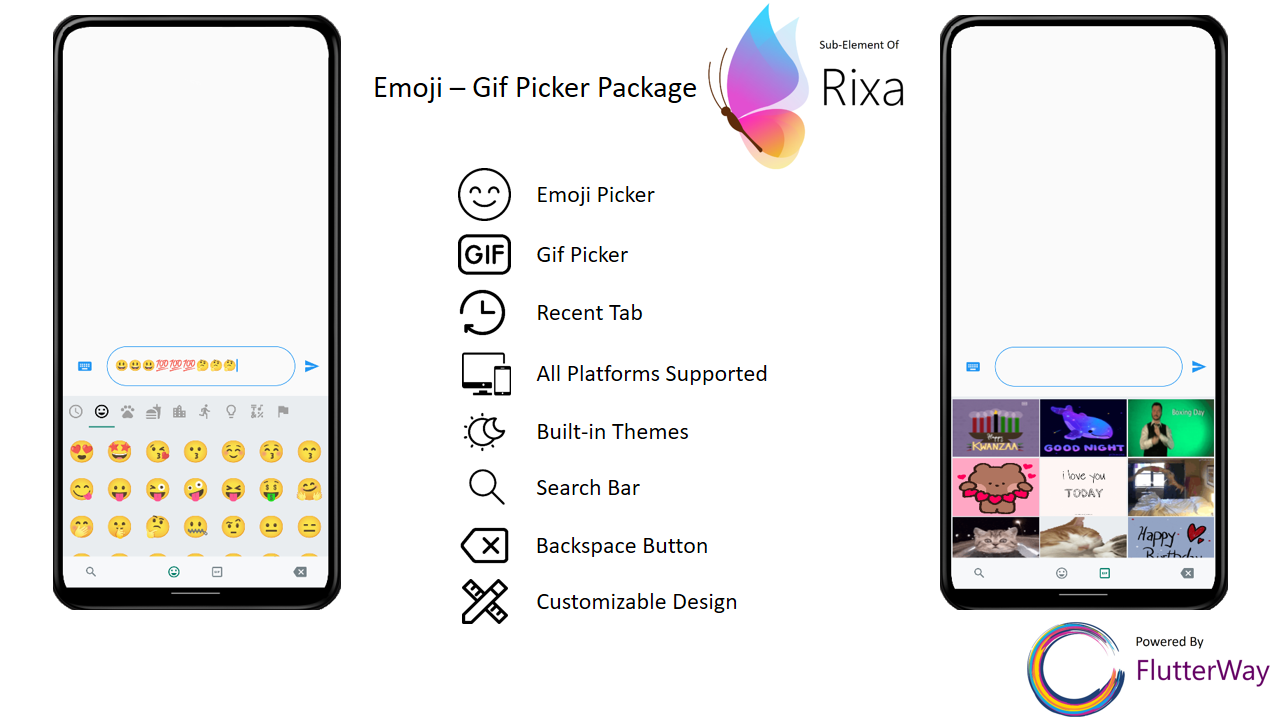
A Flutter package that provides an emoji and GIF picker interface identical to WhatsApp's, designed to match the size of the on-screen keyboard on mobile devices. It supports seamless integration into messaging apps, offering users a familiar and intuitive way to insert emojis and GIFs. The picker is optimized for mobile with responsive sizing and works across Android, iOS, Web, macOS, Windows, and Linux platforms.
Use cases
Messaging apps
Chat interfaces
Social media platforms
Real-time communication tools
User-friendly input enhancements
Key features
WhatsApp-style UI
Matches keyboard size on mobile
Cross-platform support
Easy integration with text fields
Supports both emojis and GIFs
Suitable for
Developers building chat applications
Teams wanting native-like emoji/GIF selection
Apps targeting mobile-first experiences
Considerations
Requires internet access for GIF loading
May increase app size due to asset dependencies
Performance depends on device capabilities
Limited customization options for UI
Best suited for mobile use cases
Original README
Original README snapshot from the linked source repository. Visit the repository for the latest content.
flutter_emoji_gif_picker
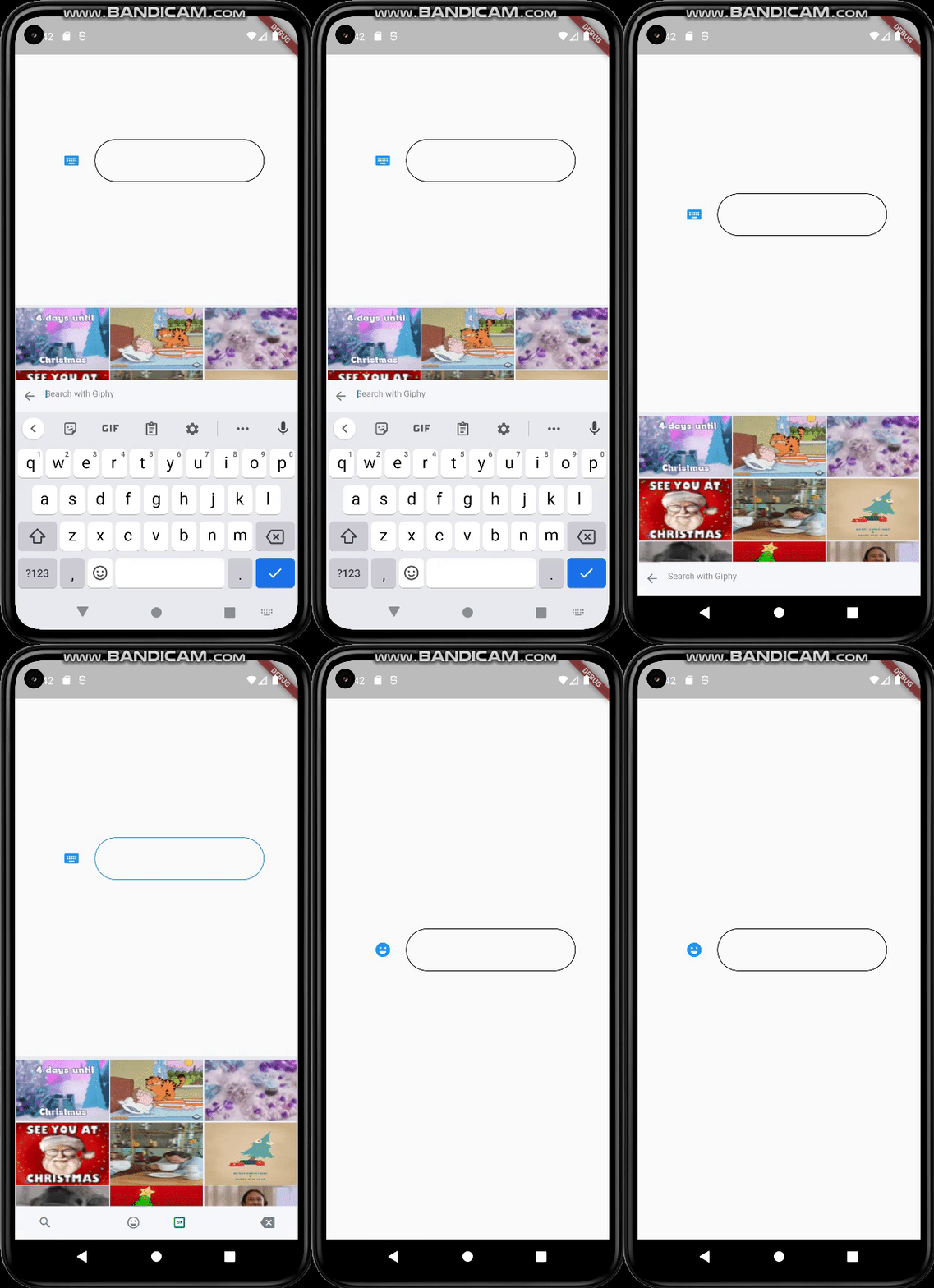
An emoji picker that was designed based on WhatsApp's picker model. Provides same functionalities with an easy usage.
Features
Includes Emoji Icon Widget, Textfield
Includes Gif menu(via Giphy Api)
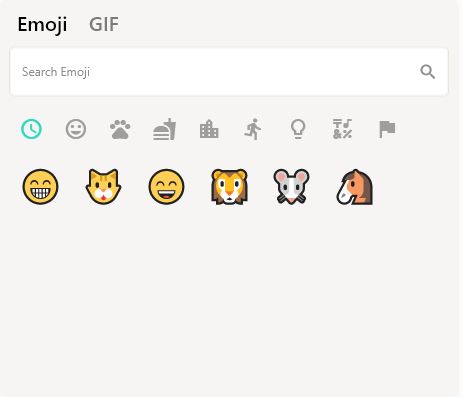
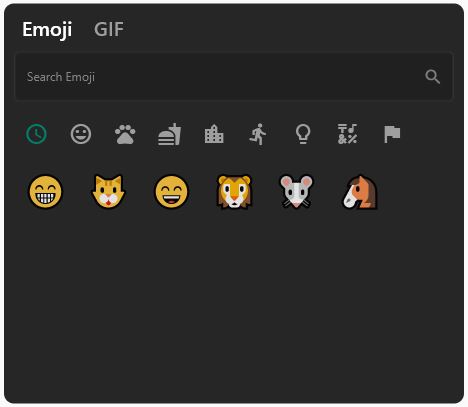
Ready to use Dark/Light Mode
Freed of known keyboard issues of other emoji pickers
Back Button Event with same functionality as WhatsApp
All platforms are supported
Lightweight
Instant loading times
Customizable design
Search bar for emoji / gif
Page resizing option with menu is provided
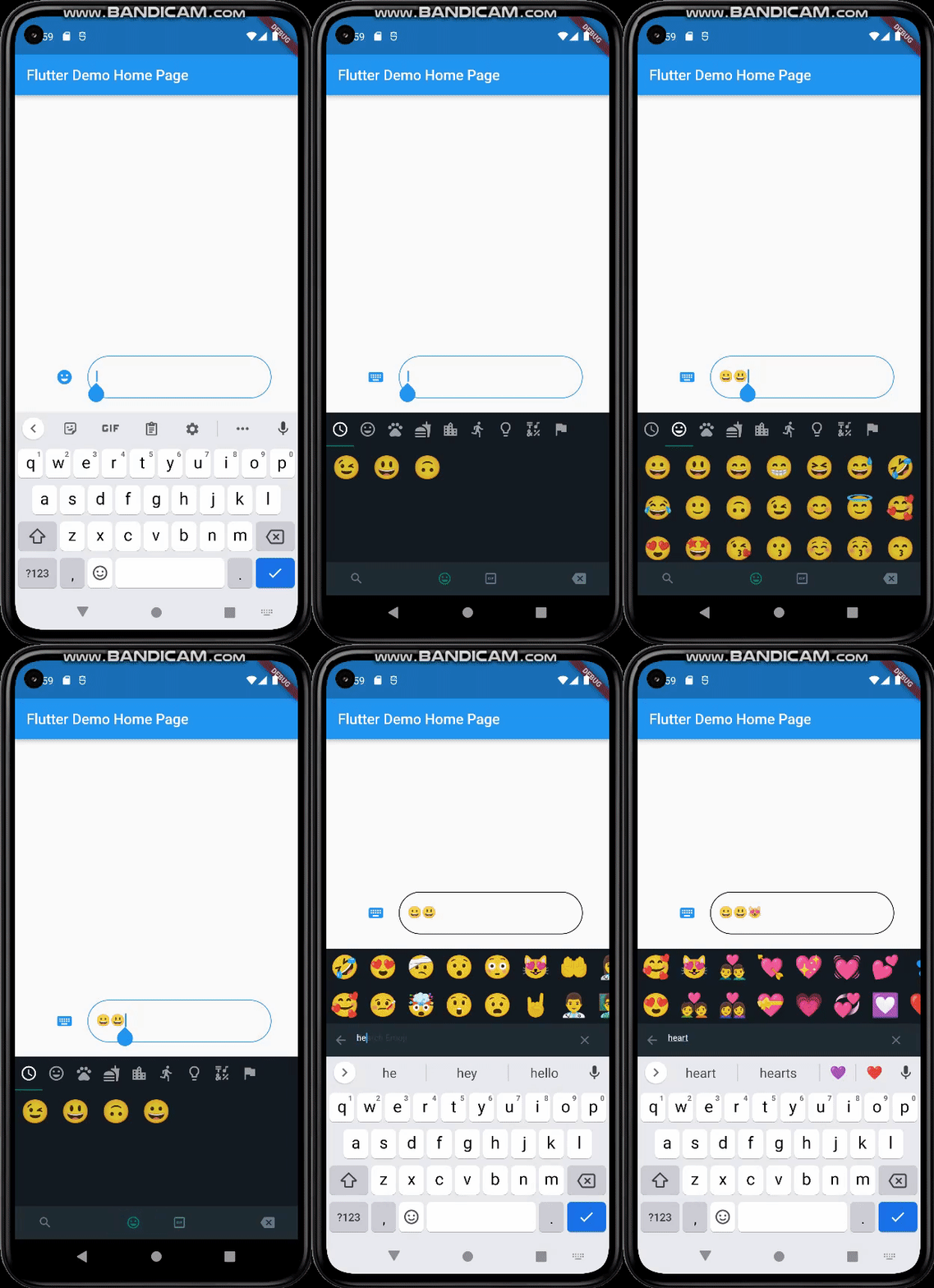
Mobile
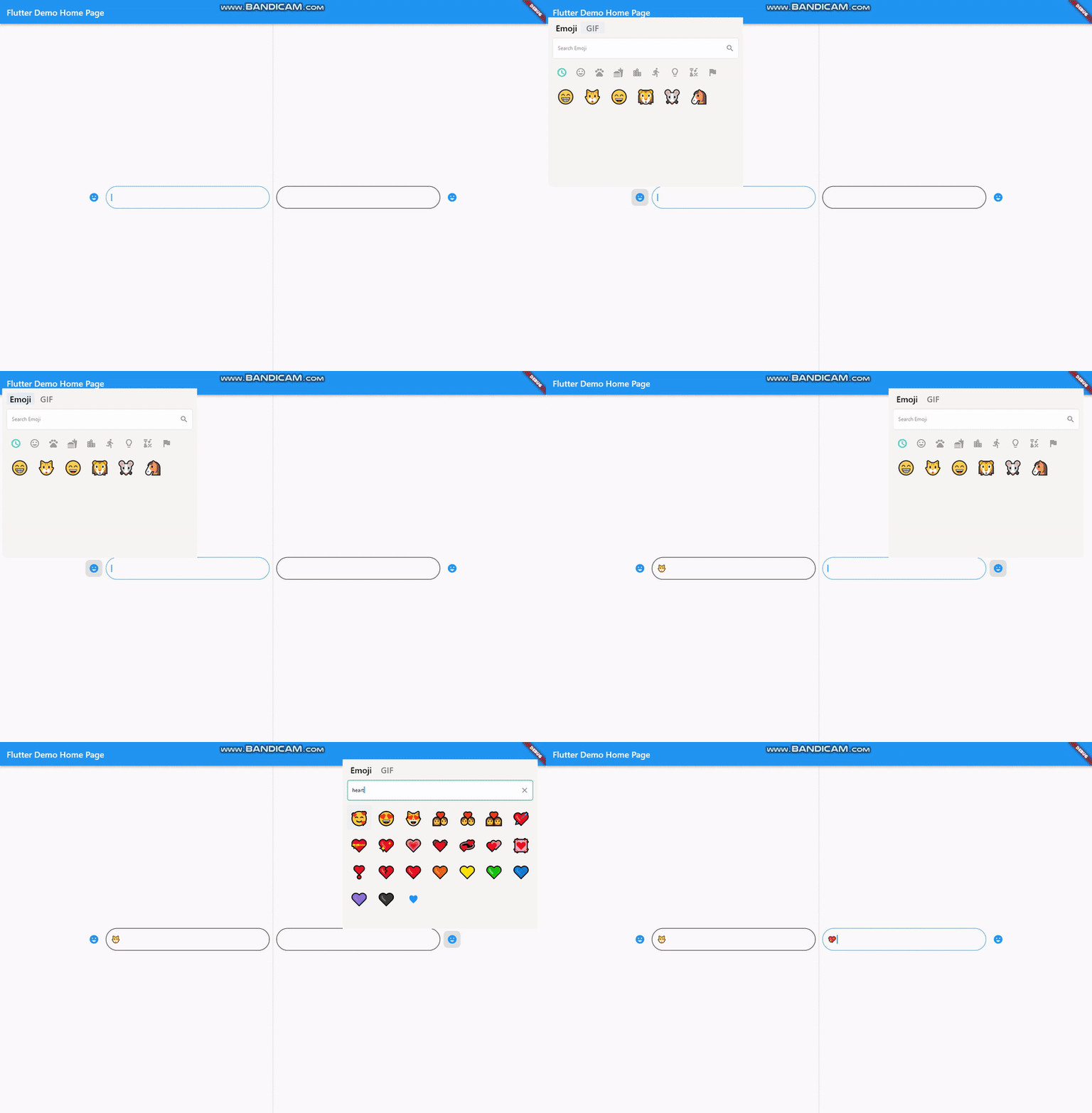
Desktop
Getting Started
Basic Setup
It's simple and ready to use. Pick either dark / light mode and set your giphyApiKey. GiphyApiKey is required for gif menu to function / show.
If you want your emoji-gif picker to resize your page when opened, your page needs to be wrapped with EmojiGifMenuLayout and set fromStack:false in your picker icon widget. Otherwise emoji-gif picker will cover its own space on your page
When the back button is pressed, if you want your emoji-gif picker menu to close instead of switching to another page, you must wrap your scaffold with WillPopScope to achieve this functionality
These widgets are required in order to show picker menu.
Give an id to your picker widget this way you can use these widgets in multiple places on the same page. Don't forget to give your TextEditingController in EmojiGifPickerIcon.
With viewEmoji, viewGif parameters, you can control which menu opens or not.