Package selection guidance compiled from public package information, community data, and project usage.
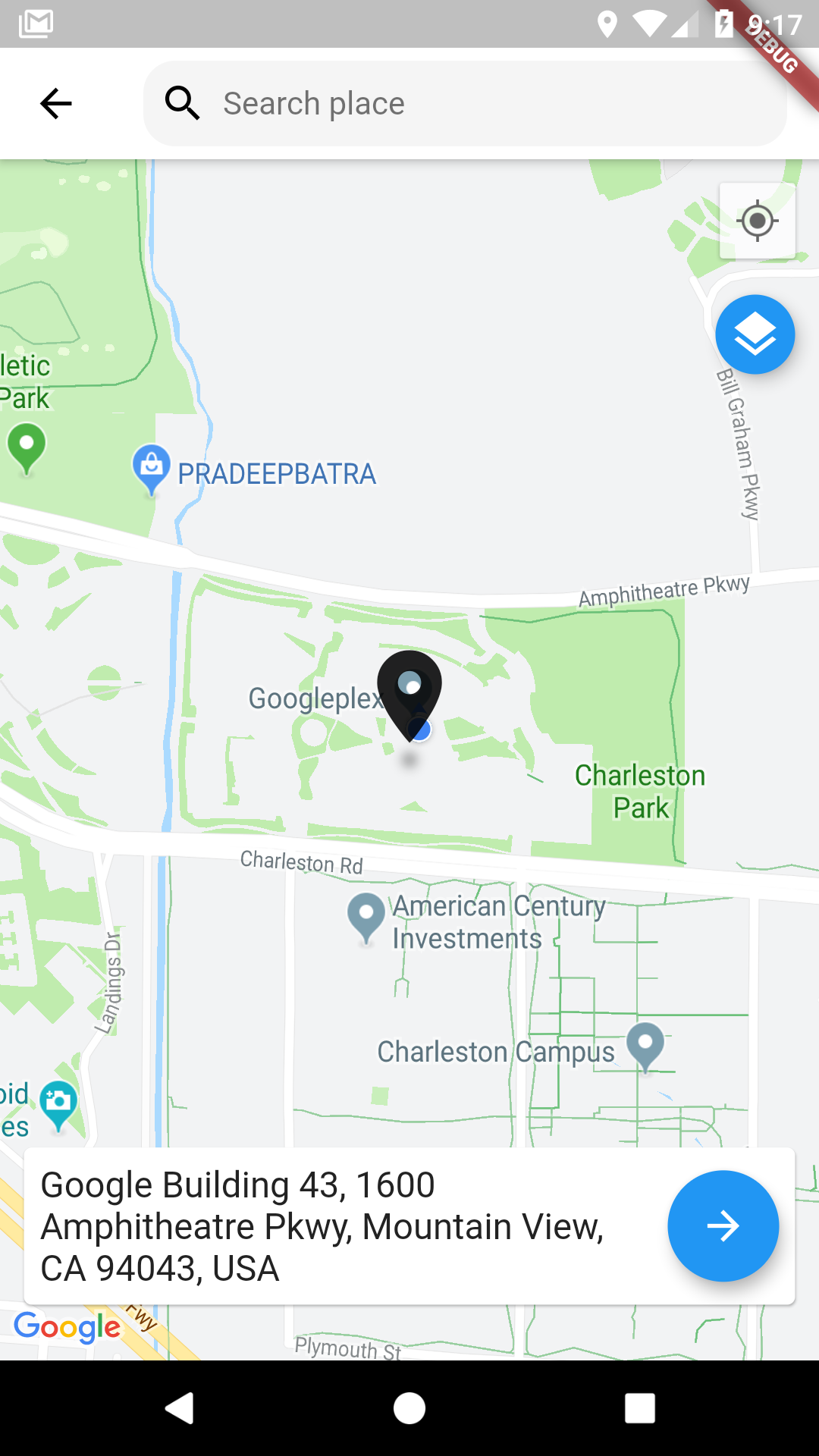
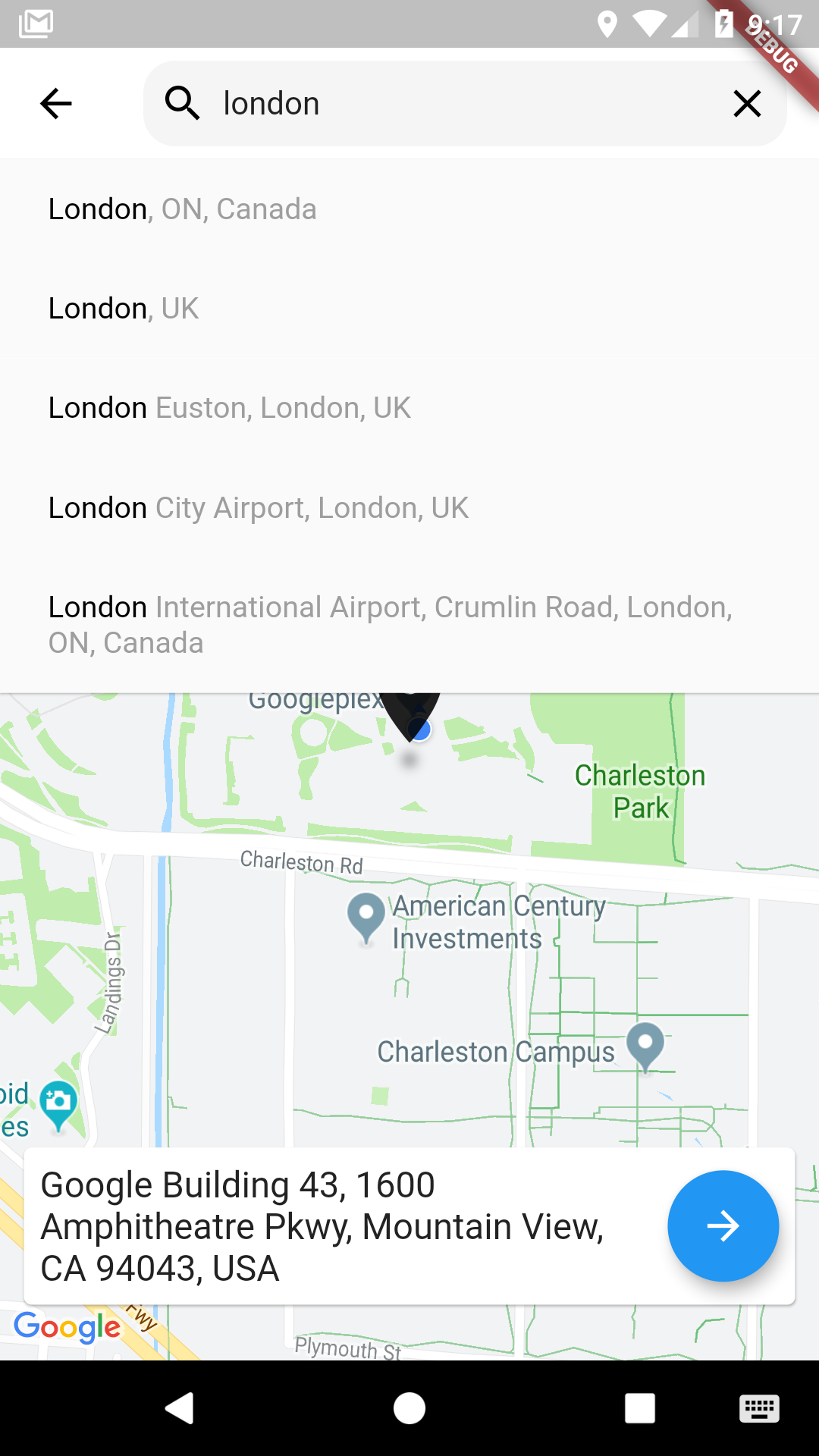
A Flutter package that enables users to pick locations on a Google Map with an intuitive interface. Built on top of google_maps_flutter, it provides a seamless way to select coordinates and retrieve address details. Ideal for apps requiring location input such as delivery services, travel apps, or event planning tools. The picker supports interactive map navigation, marker placement, and automatic geocoding. It simplifies integrating map-based location selection into Flutter applications without extensive custom development.
Use cases
Selecting delivery addresses
Booking locations for events
Geolocating user check-ins
Integrating map-based forms
Setting pickup points in ride-sharing apps
Key features
Interactive Google Map integration
Marker placement and drag support
Automatic geocoding from map taps
Customizable UI components
Returns latitude, longitude, and formatted address
Suitable for
Apps needing precise location input
Developers using Google Maps in Flutter
Location-aware form fields
Travel and logistics platforms
User-facing address selection interfaces
Considerations
Requires Google Maps API key
Limited to Android and iOS (no web support)
Depends on google_maps_flutter plugin
May require additional permissions for location access
Performance depends on map rendering quality
Original README
Original README snapshot from the linked source repository. Visit the repository for the latest content.
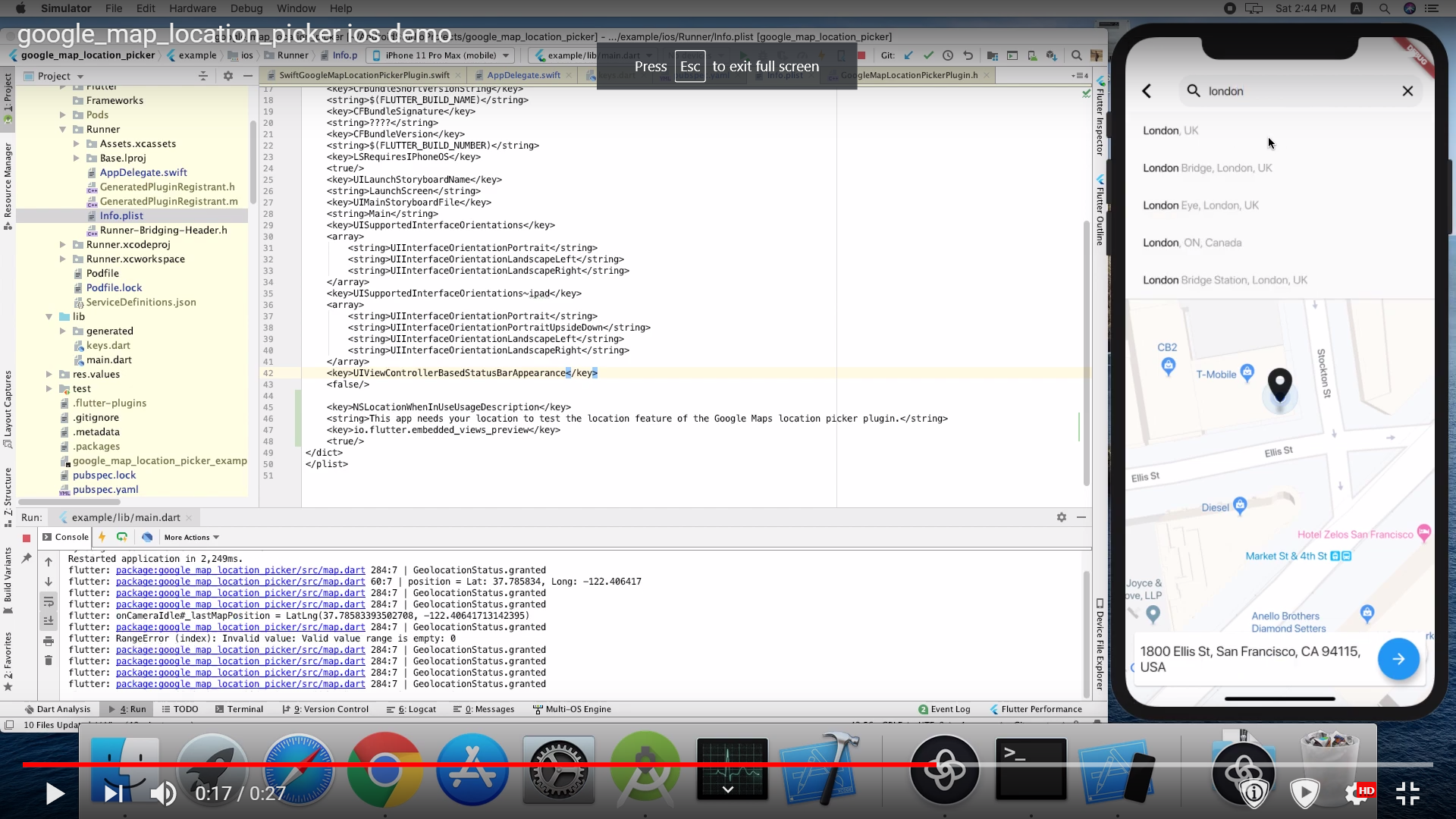
you need also to define NSLocationWhenInUseUsageDescription
<key>NSLocationWhenInUseUsageDescription</key>
<string>This app needs your location to test the location feature of the GoogleMaps location picker plugin.</string>
Note
The following permissions are not required to use Google Maps Android API v2, but are recommended.
android.permission.ACCESS_COARSE_LOCATION Allows the API to use WiFi or mobile cell data (or both) to determine the device's location. The API returns the location with an accuracy approximately equivalent to a city block.
android.permission.ACCESS_FINE_LOCATION Allows the API to determine as precise a location as possible from the available location providers, including the Global Positioning System (GPS) as well as WiFi and mobile cell data.
You must also explicitly declare that your app uses the android.hardware.location.network or android.hardware.location.gps hardware features if your app targets Android 5.0 (API level 21) or higher and uses the ACCESS_COARSE_LOCATION or ACCESS_FINE_LOCATION permission in order to receive location updates from the network or a GPS, respectively.
The following permissions are defined in the package manifest, and are automatically merged into your app's manifest at build time. You don't need to add them explicitly to your manifest:
android.permission.INTERNET Used by the API to download map tiles from Google Maps servers.
android.permission.ACCESS_NETWORK_STATE Allows the API to check the connection status in order to determine whether data can be downloaded.
Restricting Autocomplete Search to Region
The LocationResults returned can be restricted to certain countries by passing an array of country codes into the countries parameter of showLocationPicker(). Countries must be two character, ISO 3166-1 Alpha-2 compatible.
You can find code information at Wikipedia: List of ISO 3166 country codes or the ISO Online Browsing Platform.
The example below restricts Autocomplete Search to the United Arab Emirates and Nigeria