Search packages, repositories and app categories

motion_tab_bar cover
Package detailsv2.0.4

motion_tab_bar

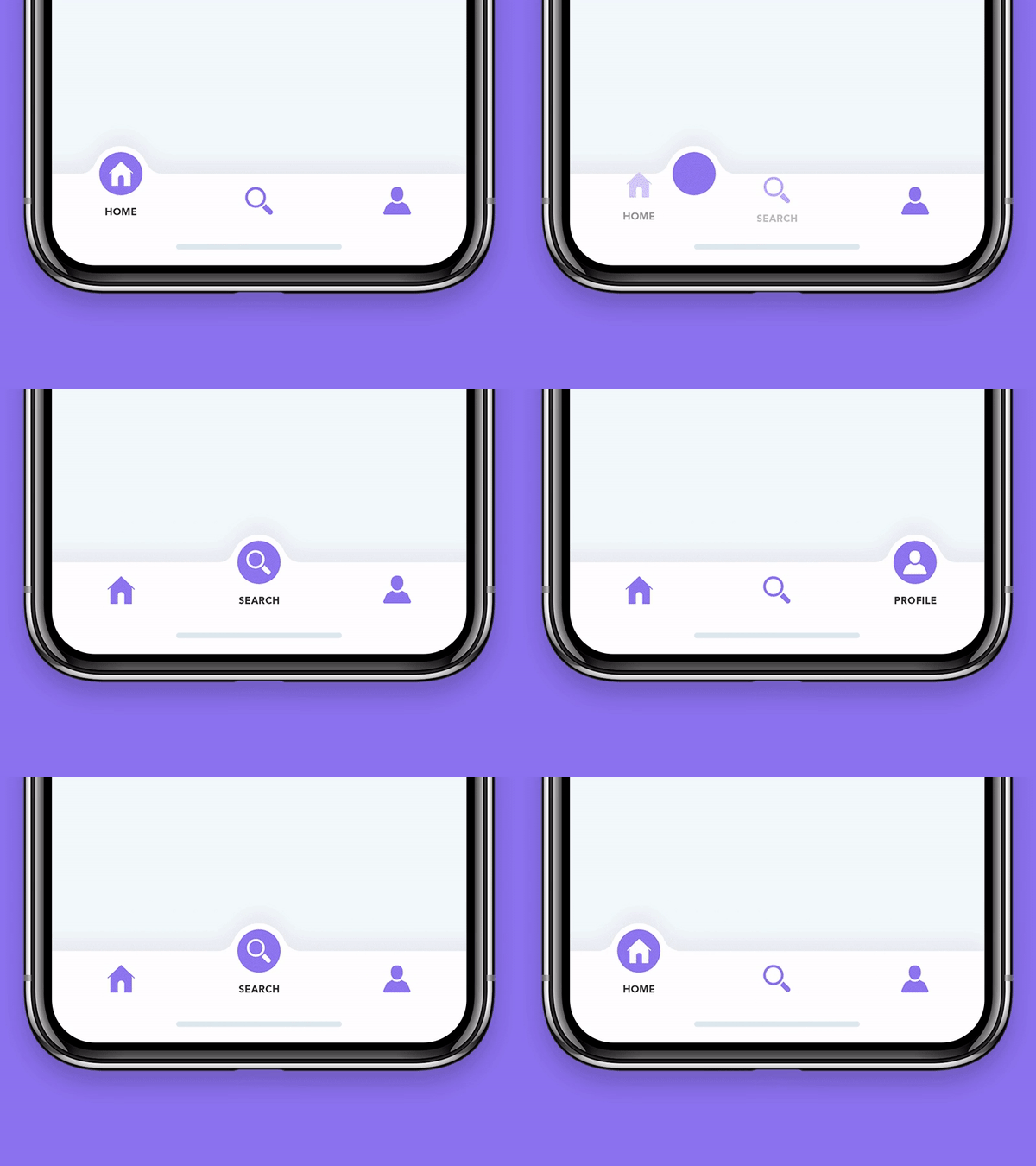
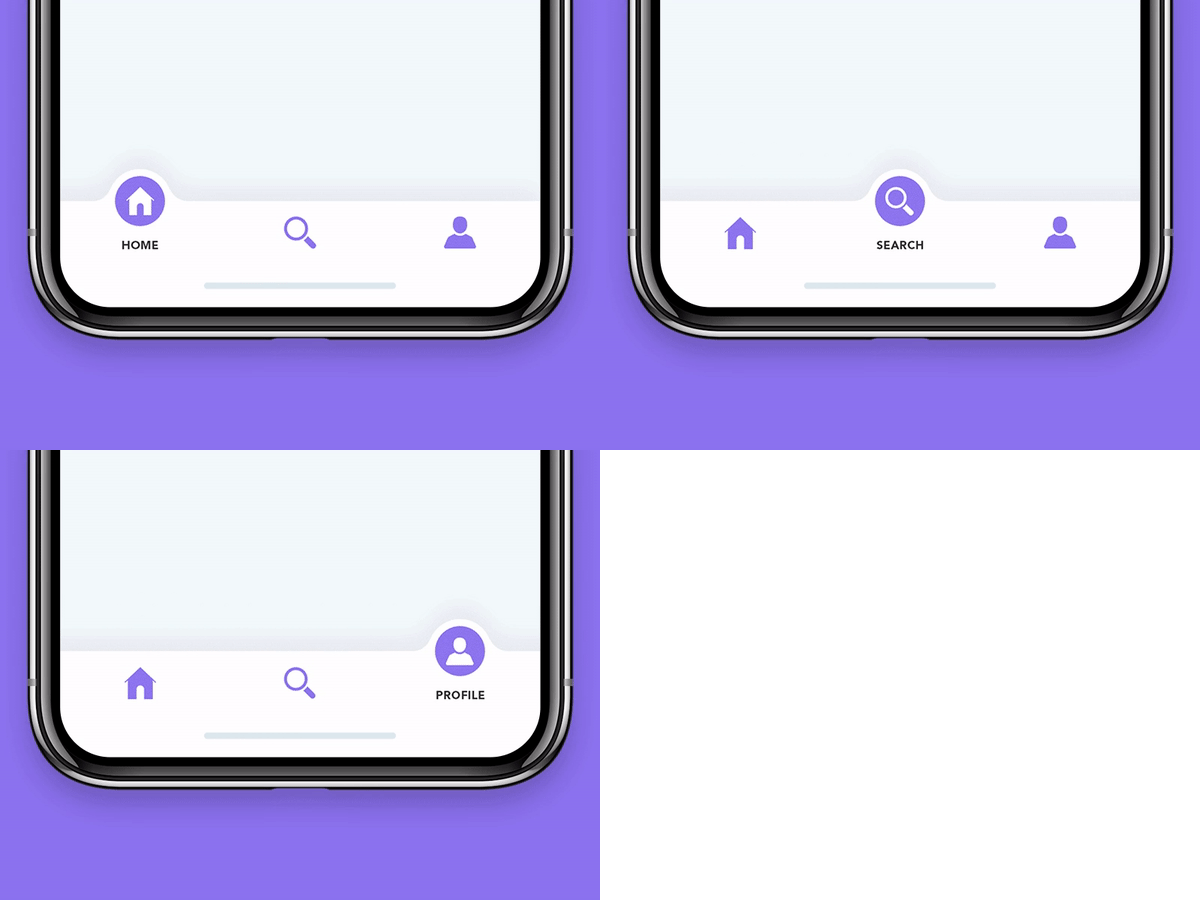
An animated Bottom Navigation Bar for Flutter apps, icon animates into place, colors are customizable.

AndroidiOSWebmacOSWindowsLinux
30-day downloads
725
Likes
261
Pub points
140

Install package

flutter pub add motion_tab_bar

Package Overview

Package selection guidance compiled from public package information, community data, and project usage.

Motion Tab Bar is an animated bottom navigation bar for Flutter that features smooth icon transitions and customizable colors. It enhances user experience with dynamic animations as tabs switch, making navigation visually engaging. The package supports multiple platforms including Android, iOS, Web, macOS, Windows, and Linux, ensuring consistent design across devices. Developers can easily integrate it into their apps using a simple command. Its lightweight nature and flexible styling options make it ideal for modern, interactive UIs.

Use cases

  • Animated app navigation
  • Modern mobile and web interfaces
  • Customizable bottom navigation
  • Enhanced user engagement
  • Cross-platform apps
  • Interactive UI components

Key features

  • Smooth icon animations
  • Customizable colors
  • Cross-platform support
  • Easy integration
  • Lightweight design
  • Responsive transitions

Suitable for

  • Flutter developers seeking animated navigation
  • Apps requiring visual feedback
  • Design-focused applications
  • Multi-platform projects
  • UI/UX enhancement efforts
  • Mobile and web app developers

Considerations

  • May impact performance on low-end devices
  • Limited customization beyond colors and animation
  • Requires careful testing on all target platforms
  • Not suitable for minimalistic designs
  • Animation may distract users if overused
  • Depends on third-party dependencies for full functionality

Original README

Original README snapshot from the linked source repository. Visit the repository for the latest content.

Motion Tab Bar compatible with Flutter 3 and RTL support

pub package likes popularity pub points

A beautiful animated widget for your Flutter apps

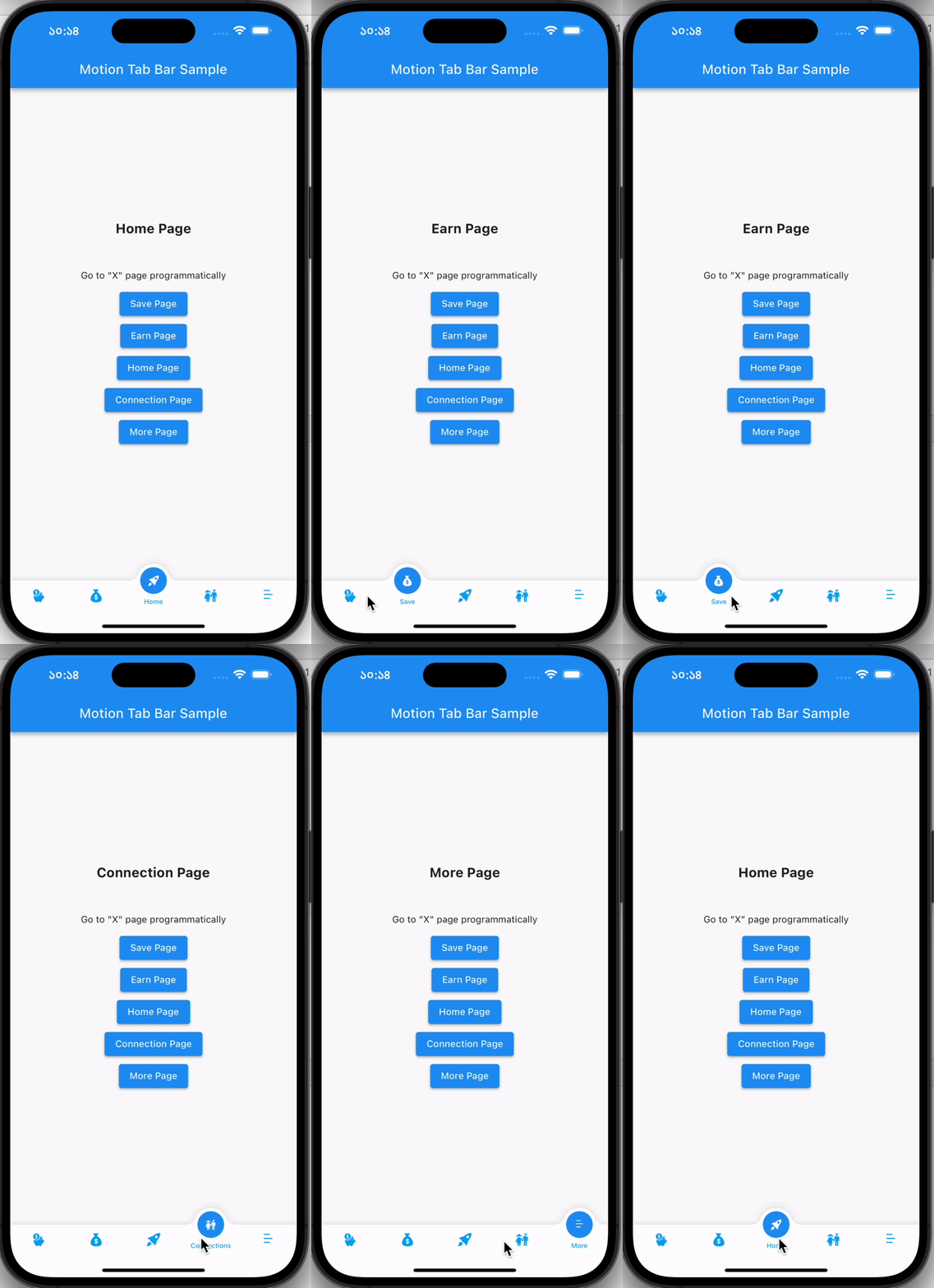
MotionTabBar Gif

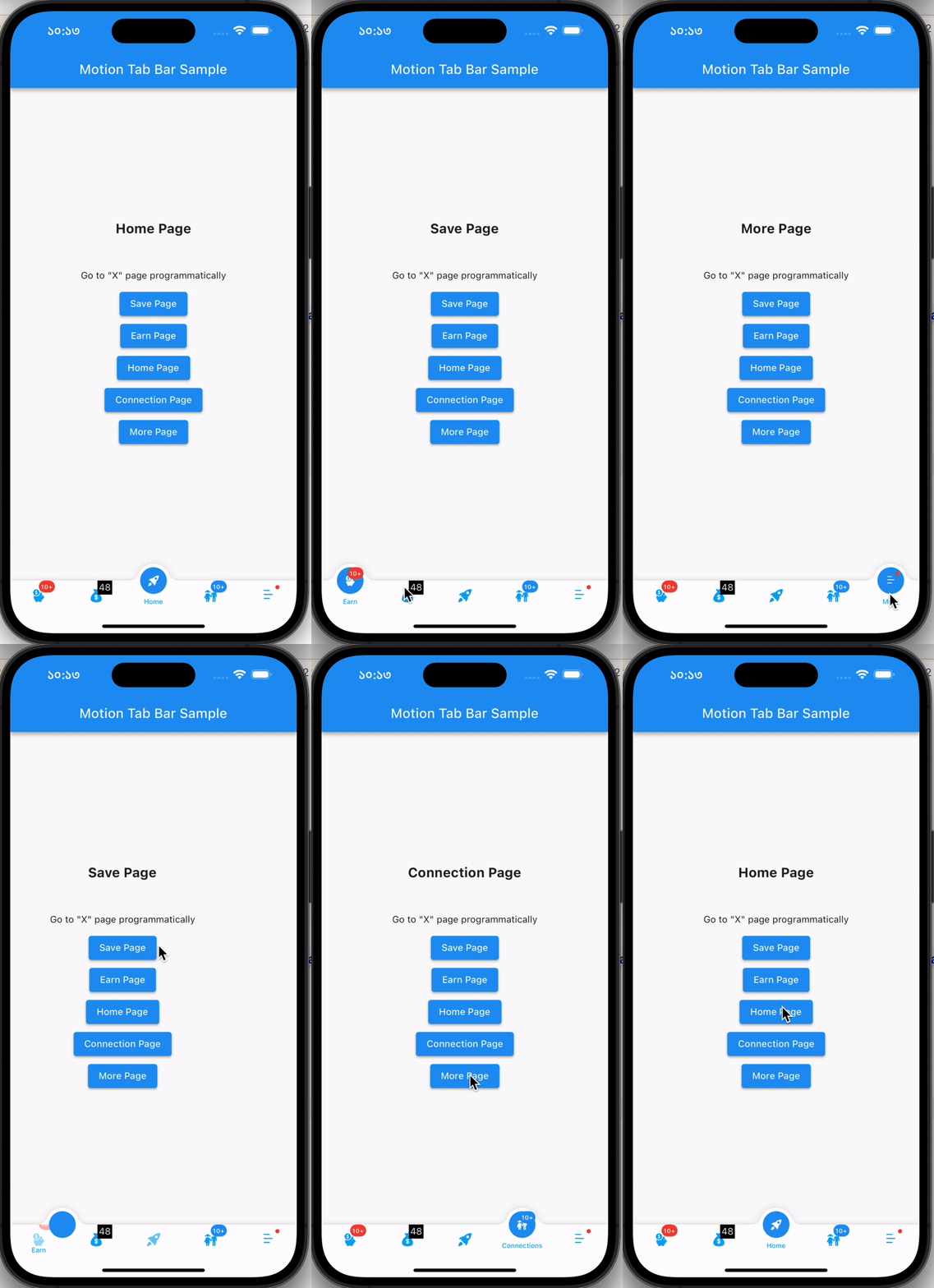
Without Badge With Badge
MotionTabBar Gif MotionTabBar Gif

Getting Started

Add the plugin:

dependencies:
  motion_tab_bar: ^2.0.4

Basic Usage

Use default TabController or MotionTabBarController:
  // TabController _tabController;
  MotionTabBarController? _motionTabBarController;

  @override
  void initState() {
    super.initState();
    
    //// Use normal tab controller
    // _tabController = TabController(
    //   initialIndex: 1,
    //   length: 4,
    //   vsync: this,
    // );

    //// use "MotionTabBarController" to replace with "TabController", if you need to programmatically change the tab
    _motionTabBarController = MotionTabBarController(
      initialIndex: 1,
      length: 4,
      vsync: this,
    );
  }

  @override
  void dispose() {
    super.dispose();

    // _tabController.dispose();
    _motionTabBarController!.dispose();
  }
Add Motion Tab Bar to Scaffold bottomNavigationBar:
  bottomNavigationBar: MotionTabBar(
    controller: _motionTabBarController, // ADD THIS if you need to change your tab programmatically
    initialSelectedTab: "Home",
    labels: const ["Dashboard", "Home", "Profile", "Settings"],
    icons: const [Icons.dashboard, Icons.home, Icons.people_alt, Icons.settings],

    // optional badges, length must be same with labels
    badges: [
      // Default Motion Badge Widget
      const MotionBadgeWidget(
        text: '10+',
        textColor: Colors.white, // optional, default to Colors.white
        color: Colors.red, // optional, default to Colors.red
        size: 18, // optional, default to 18
      ),

      // custom badge Widget
      Container(
        color: Colors.black,
        padding: const EdgeInsets.all(2),
        child: const Text(
          '11',
          style: TextStyle(
            fontSize: 14,
            color: Colors.white,
          ),
        ),
      ),

      // allow null
      null,

      // Default Motion Badge Widget with indicator only
      const MotionBadgeWidget(
        isIndicator: true,
        color: Colors.blue, // optional, default to Colors.red
        size: 5, // optional, default to 5,
        show: true, // true / false
      ),
    ],
    tabSize: 50,
    tabBarHeight: 55,
    textStyle: const TextStyle(
      fontSize: 12,
      color: Colors.black,
      fontWeight: FontWeight.w500,
    ),
    tabIconColor: Colors.blue[600],
    tabIconSize: 28.0,
    tabIconSelectedSize: 26.0,
    tabSelectedColor: Colors.blue[900],
    tabIconSelectedColor: Colors.white,
    tabBarColor: Colors.white,
    onTabItemSelected: (int value) {
      setState(() {
        // _tabController!.index = value;
        _motionTabBarController!.index = value;
      });
    },
  ),
add TabBarView to Scaffold body
  body: TabBarView(
    physics: NeverScrollableScrollPhysics(), // swipe navigation handling is not supported
    // controller: _tabController,
    controller: _motionTabBarController,
    children: <Widget>[
      const Center(
        child: Text("Dashboard"),
      ),
      const Center(
        child: Text("Home"),
      ),
      const Center(
        child: Text("Profile"),
      ),
      const Center(
        child: Text("Settings"),
      ),
    ],
  ),
to change tabs programmatically
...

ElevatedButton(
  // set MotionTabBarController index to new tab index
  onPressed: () => _motionTabBarController.index = 0,
  child: const Text('Dashboard Page'),
),
ElevatedButton(
  // set MotionTabBarController index to new tab index
  onPressed: () => _motionTabBarController.index = 1,
  child: const Text('Home Page'),
),

...

Catch me up on LinkedIn @Rezaul Islam

💙 to Code👨🏽‍💻 Flutter Expert • Dart Kotlin Swift Node Js • Android • Full Stack Developer

Categories

Dependencies

Dependency list 1 items

Source repository

Projects using this package

No data available yet.