Search packages, repositories and app categories

Package detailsv1.0.5+0

speed_test_dart

Internet speed tester (ping, upload, download) using speedtest.net

AndroidiOSWebmacOSWindowsLinux
30-day downloads
23
Likes
41
Pub points
135

Install package

flutter pub add speed_test_dart

Package Overview

Package selection guidance compiled from public package information, community data, and project usage.

A Flutter/Dart package that enables internet speed testing on multiple platforms, measuring ping, upload, and download speeds using the speedtest.net infrastructure. It provides a simple API to integrate real-time network performance checks into apps, supporting Android, iOS, Web, macOS, Windows, and Linux. Ideal for diagnostics, network monitoring, or performance evaluation features in applications requiring reliable speed data.

Use cases

  • Network performance monitoring
  • App diagnostics tool
  • Internet quality assessment
  • Real-time bandwidth testing
  • User connectivity feedback
  • Speed comparison across networks

Key features

  • Supports ping, upload, and download tests
  • Uses speedtest.net servers
  • Cross-platform compatibility
  • Simple asynchronous API
  • Lightweight and easy to integrate
  • Real-time speed metrics

Suitable for

  • Developers building network tools
  • Apps needing connectivity checks
  • Performance benchmarking utilities
  • Mobile and desktop diagnostic apps
  • Educational or testing applications

Considerations

  • Relies on external speedtest.net service
  • May require user permission for network access
  • Results depend on server proximity
  • Not suitable for high-frequency testing
  • Limited customization of test parameters
  • Network conditions affect accuracy

Original README

Original README snapshot from the linked source repository. Visit the repository for the latest content.

speed_test_dart

Forked from speed_test_port

Flutter package to test ping, upload, download using speedtest.net

Optimizations

Some refactors, more customization and better error handling. Now the test are done from a server list and if one server fails, it will try the next one.

Installation

Add the package to your dependencies:

dependencies:
  speed_test_dart: ^1.0.0

Finally, run dart pub get to download the package.

Projects using this library should use the stable channel of Flutter

Startup

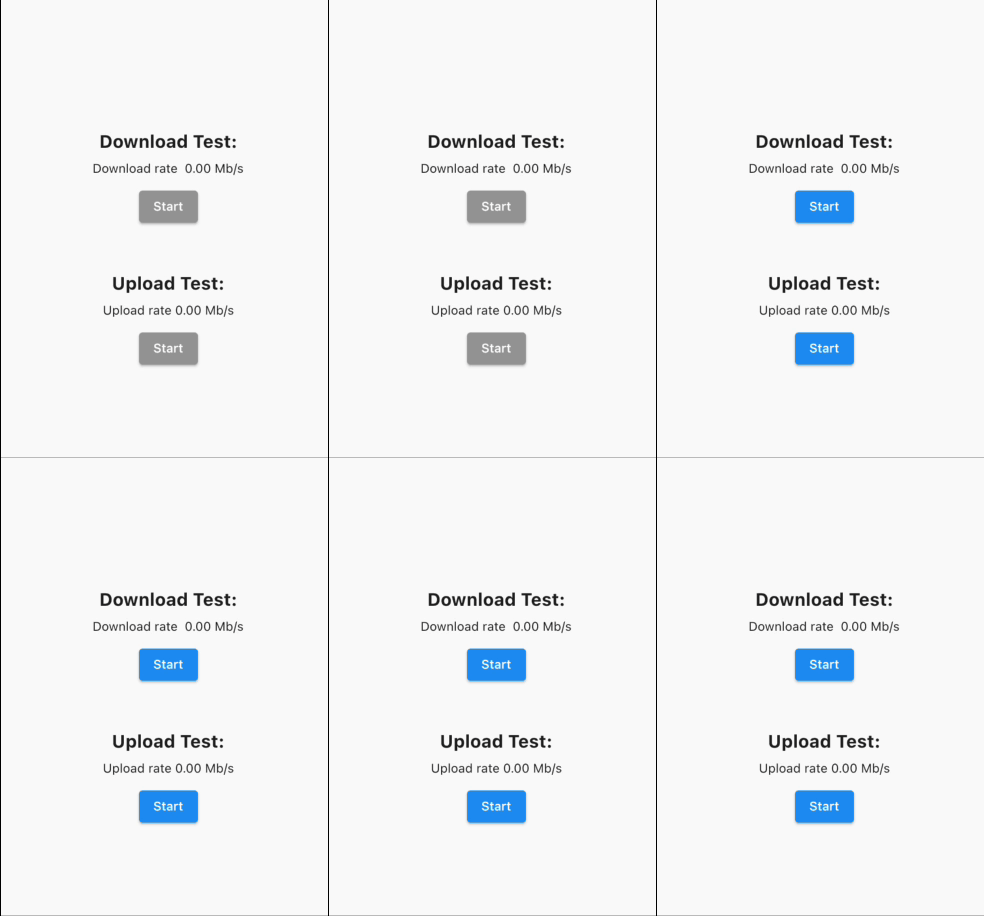
At the startup of the app, we need to get the best servers to do the test (see setBestServers function). It's recommended to disabled the buttons while this operation is happening:

Startup

Download Speed

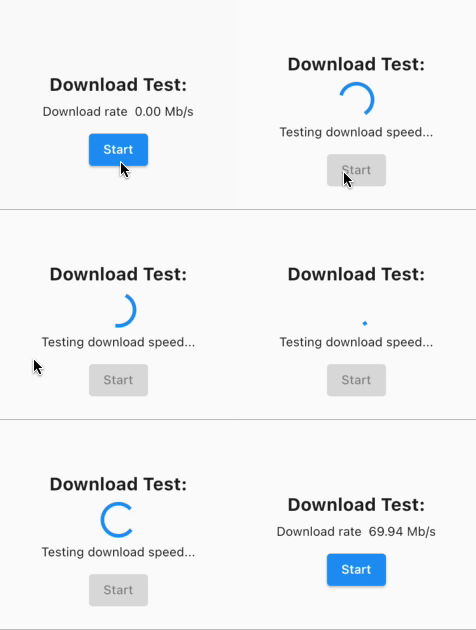
Doing download test:

Download test

Upload Speed

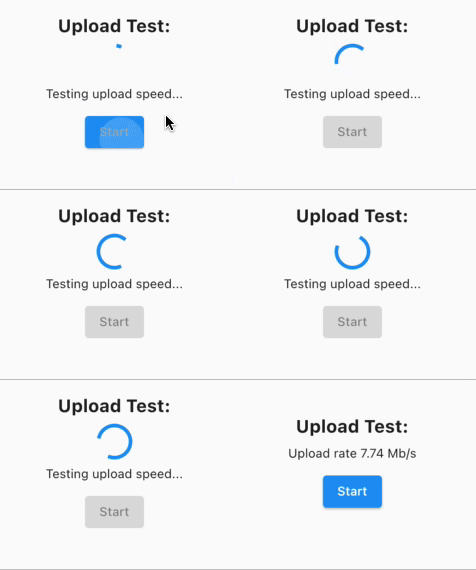
Doing upload test:

Upload test

Example of usage

    // Create a tester instance
    SpeedTestDart tester = SpeedTestDart();

    // And a variable to store the best servers
    List<Server> bestServersList = [];

    // Example function to set the best servers, could be called
    // in an initState()
    Future<void> setBestServers() async {
      final settings = await tester.getSettings();
      final servers = settings.servers;

      final _bestServersList = await tester.getBestServers(
        servers: servers,
      );

      setState(() {
        bestServersList = _bestServersList;
      });
    }

    //Test download speed in MB/s
    final downloadRate =
        await tester.testDownloadSpeed(servers: bestServersList);

    //Test upload speed in MB/s
    final uploadRate = await tester.testUploadSpeed(servers: bestServersList);

Categories

Dependencies

Dependency list 3 items

Source repository

Projects using this package