Search packages, repositories and app categories

syncfusion_flutter_sliders cover
Package detailsv35.1.46

syncfusion_flutter_sliders

A Flutter Sliders library for creating highly customizable and UI-rich slider, range slider, and range selector widgets for filtering purposes.

AndroidiOSWebmacOSWindowsLinux
30-day downloads
62.9K
Likes
1K
Pub points
150

Install package

flutter pub add syncfusion_flutter_sliders

Package Overview

Package selection guidance compiled from public package information, community data, and project usage.

Syncfusion Flutter Sliders is a comprehensive library offering highly customizable slider, range slider, and range selector widgets designed for filtering and data input in Flutter applications. It supports rich UI customization, smooth interactions, and cross-platform compatibility across Android, iOS, Web, macOS, Windows, and Linux. The package enables developers to create intuitive, visually appealing sliders with support for labels, ticks, tooltips, and custom styling. Ideal for forms, settings panels, and data visualization tools requiring precise user input.

Use cases

  • Data filtering in dashboards
  • Interactive form inputs
  • Adjusting settings with visual feedback
  • Creating time-range selectors
  • Customizable UI sliders for apps
  • Filtering product listings

Key features

  • Highly customizable appearance
  • Support for range and single sliders
  • Built-in tooltips and labels
  • Cross-platform compatibility
  • Extensive styling options
  • Touch and mouse interaction support

Suitable for

  • Developers building data-intensive apps
  • Design-focused UI implementations
  • Applications requiring advanced filtering
  • Teams using Syncfusion ecosystem
  • Projects needing consistent slider behavior across platforms

Considerations

  • Requires additional package dependency
  • May increase app size due to bundled assets
  • Learning curve for advanced customization
  • Limited to Syncfusion's licensing model
  • Not ideal for minimalistic designs without customization

Original README

Original README snapshot from the linked source repository. Visit the repository for the latest content.

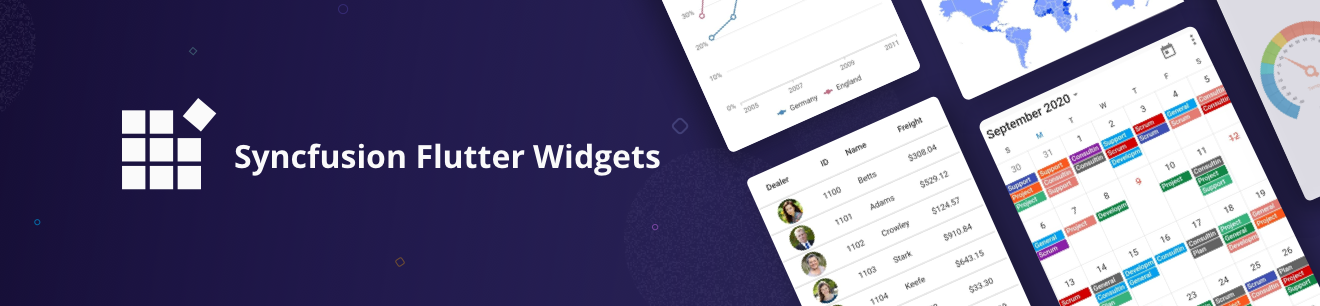
Syncfusion Flutter Widgets

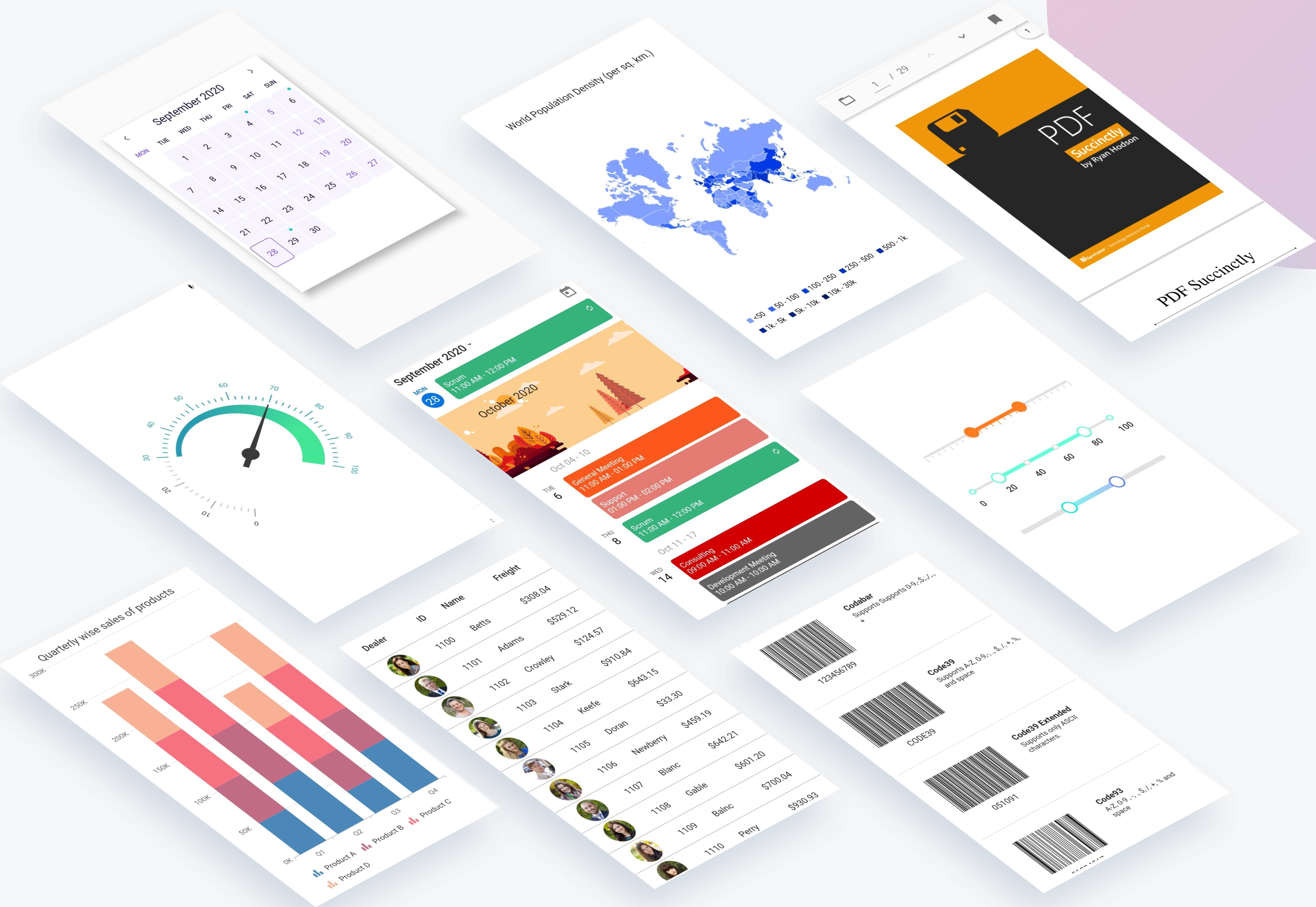
Syncfusion Flutter widgets libraries include high-quality UI widgets and file-format packages to help you create rich, high-quality applications for iOS, Android, and web from a single code base. Please find the supported platforms for our Flutter widgets.

Disclaimer: This is a commercial package. To use our packages, you need to have either the Syncfusion Commercial License or Syncfusion Community license. For more details, please check the LICENSE file.

Table of contents

Repository structure

This repository holds the source code of all the Syncfusion Flutter widgets and libraries. Source code of the widget, a working example, read me, changelog, etc., files are available in the packages directory.

Also, you can view the samples code from this repository.

Packages

Package/Plugin Available widgets/libraries Pub Points Popularity Likes
syncfusion_flutter_chat
  • SfChat
pub package pub points popularity likes
syncfusion_flutter_charts
  • SfCartesianChart
  • SfCircularChart
  • SfPyramidChart
  • SfFunnelChart
pub package pub points popularity likes
syncfusion_flutter_calendar
  • SfCalendar
pub package pub points popularity likes
syncfusion_flutter_datagrid
  • SfDataGrid
pub package pub points popularity likes
syncfusion_flutter_pdfviewer
  • SfPdfViewer
pub package pub points popularity likes
syncfusion_flutter_pdf
  • PDF library
pub package pub points popularity likes
syncfusion_flutter_xlsio
  • XlsIO library
pub package pub points popularity likes
syncfusion_flutter_datepicker
  • SfDateRangePicker
pub package pub points popularity likes
syncfusion_flutter_maps
  • SfMaps
pub package pub points popularity likes
syncfusion_flutter_gauges
  • SfRadialGauge
pub package pub points popularity likes
syncfusion_flutter_sliders
  • SfSlider
  • SfRangeSlider
  • SfRangeSelector
pub package pub points popularity likes
syncfusion_flutter_signaturepad
  • SfSignaturePad
pub package pub points popularity likes
syncfusion_flutter_barcodes
  • SfBarcodeGenerator
pub package pub points popularity likes
syncfusion_officechart
  • Office chart library
pub package pub points popularity likes
syncfusion_officecore This package is a dependecy package for Office chart library. pub package pub points popularity likes
syncfusion_flutter_core This package is a dependecy package for all the Syncfusion Flutter widgets and libraries. pub package pub points popularity likes
syncfusion_localizations This package contains localized text for 77 cultures for all the applicable Syncfusion Flutter Widgets. pub package pub points popularity likes

How to use

Referring packages source in your application

All the packages available in the packages folder can be referred in your application by following the below steps.

Step 1

Clone the flutter-widgets repository into your machine.

Step 2

Refer the required package in your application's pubspec.yaml file by mentioning its local path. For example, here we have referred the charts package.

syncfusion_flutter_charts:
    path: D:/flutter-widgets/packages/syncfusion_flutter_charts

Step 3

Run the following command to get the required packages.

$ flutter pub get

Step 4

Run your application using the following commands:

Windows & Linux

Run code: Ctrl + F5

Run with debugging: F5 or Run > Start Debugging

Stop debugging: Shift + F5

Restart debugging: Ctrl + Shift + F5

MacOS

Run code: Cmd + F5

Run with debugging: F5 or Run > Start Debugging

Stop debugging: Shift + Cmd + F5

Restart debugging: Cmd + Shift + F5

Web (VS Code in the Browser)

Run code: Ctrl + F5

Run with debugging: F5 or Run > Start Debugging

Running the available example

All the packages available in the packages folder has an example and it can be run by following the below steps.

Step 1

Clone the flutter-widgets repository into your machine.

Step 2

Open the example folder available in packages in an IDE. The below path is for reference.

..\flutter-widgets\packages\syncfusion_flutter_charts\example

Step 3

Run the following command to get the required packages.

$ flutter pub get

Note: In the example, packages are referred from the local folder which is available in this repository. If you wish, you can also refer the packages from pub.

Step 4

Run your application either using F5 or Run > Start Debugging.

Get the demo application

Explore the full capabilities of our Flutter widgets on your device by installing our sample browser applications from the below app stores, and view samples code in GitHub.

Useful links

Take a look at the following to learn more about Syncfusion Flutter widgets:

Support and feedback

  • For any other queries, reach our Syncfusion support team or post the queries through the Community forums and submit a feature request or a bug through our Feedback portal.
  • To renew the subscription, click renew or contact our sales team at salessupport@syncfusion.com | Toll Free: 1-888-9 DOTNET.

About Syncfusion

Founded in 2001 and headquartered in Research Triangle Park, N.C., Syncfusion has more than 20,000 customers and more than 1 million users, including large financial institutions, Fortune 500 companies, and global IT consultancies.

Today we provide 1,000+ controls and frameworks for web (ASP.NET Core, ASP.NET MVC, ASP.NET WebForms, JavaScript, Angular, React, Vue, and Blazor, mobile (Xamarin, Flutter, UWP, and JavaScript), and desktop development (WinForms, WPF, and UWP). We provide ready-to deploy enterprise software for dashboards, reports, data integration, and big data processing. Many customers have saved millions in licensing fees by deploying our software.

Categories

Dependencies

Dependency list 3 items

Source repository

Projects using this package