Package selection guidance compiled from public package information, community data, and project usage.
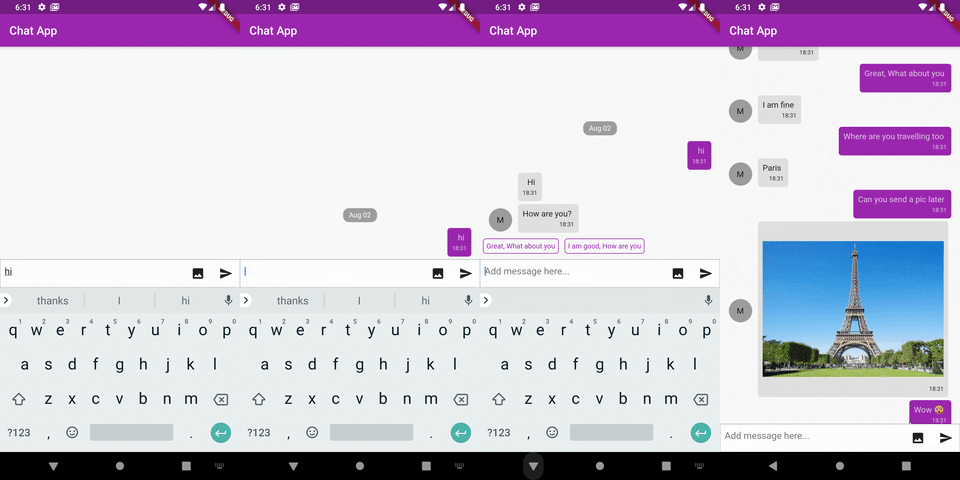
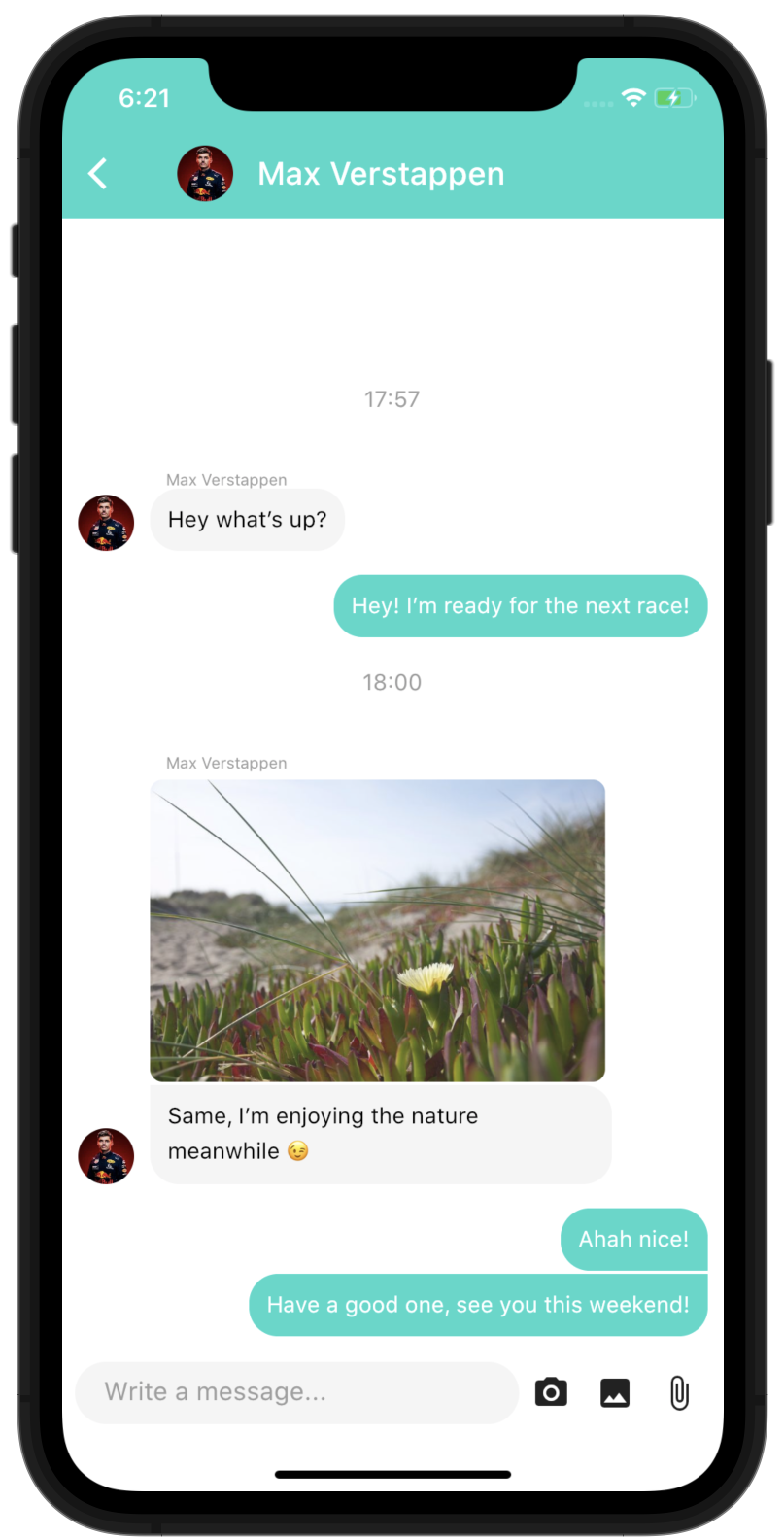
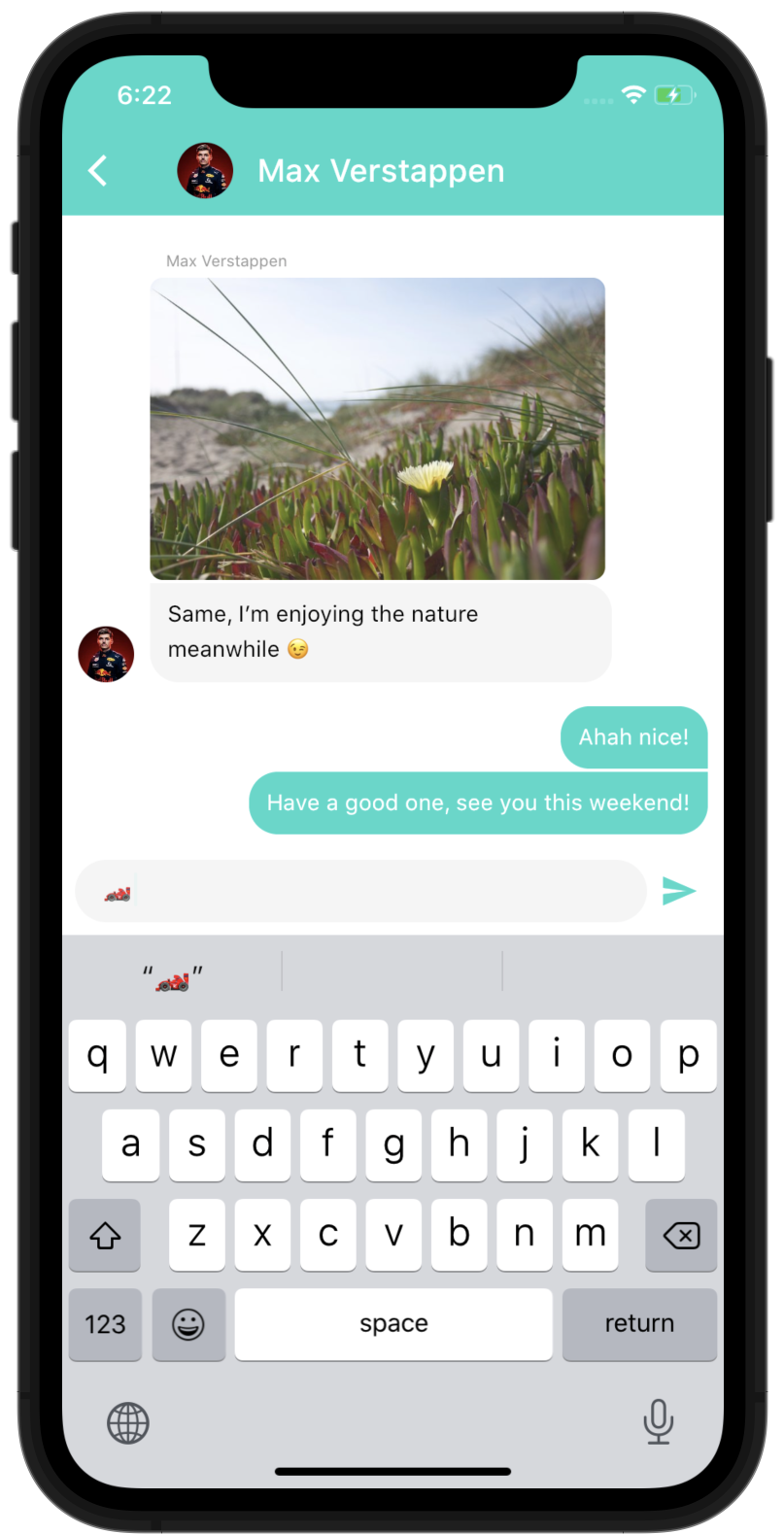
Dash Chat 2 is a comprehensive, highly customizable chat UI component for Flutter, designed to be easy to implement while offering full-featured functionality. It supports real-time messaging with rich message types, typing indicators, message reactions, and media attachments. Built for cross-platform use, it works seamlessly on Android, iOS, Web, and macOS. The package provides a clean, modern interface out of the box, with extensive customization options for styling and behavior. Ideal for developers building chat-enabled apps quickly and efficiently.
Use cases
Real-time messaging apps
Customer support chat interfaces
Group chat applications
In-app communication features
Social networking platforms
Key features
Rich message types (text, images, files)
Typing indicators
Message reactions
Customizable UI themes
Cross-platform compatibility
Easy integration with backend services
Suitable for
Developers building chat features
Startups needing fast chat implementation
Apps requiring responsive chat UIs
Teams wanting high customization
Projects targeting multiple platforms
Considerations
Requires backend for persistent messages
Custom logic needed for real-time sync
Styling may require advanced Flutter knowledge
Limited built-in message history management
Not suitable for complex chat workflows without extensions
Original README
Original README snapshot from the linked source repository. Visit the repository for the latest content.
The most complete Chat UI for flutter
Easy to use, highly customizable and fully featured
You need another feature? you can use the customProperties field of the models, it allows you to pass other data to the library that you can then use inside custom builders to implement any feature you need.
Of course, if you think this feature can be useful to other people, feel free to open an issue/pull-request to discuss including it "natively" in the package.
You can run the example project to see more complex ways of using the package
Parameters of DashChat
ChatUser currentUser - required: Basically "you", we need to know who is the current user to put their messages to right side
Function(ChatMessage message) onSend - required: Function to call when the user sends a message, that's where you handle the logic to send the message to your backend and append the list of messages
List<ChatMessage> messages - required: The list of messages of the channel, you would usually not load all the messages at once but use the onLoadEarlier param of MessageListOptions to trigger a lazy loading
InputOptions inputOptions - optional: Options to customize the behaviour and design of the chat input
MessageOptions messageOptions - optional: Options to customize the behaviour and design of the messages
MessageListOptions messageListOptions - optional: Options to customize the behaviour and design of the overall list of message
QuickReplyOptions quickReplyOptions - optional: Options to customize the behaviour and design of the quick replies
ScrollToBottomOptions scrollToBottomOptions - optional: Options to customize the behaviour and design of the scroll-to-bottom button
readOnly - optional (default to false): Option to make the chat read only, it will hide the input field
List<ChatUser> typingUsers - optional: List of users currently typing in the chat
Full documentation
You can browse the full Dart documentation here: Documentation
If you have any suggestions for including a feature or if something doesn't work, feel free to open a Github issue or to open a pull request, you are more than welcome to contribute!