 v0.0.2
animated_fab_button_menu
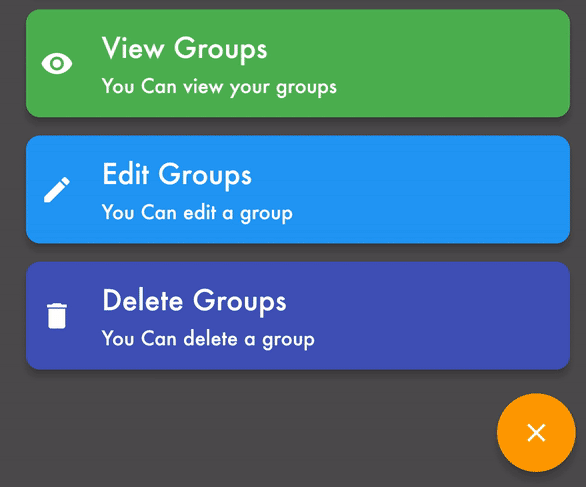
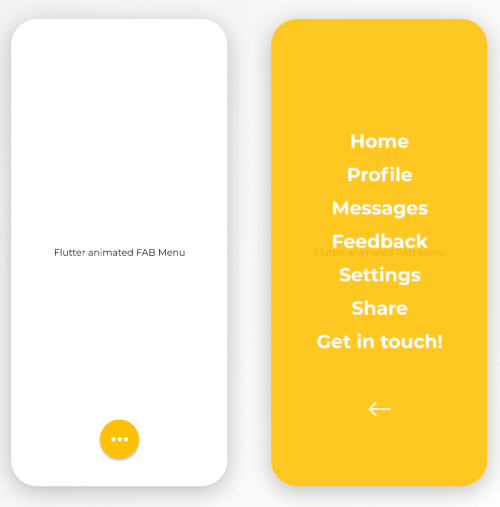
Flutter package to implement an animated FAB with a scrollable Menu.
27Likes 6130-day downloads150Pub points
AndroidiOSWebmacOSWindowsLinux
Explore Floating Action Button Flutter packages and compare platform support and community metrics.
38 packages
Flutter package to implement an animated FAB with a scrollable Menu.
This plugin allows you to create a FloatingActionButton with multiple options.
A dart package that helps to display a menu of items using FAB
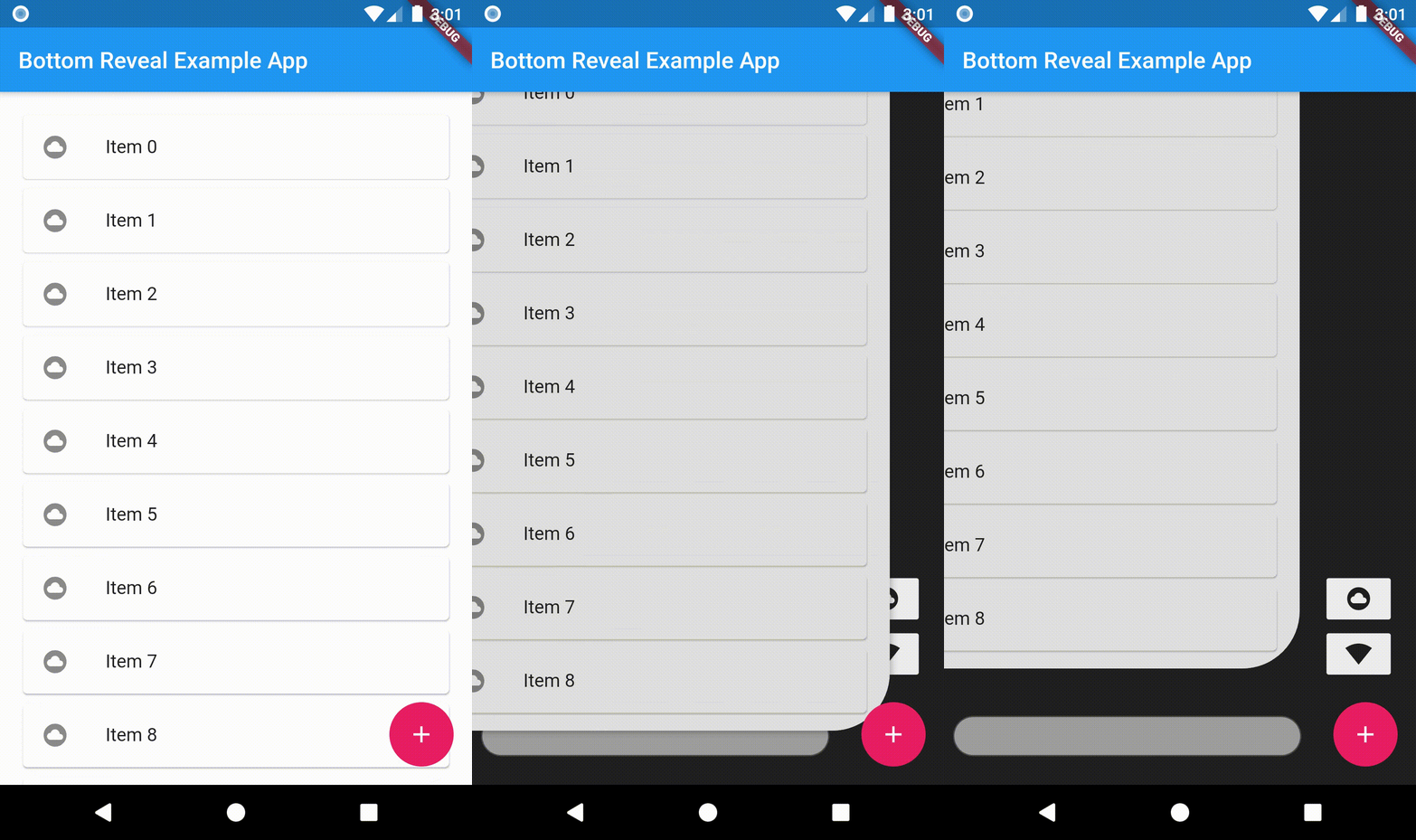
An animated bottom reveal widget.
A flexible and modern animated Floating Action Button (FAB) stack for Flutter with custom icons, builders, and smooth animations.
Floating panel helps you create easy floating menu which you can drag and drop to any edge of the screen (horizontally).
A floating action button that expands itself to reveal its hidden widget. it can also be used as a NavigationBar or a floatingSpaceBar
Flutter plugin to implement a Boom Menu, with icons, title, sub title, animated FAB Icon and hide on scrolling.
Easily create your floating menu using horizontal or vertical floating button lists
Flutter plugin to implement a Material Design Speed Dial (https://material.io/components/buttons-floating-action-button/#types-of-transitions)
Allows you to create a collapsible list of float buttons. Based on Agung Surya's tutorial.
A Flutter package that provides a widget with a row or column of floating action buttons.
The Draggable Floating Action Button (aka. DFAB) can be created just like the Floating Action Button, but it also has a few cool features in addition.
A flutter radial menu opening and revealing icons in a circle
Check the required features and target platforms first, then compare versions, downloads, and Pub points. Open package details to consult the original documentation and test compatibility in your project.
Flutter is an open-source framework for building beautiful, natively compiled, multi-platform applications from a single codebase.
Check versions and package metadata on pub.dev, and source code, licensing, and maintenance in the project’s GitHub repository. The official Dart documentation explains that package metadata lives in pubspec.yaml.
pub.dev · GitHub · Dart — The pubspec file
All of this metadata goes in the package's pubspec