v0.2.2+1
sidebar_bigeagle
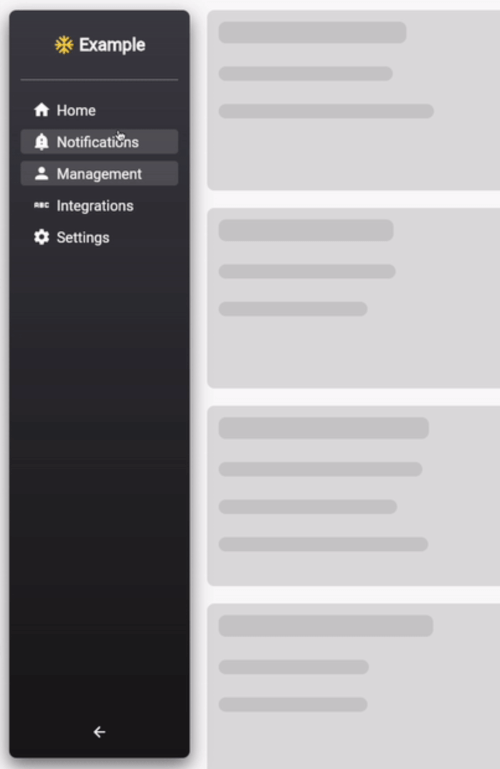
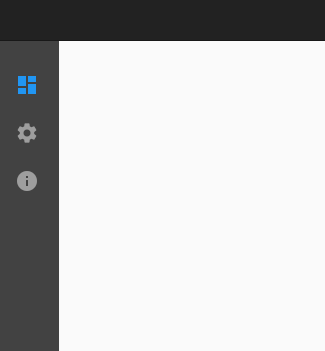
This package adds a Sidebar widget which is convenient for Web & Desktop.
47Likes 2530-day downloads140Pub points
WebmacOSWindows
Explore Drawer & Navigation Rail Flutter packages and compare platform support and community metrics.
45 packages
This package adds a Sidebar widget which is convenient for Web & Desktop.
A collapsable sidebar plugin for Flutter, optimized for web and desktop applications.
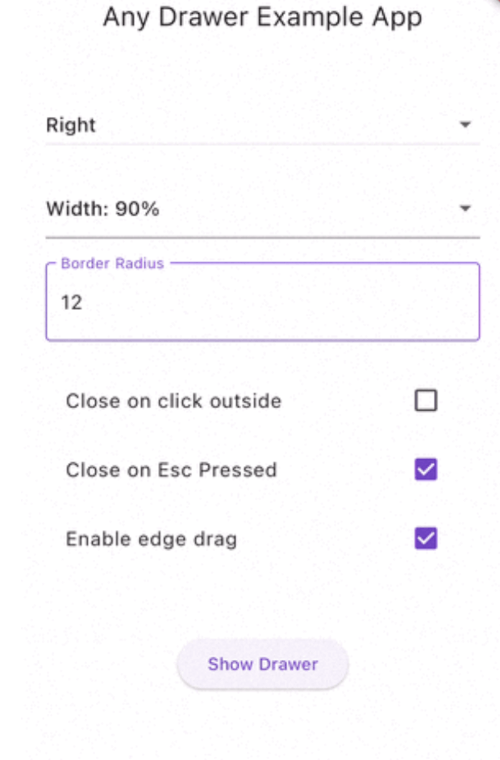
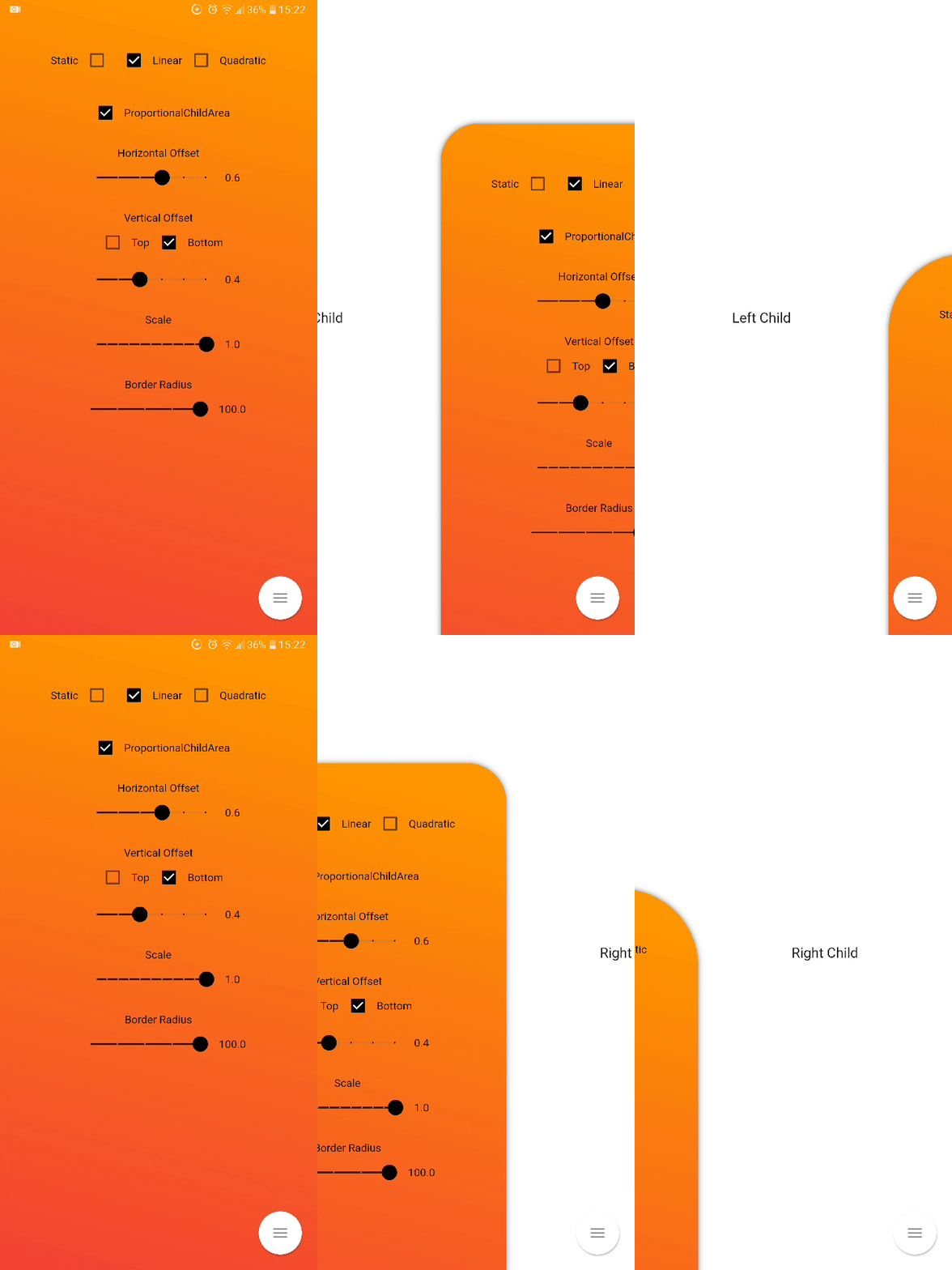
A powerful Flutter drawer that slides from any edge — left, right, top, or bottom. No Scaffold required. Supports backdrop blur, drag gestures, return values, multiple drawers, swipe-from-edge, and declarative API.
It would help you make slide_drawer_scaffold easy with animation :)
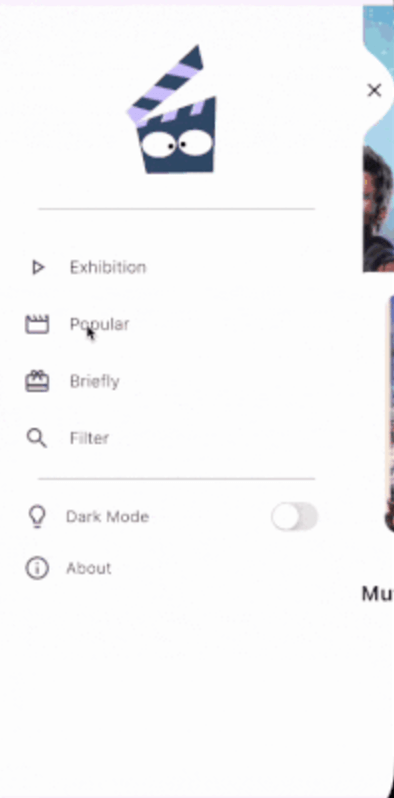
A fancy easy to use Folding Menu for Flutter Applications
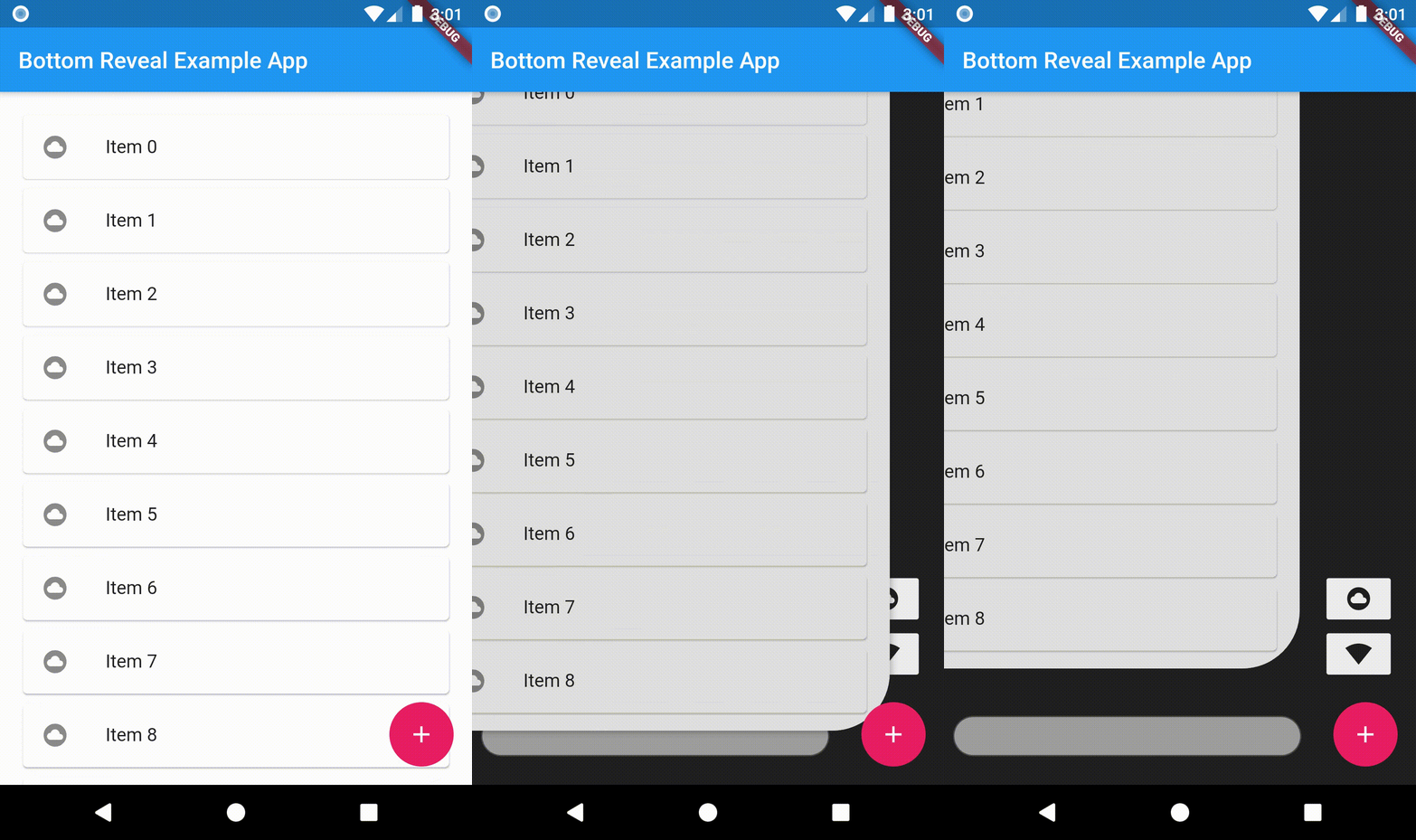
An animated bottom reveal widget.
A Sidebar/Drawer for flutter pps.
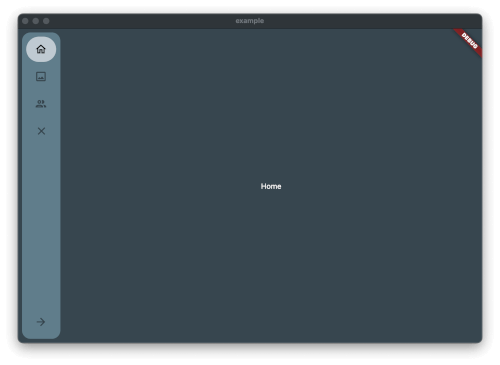
A customizable side navigation rail for Flutter apps, allowing developers to create dynamic and responsive navigation menus with configurable options.
A very simple sidebar with Icons, Texts, Header and smoothing. Easy to implement and easy to use
Inner Drawer is an easy way to create an internal side section (left/right) where you can insert a list menu or other.
An easy to use Package for adding Foldable Flutter Navigation Sidebar to your Flutter Application.
A simple yet fully customizable drawer with animations for flutter.
Drawer swipe Package for displaying multi layer drawer
An easy way to use drawer in Flutter with cool sliding animation.
A Smooth and Animated navigation package for flutter that doesn’t interfere with the Screen with adjustable colors, shapes, and navigation logic.
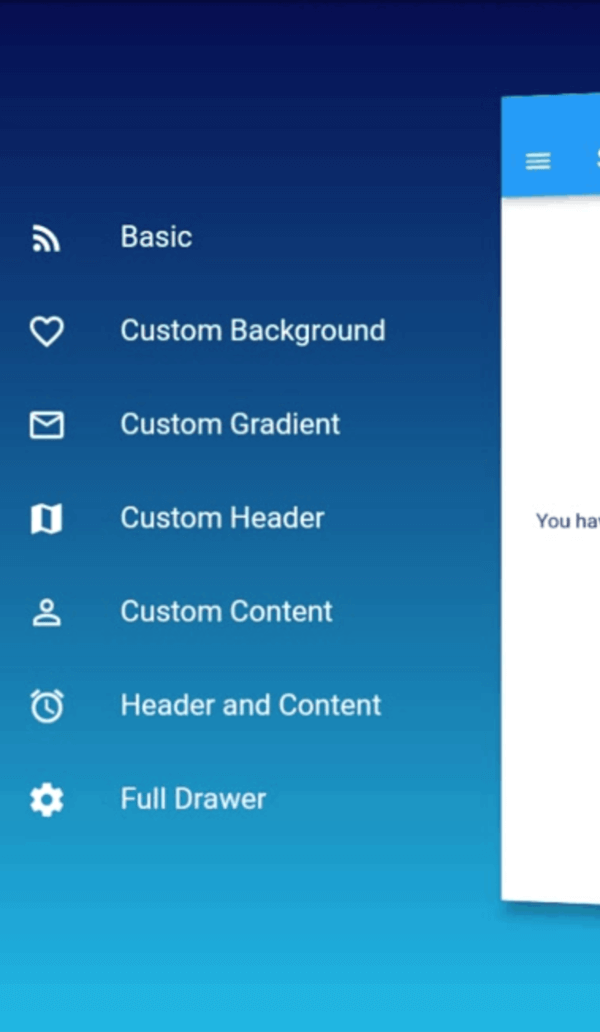
Tridimensional Drawer is an easy way to create a 3D Perspective drawer, where you can insert any type of widget.
A Responsive Sidebar for Flutter that follows Material Design
Flutter Material Design Navigation Drawer Menu. This package gives you the NavigationDrawerMenu widget which acts like a ListView. The example implements the full Navigation Drawer.
An easy to configure sidebar widget for your flutter mobile/web apps.
Slider Side Menu that is hidden to the side of the screen, and only open when user taps on the controller button.
Provides Flutter navigation by using a sidemenu similar to Drawer or BottomNavigationBar.
Check the required features and target platforms first, then compare versions, downloads, and Pub points. Open package details to consult the original documentation and test compatibility in your project.
Flutter is an open-source framework for building beautiful, natively compiled, multi-platform applications from a single codebase.
Check versions and package metadata on pub.dev, and source code, licensing, and maintenance in the project’s GitHub repository. The official Dart documentation explains that package metadata lives in pubspec.yaml.
pub.dev · GitHub · Dart — The pubspec file
All of this metadata goes in the package's pubspec